
Second Login
Multi-profile browser for Android mobiles

Details
- Target Audience
- Content CreatorsFreelancersDevelopers
- Platforms
- Mobile
About Second Login
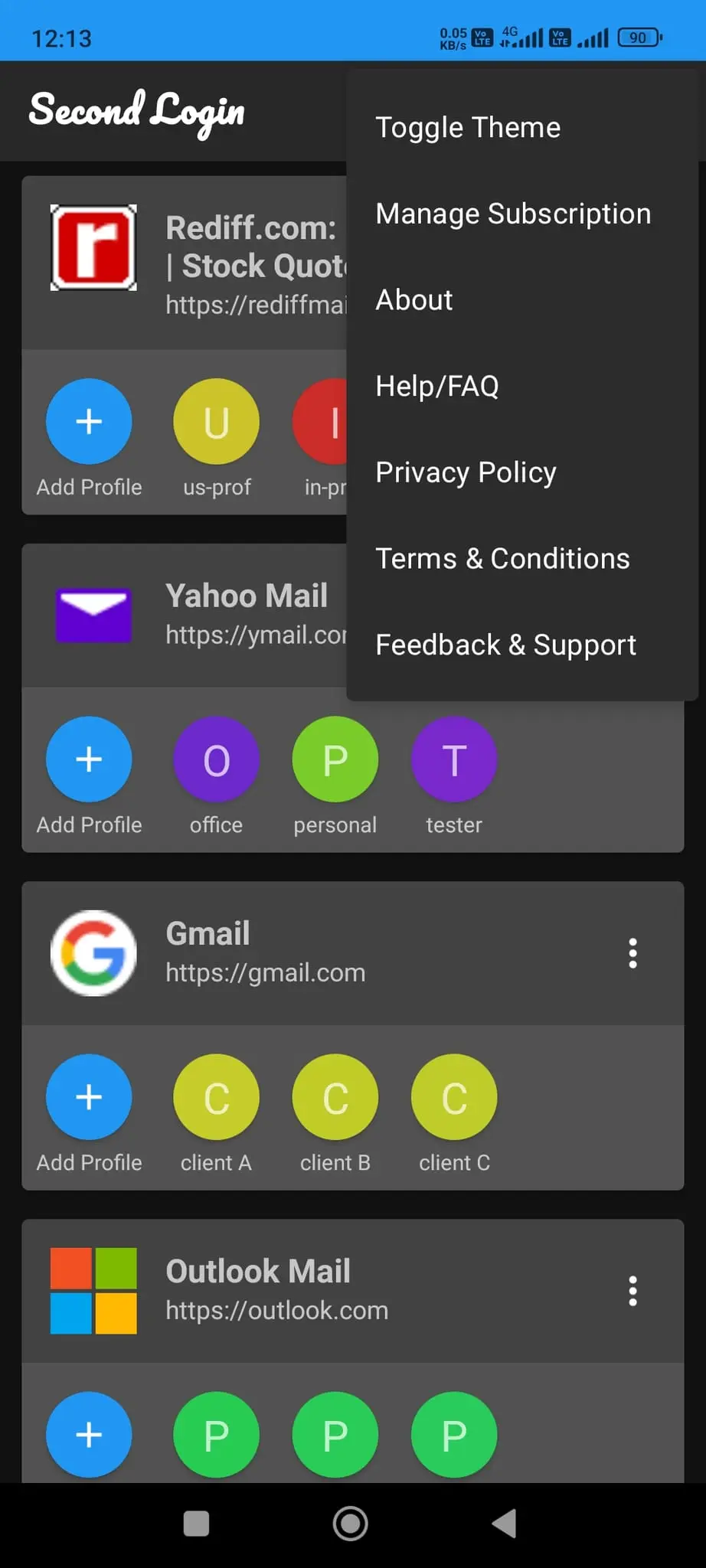
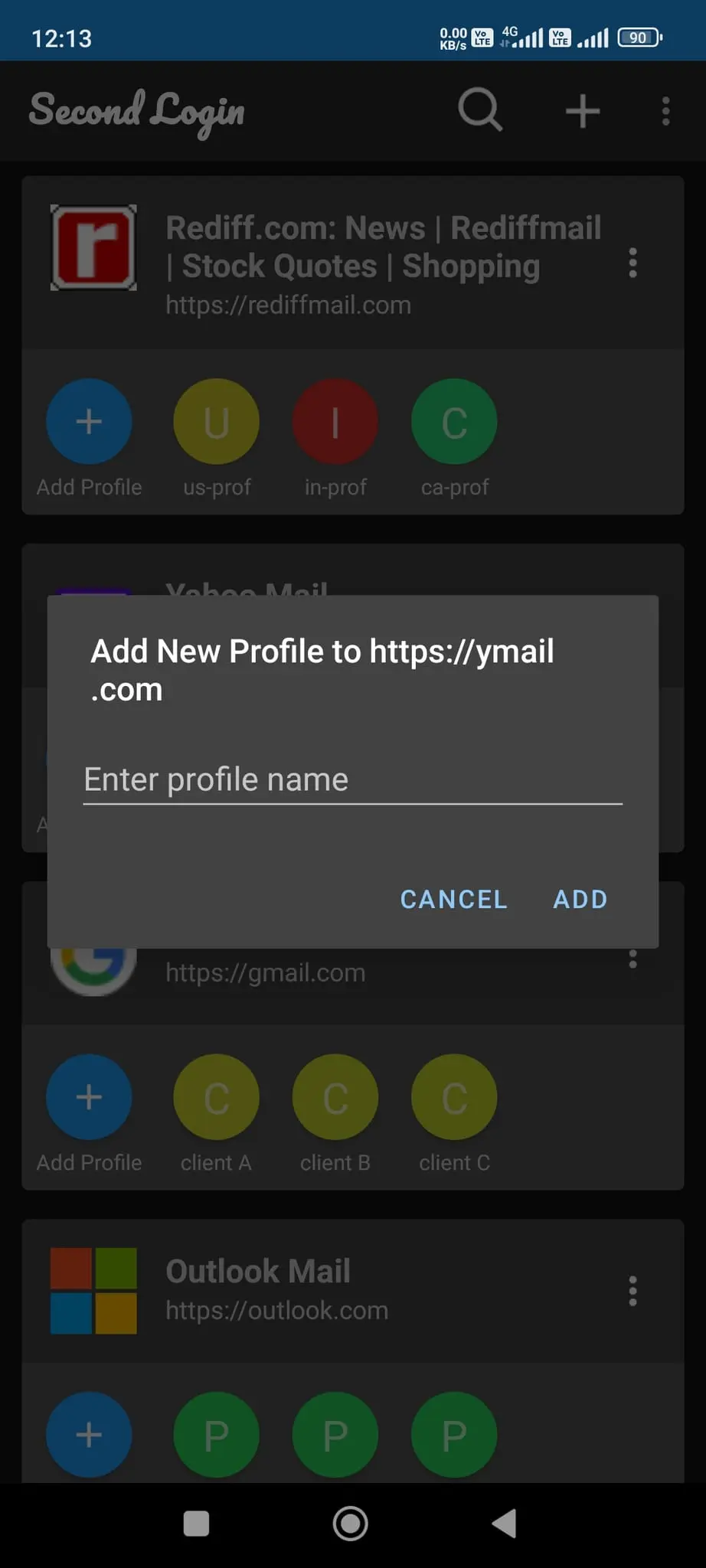
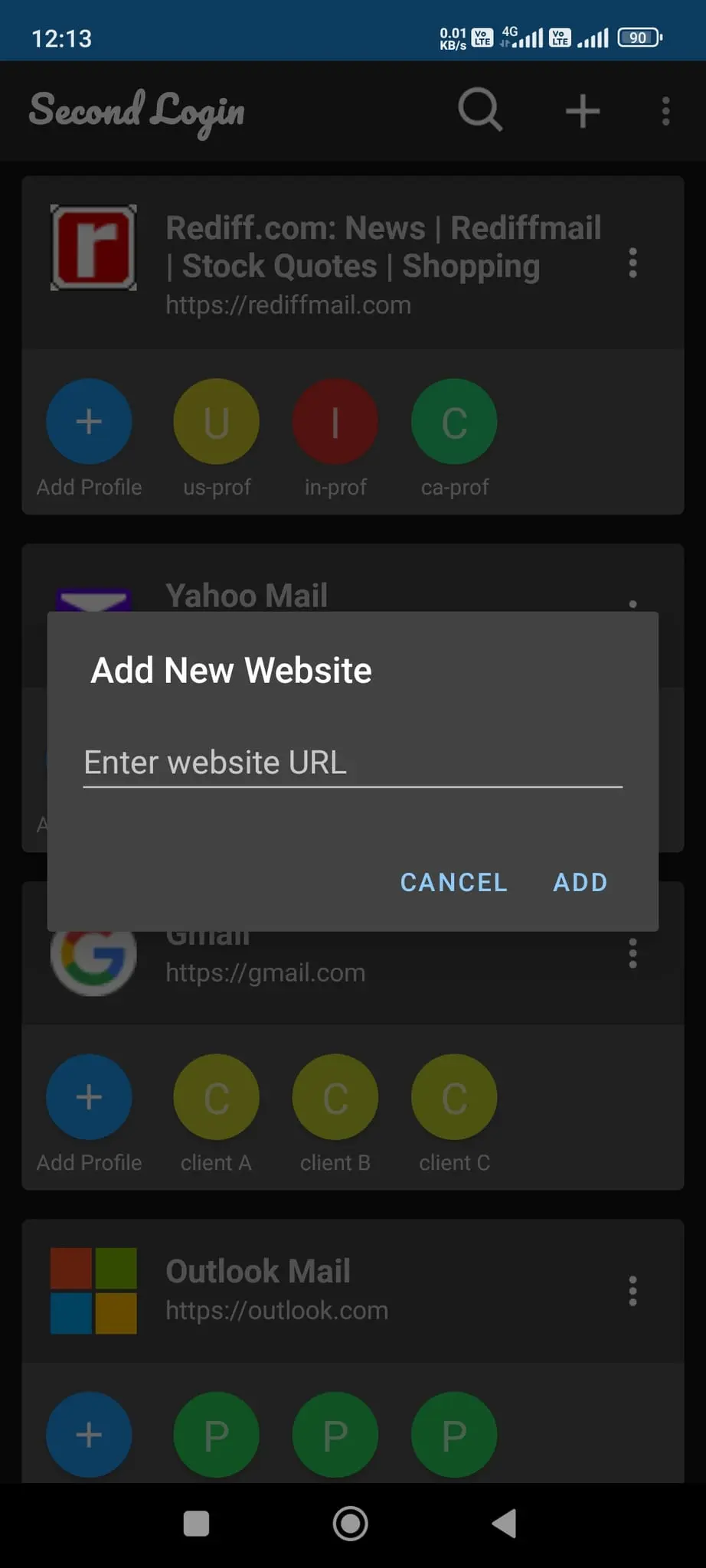
Second Login is a powerful multi-profile browser designed for Android users who need to manage multiple accounts across various websites. This innovative app allows you to create and maintain separate profiles for each of your online identities, making it easy to switch between accounts without the hassle of logging in and out repeatedly. Key Features: 1. Multiple Profile Management: - Create unlimited profiles for each website - Easily switch between profiles with a single tap 2. Homescreen Shortcuts: - Add website profiles directly to your device's homescreen - Access your favorite profiles instantly without opening the main app 3. Profile Customization: - Edit website URLs and titles at any time - Modify profile names to keep your accounts organized 4. Desktop Mode: - View your favorite pages in desktop mode - Easy switch back to mobile mode from menu Use Cases: 1. Social Media Management: For social media managers handling multiple client accounts, Second Login allows quick switching between different profiles on platforms like Facebook, Twitter, and Instagram. Create separate profiles for each client and access them effortlessly. 2. E-commerce and Online Shopping: Maintain different accounts for various e-commerce platforms. Keep your personal, business, and gift-shopping profiles separate on sites like Amazon, eBay, or Etsy. 3. Email Management: Access multiple email accounts (personal, work, project-specific) without the need to log in and out constantly. Create profiles for Gmail, Outlook, Yahoo, and other email services. 4. Content Creators and Bloggers: Manage multiple blogs or content platforms with ease. Switch between different WordPress, Medium, or Substack accounts effortlessly. 5. Educational Purposes: Students and educators can maintain separate profiles for various learning management systems, online courses, or educational platforms. 6. Developer and Testing: Web developers can create multiple profiles to test websites or applications under different user accounts or conditions. 7. Freelancers and Remote Workers: Manage multiple client portals, project management tools, or collaboration platforms with individual profiles for each client or project. 8. Language Learning: Keep separate profiles for different language learning platforms or for practicing multiple languages on the same platform. 9. Online Gaming: Maintain multiple gaming accounts or profiles for various online gaming platforms or game-specific websites. 10. Travel and Booking: Create separate profiles for different travel booking sites, loyalty programs, or airline accounts for personal and business travel. 11. Job Hunting: Manage multiple job search platform accounts, each tailored to different industries or job types you're exploring. One of the standout features of Second Login is the ability to add website profiles directly to your Android device's homescreen. This means you can access your most-used profiles with a single tap, bypassing the need to open the main app and select the profile manually. Whether you're a professional managing multiple client accounts, a power user with various online identities, or someone who simply wants to keep their personal and work lives separate, Second Login provides the tools you need to navigate the multi-account digital landscape efficiently and securely. Download Second Login today and experience the convenience of hassle-free, multi-profile browsing on your Android device!
Screenshots
Product Updates (1)
Added Desktop Mode
implemented Desktop mode view toggle for viewing website in Desktop mode. This was implemented as per user feedback.
Comments (0)
No comments yet. Be the first to share your thoughts!
Reviews (0)
No reviews yet. Be the first to rate this product!
Comments (3)
loved it, very innovative 🚀🚀
Download the app from Google Play store: https://play.google.com/store/apps/details?id=com.deepakpk.secondlogin
Hi All, get know more about the app at https://deepakpk.com/secondlogin