
Sharry
No downloads, no installs — screen sharing in your browser

Details
- Follow on
- @pr0gstar
- Categories
- Video & Audio ToolsProductivity & Notes
- Use Cases
- Team CollaborationRemote Access
- Target Audience
- Remote teamsFreelancersDevelopers
- Pricing
- Free
- Platforms
- Web
- Featured in
- Best Remote Access Tools
- Alternatives
 Loom alternatives
 Zoom alternatives
Discovery signals
How AI and people discover Sharry on PeerPush
- ChatGPT
- Perplexity
- +3 other AI crawlers
Reads by these AI engines
Crawlers behind these engines read this listing on PeerPush.About Sharry
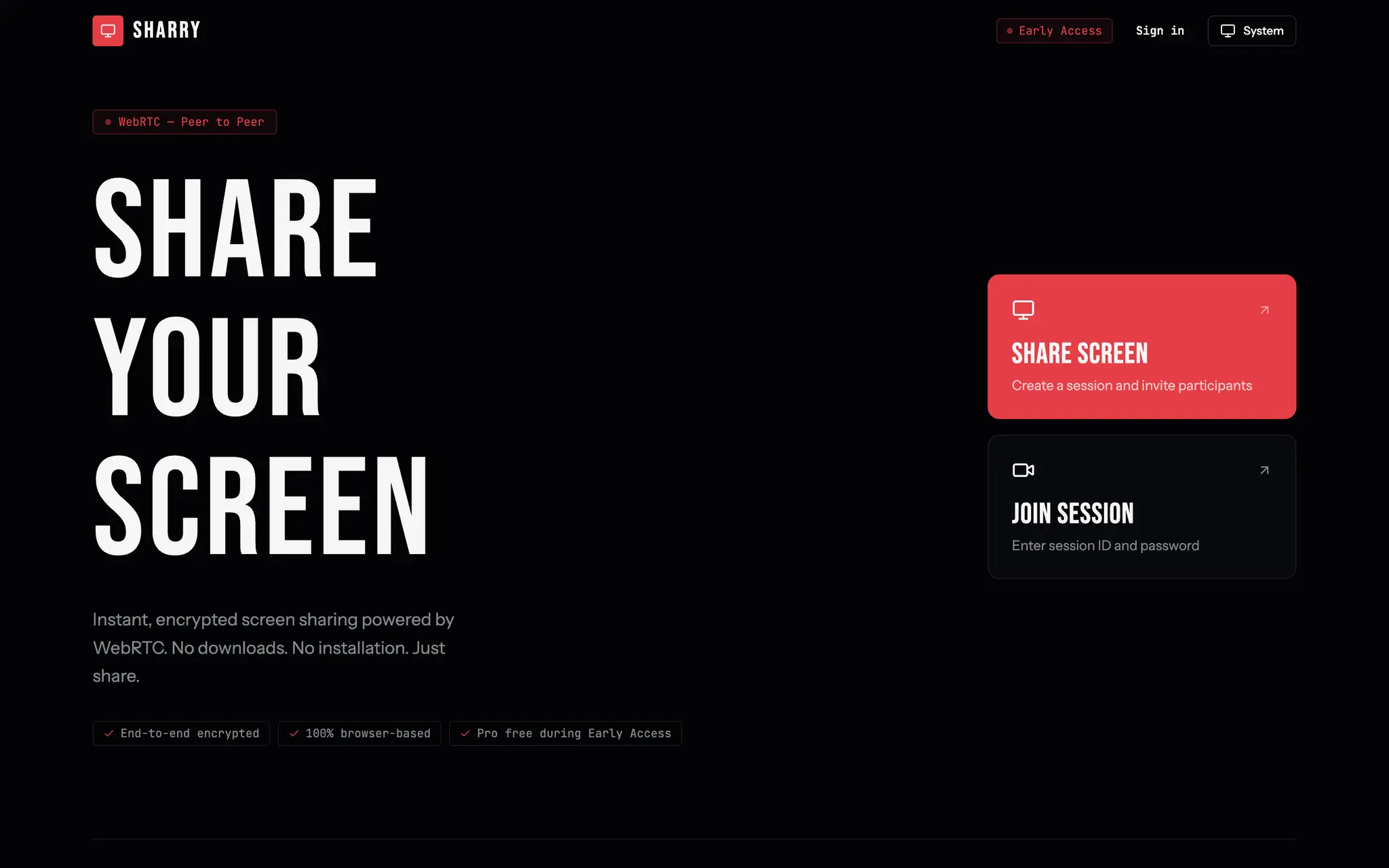
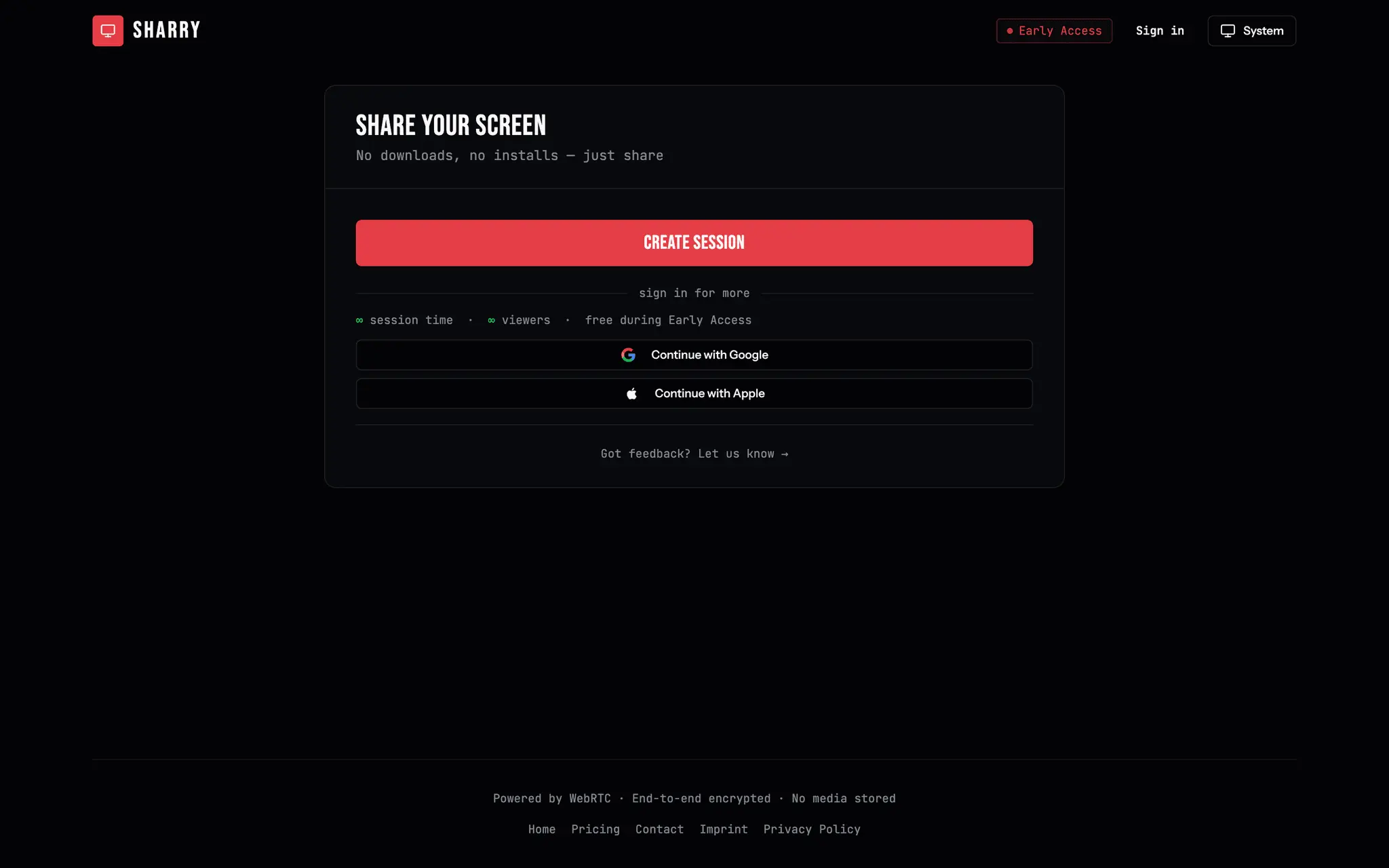
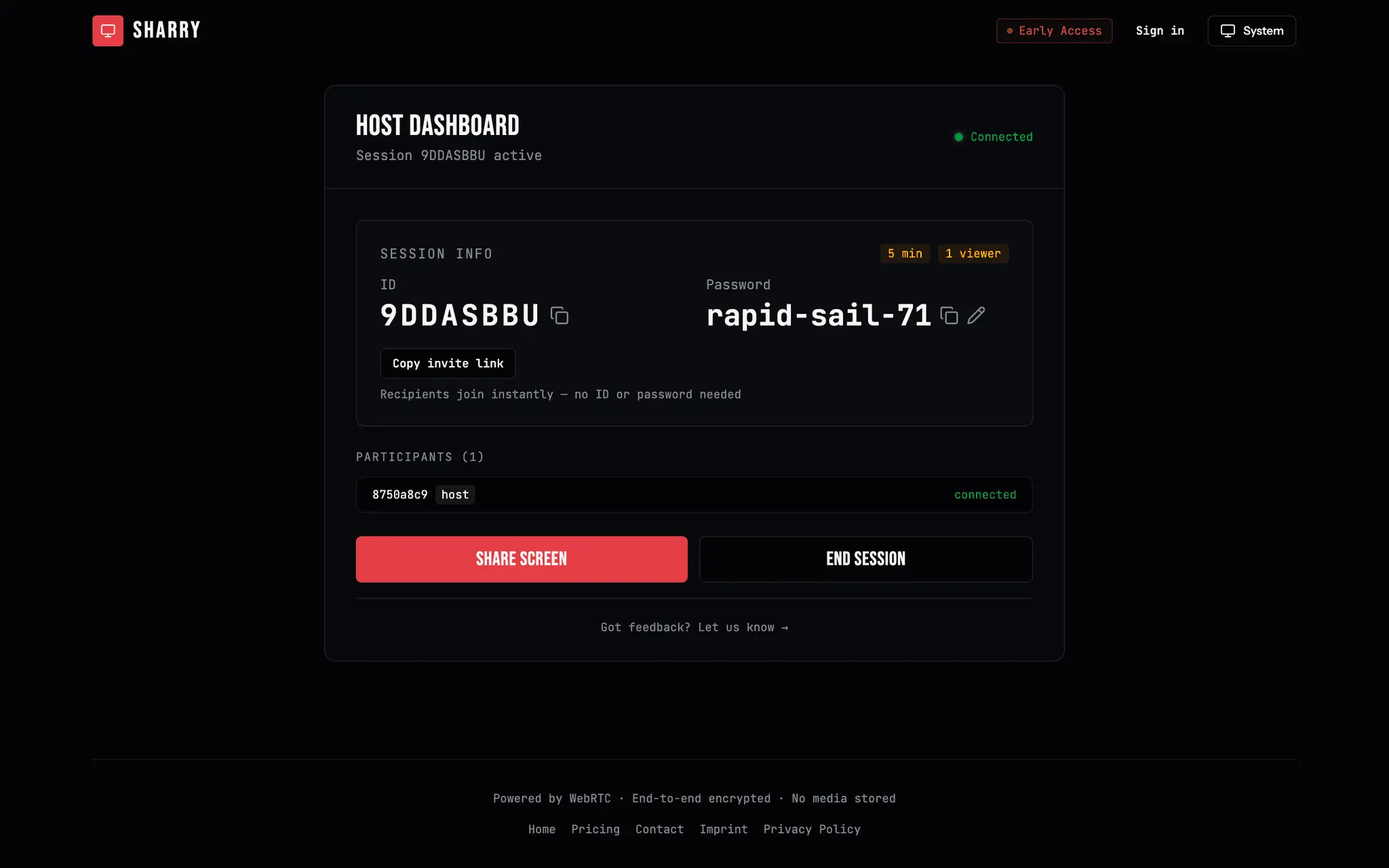
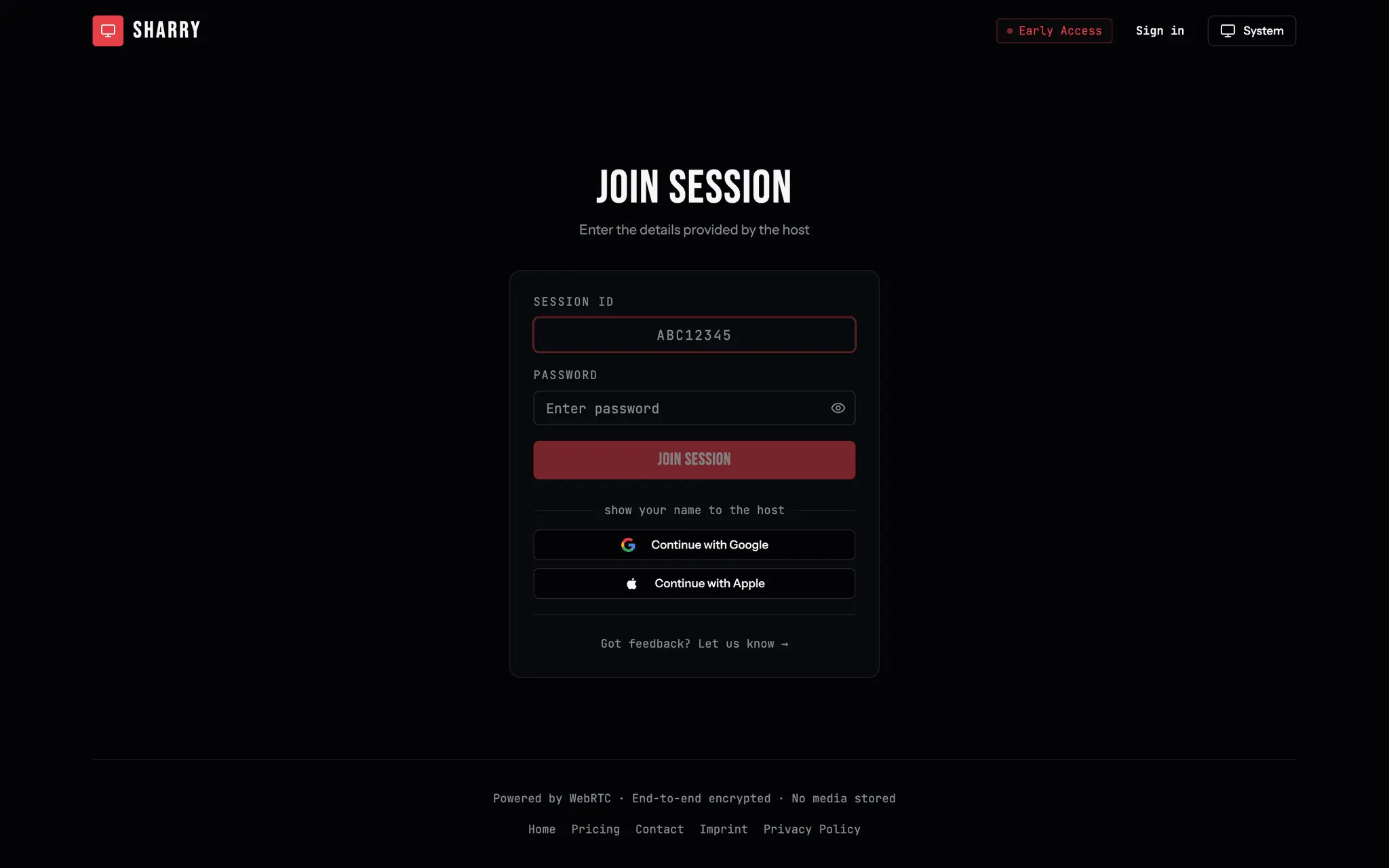
Sharry is browser-based screen sharing built on WebRTC. No downloads, no installs, no accounts required for viewers — open a link and you're live in seconds. Why I built it: during pair programming sessions, Microsoft Teams' screen share was too blurry to read code comfortably. We kept switching over to Discord just to get a sharper picture — and that felt wrong for something this simple. Screen sharing shouldn't require installing a whole chat app or scheduling a meeting link three tools deep. So I built Sharry: open the site, hit share, send a link. How it works: As a host, you create a session and get an auto-generated, human-readable password (adjective-noun-number format, e.g. "quiet-falcon-42") plus a shareable session ID. Viewers just open the link — no signup, no download, no plugin. The connection is peer-to-peer over WebRTC, so video goes directly from host to viewer with low latency and no server in the middle re-encoding your stream into mush. Key features: - Zero install for viewers — works straight in the browser (Chrome, Firefox, Safari, Edge) - Peer-to-peer WebRTC connections — low latency, no server-side video processing - Auto-generated, easy-to-read session passwords, editable if you want something memorable - Magic invite links — viewers join with one click, no manual ID/password entry - Multi-viewer support — one host can share with several participants at once - Optional account (Google or Apple login) removes the 5-minute / 1-viewer limit that applies to anonymous sessions - Sessions auto-expire after 2 hours of inactivity — nothing lingers - Works on desktop and mobile - Dark/light mode Privacy and security: Sharry doesn't record, store, or relay your video/audio through a server — WebRTC connections are direct and encrypted peer-to-peer. The signaling server only exchanges connection metadata to set up the call, never the stream itself. Sessions are password-protected and self-destruct after inactivity. There's nothing to leak because there's nothing stored. Who it's for: - Developers doing pair programming or code review who need a screen that's actually readable - Freelancers and consultants doing a quick screen walkthrough with a client who shouldn't have to install anything - Support and IT teams that need a fast, no-friction way to see what's on someone else's screen - Anyone who's ever typed "wait, let me share my screen" and then spent two minutes fighting a meeting tool Pricing: Sharry is completely free during Early Access. I'm using this period to learn how people actually use it before deciding on a pricing model — no credit card, no trial countdown, no upsell popups. Status and roadmap: Sharry is live and actively developed. Recent additions include magic invite links, a redesigned session-creation flow, and better in-session feedback tools. I'm building in public and sharing progress on X (@pr0gstar) — feedback from real usage directly shapes what gets built next. Try it at sharry.live — open a session and send the link, that's the whole onboarding.
Screenshots
Product Updates (1)
Record while you share
Hit record and Sharry captures the exact screen your viewers are watching — no separate capture, no upload. Stop and start as many takes as you like; each one downloads straight to your device as a WebM file when you're done.
Comments (0)
No comments yet. Be the first to share your thoughts!
Reviews (0)
No reviews yet. Be the first to rate this product!
Comments (0)
No comments yet. Be the first to share your thoughts!