Sidenote
AI answers from documents with clickable citations

Details
- Use Cases
- Target Audience
- Pricing
- Freemium from $13.42
- Platforms
- Alternatives
 NotebookLM alternatives
Discovery signals
How AI and people discover Sidenote on PeerPush
- ChatGPT
- Perplexity
- Claude
- +4 other AI crawlers
Reads by these AI engines
Crawlers behind these engines read this listing on PeerPush.About Sidenote
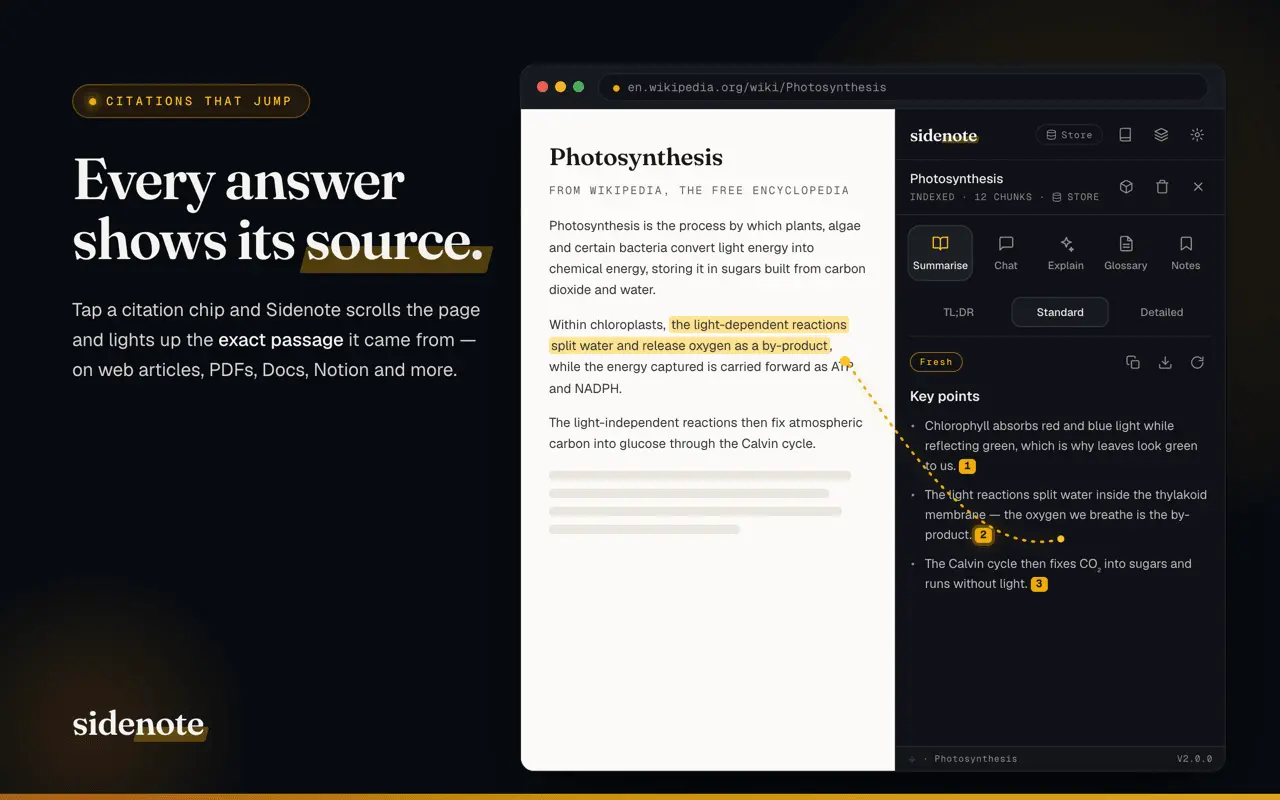
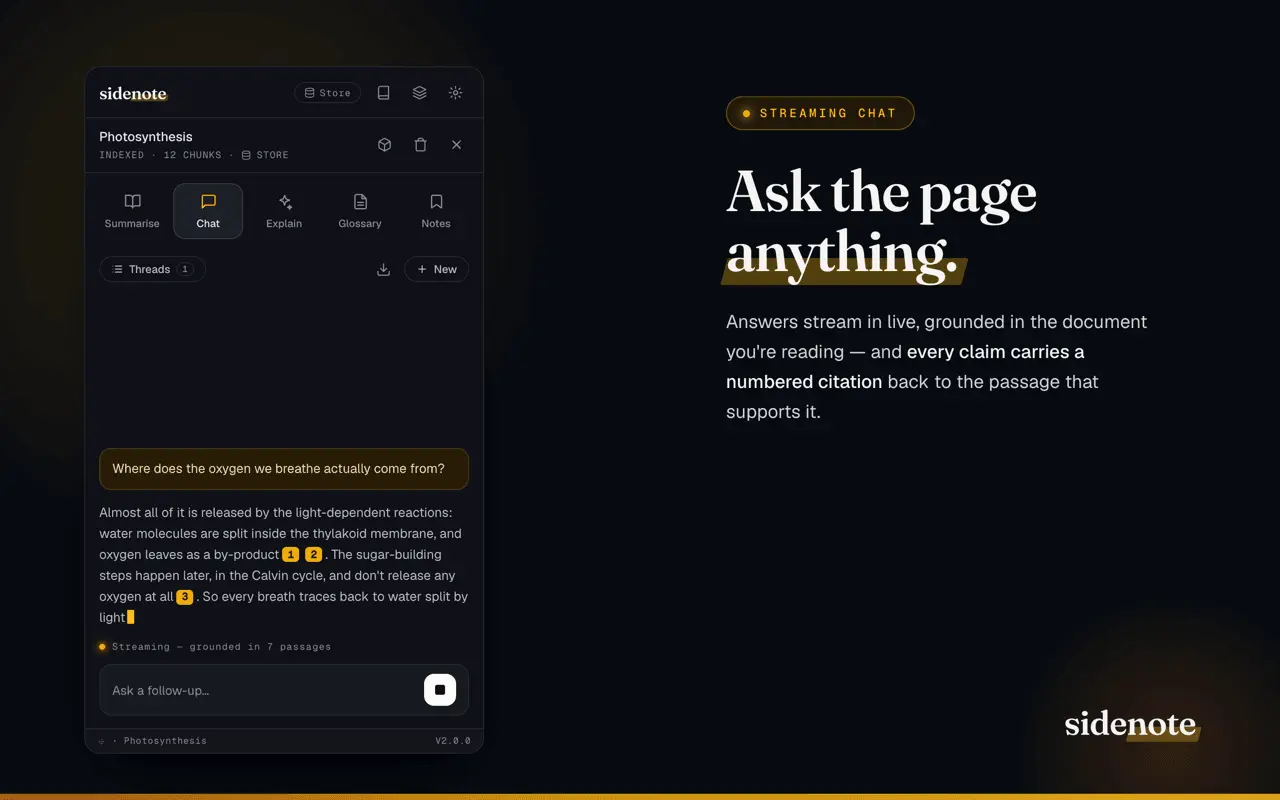
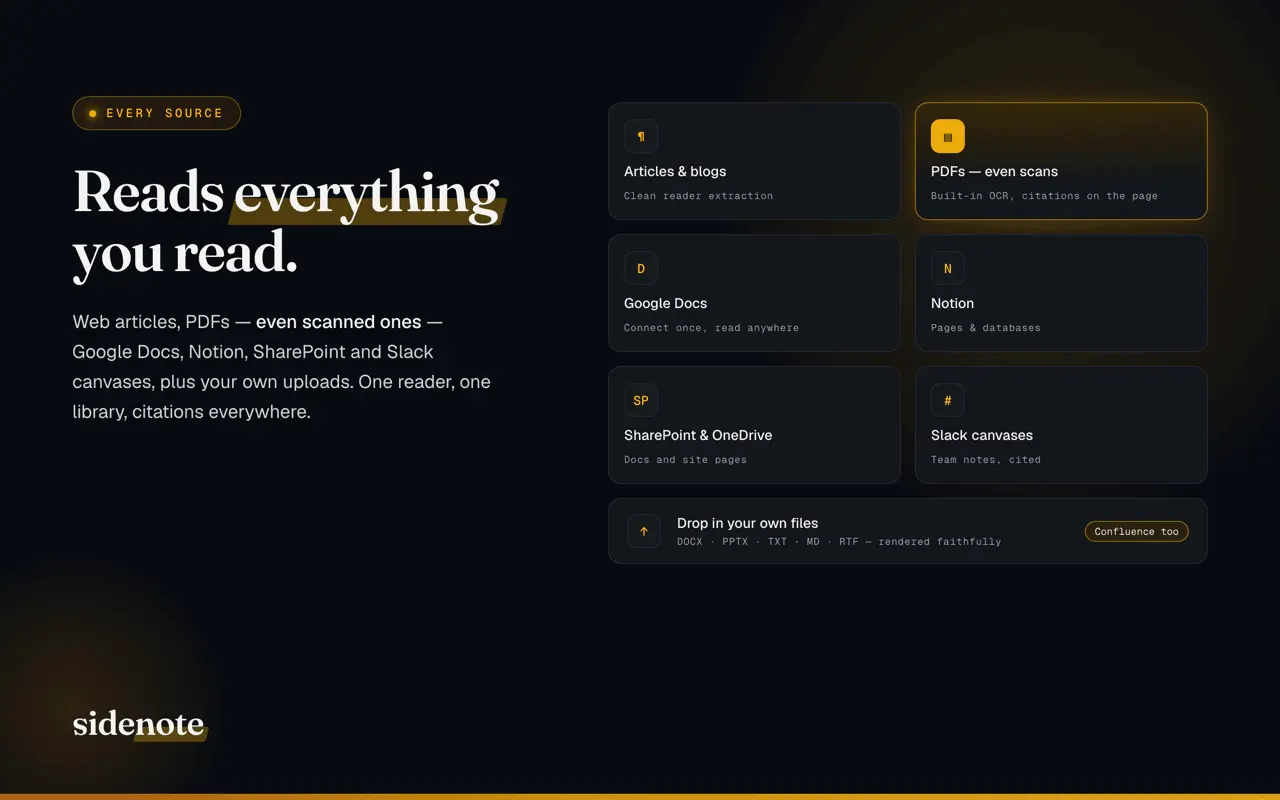
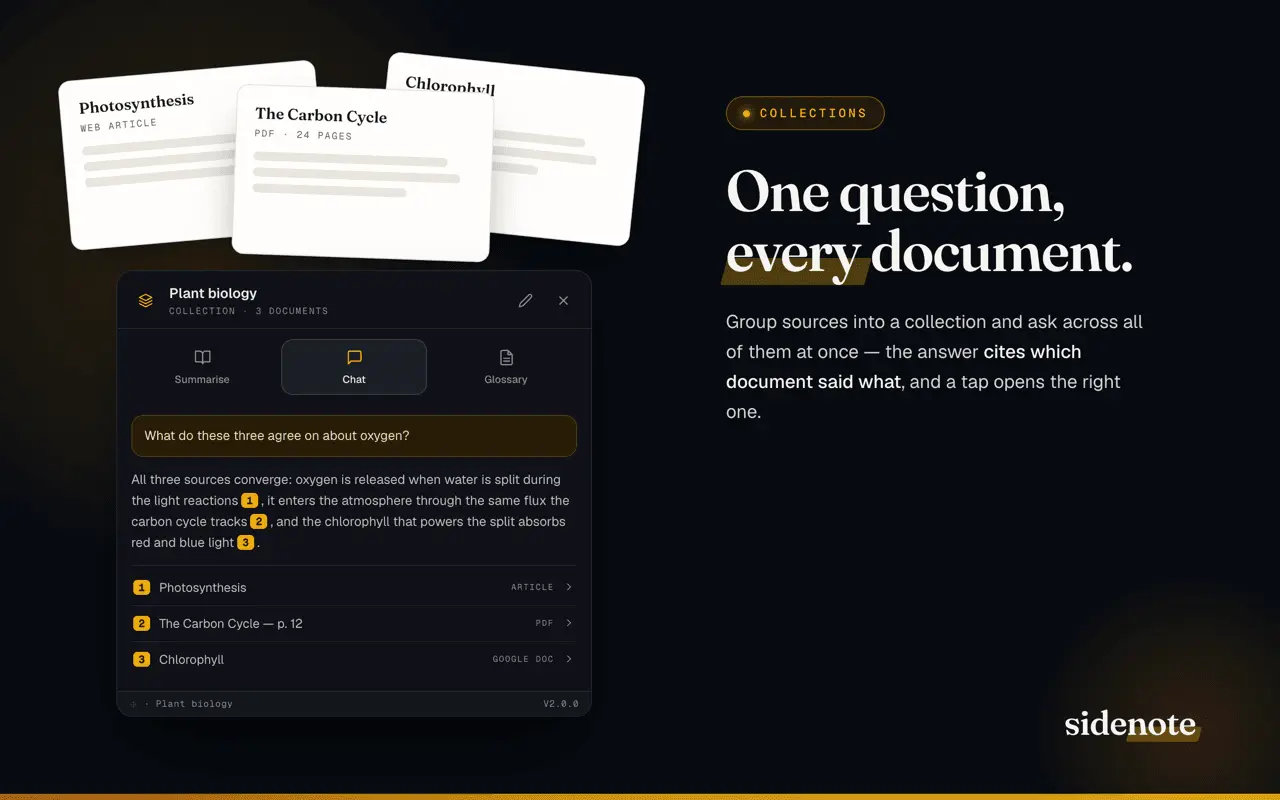
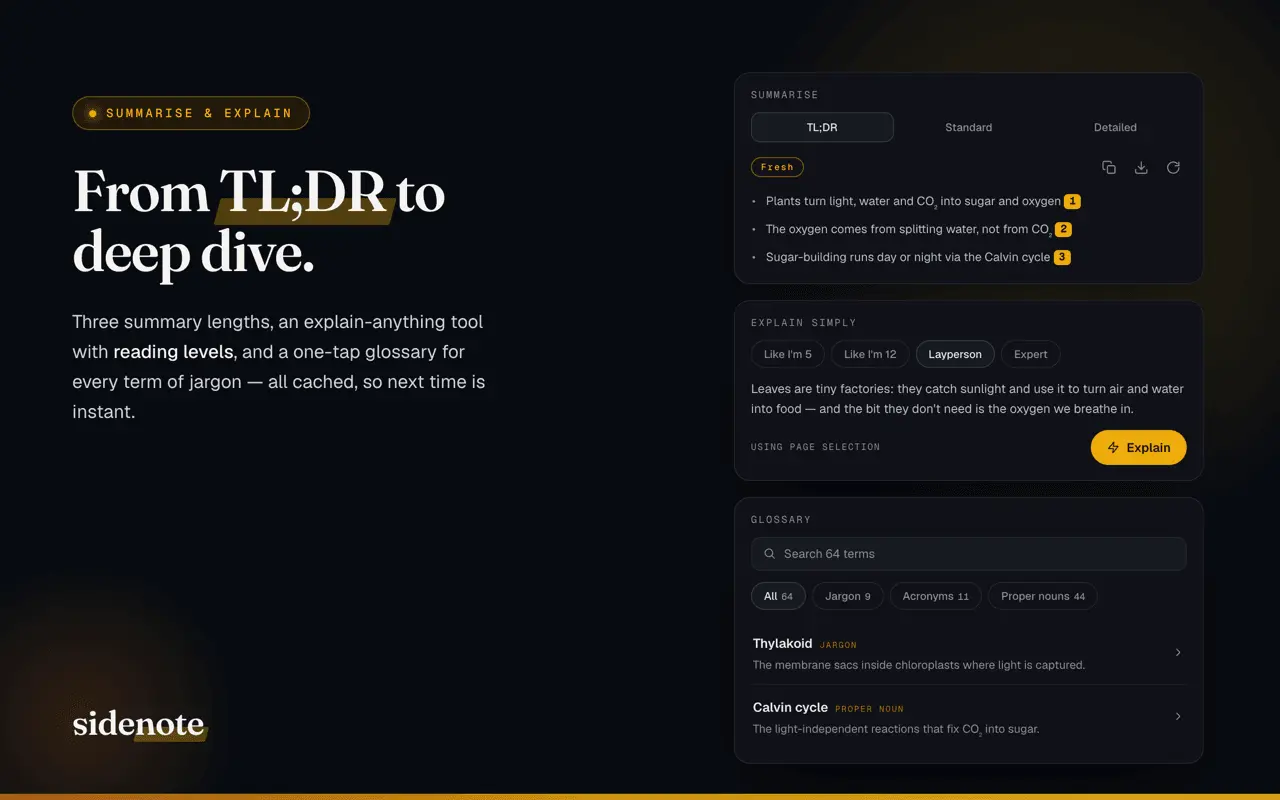
Sidenote is an AI reading assistant that lives in Chrome's side panel and answers questions about whatever you're reading — a PDF, a web article, your team wiki, or a document in a connected account — with citations that scroll to and highlight the exact source passage. Stop skim-reading and stop second-guessing AI. Open the side panel on any document and Sidenote will summarise it, chat with it, explain the hard parts, and build a glossary — and show you exactly where every answer came from. WORKS ON THE DOCUMENTS YOU ALREADY USE • Open it on a PDF to read research papers, reports, contracts or scanned files — OCR is built in. • Summarise any web page or long article you're reading. • Read your team's Confluence wiki straight from the browser, with no admin install. • Chat with the Notion pages you connect, and summarise them in a click. • Ask questions about a Google Doc — read-only, and cited to the exact passage. • Work with Word files and slide decks stored in Microsoft SharePoint or OneDrive, via Microsoft Graph. • Bring in a Slack canvas your team is working from. • Upload your own files too — Word documents and PowerPoint decks render as true print-quality pages (paid tiers). WHAT IT DOES • Summarise with citations — TL;DR bullets, a tight paragraph, or a structured deep-read. Every key point carries a numbered chip that scrolls to its source. • Chat with citations — ask anything about the document and watch the answer stream in; click any citation chip and the page jumps to the highlighted passage. • Explain simply — select a dense passage and have it rewritten at the reading level you choose, without losing accuracy. • Build a glossary — jargon, acronyms and proper nouns defined from the passages they appear in. • Save highlights — right-click or tap any quote to keep it as a note, with a jump back to its exact spot. • Search by meaning — find documents in your library by what they say, not just their titles. • Collections — group documents from different tools into one workspace and ask a single question across all of them; the answer cites which document said what. • Right-click anywhere — Explain selection, Ask about it, Save highlight, or Summarise this page. • Export everything — summaries, chat threads and glossaries as Markdown/CSV, or one combined export pack per document. WHY SIDENOTE IS DIFFERENT • Citation-first by design — the model is forced to cite the passages it used, the server validates every cited quote against the document, and anything it can't verify is dropped. If the document doesn't answer your question, it says so plainly. No silent hallucinations. • One assistant across every tool — most AI add-ons are locked to a single platform and sold per seat. Sidenote reads your PDFs, wikis, Notion, SharePoint and Google Docs from one place, for one subscription. • Private by design — we never train AI models on your documents. Data is stored in a UK region and encrypted at rest. Connected accounts are read-only and per-document; disconnecting one deletes its tokens immediately. Choose Store mode to re-open documents later, or Discard mode to process them transiently — and you can delete your account and all stored data yourself, any time. PRICING • Free forever — a set number of documents, explanations and glossaries each month. • 7-day Pro trial — every feature, no card required. • Pro plans from £10/month — higher monthly limits, document chat and saved thread history; the top tiers unlock our most capable model. Full limits: https://getsidenote.app/pricing Sign in with a magic link — no passwords, no third-party trackers, no ads. Privacy policy: https://getsidenote.app/privacy Learn more: https://getsidenote.app
Screenshots
Reviews (0)

Comments (0)
No comments yet. Be the first to share your thoughts!