
Simple USB Signage
USB Digital Signage for Android TV

Details
- Categories
- Target Audience
Discovery signals
How AI and people discover Simple USB Signage on PeerPush
- ChatGPT
- Perplexity
- Claude
- +4 other AI crawlers
Reads by these AI engines
Crawlers behind these engines read this listing on PeerPush.About Simple USB Signage
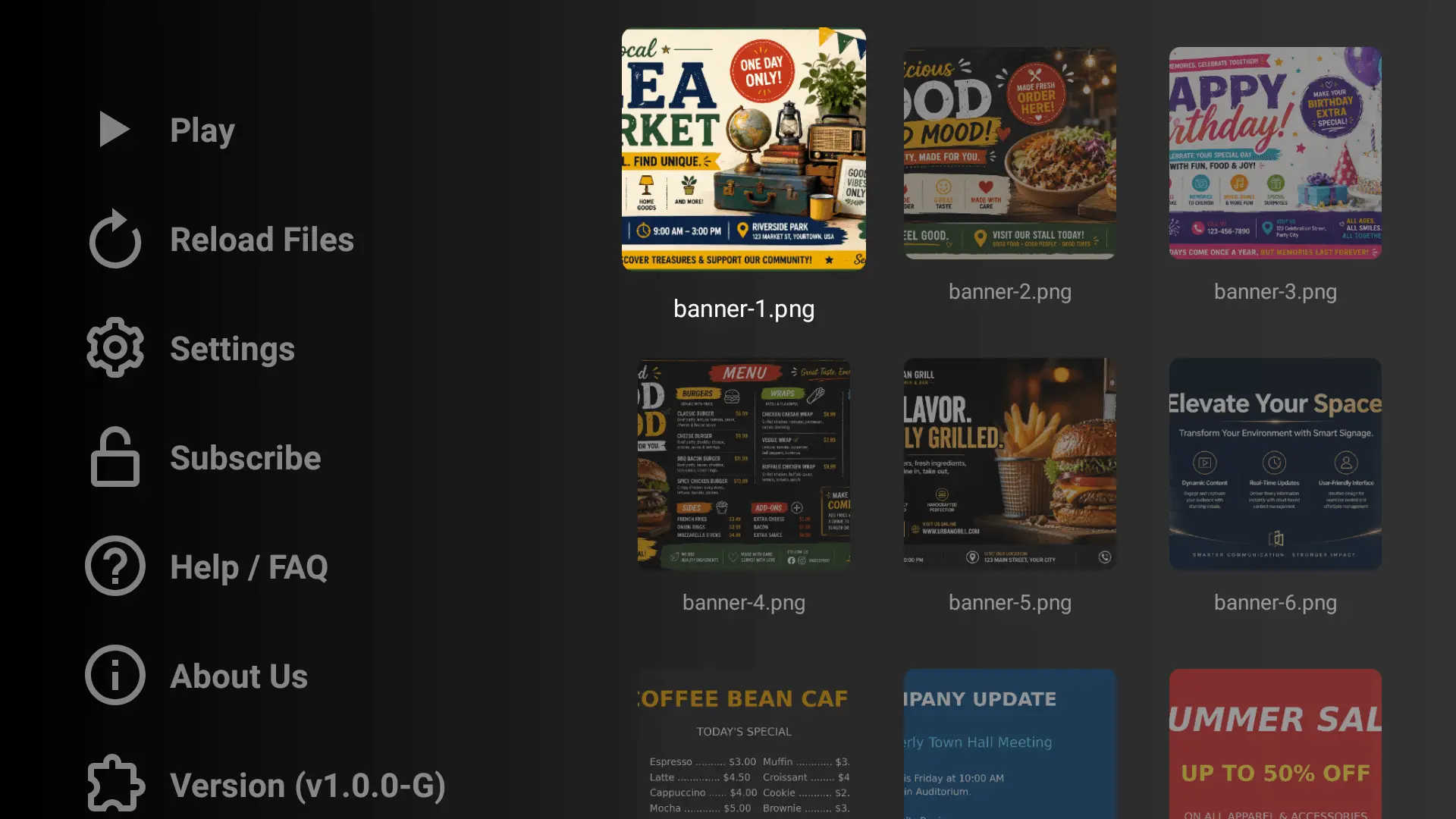
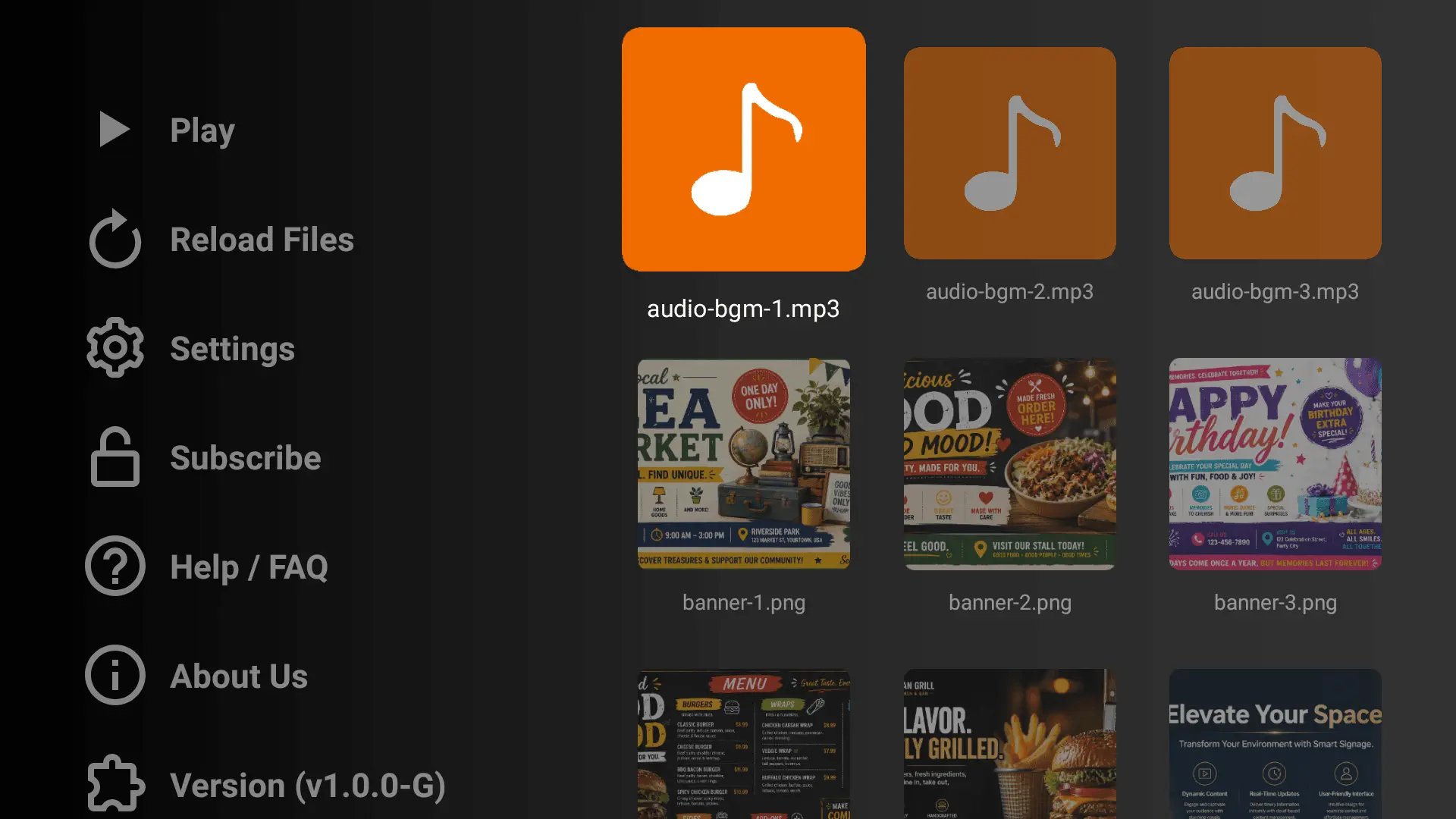
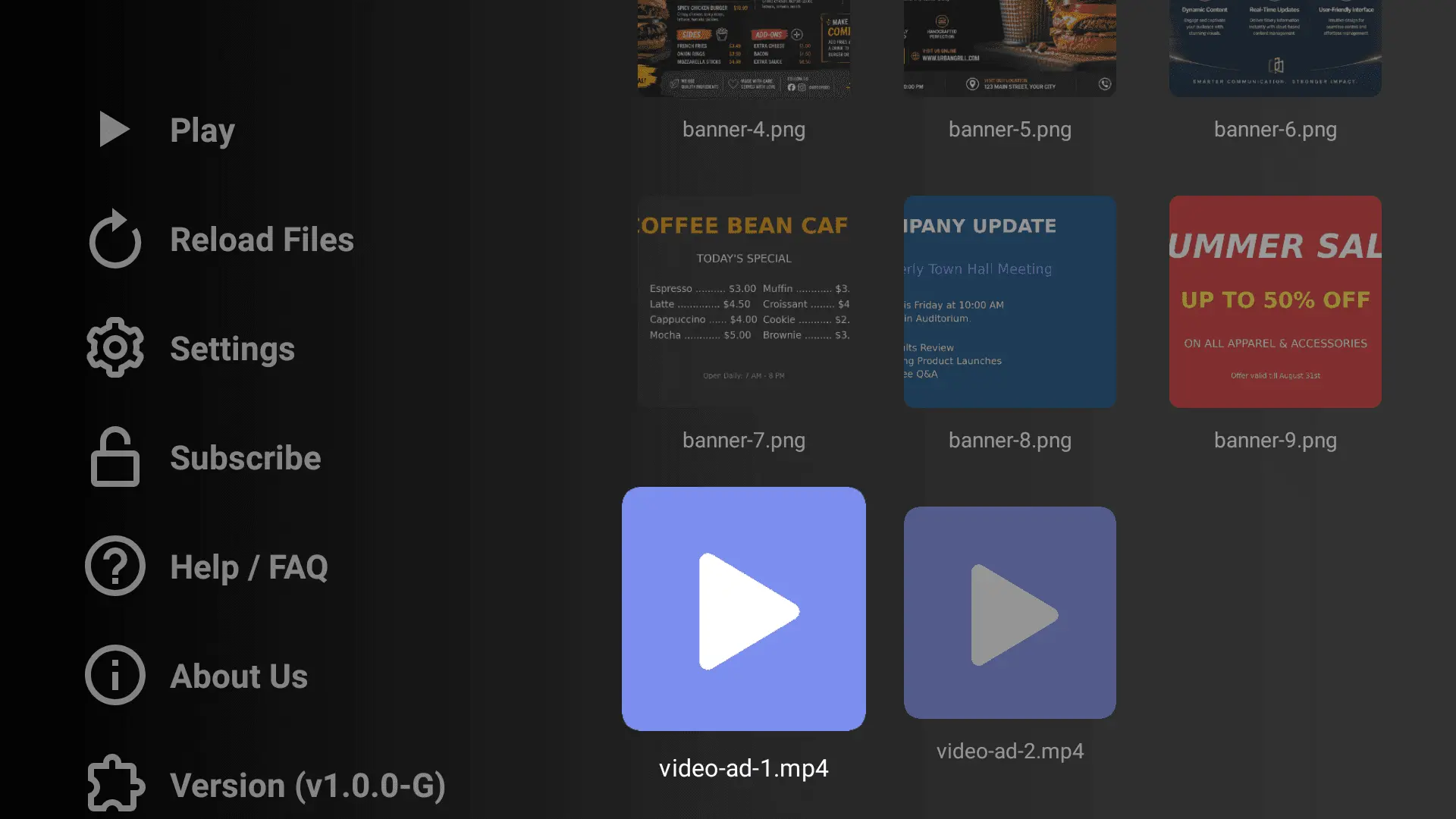
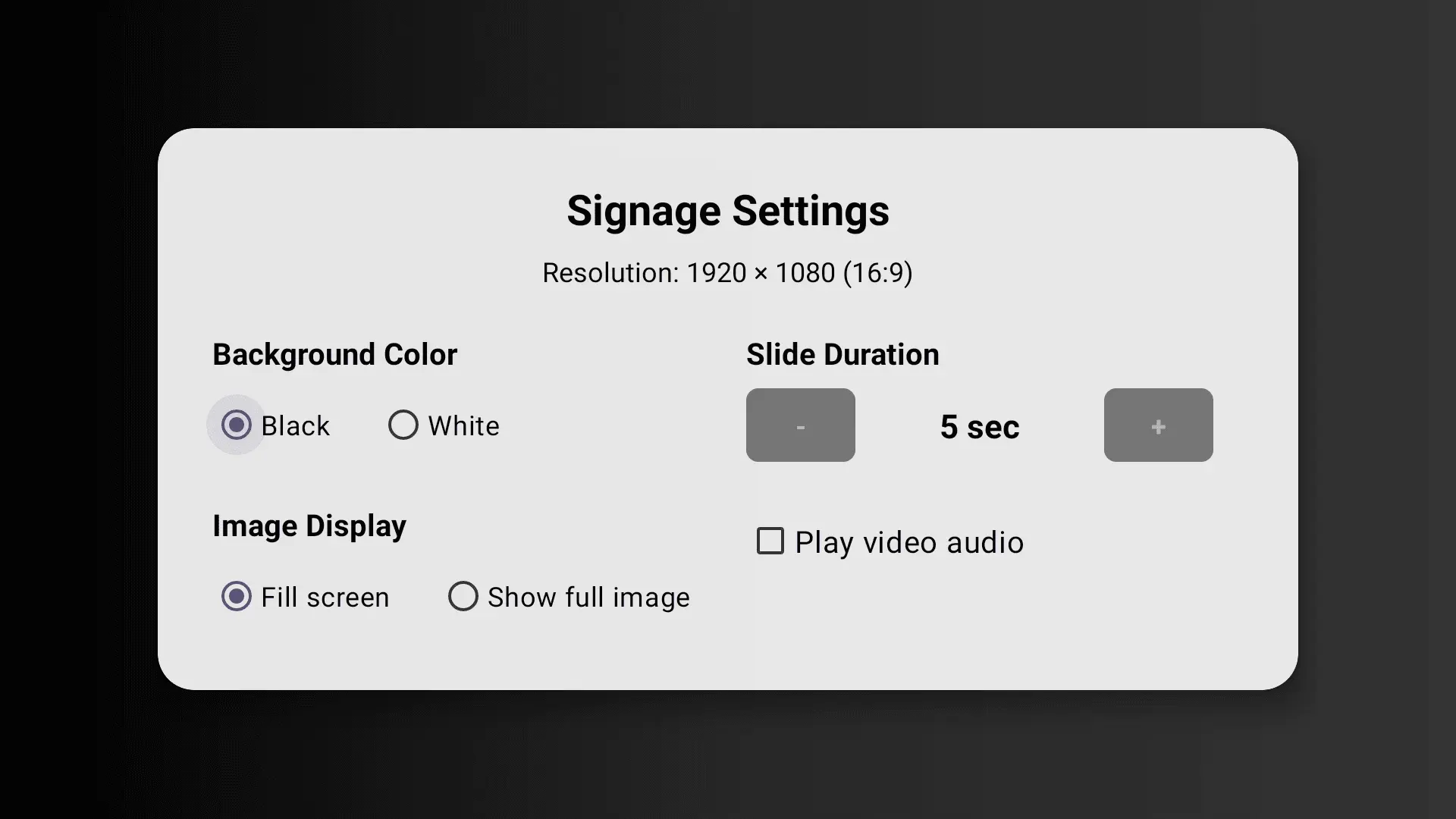
Simple USB Signage is an easy-to-use USB signage player for Android TV and Google TV that helps you turn your TV into a professional digital signage display using your own media files. Play photos, videos, and background music directly from a USB drive without complicated setup. Designed for reliability and simplicity, this Android TV signage app automatically detects compatible USB storage, scans your media library, and starts playback in a clean, TV-friendly interface optimized for remote control navigation. Whether you want to display promotional slides, product images, video loops, announcements, menus, information screens, or branded content, Simple USB Signage gives you a practical way to run digital signage on Android TV using local USB media. Why choose Simple USB Signage? - Built for Android TV and Google TV - Play images, videos, and music from USB - Simple digital signage slideshow player - TV-friendly interface with smooth remote navigation - Automatic USB detection and media scanning - Adjustable image display and playback settings - Clean playback experience for presentations and signage loops Key Features USB media playback Connect a supported USB drive and the app will scan for your media files. It supports playback of mixed media libraries including photos, videos, and audio for flexible signage presentations. Digital signage slideshow player Run continuous signage playback using your visual content. The app supports image and video playlists, smooth transitions, and automatic looping for a professional viewing experience. Background music support Add audio files to your USB content and use them as optional background music during signage playback. Custom signage settings Adjust important playback options to match your display needs: - Image slide duration - Background color - Image display mode - Video audio behavior Remote-friendly Android TV experience The interface is designed around D-pad navigation for easy use on TVs and set-top devices, making it ideal for non-touch environments. Helpful built-in pages Access Help / FAQ, Support, Privacy Policy, Terms of Use, About information, and app version details directly inside the app. Use Cases Simple USB Signage is ideal for: - Store promotions - Retail displays - Reception screens - Restaurant or cafe information displays - Event announcements - Office lobby screens - Photo and video loop playback on TV - Simple local digital signage without a server Supported Media The app supports a wide range of common media formats for video and audio playback, along with many popular image formats, making it easy to reuse your existing USB content library. Simple setup 1. Copy your photos, videos, and optional music files to a USB drive 2. Connect the USB drive to your Android TV device 3. Open Simple USB Signage 4. Scan, select, and start your signage playback If you need a straightforward USB digital signage player for Android TV, Simple USB Signage is a practical solution for playing local media on TV screens with minimal setup.
Screenshots
Reviews (0)
No reviews yet. Be the first to rate this product!
Comments (0)
No comments yet. Be the first to share your thoughts!