Snapester
Turn screenshots into beautiful shareable visuals

Details
- Follow on
- Target Audience
- Pricing
- Freemium from $9
- Platforms
Discovery signals
How AI and people discover Snapester on PeerPush
About Snapester
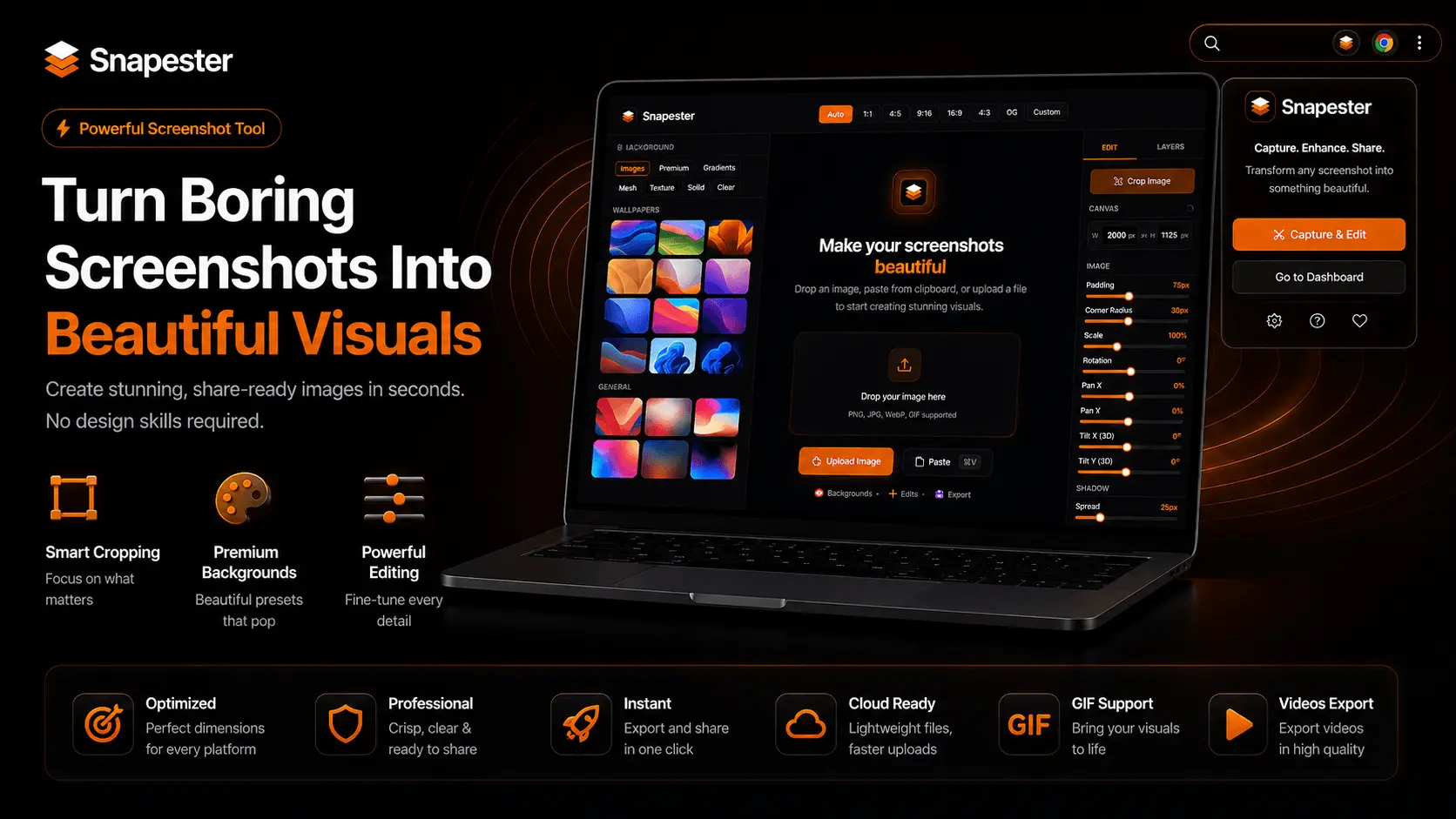
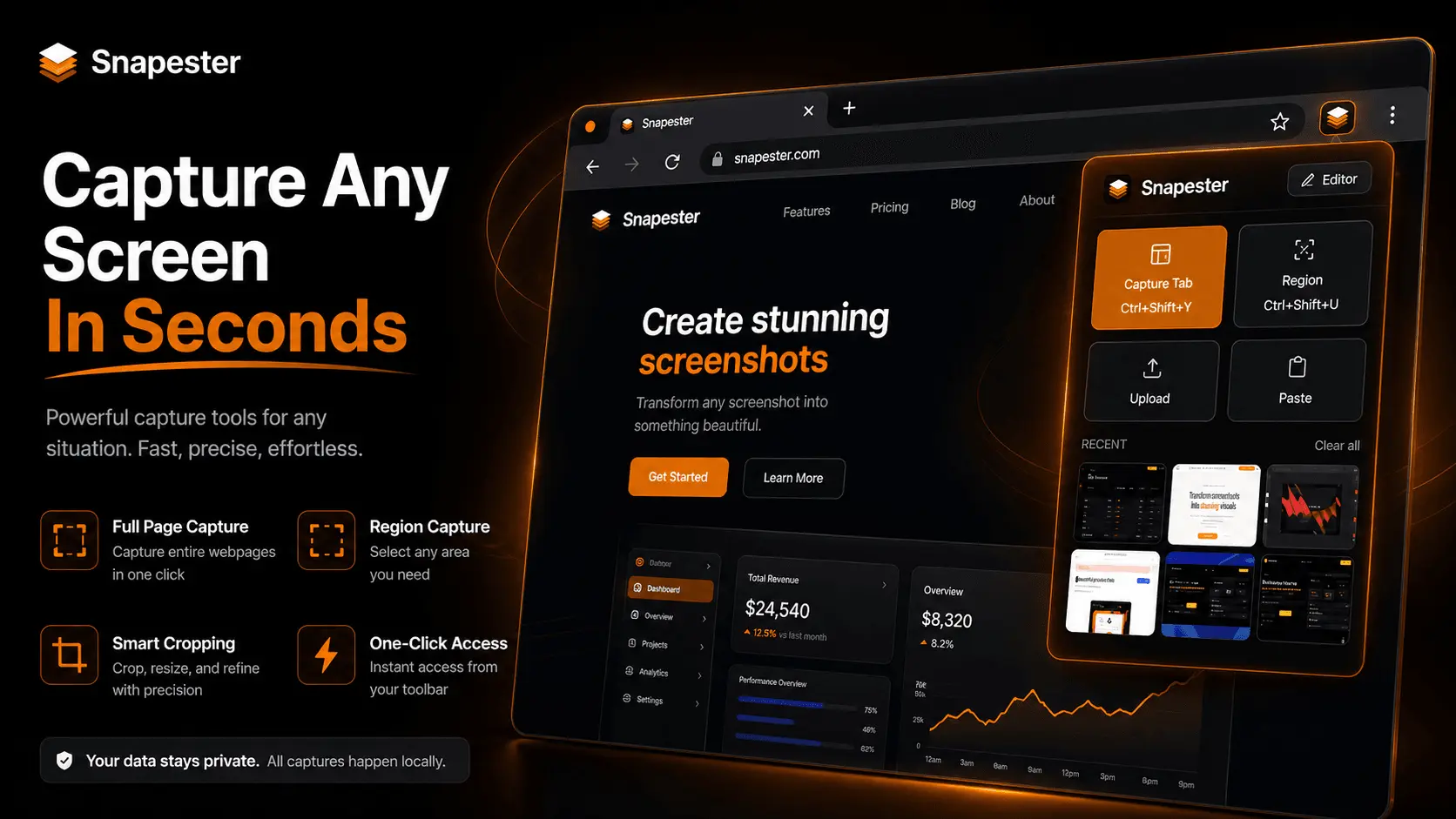
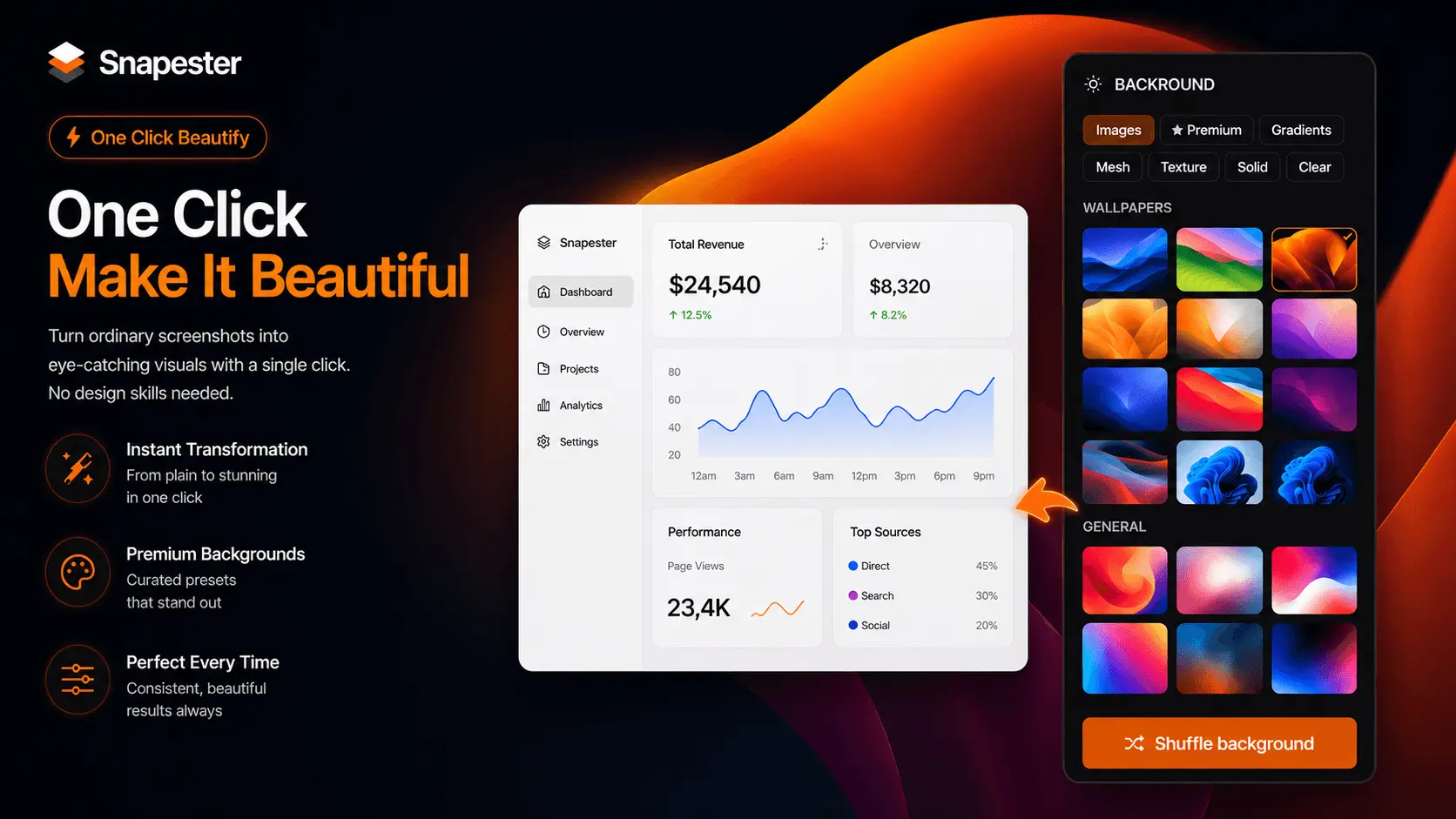
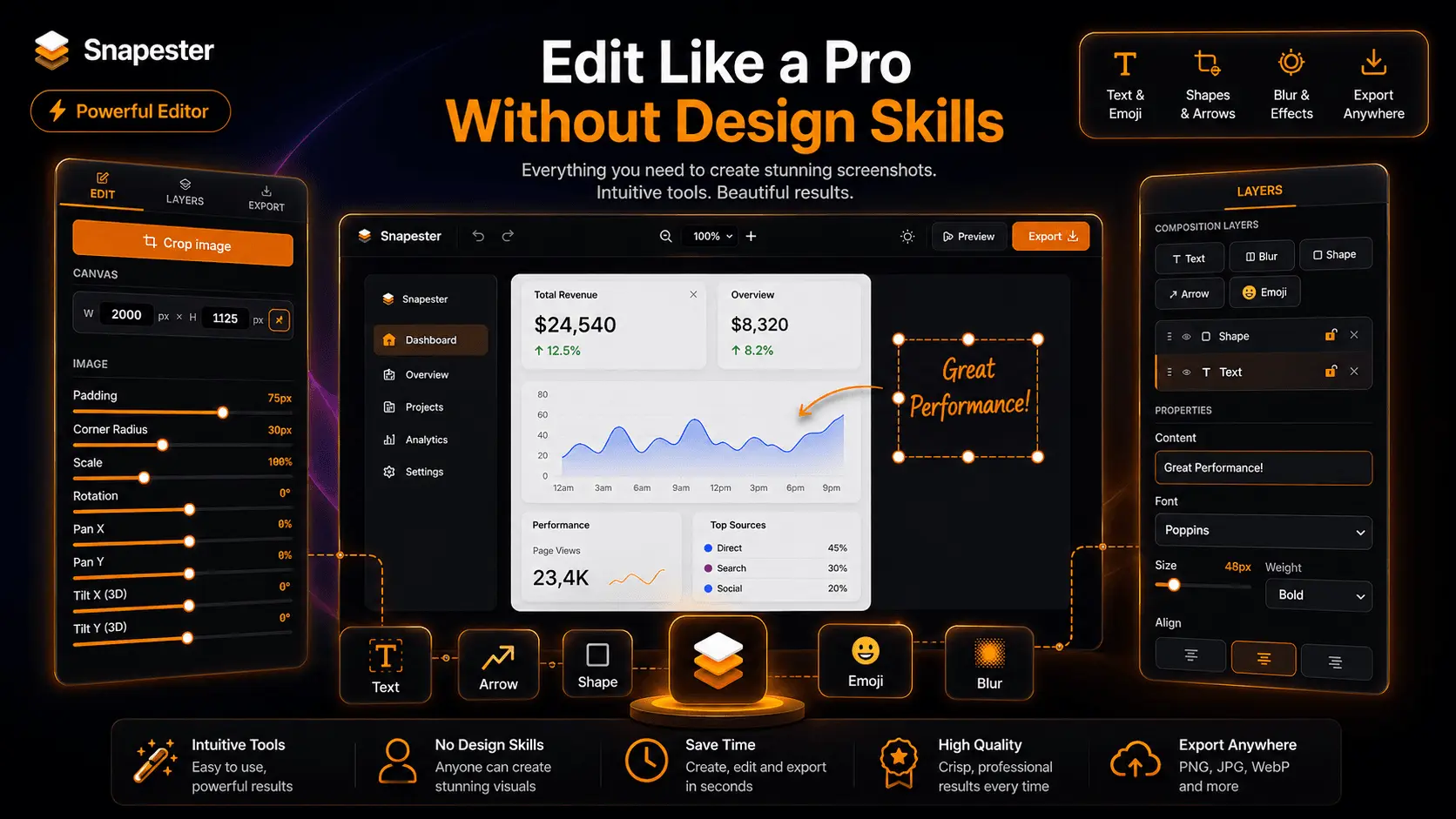
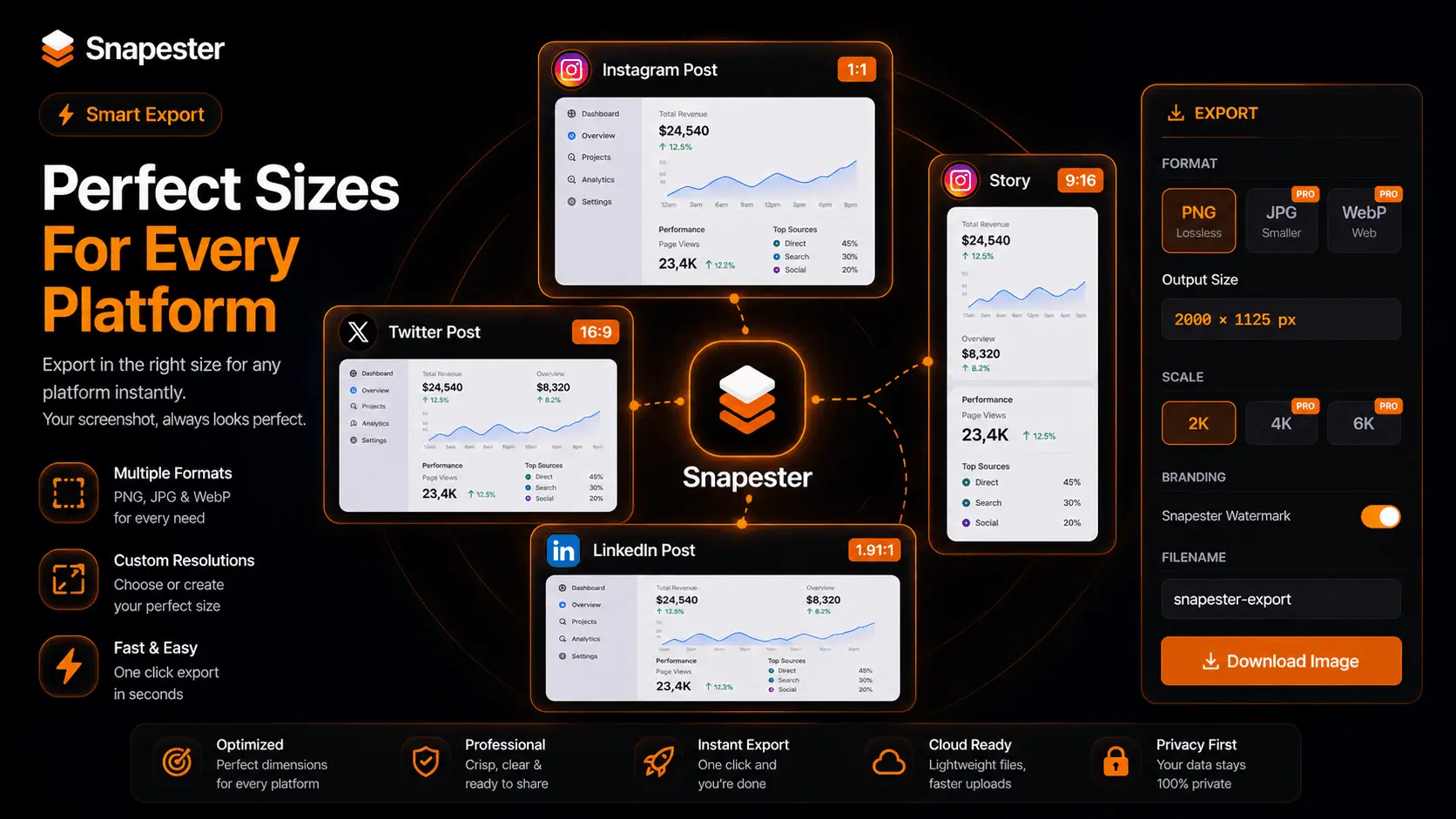
Snapester is a Chrome extension that helps you turn plain screenshots into polished visuals fast. The workflow is simple: capture, style, and export in seconds, with no design tools needed. It works without an account on the free plan, and Pro unlocks higher-resolution exports, more formats, and no watermark. Key features - Capture full tabs, regions, clipboard content, or uploads. - Add curated backgrounds, gradients, meshes, or custom images. - Fine-tune padding, shadows, corner radius, and 3D tilt. - Annotate screenshots with text, arrows, shapes, blur, emoji. - Export in multiple formats optimized for social platforms. - Copy instantly or download in high resolution.
Product Video
Watch a video demo of Snapester.
Screenshots
Reviews (1)
Average 5.0 out of 5
Based on 1 review

Comments (1)
Thanks for checking out Snapester 🚀 Turn boring screenshots into clean, professional visuals in seconds with backgrounds, blur, annotations & HD exports. Built for creators, developers & marketers.