
Squishify
Batch image optimization without uploading

Details
- Follow on
- Categories
- Developer ToolsDesign Tools
- Use Cases
- Image CompressionImage Conversion
- Target Audience
- DesignersWeb DevelopersContent Creators
- Pricing
- Freemium from $30
- Platforms
- Web
- Alternatives
 TinyPNG alternatives
Discovery signals
How AI and people discover Squishify on PeerPush
- ChatGPT
- Perplexity
- +3 other AI crawlers
Reads by these AI engines
Crawlers behind these engines read this listing on PeerPush.About Squishify
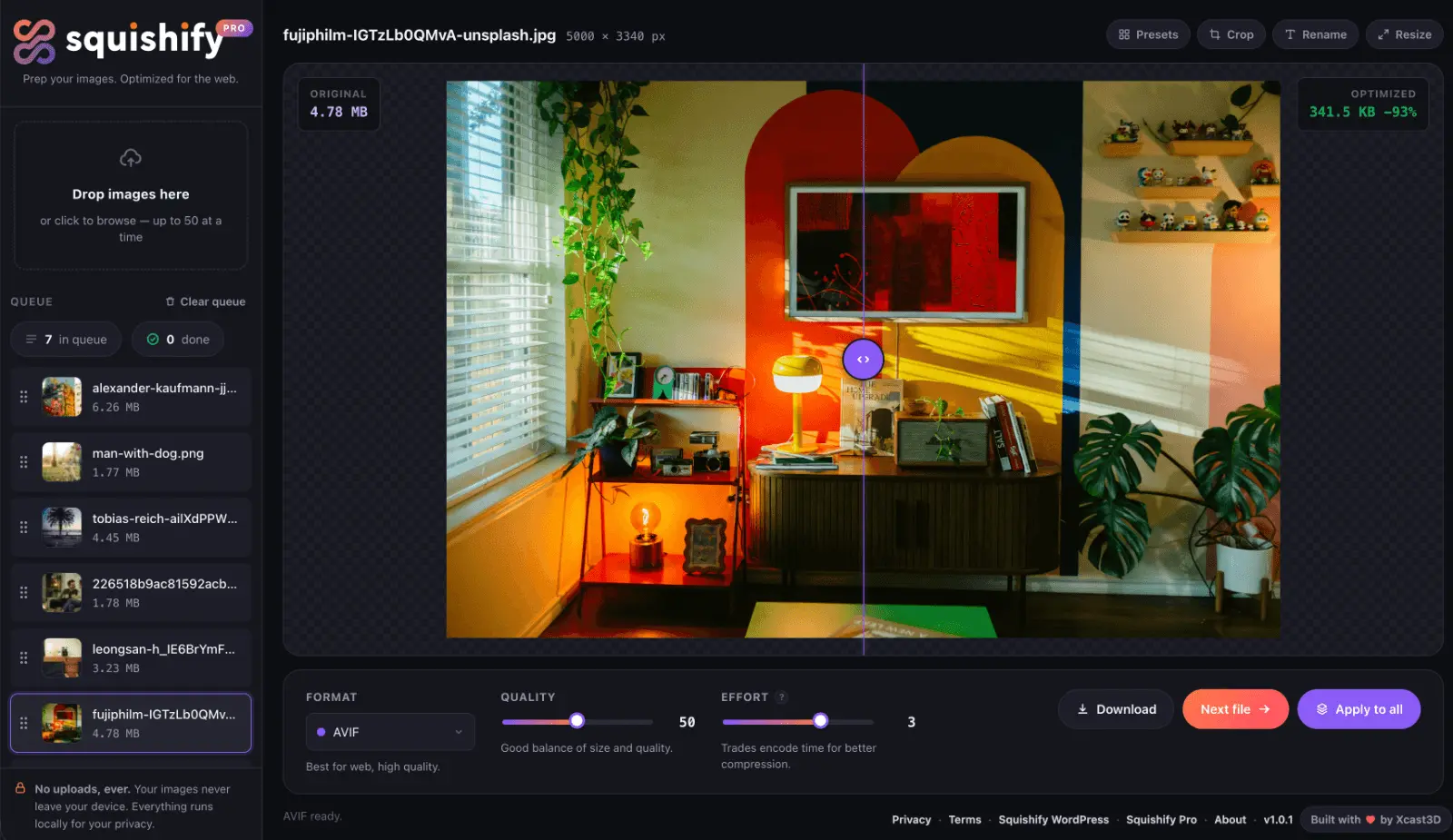
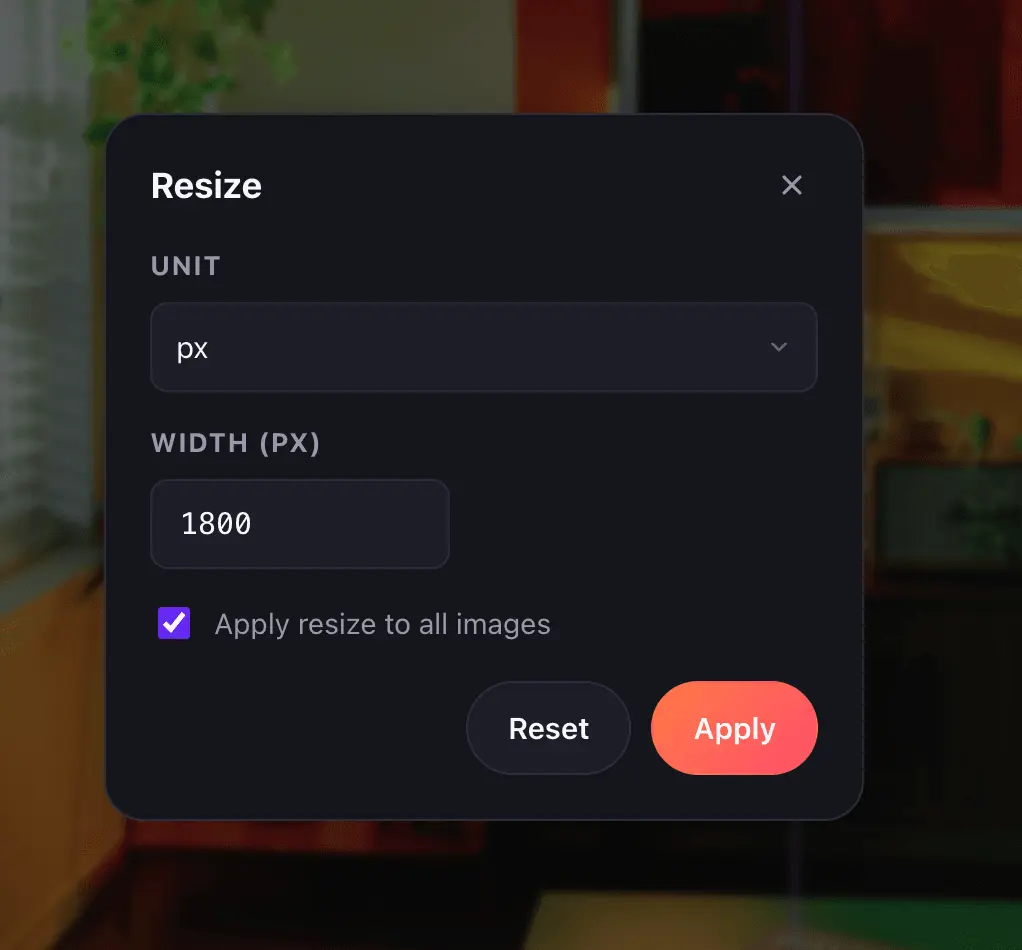
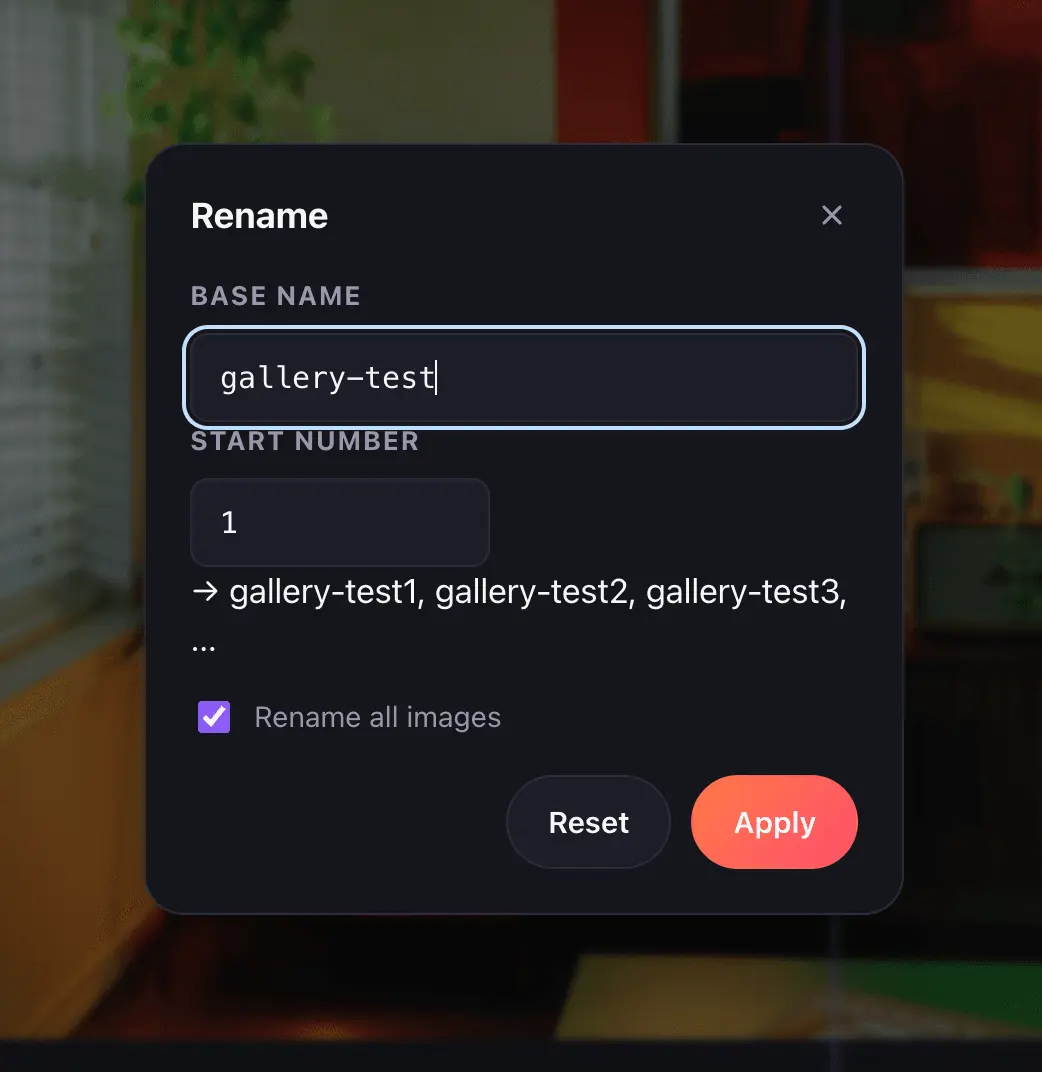
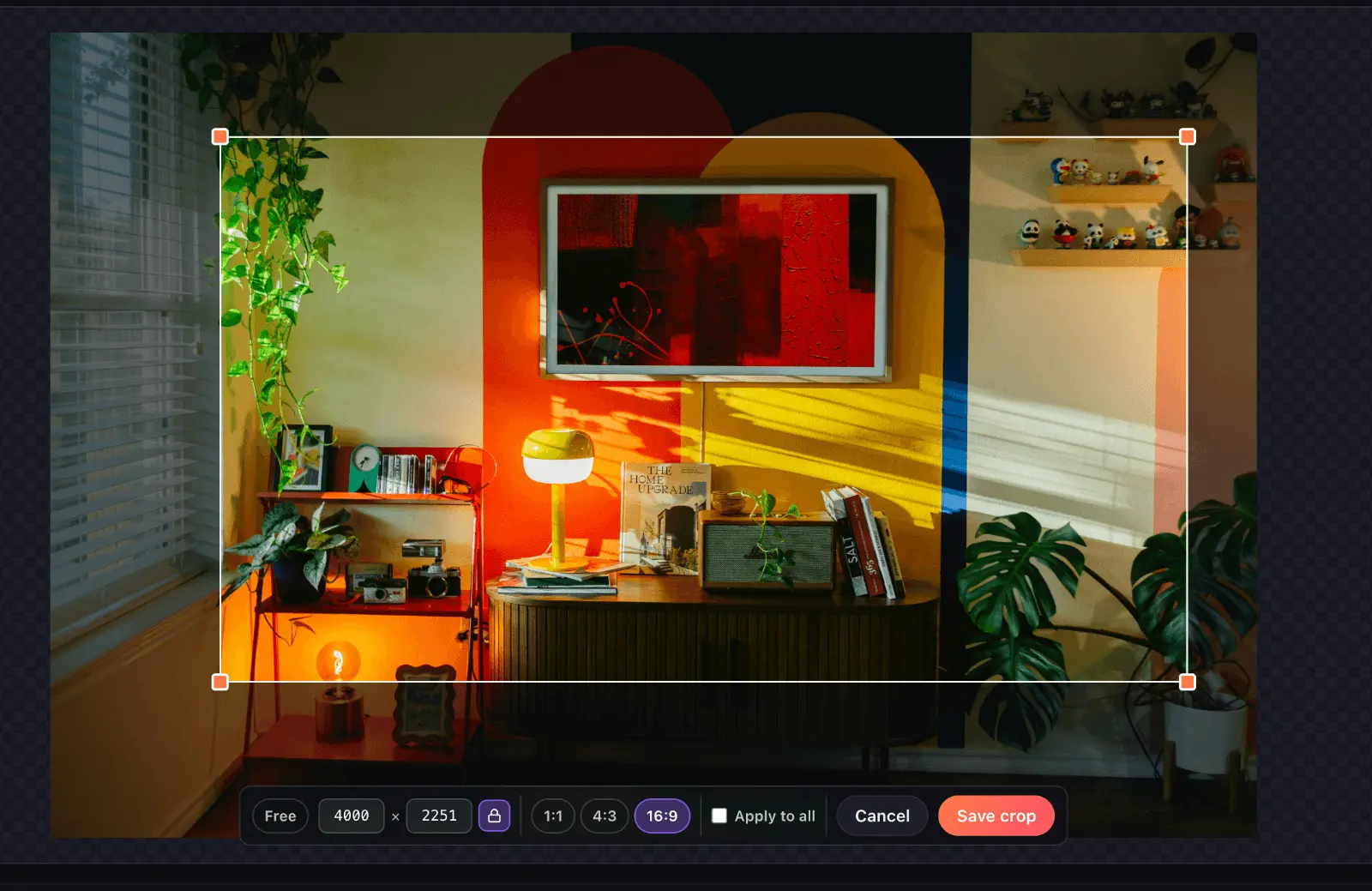
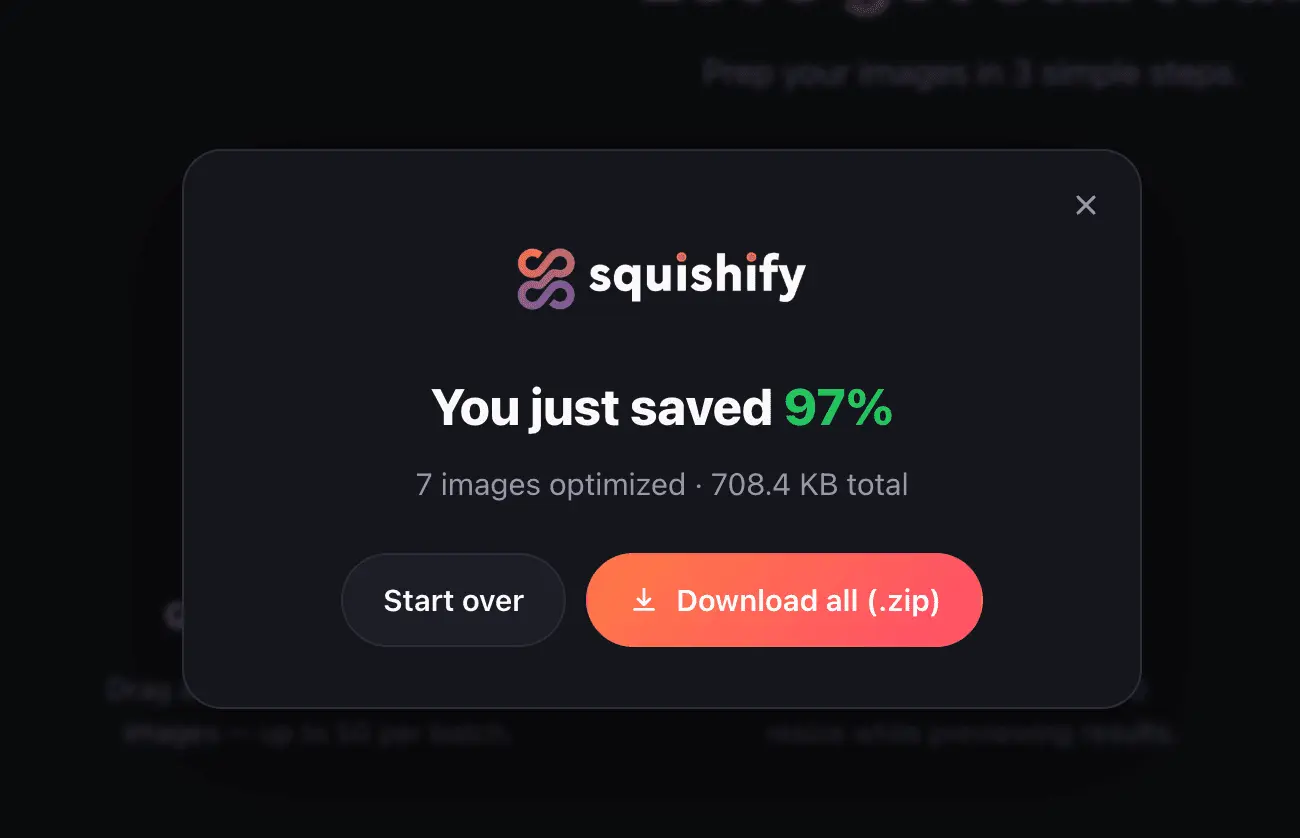
Squishify is a browser-based utility for processing multiple images locally. You can queue, compress, convert, and resize images while previewing changes in real-time. Because processing happens directly in the browser, no images are uploaded to a server, ensuring privacy and speed. Squishify supports modern image formats for web-ready optimization.
Product Video
Watch a video demo of Squishify.
Screenshots
Reviews (2)
Average 5.0 out of 5
Based on 2 reviews

I run a bunch of product shots through this before they go anywhere — drag in a folder, pick a format, and it spits out a smaller version without me installing anything or uploading to some random site. The before/after preview is what sold me, I could actually see what I was trading off.

Comments (2)
I have used TinyPNG for more than 8 years, but Squishify just replaced it in my workflow. It's literally TinyPNG on steroids. Being able to batch compress, convert, and resize images completely locally in the browser is brilliant. Great job
This is my first product launch, and I'm excited about sharing it. Hopefully, it saves someone a little time on their next project.