
StackMeter
Track Your AI API usage and all SaaS tools in one dashboard

Details
- Follow on
- Categories
- Target Audience
Discovery signals
How AI and people discover StackMeter on PeerPush
- Claude
- ChatGPT
- Perplexity
- +2 other AI crawlers
Reads by these AI engines
Crawlers behind these engines read this listing on PeerPush.About StackMeter
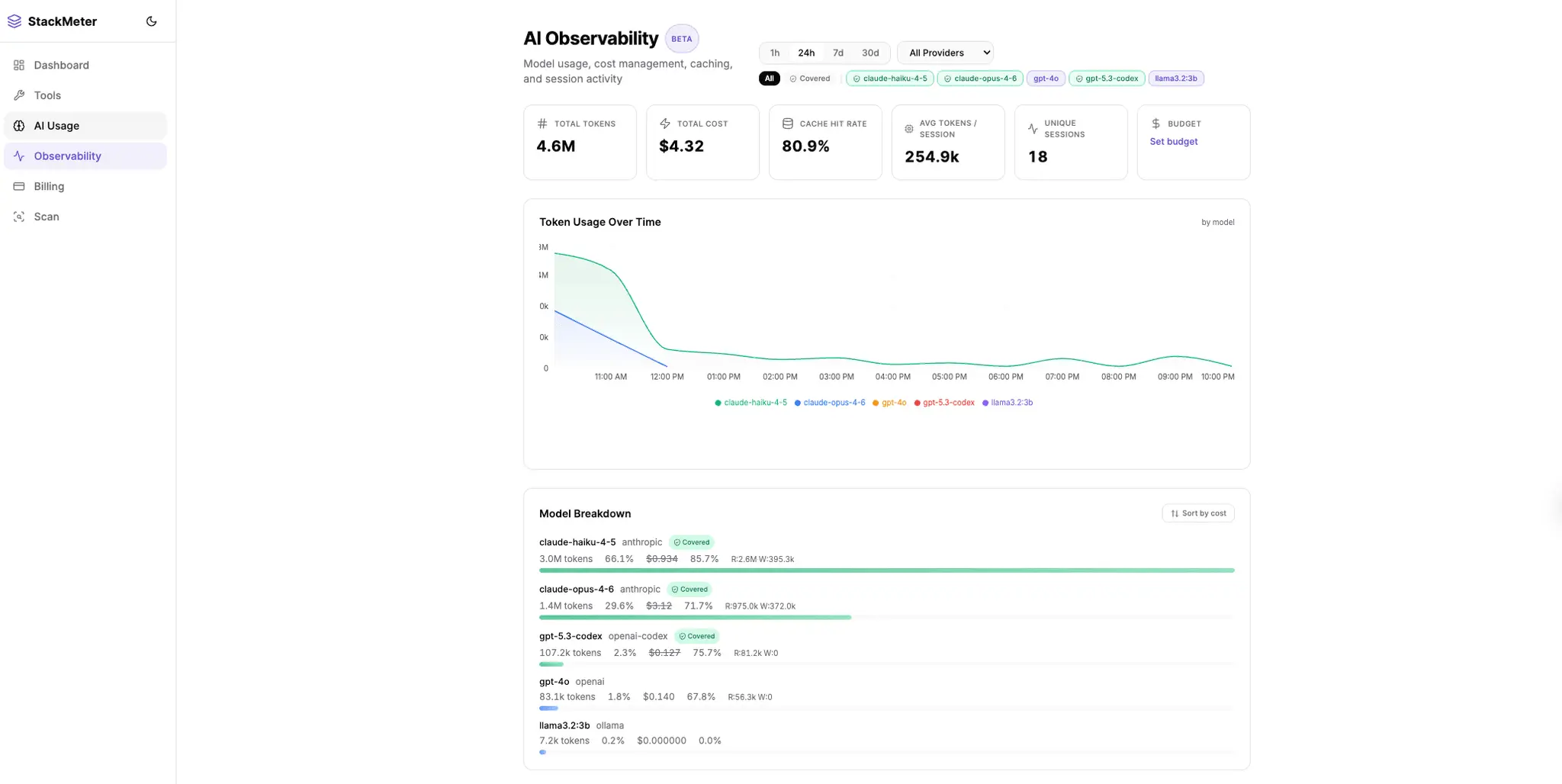
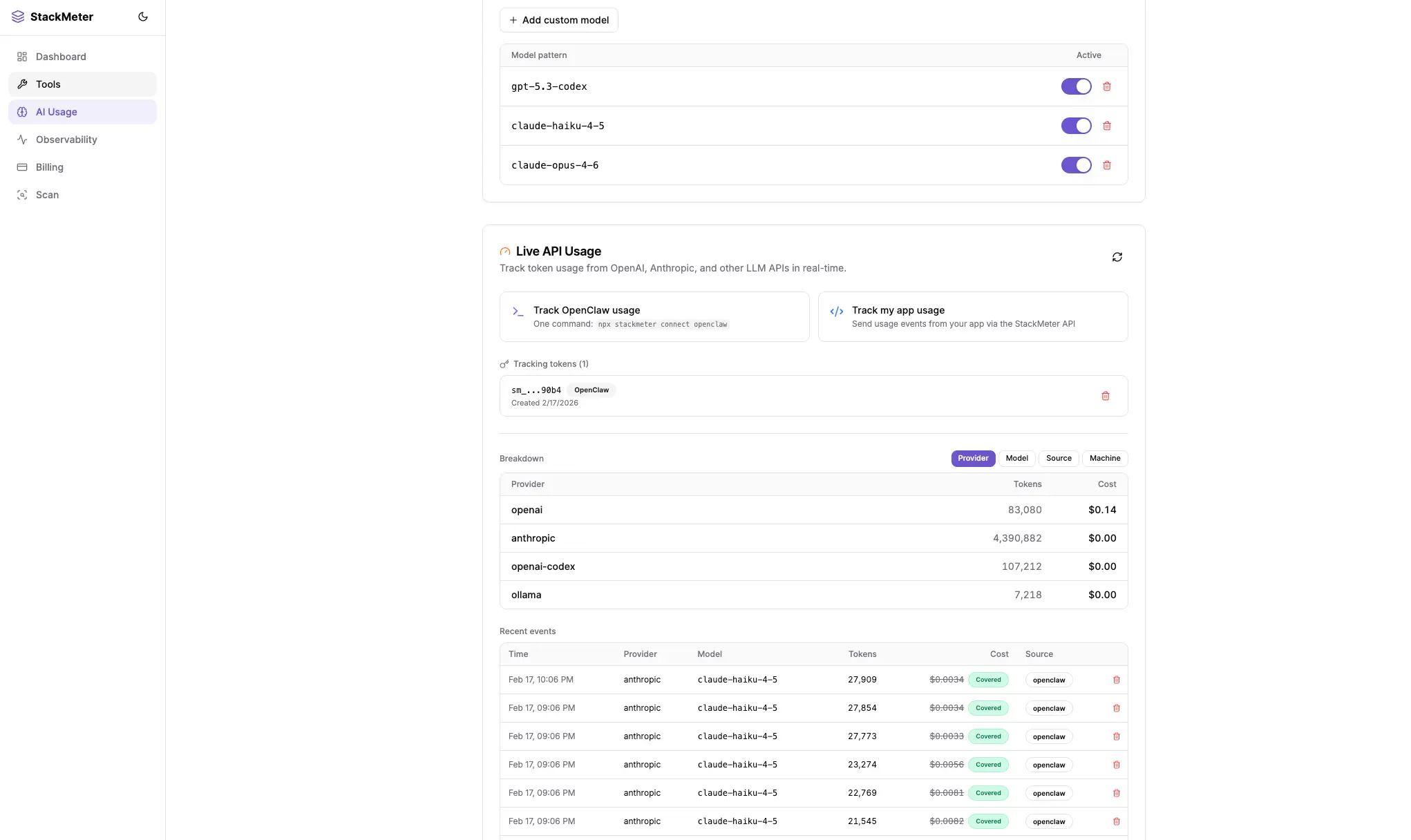
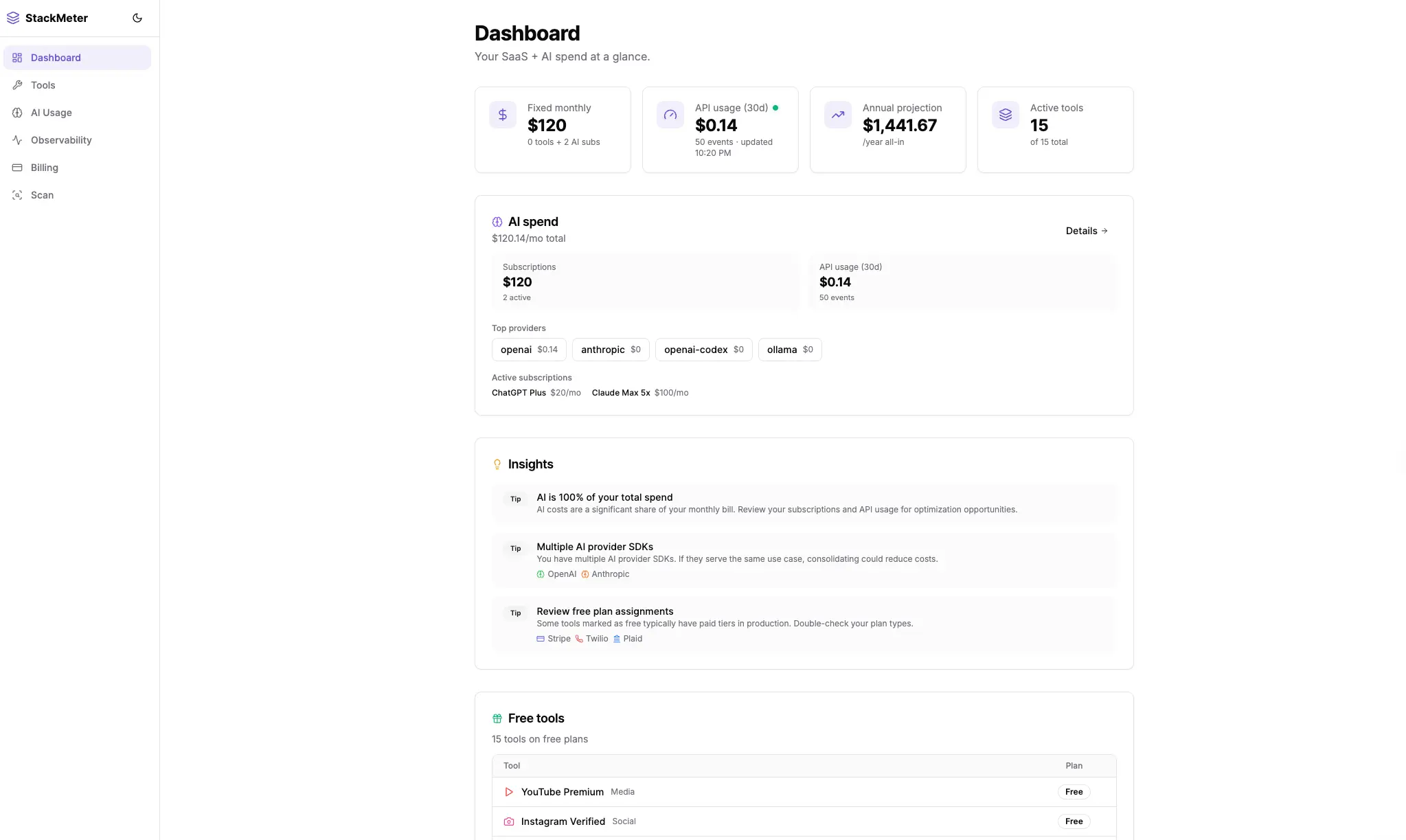
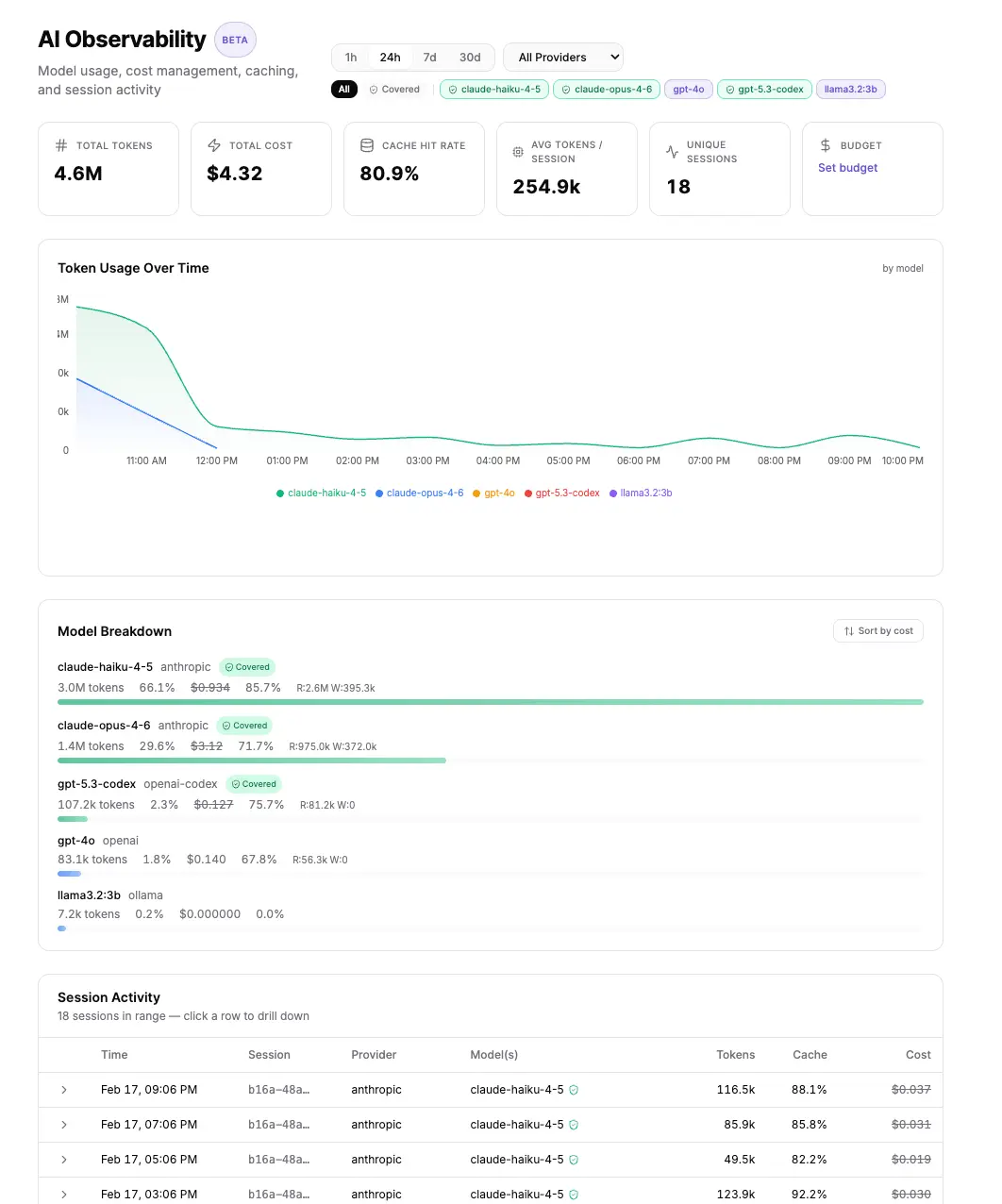
Running multiple AI agents like OpenClaw? Your API costs can spiral fast, especially when prompt caching makes traditional usage tracking misleading. StackMeter gives you session-level cost visibility for OpenAI and Anthropic APIs, showing exactly what each agent run costs, which sessions benefit from cached prompts, and how costs break down across machines. 🤖 **AI API Usage Tracking (OpenClaw native)** • Per-session breakdowns with start/end times • Cache read/write tracking (see which sessions paid for cache writes vs benefited from reads) • Multi-machine support (track dev laptop vs production) • Model-level analytics (compare GPT-4o vs Claude Sonnet costs) • Effective cost per 1k tokens (accounting for cache savings) • Privacy-first: monitor usage without sharing API keys One command to get started: `npx @stackmeter/cli connect openclaw --auto` 💰 **Full SaaS Stack Tracking** • Auto-detect tools from GitHub repos (Stripe, Supabase, Vercel, etc.) • Track fixed subscriptions + usage-based costs in one dashboard • Budget alerts when spending hits thresholds • Annual cost projections 📊 **Built for Teams Running Multiple Agents** When you're running Claude Code, OpenClaw, and background automations, attribution gets messy. StackMeter handles: - Shared context costs across sessions - Cross-machine usage aggregation - Provider comparison (OpenAI vs Anthropic) - Cost spike detection **Free tier:** 7-day data retention, unlimited tracking **Pro ($9/mo):** 90-day retention, data export
Screenshots
Reviews (0)
No reviews yet. Be the first to rate this product!
Comments (3)
Congrats on the launch
🙌
@blackdwarftech Thanks for the support!
This tool has helped me a lot, so I figured I should publish it for others. Basic usage is free to use!