
Strainup: Workout Builder
Flexible workout tracker and planner for every athlete


Details
- Categories
- Target Audience
- Pricing
- Free
- Platforms
- Featured in
- Alternatives
 Hevy alternatives
Discovery signals
How AI and people discover Strainup: Workout Builder on PeerPush
By AI reads among Mobile Apps tools
953 AI reads in the last 30 days, ranked against every Mobile Apps tool listed.About Strainup: Workout Builder
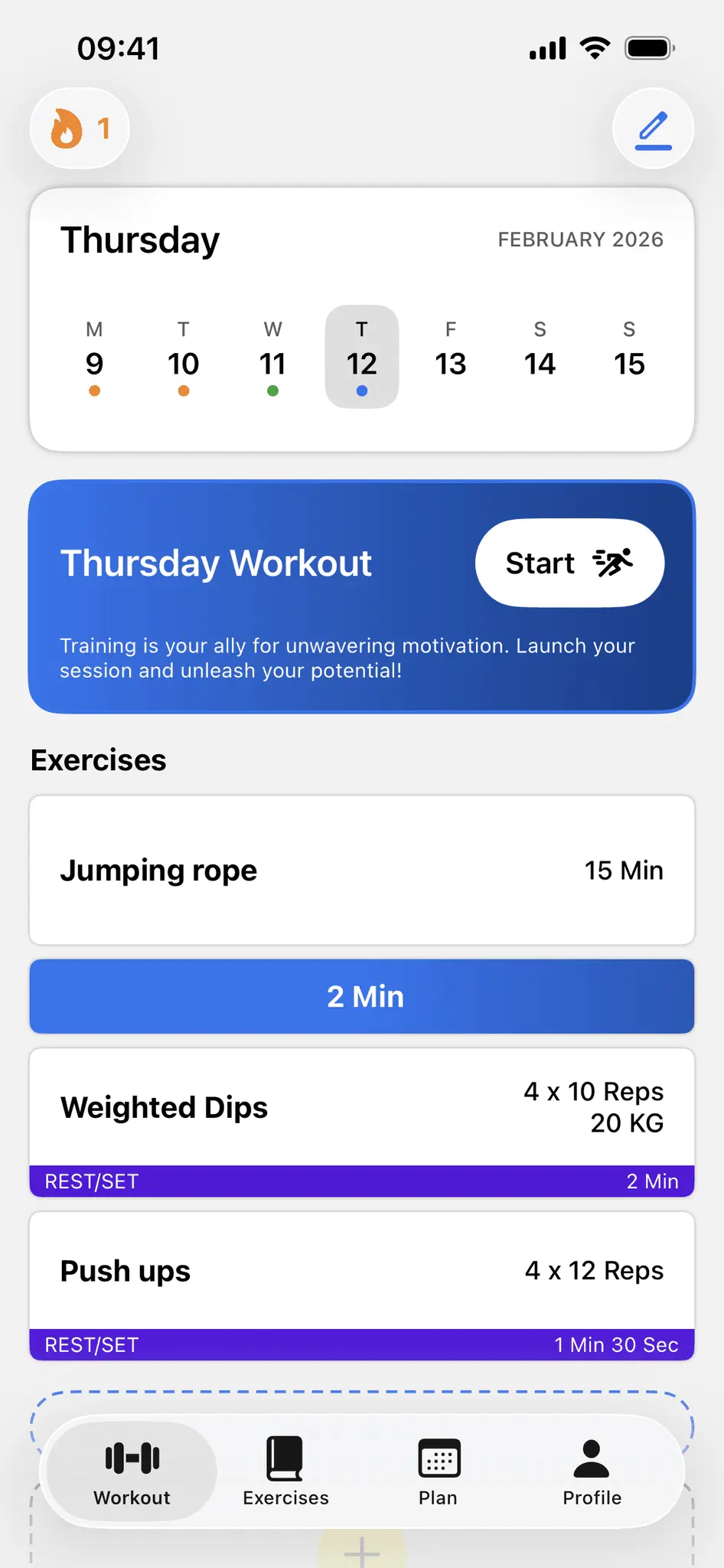
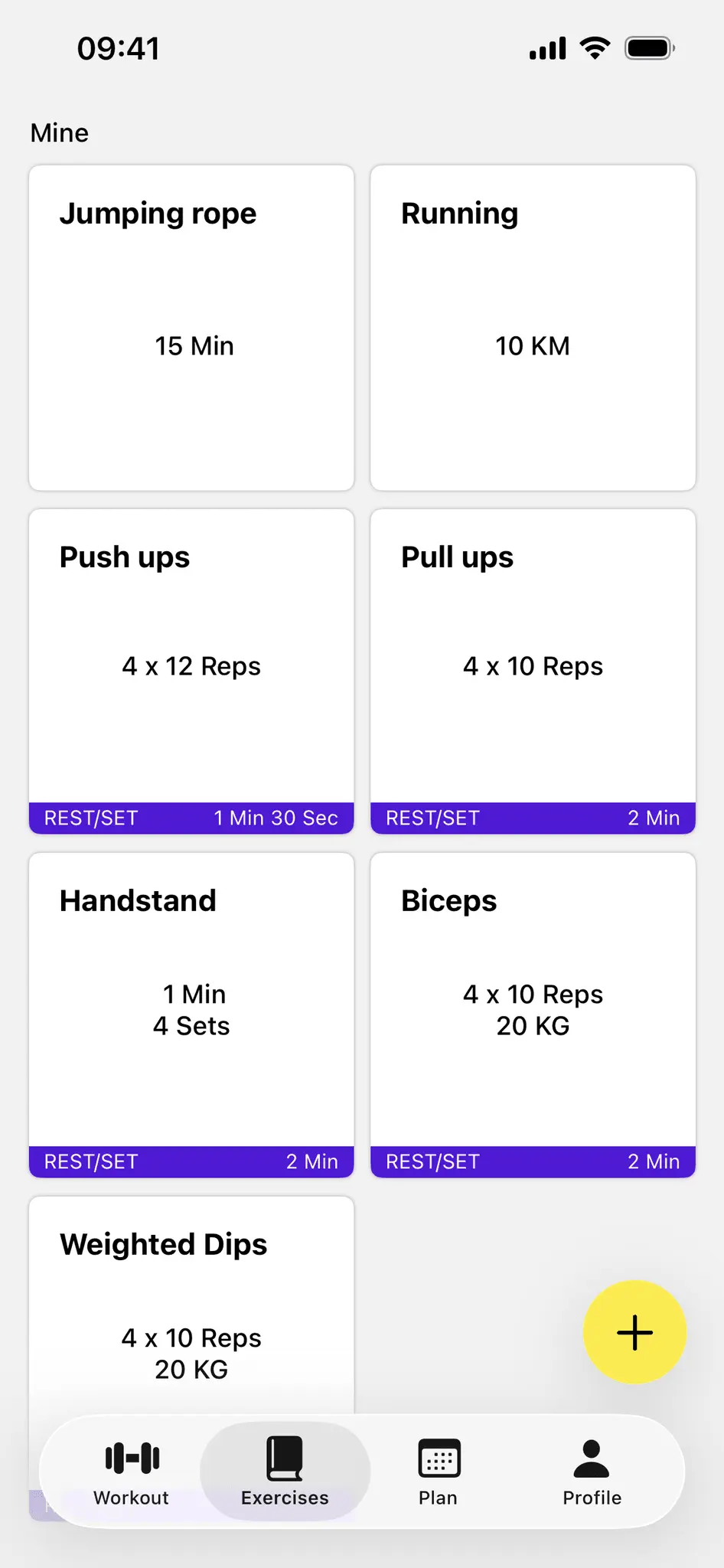
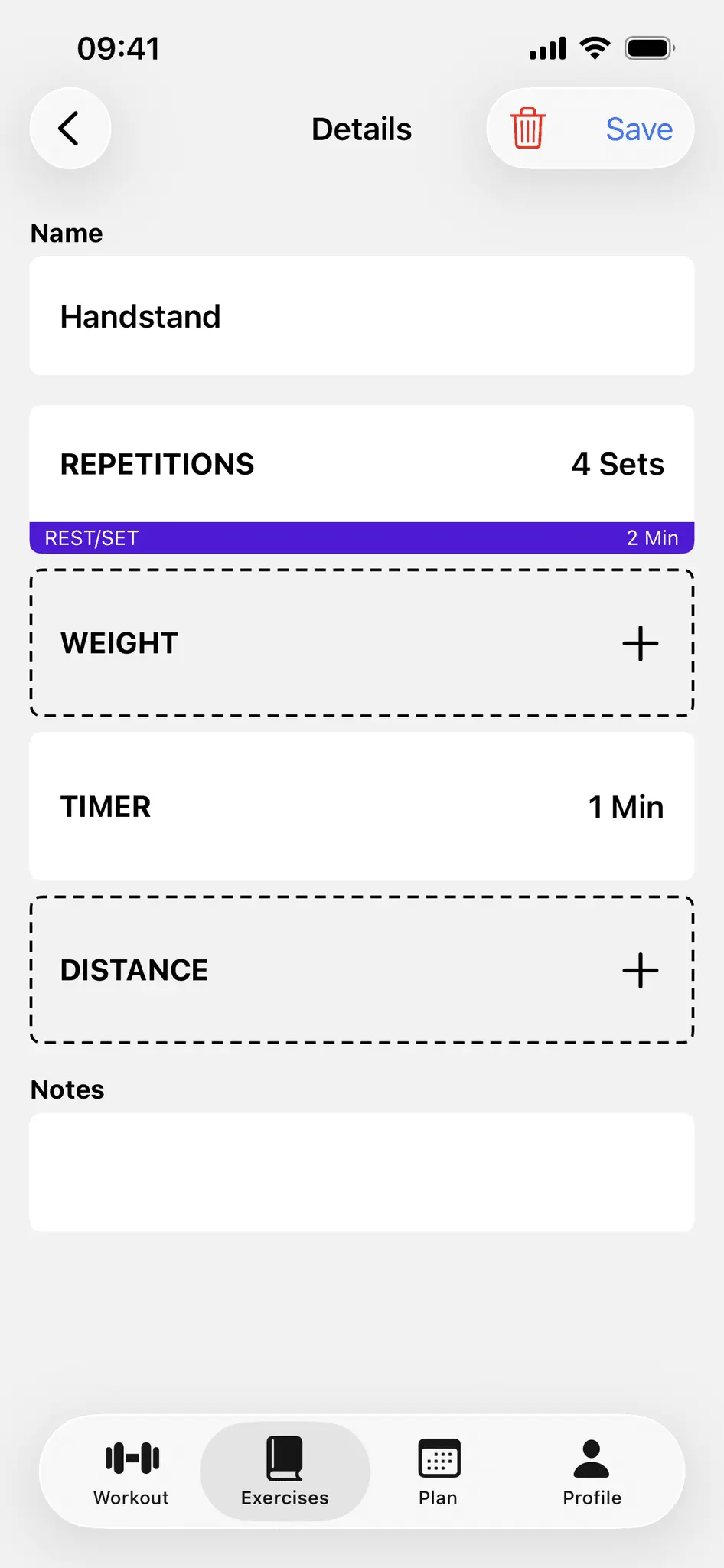
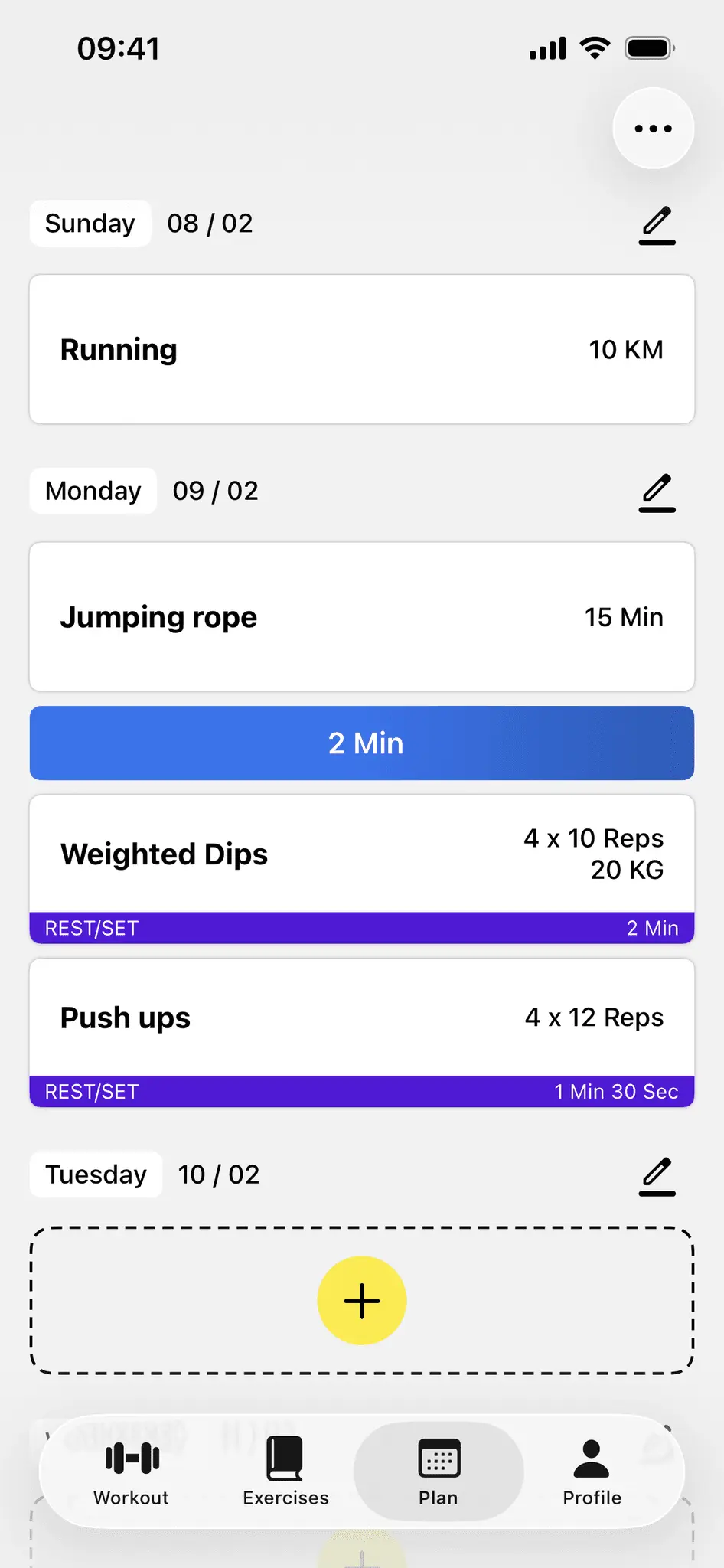
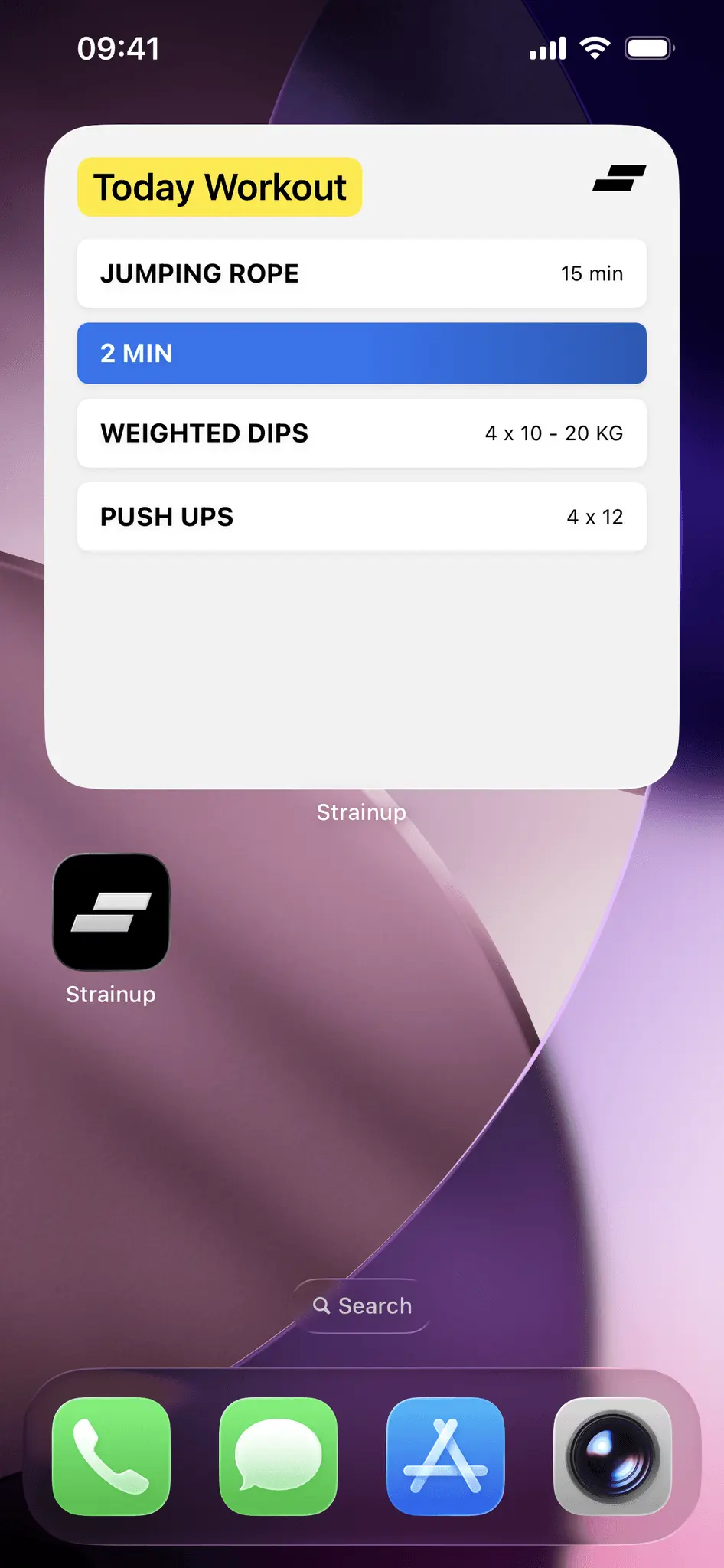
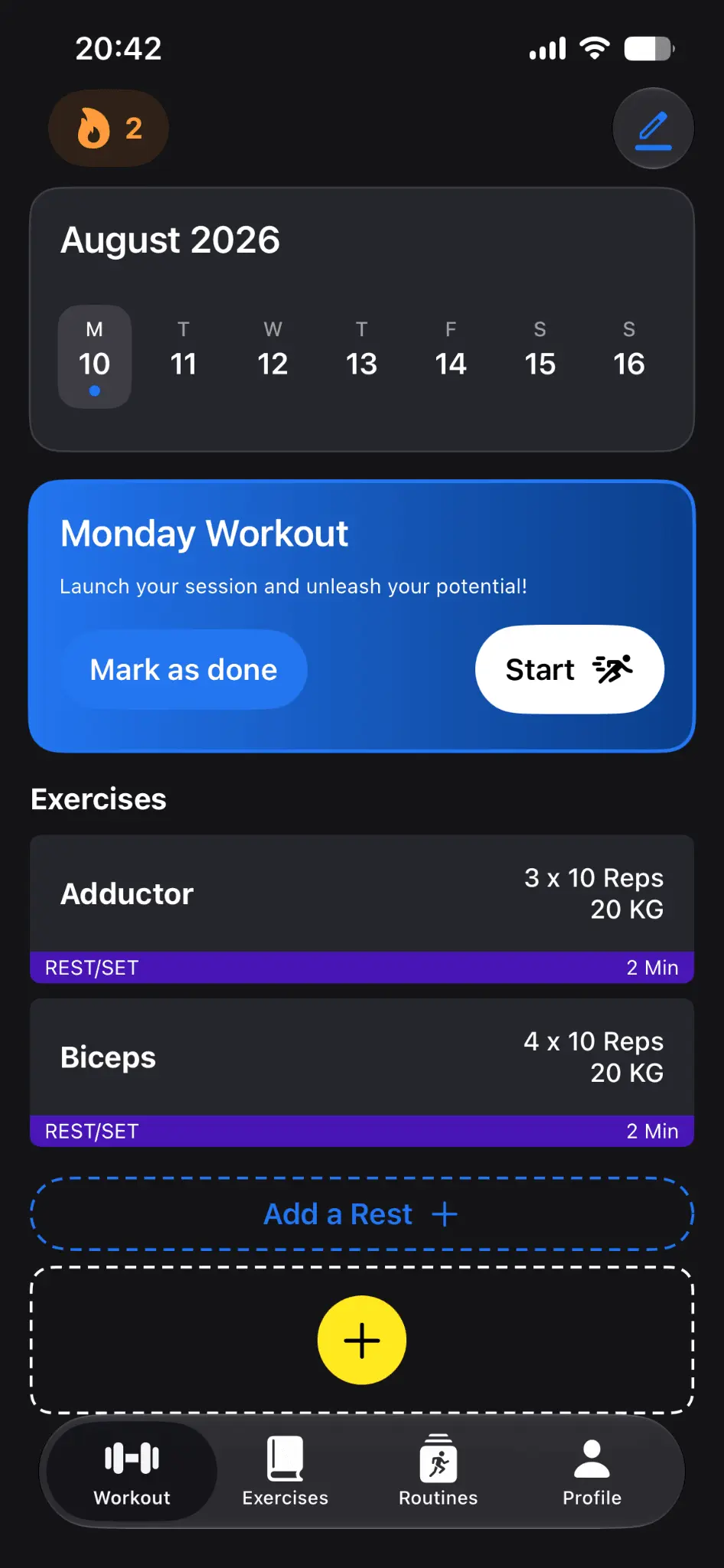
Hey PeerPush community! 👋 I'm Victor, the indie iOS developer behind Strainup. Strainup is a fully customizable iOS and watchOS workout tracker designed for athletes who need full control over their training logs without rigid preset limits. Whether you train in calisthenics, powerlifting, street workout, or general fitness, Strainup lets you build and adapt custom exercises, sets, and parameters to match your exact routine. Key Features: - Fully Custom Parameters: Log reps, weight, time, distance, or free text notes per set, and adjust targets dynamically mid-session. - One-Tap Routine Sharing: Share custom exercises or multi-day workout routines with friends or clients for instant one-click import. - Apple Ecosystem Integration: Full native watchOS app, Live Activities and Dynamic Island rest timers on the lock screen, and home screen widgets. - Progress Analytics and PR Tracking: Visual charts with multi-period filters and Personal Record trophy badges. Platforms: iOS (iPhone), watchOS (Apple Watch) Pricing: Free with optional Premium features
Discount Codes
Strainup Premium - 1 Month FREE(-100% OFF)
Valid until Dec 19, 2027
Screenshots
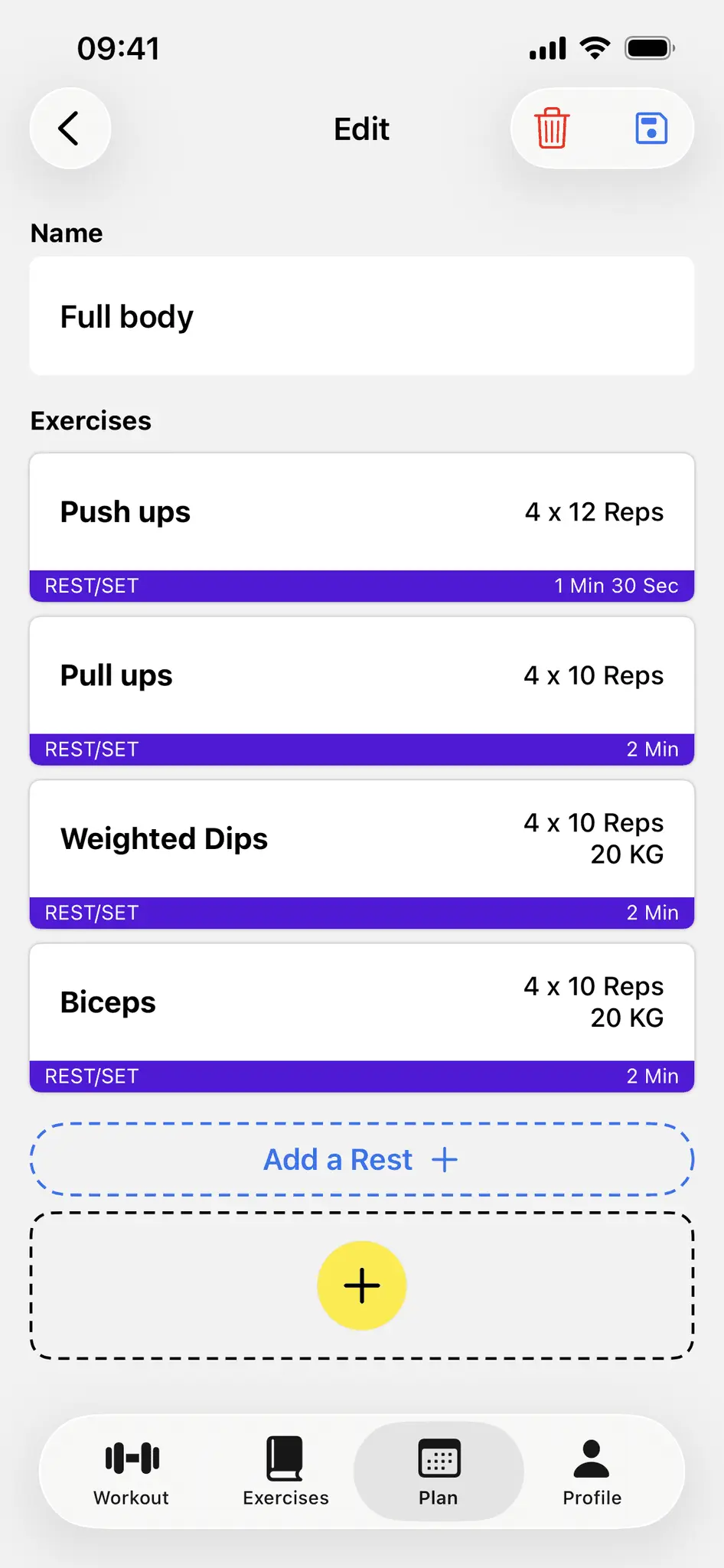
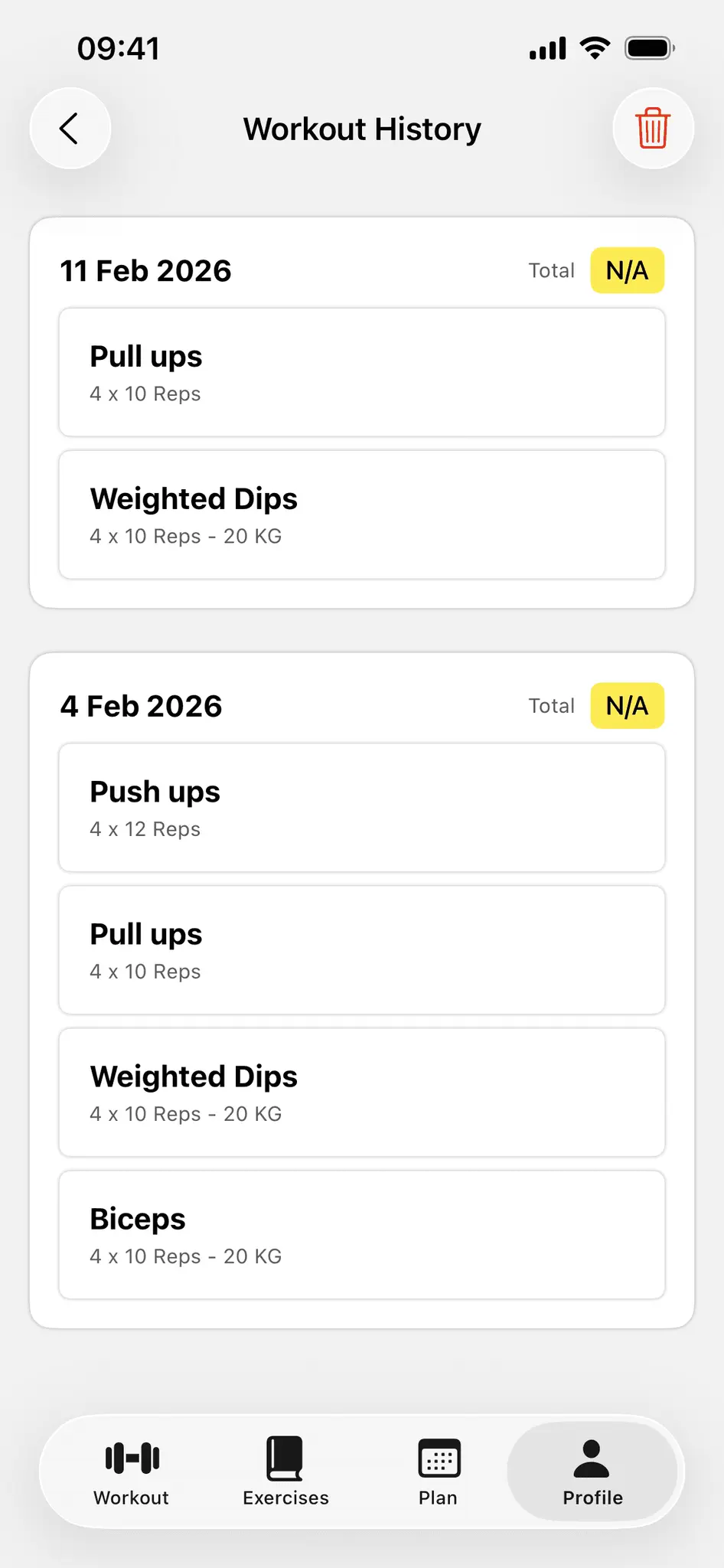
Product Updates (5)
RPE logging & export/import for AI
You can now track RPE for an exercise. Once you validate a serie, the app ask for RPE. Adapt your loads at the end of the workout with suggestions. Now you can export your workout to your favorite AI to get some feebacks and ask AI to generate routines/exercises tailored for you. Go to settings -> Import from an AI.
Comments (0)
No comments yet. Be the first to share your thoughts!
Custom units are here! And never forget your plan!
Strainup now supports both the metric and imperial systems. You can change this setting when you sign up or in the settings. Fill in your week, and the app will automatically show you your workout for the day. Add a widget to your home screen to see it at a glance!
Comments (0)
No comments yet. Be the first to share your thoughts!
You can now visualize set time during workout!
Like for the rest, a time component will be displayed for an exercise with a time. You can control the timer and if you toggle auto-advance in time settings in exercise, it will automatically validate the set and start the next one.
Comments (0)
No comments yet. Be the first to share your thoughts!
Custom workout stats & better onboarding!
Hey, Strainup got a new update! You can now customize the stats bar that appears during a workout! Choose up to four stats to display! Five stats are available. The onboarding experience is now smoother than ever: new users can now generate default exercises based on their fitness level. Keep or delete the generated exercises by swiping the cards—just like on Tinder! Now, looking for your feedback!
Comments (0)
No comments yet. Be the first to share your thoughts!
Dark mode is finally here, and workout got rewritten from scratch
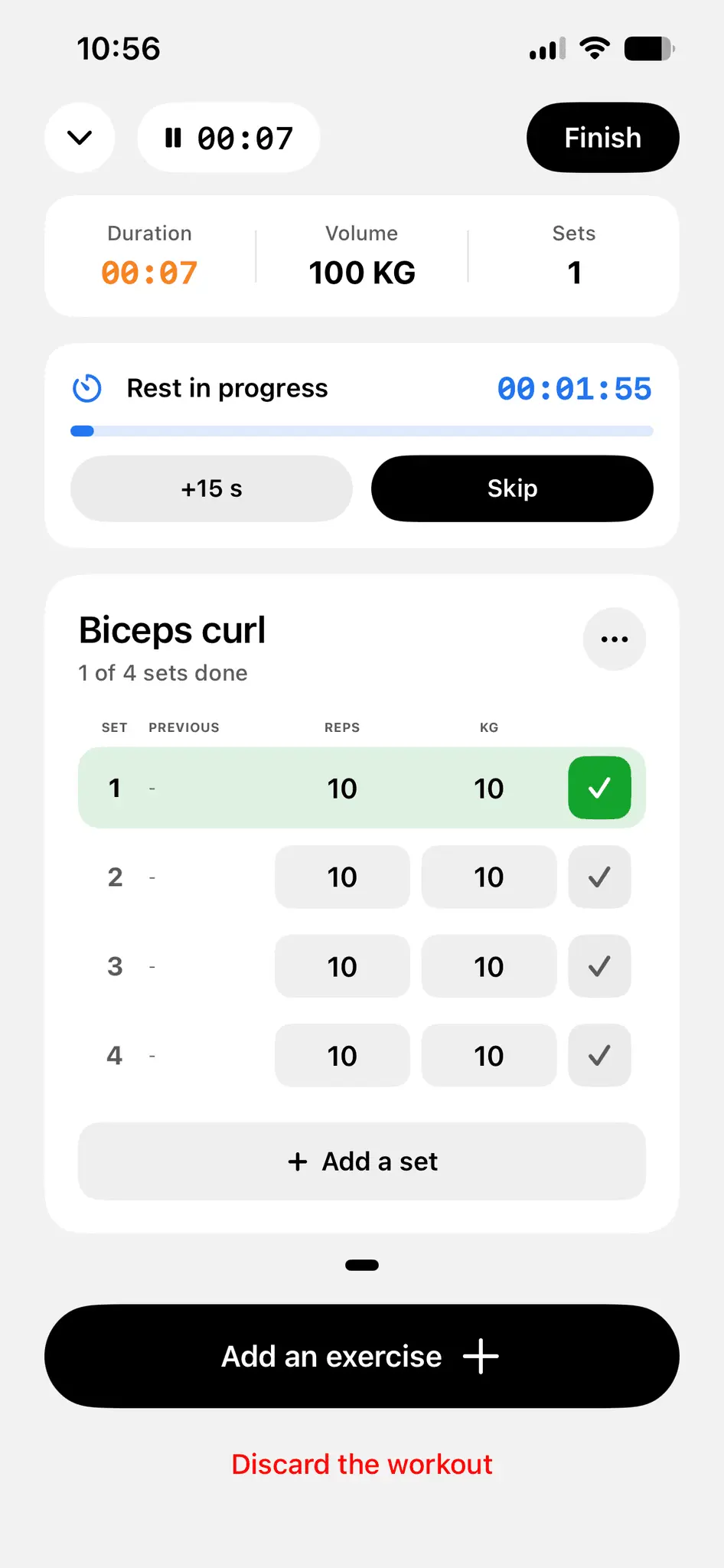
Hey, Strainup got a new update! Dark mode. Yeah, finally. Follows device setting by default, but you can change it in the settings. Workouts work completely differently now. The old flow walked you through your session on a timer, chaining sets automatically. Now it is fully customizable. So now, during your workouts: - Tick off each set when you're done with it - Change weight, reps, time or distance mid-session - What you did last time sits right next to each set - Rest timer starts on its own when you tick a set (+15s or skip) - Workout state is saved even if you close the app Now looking for your feedbacks!
Comments (0)
No comments yet. Be the first to share your thoughts!
Reviews (6)
Average 5.0 out of 5
Based on 6 reviews

Beautiful


make me want to workout more


Clean ui, app is simple, I like it
Comments (0)
No comments yet. Be the first to share your thoughts!