
SyncGallery
Android file sync and backup you control

Details
- Follow on
- @SyncGallery
- Categories
- Productivity & NotesMobile Apps
- Target Audience
- HobbyistsPhotographersRealtors
- Pricing
- Freemium from $5
- Platforms
- Mobile
- Featured in
- Best Tools for Realtors
Discovery signals
How AI and people discover SyncGallery on PeerPush
By AI reads among Mobile Apps tools
696 AI reads in the last 30 days, ranked against every Mobile Apps tool listed.About SyncGallery
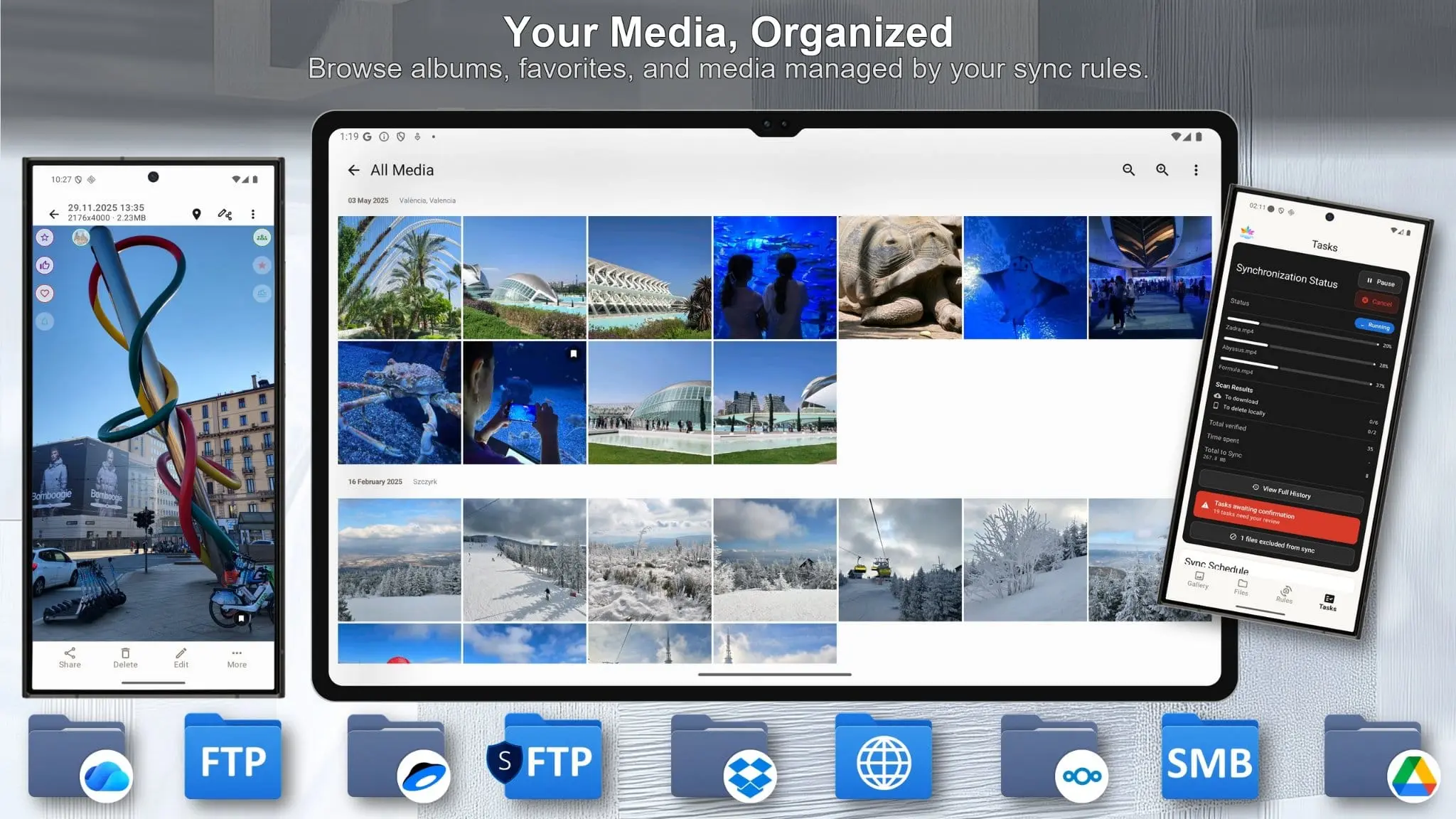
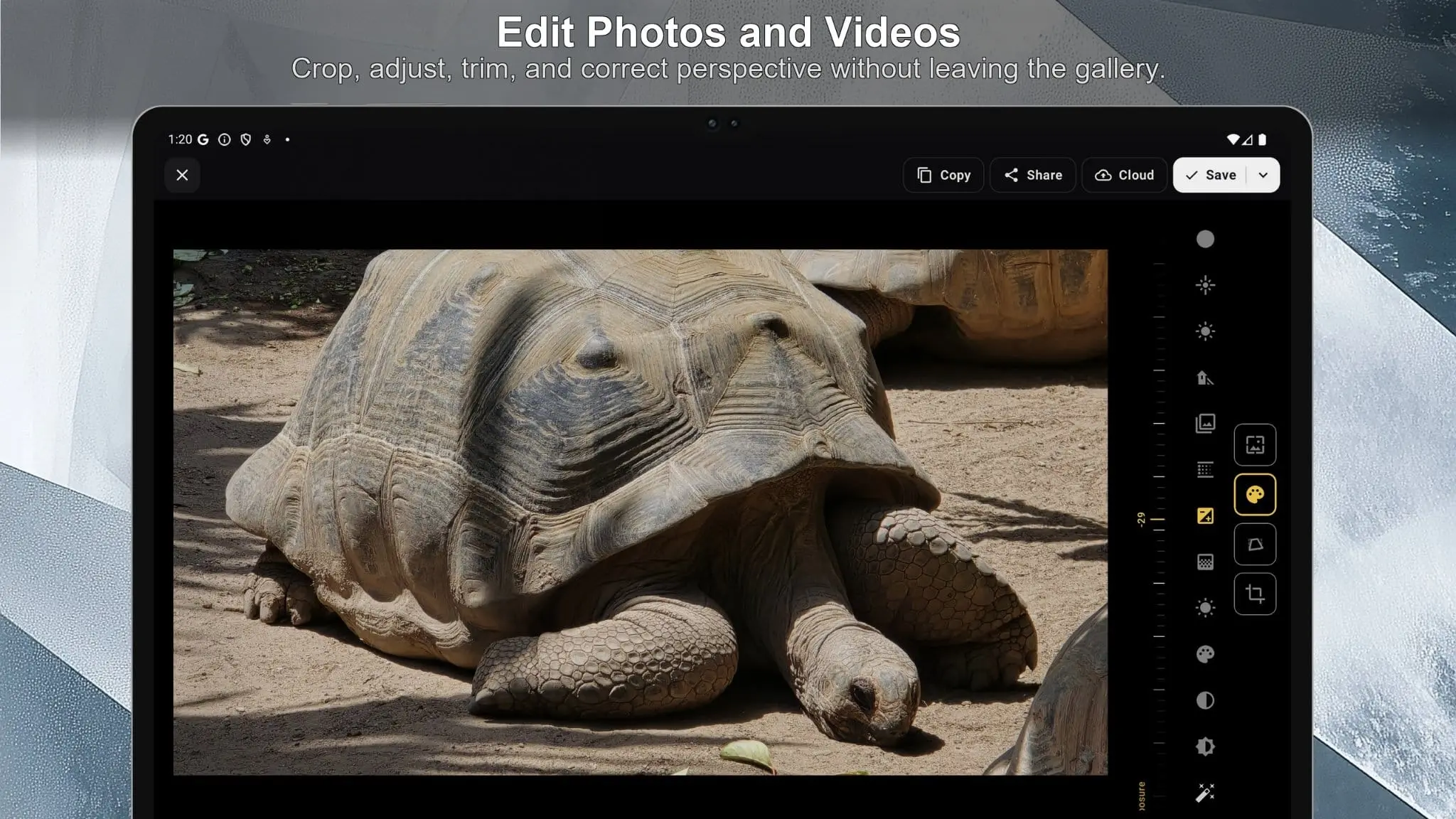
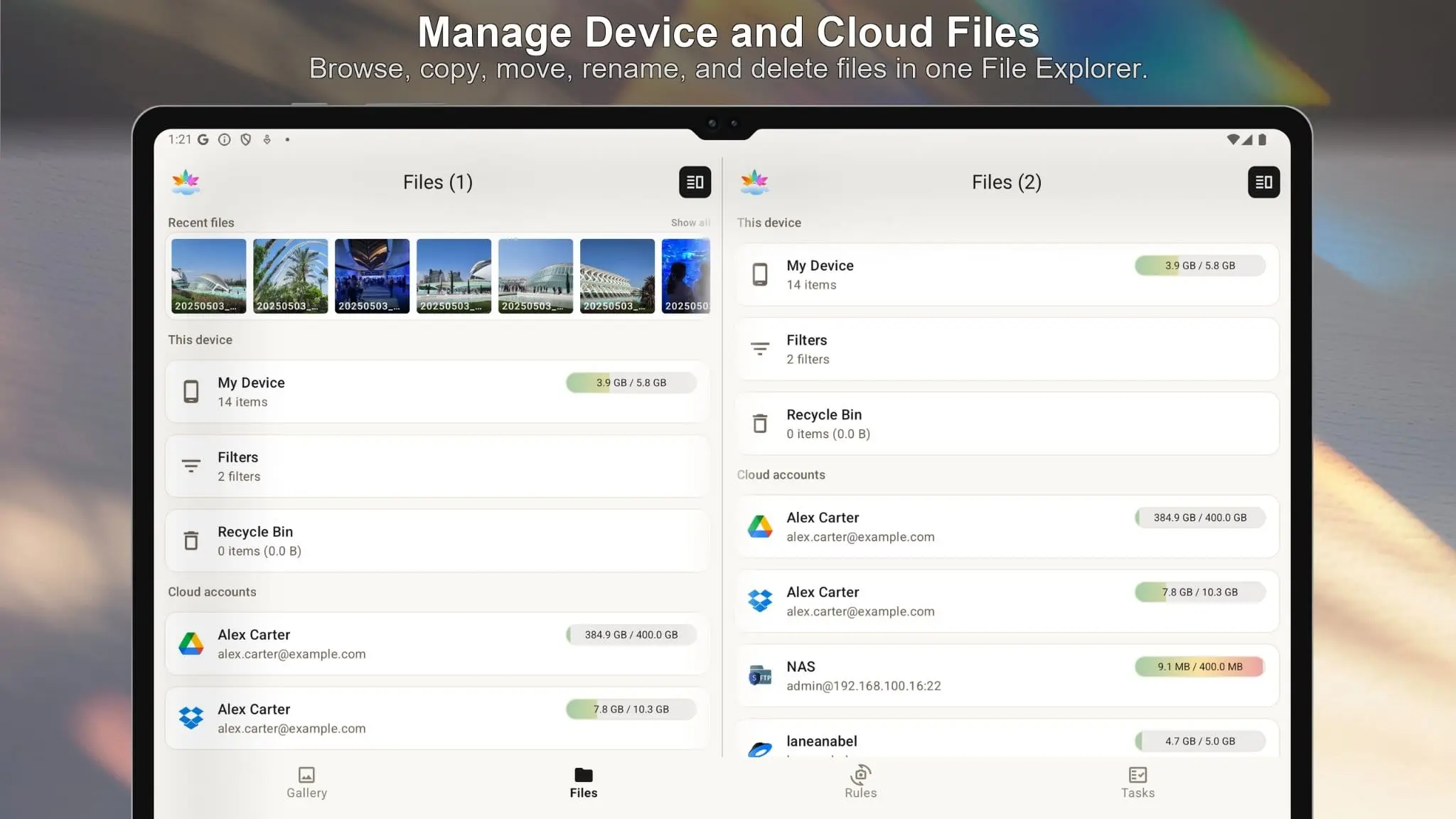
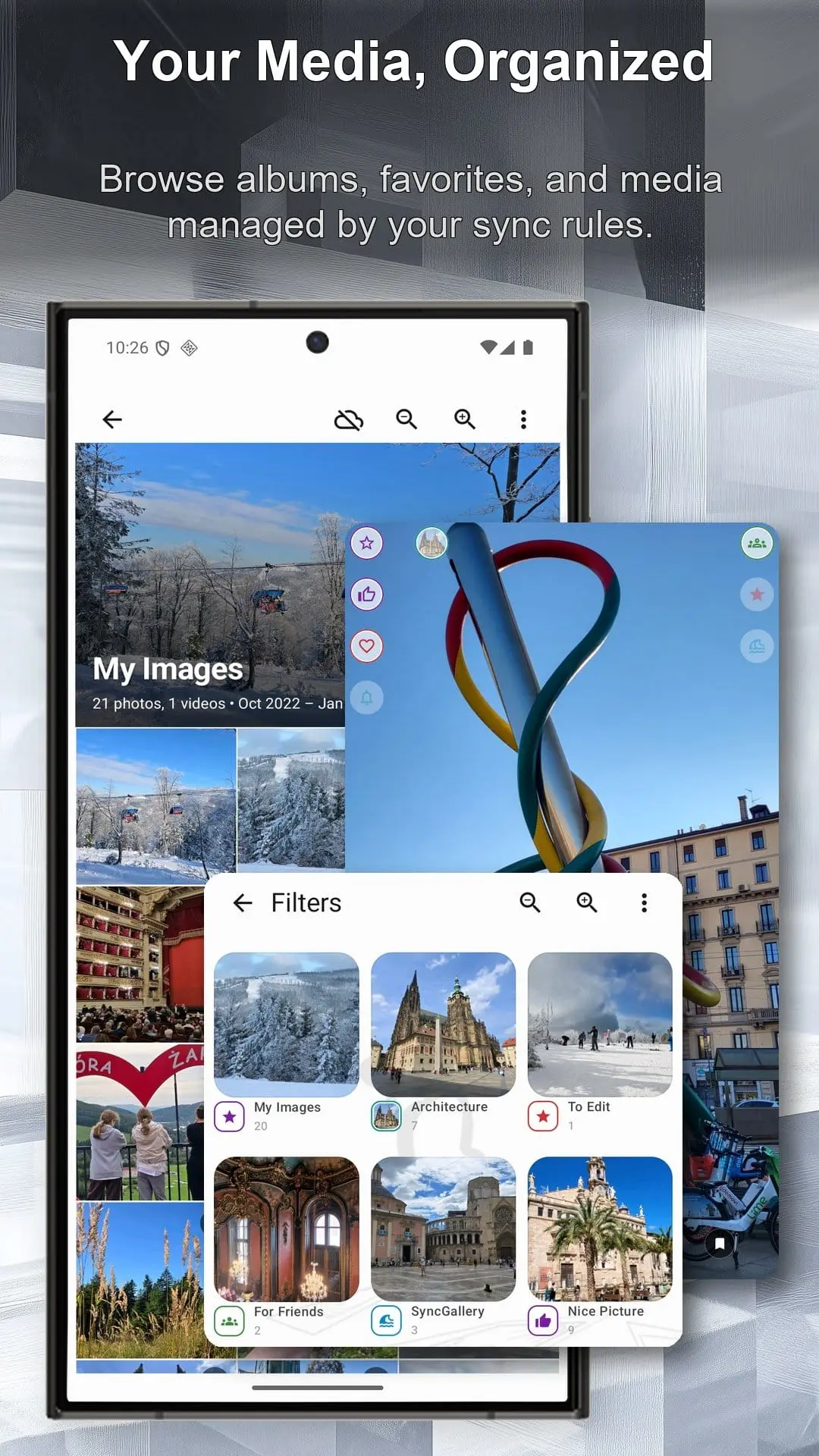
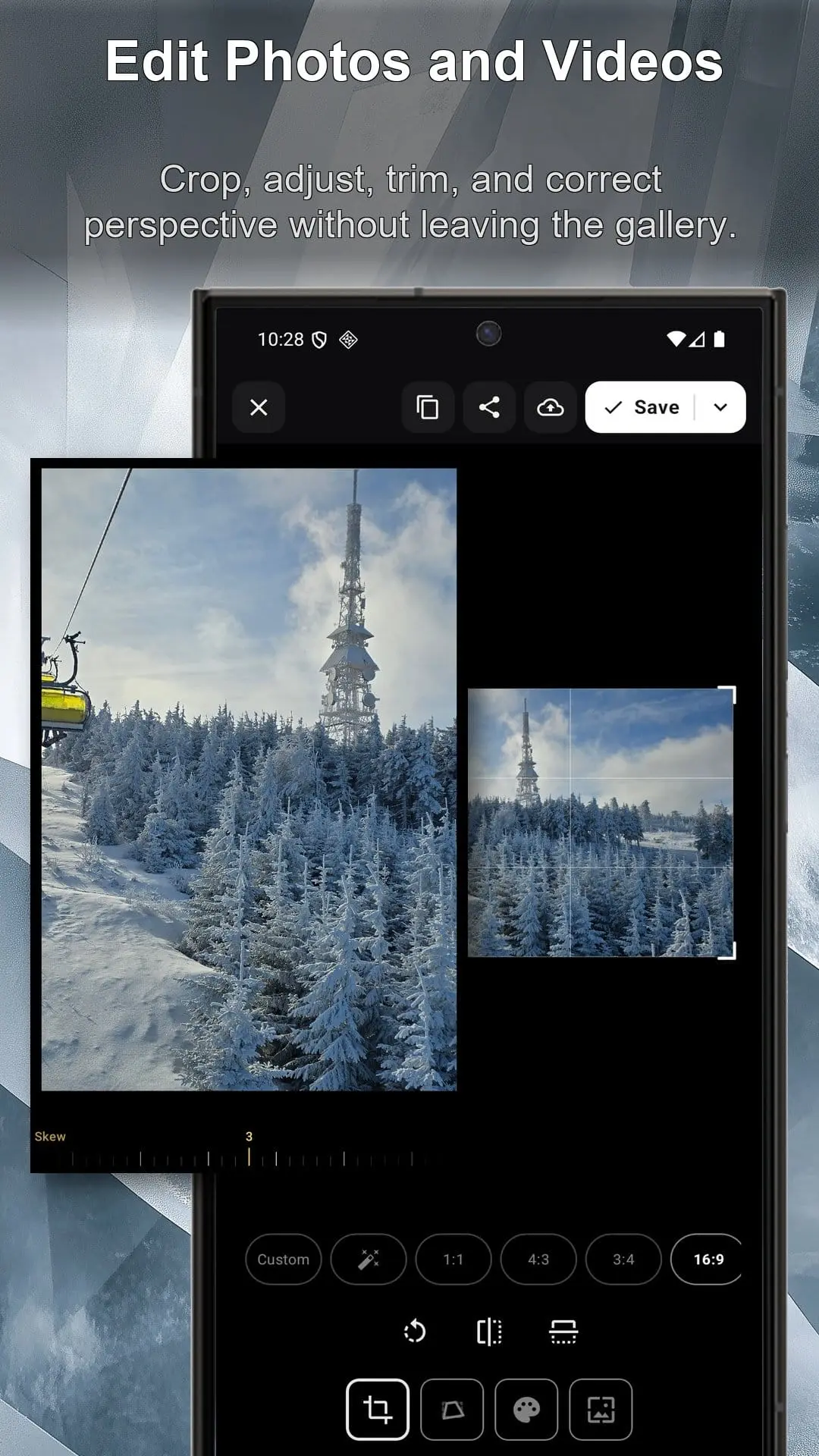
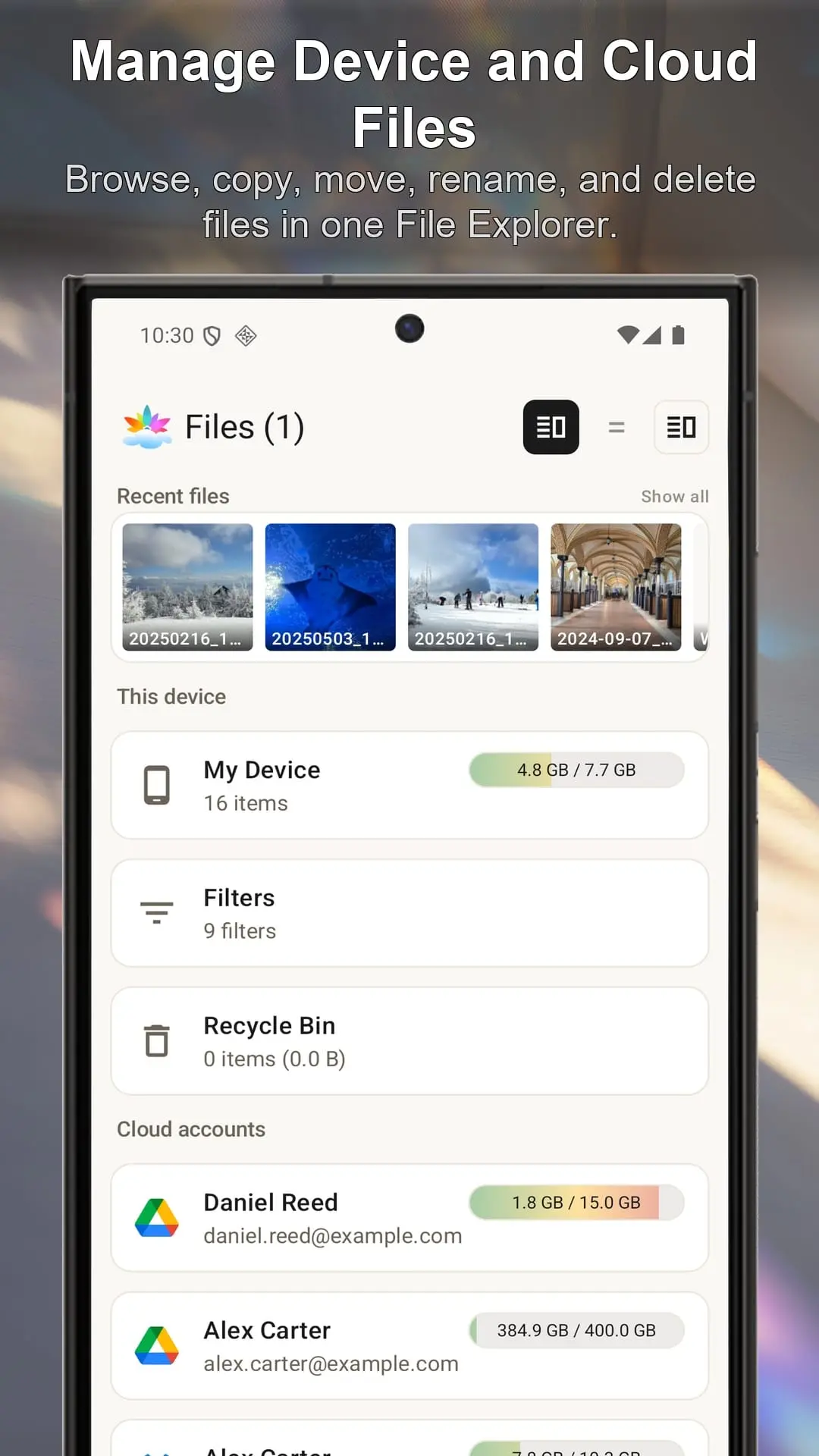
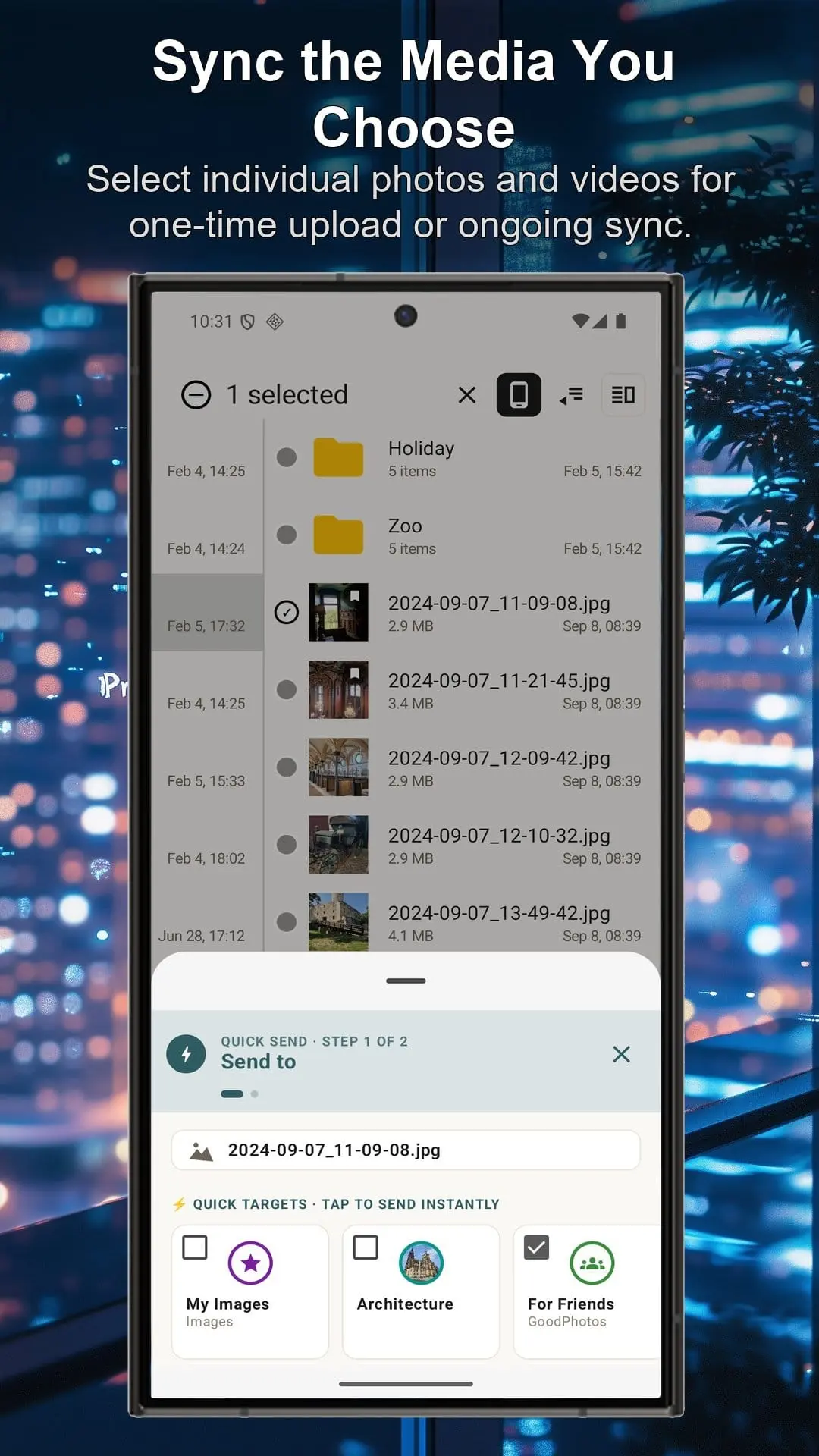
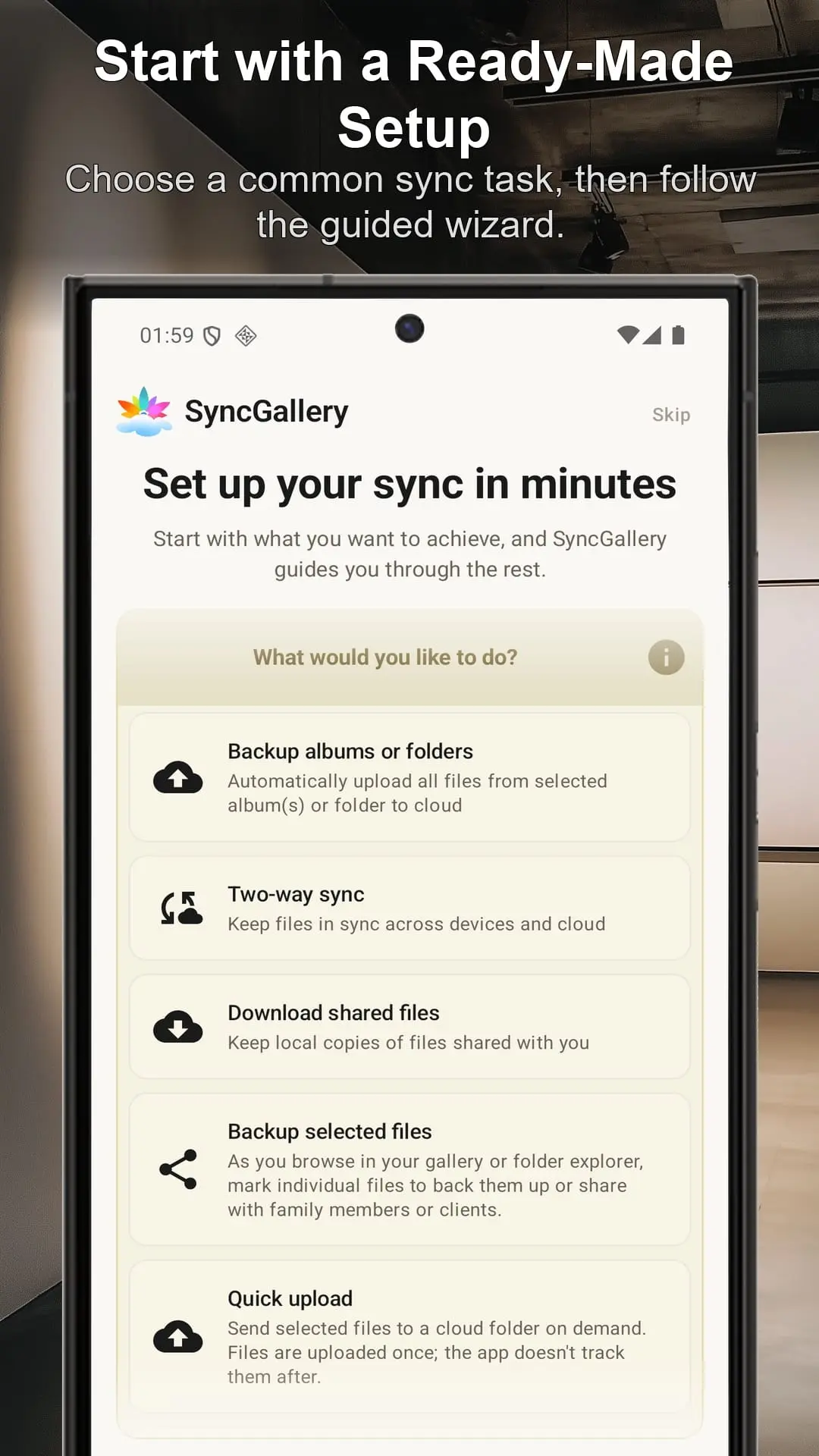
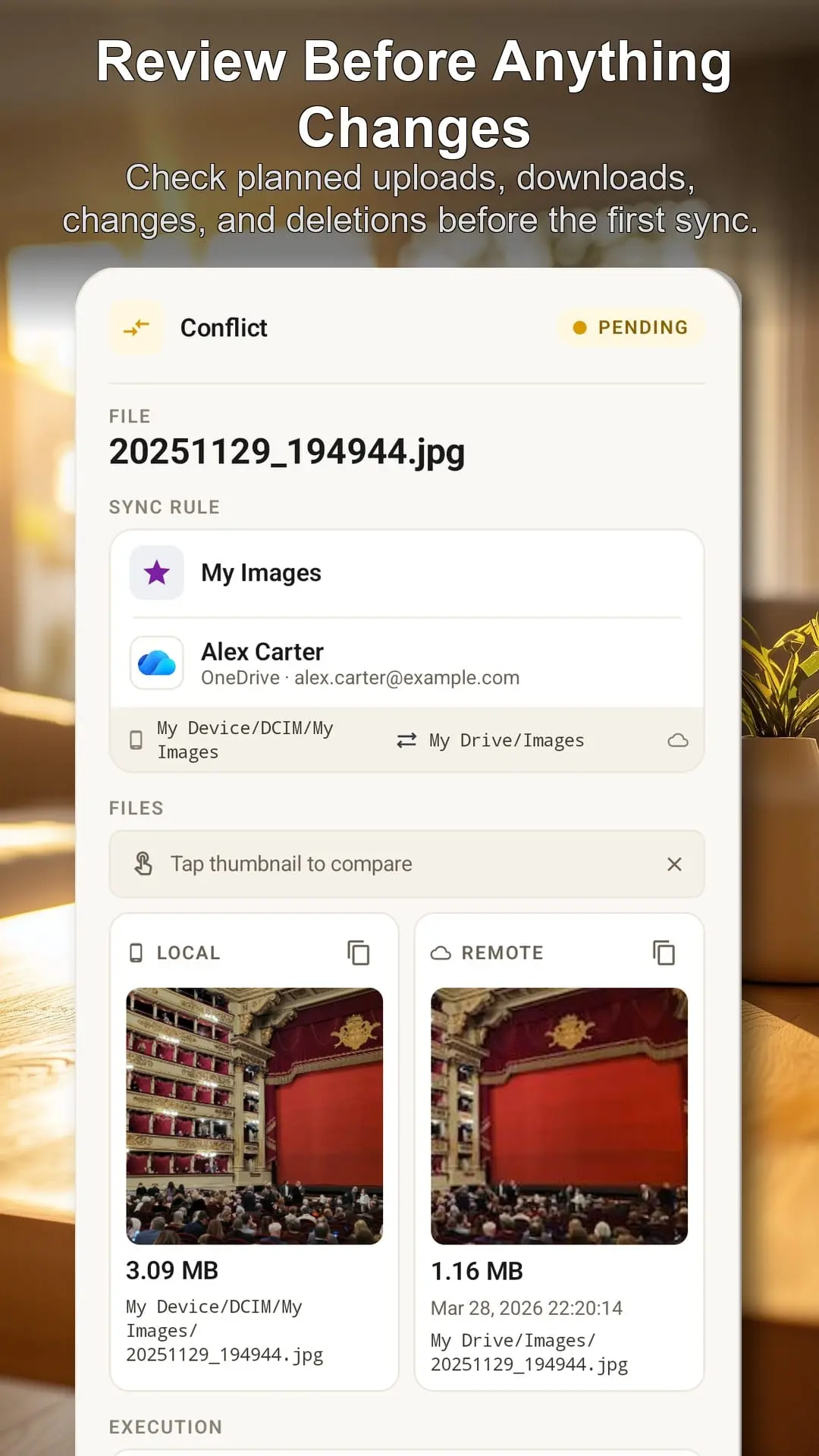
SyncGallery is an Android app for anyone who wants an easier way to back up, sync, and manage photos and files. It combines a photo gallery, file explorer, editor, and flexible sync tools in one place. You can connect Google Drive, OneDrive, Dropbox, Yandex Disk, Nextcloud, NAS, FTP/FTPS, SFTP, and WebDAV. The app helps users manage their photo library efficiently with features including: * Previewing the first sync before committing changes, helping avoid surprises and duplicates * Automatically backing up the camera folder or any other folder * Keeping folders synchronized with one-way or two-way sync * Uploading photos and videos directly to cloud folders from preview mode * Quickly sending files from other Android apps through the Share menu * Browsing and managing files across the device, cloud accounts, and network storage * Tracking uploads and downloads with per-file progress * Viewing the full sync history to understand every change * Reviewing conflicts and choosing which version to keep * Editing photos and videos without leaving the app Files move directly between the Android device and the selected cloud account or server, giving users more control over where their data goes.
Product Video
Watch a video demo of SyncGallery.
Screenshots
Reviews (1)
Average 5.0 out of 5
Based on 1 review

Comments (1)
Excited to launch SyncGallery! I built it because I couldn’t find an Android app that naturally combined a gallery, file manager, and flexible cloud/NAS sync. I’d love your feedback!