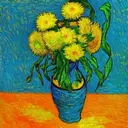
Tactile Paint
Transfer images into art paintings with endless styles

Details
- Follow on
- Categories
- Target Audience
- Platforms
About Tactile Paint
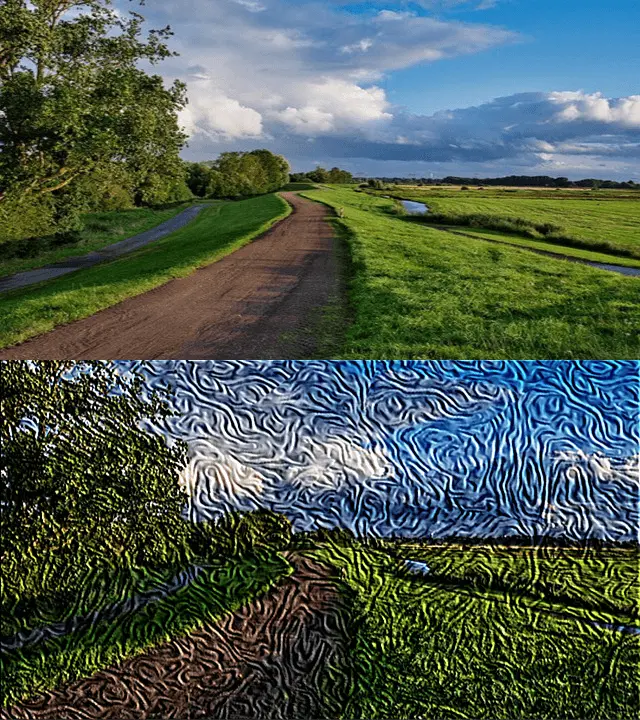
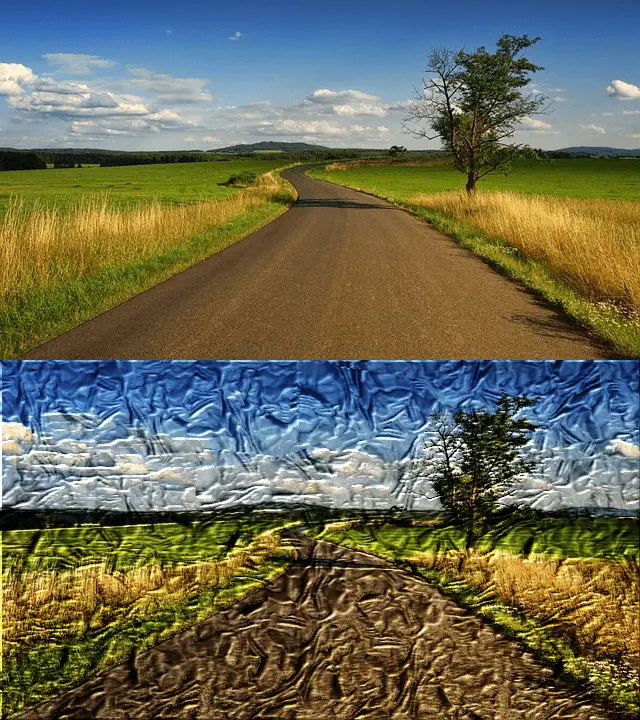
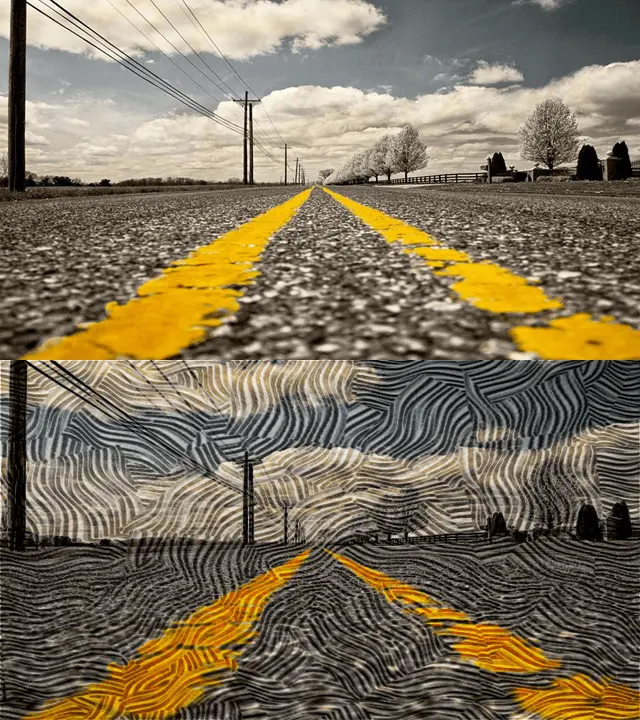
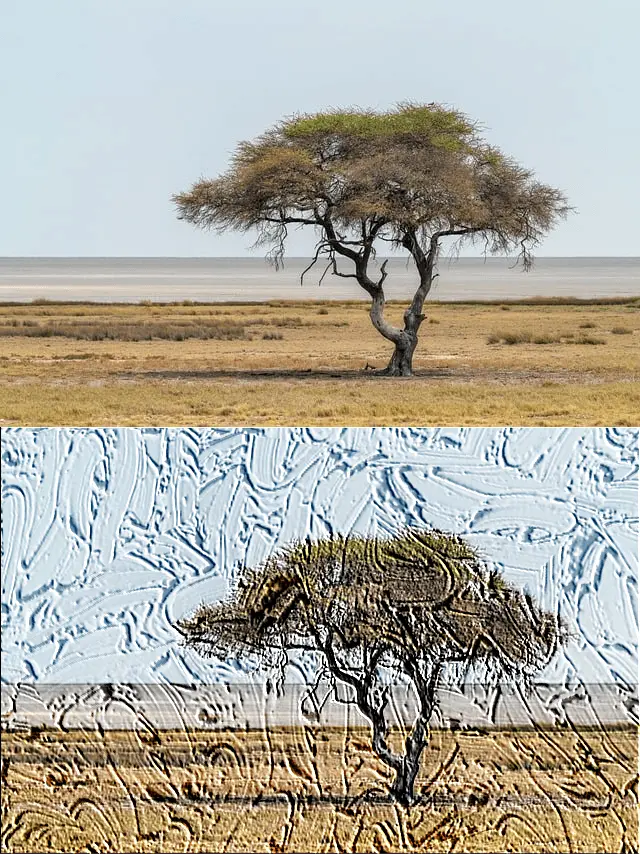
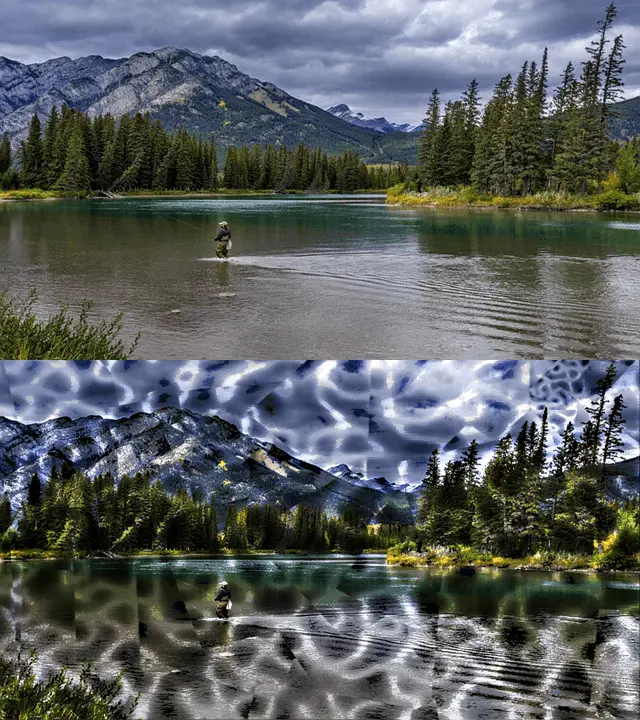
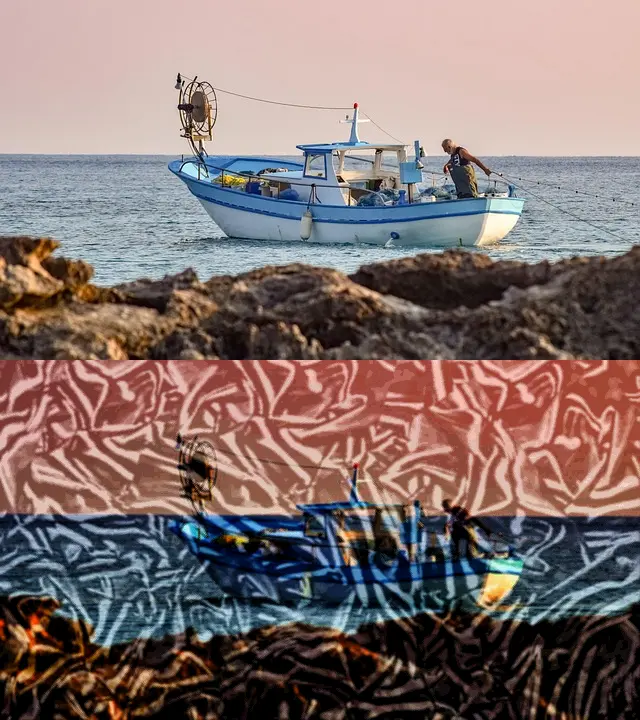
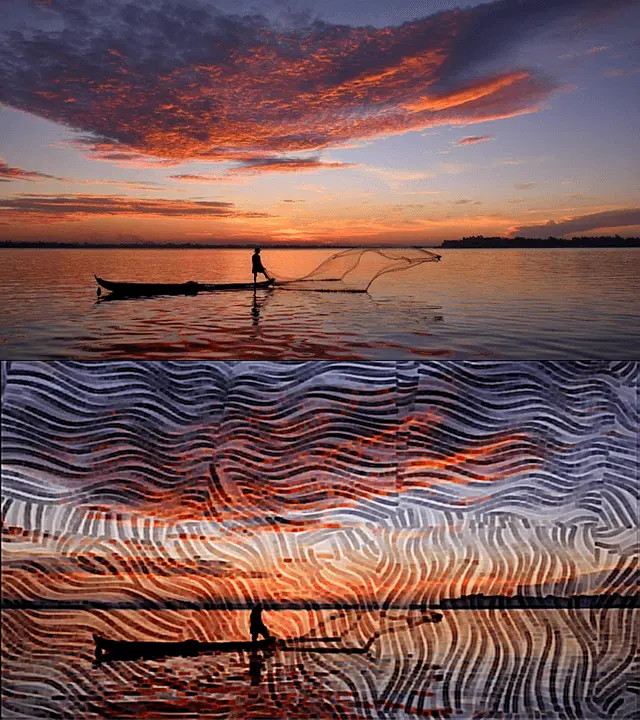
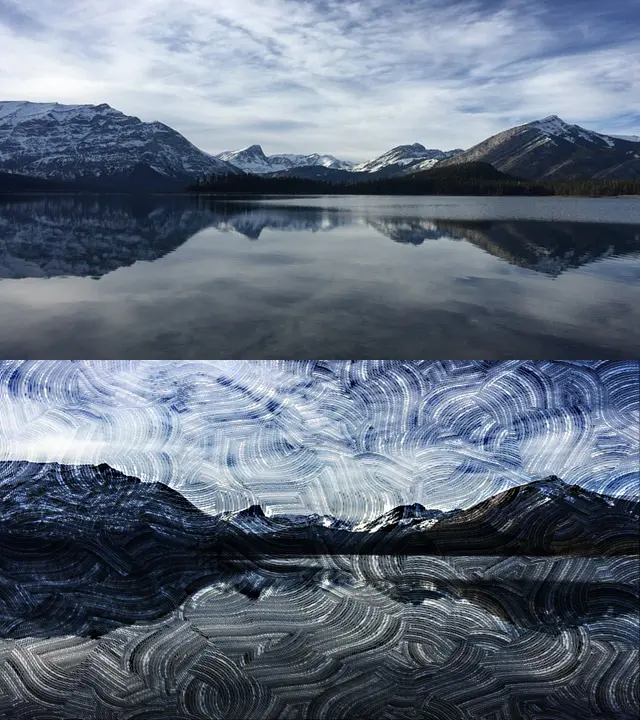
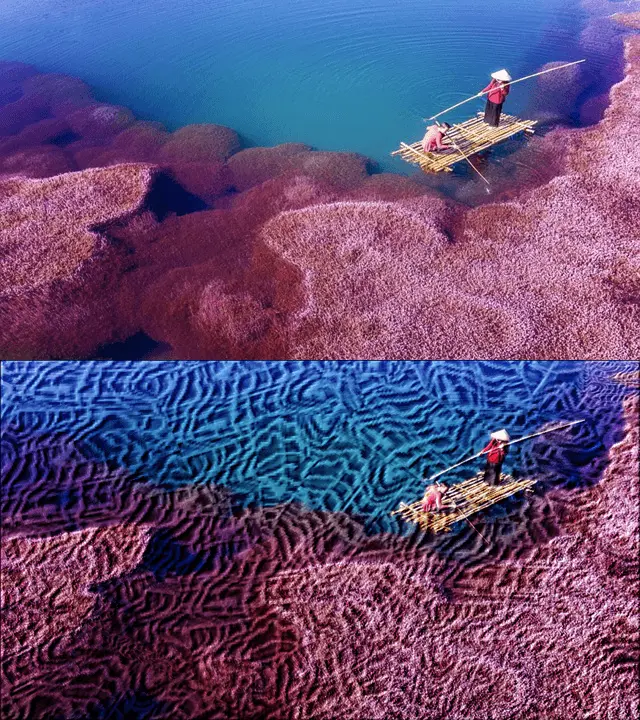
Using start of art local AI, Tactile Paint repaints an image using small texture brush to generate different styles of artistic paintings. The placement and orientation of each brush stroke is calculated based on the attributes of the underline images. Along with various of image filter effects, users can generate unlimited styles of stunning art paintings. Turn ordinary photos into stunning textured paintings! Tactile Texture Paint makes it easy to create unique, tactile artwork using a wide range of patterns, textures, and brush styles. Transform any image into a 3D masterpiece with just a few taps. Create Art with Texture Apply realistic textures to your photos Choose from a variety of brush stroke patterns Adjust texture strength, stroke orientation, and brightness Add edge enhancement filters for a 3D painting effect Discover unique artistic filters to stylize your image Designed for Creativity Tactile Texture Paint is built for artists, hobbyists, and anyone who loves visual creativity. With an intuitive interface and responsive tools, you’ll have fun exploring endless combinations of textures and styles. Easy to Use Import a photo Select a texture and adjust settings Apply filters and enhancements Save or share your new artwork Features You’ll Love Wide selection of textures & patterns Powerful editing tools for photo to painting transformations Fast rendering and real-time previews Export and share directly to social media
Screenshots
Reviews (0)
No reviews yet. Be the first to rate this product!
Comments (1)
Using local & offline AI, Tactile Paint quickly converts photos into fine arts. With a large preset of brush textures and users' own textures, the app can generate unlimited styles of art paintings.