
TagWorks
Landing Page Hosting & Traffic Analytics & AI Automation

https://tagworks.io/api/mcpDetails
- Use Cases
- Target Audience
- Pricing
- Subscription from $20
Discovery signals
How AI and people discover TagWorks on PeerPush
About TagWorks
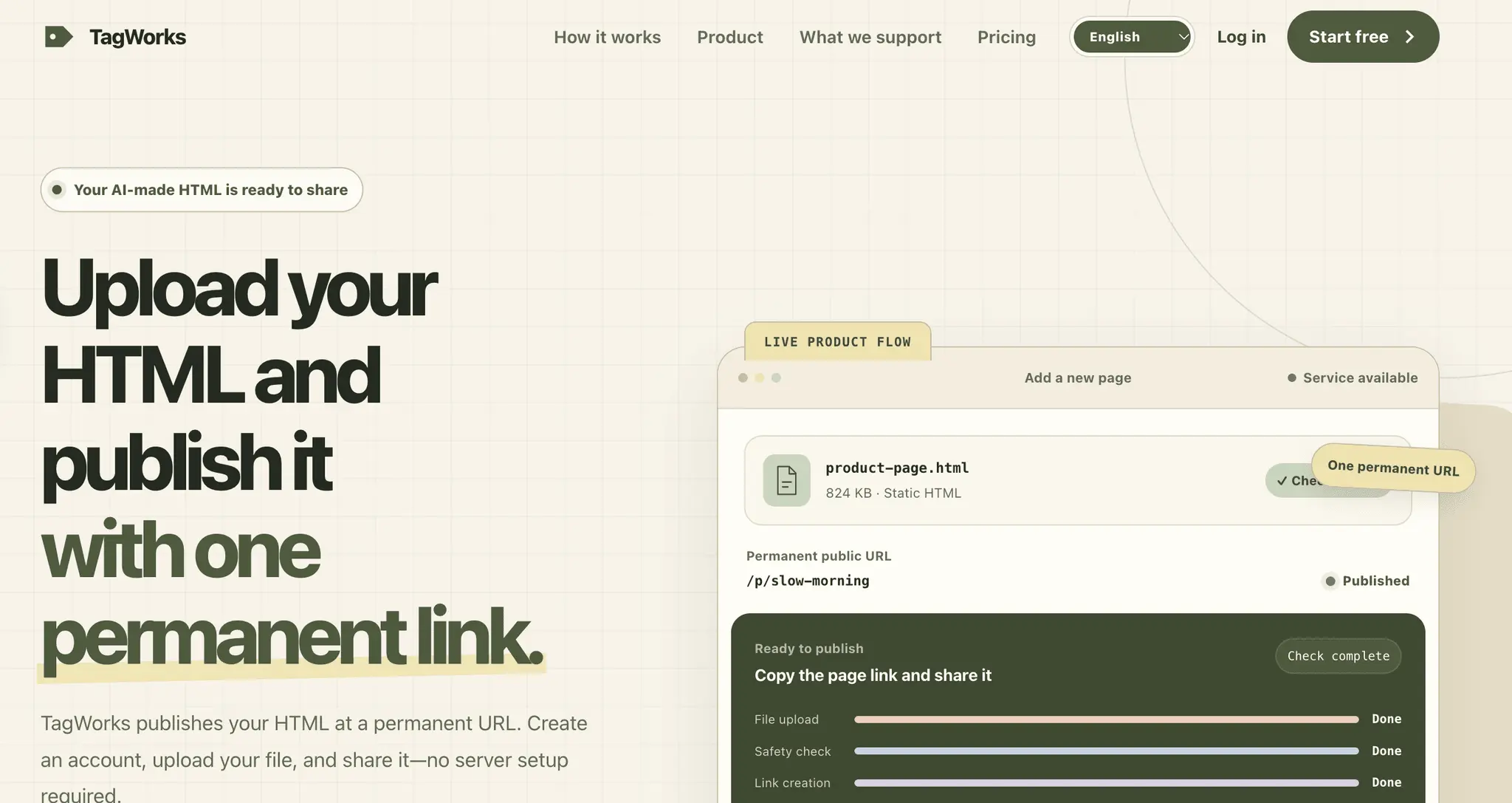
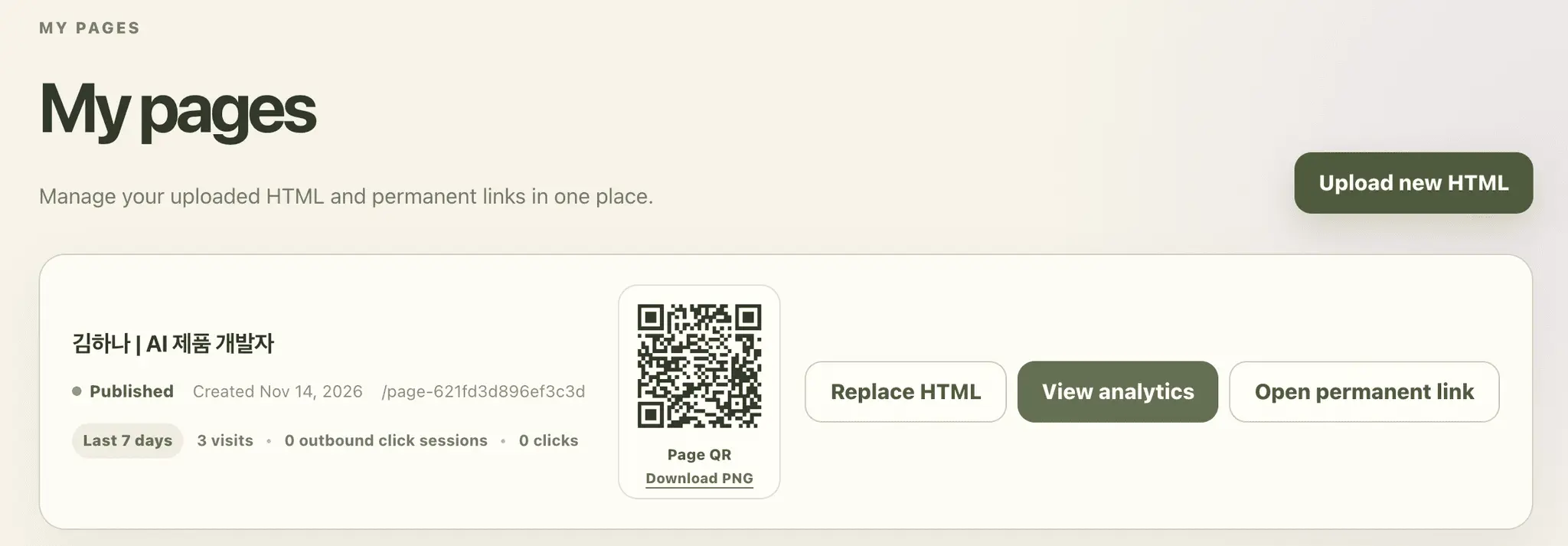
From Marketing Landing Page Hosting to Traffic Analytics & AI Automation — TagWorks Effective digital marketing and personal branding start with a clear landing page and actionable data. TagWorks lets you host webpages immediately without infrastructure overhead and track visitor traffic simply by generating a link. Whether you are a marketer or founder looking to capture leads, or a professional aiming to showcase your portfolio and personal brand, TagWorks serves as your all-in-one profile hub. Set up your page seamlessly even from a mobile device, and streamline your workflow by using an API key to have AI automatically register your landing page URLs. Host and deploy your custom marketing landing pages instantly—no complex server setup or coding required. Instant Traffic & Visitor Analytics Built-in analytics activate the moment you generate a link. Track your traffic sources and page performance effortlessly without extra configuration. Lead Generation & Sales Acceleration Turn your page into a high-converting marketing hub to capture potential leads and actively promote your products or services. Powerful Personal Branding Hub Not in a sales role? No problem. Leverage a sleek, customizable profile link to elevate your career and strengthen your personal brand. Easy Mobile Setup & AI Automation Launch your page in minutes right from your mobile device. Plus, connect an API key to let AI automatically register and manage your landing page URLs.
Product Video
Watch a video demo of TagWorks.
Screenshots
Reviews (1)
Average 5.0 out of 5
Based on 1 review

Comments (3)
Analytics dashboard is incredibly detailed - shows exactly which channels drive conversions. AI automation saves hours on setup. Subscription from $20 is reasonable. Great value for marketers and founders.
Analytics that switch on the moment a link is generated, with no tracking script to install, is handy for founders who just want to know which channel sent a visitor. A short link-in-bio example would help new visitors.
The per-page analytics flow is clearly illustrated with sessions, outbound clicks and sources, and I appreciate that the page explicitly labels those numbers as sample data.