
TaskSnap
ave anything to Asana in one click — fast and lightweight

Details
- Follow on
- Use Cases
- Task AutomationTask Management
- Target Audience
- Project ManagersRemote teams
- Pricing
- Freemium from $10
- Platforms
- Web
Discovery signals
How AI and people discover TaskSnap on PeerPush
- ChatGPT
- Perplexity
- +4 other AI crawlers
Reads by these AI engines
Crawlers behind these engines read this listing on PeerPush.About TaskSnap
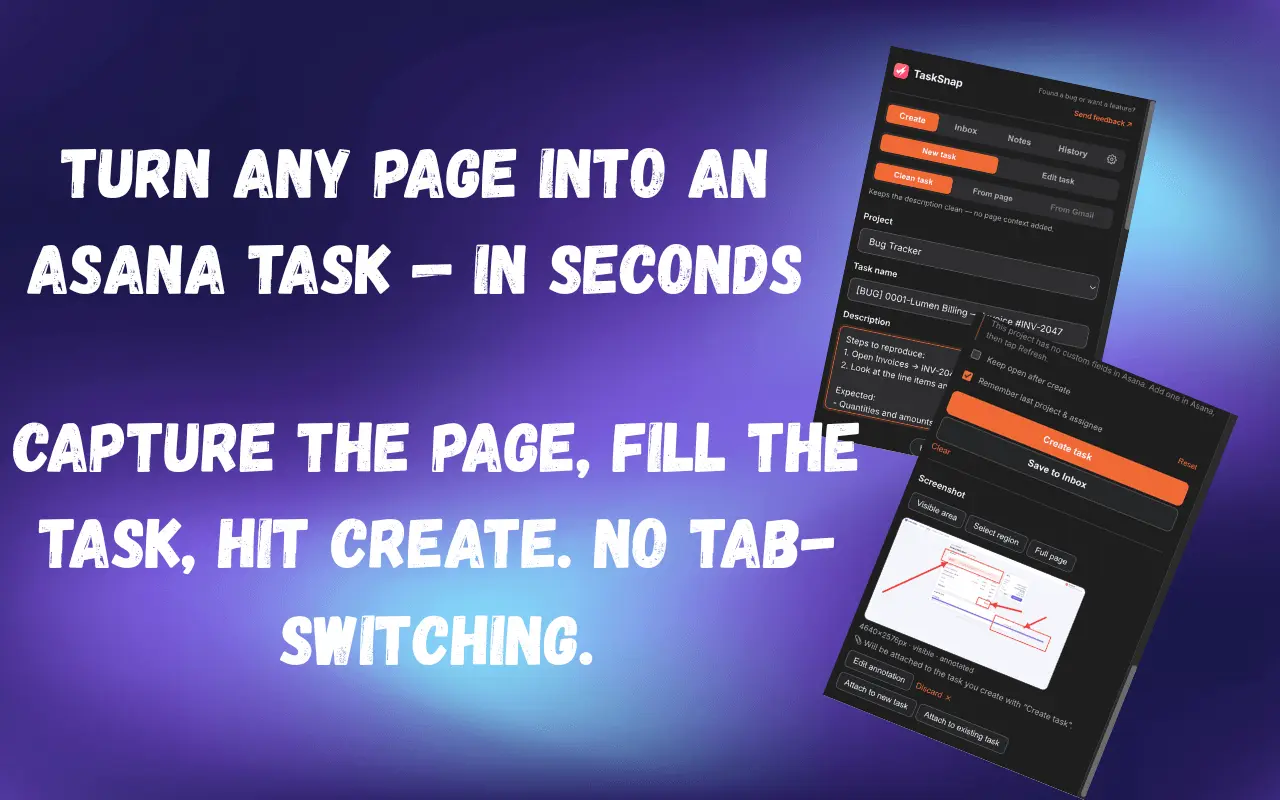
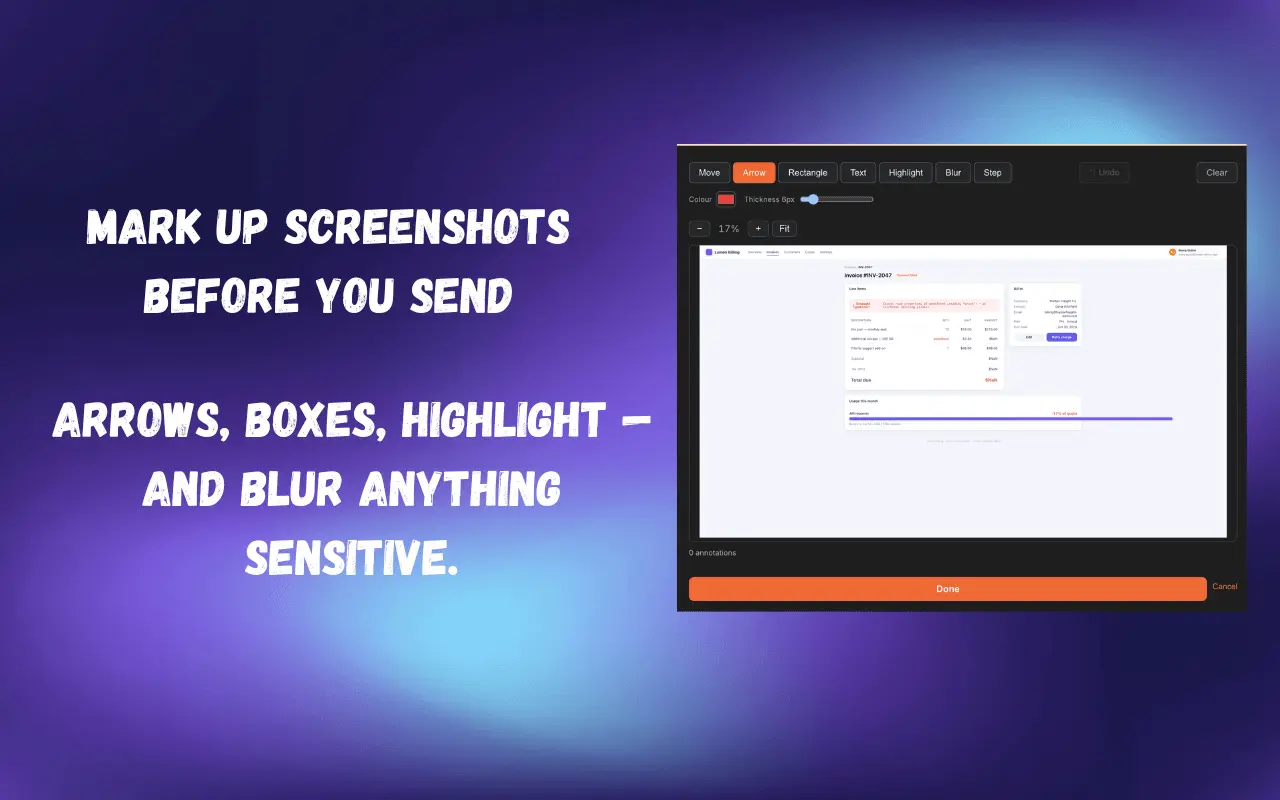
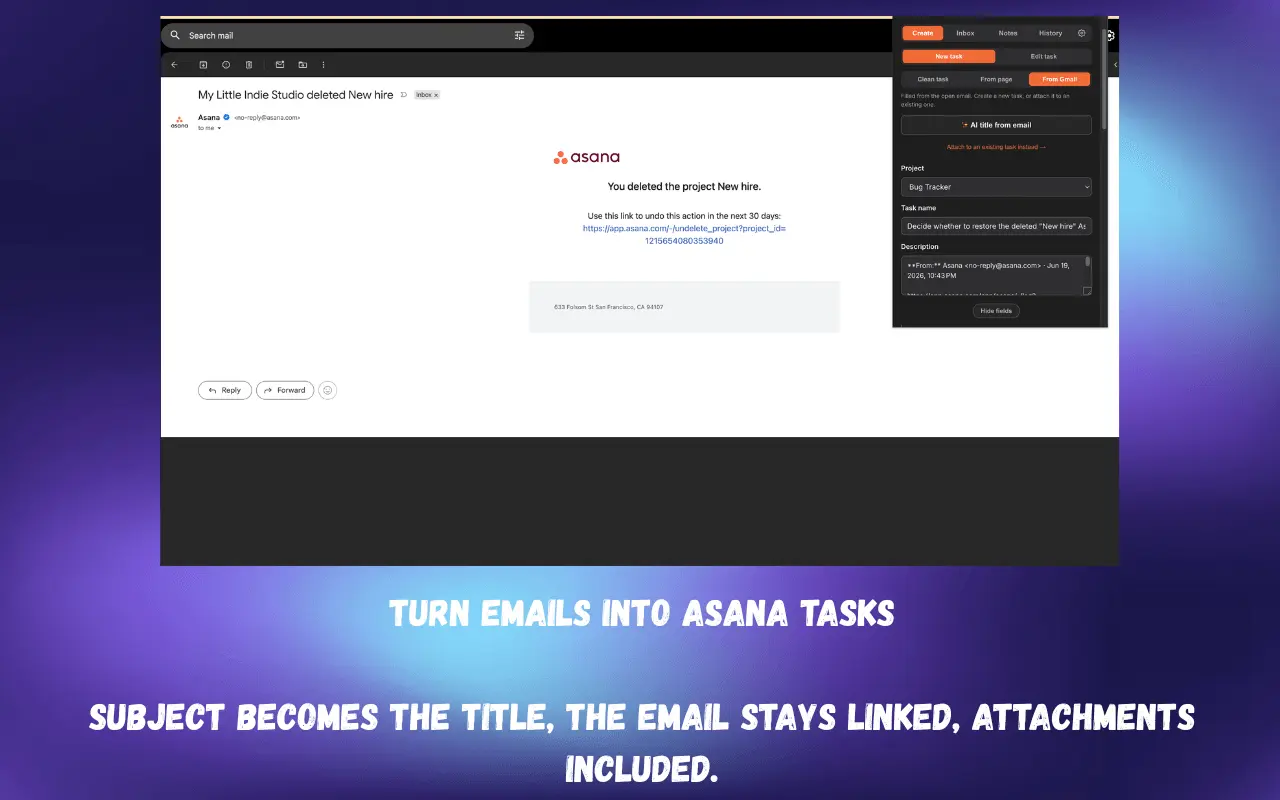
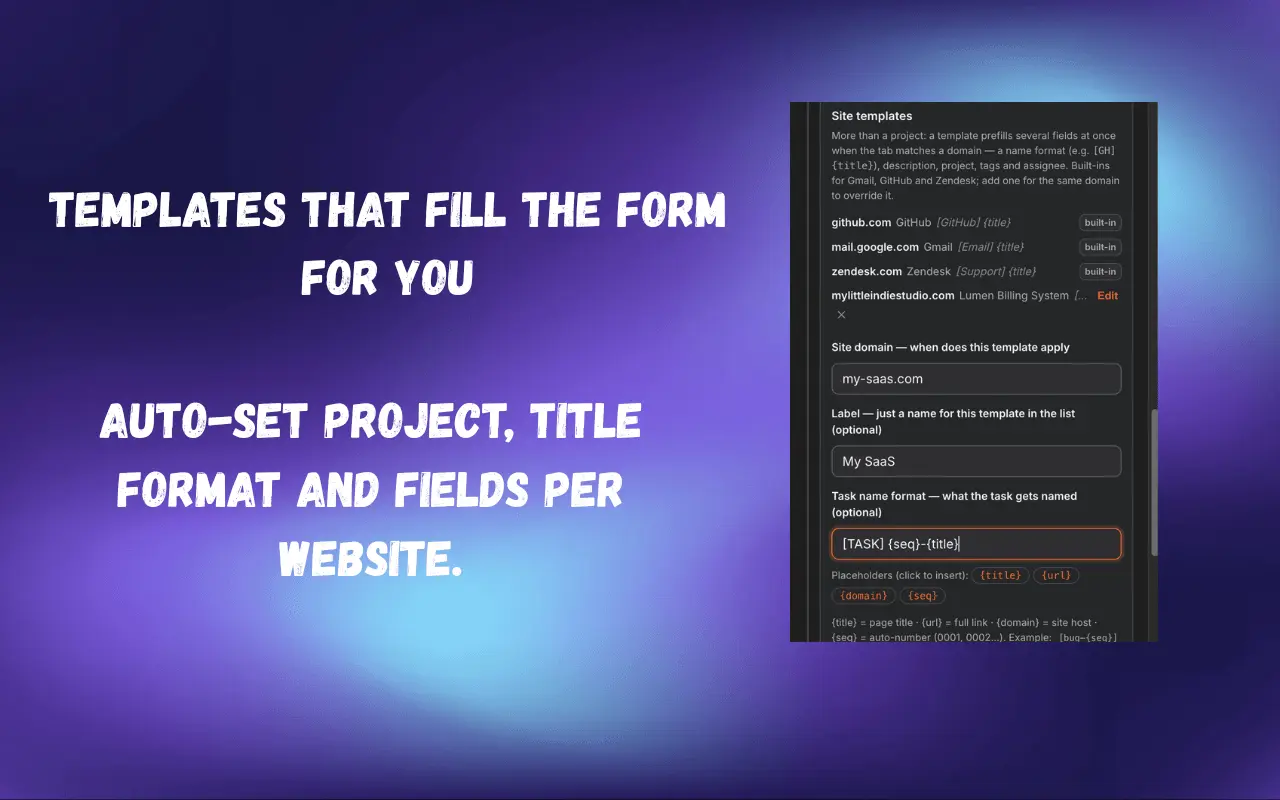
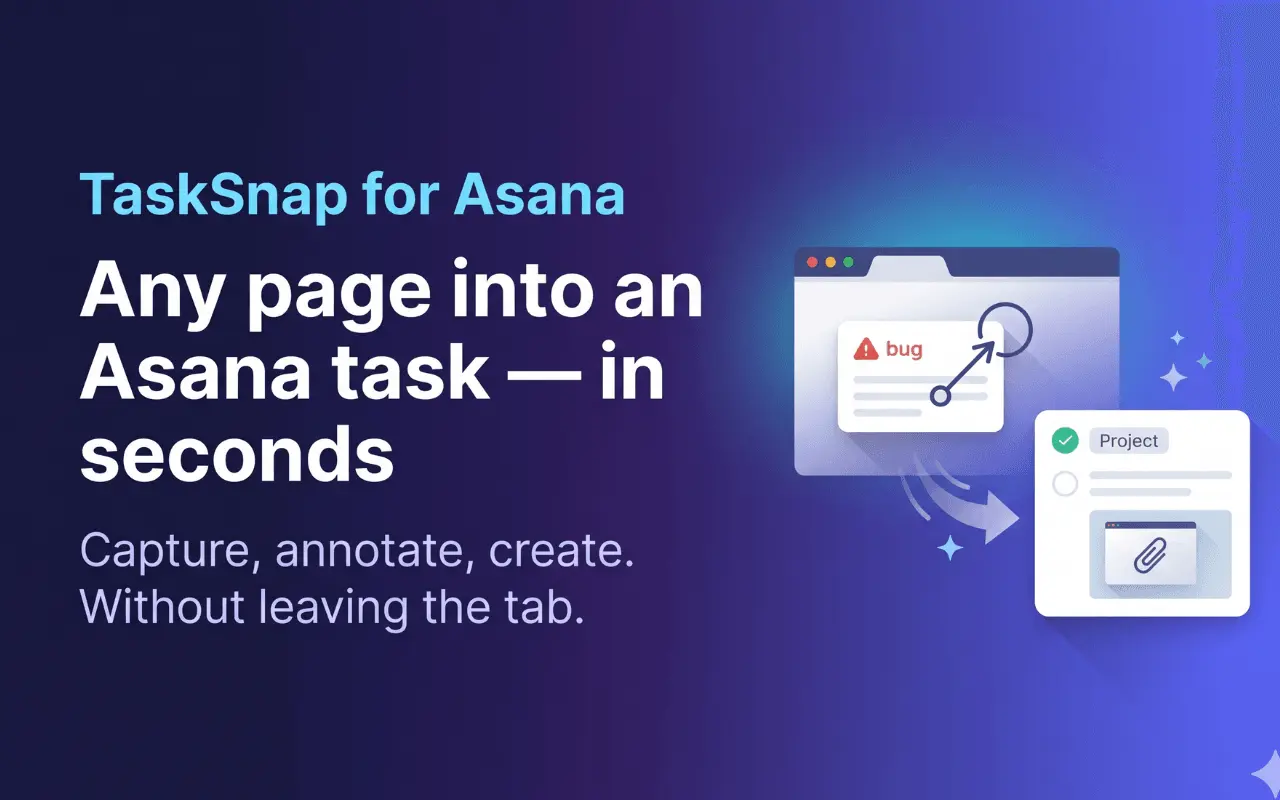
TaskSnap turns anything in your browser into a real Asana task in a couple of seconds — no tab-switching, no copy-paste. If you live in Asana but not in the Asana tab, the thing you need to track is always somewhere else — an email, a page, a line of selected text. TaskSnap captures it right where you are, with the correct project, tags and due date, and lands it in Asana instantly. Free, forever — no account, no card: Quick capture from the popup, a keyboard shortcut, or the right-click menu. Selected text flows straight into the task name or description. Real Asana tasks, not notes or bookmarks — created in your project, with sections, tags and a due date, exactly where your team expects them. Natural-language due dates — type "tomorrow", "next mon" or "in 3 days" and TaskSnap sets the right Asana date. No date pickers. Inbox drafts & history — capture now, finish later. Drafts wait in a local Inbox; every action is logged. Offline queue — capture even without a connection; tasks sync when you're back. PRO captures everything: Edit existing tasks — search, change any field, complete/reopen, move between projects and sections, add comments, all from the popup. Capture from Gmail — subject becomes the task name, body becomes a clean markdown description with a link back, or attach the email to an existing task. Capture from any page — title and URL added automatically so the task always carries its source. Screenshots & annotation — grab a region, the visible area, or the full page, mark it up, attach it to the task. AI task titles (BYOK) — bring your own key (DeepSeek, OpenAI, OpenRouter, Anthropic, Gemini, Qwen) to turn a messy email into a short, clear title. Domain rules & site templates — auto-pick a project per website, or apply a per-site template for name, description, tags and assignee. Subtasks & custom fields — break tasks down and edit Asana custom fields (dropdowns, text, numbers, dates) straight from the popup. What makes it different: A faster, cleaner, genuinely private alternative to the official Asana extension. Minimal permissions — no tabs, no browsing history. Your notes, drafts, screenshots and AI keys stay in your browser (chrome.storage.local) and are never sent anywhere. Fonts are self-hosted, no runtime CDN. What you can expect: Stop losing ideas in open tabs and half-written notes. See something, press a key, it's a task — in the right project, with the right date, in seconds. Built by an indie developer whose Chrome extensions are already used by thousands; updates ship regularly and bugs get fixed fast.
Discount Codes
20% Off(-20% OFF)
Valid until Jan 23, 2027
Product Video
Watch a video demo of TaskSnap.
Screenshots
Reviews (0)

Comments (1)
Built TaskSnap because the official Asana extension kept getting in my way — slow to load and more clutter than I needed. This is the stripped-down version: open it, capture the task, done. Would love