
Tenant Hawk
Site offlineM365 tenant health, without the detective work.

Details
- Categories
- Use Cases
- Pricing
- Freemium
- Platforms
Discovery signals
How AI and people discover Tenant Hawk on PeerPush
- ChatGPT
- Perplexity
- +2 other AI crawlers
Reads by these AI engines
Crawlers behind these engines read this listing on PeerPush.About Tenant Hawk
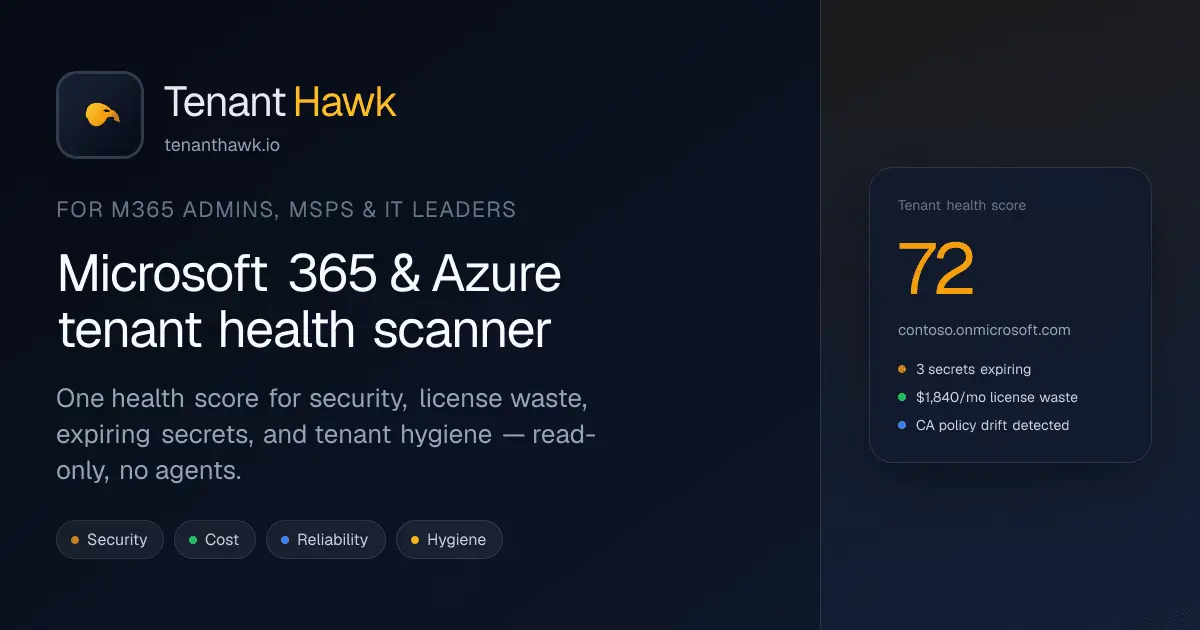
Tenant Hawk is a read-only health scanner for Microsoft 365 and Azure. Connect with admin consent, get a score from 0 to 100, a prioritized fix list, and dollar estimates for license waste. No agents. No stored credentials. Key features: • Free scan with score, severity breakdown, and top findings • Prioritized fix list ranked by severity and impact • License waste in dollars for unused and never signed in users • Security checks: MFA gaps, Global Admin sprawl, Conditional Access, legacy auth, guests, SharePoint sharing • Expiring app secrets, SSO certs, and domains • Shareable report for QBRs and audits • MSP multi tenant console with roll up across clients • Scheduled scans for ongoing monitoring What makes it different : • Read only and agentless (tenant ID only, tokens minted on demand) • Money and risk in one view, not alerts alone • One score and one sorted list instead of checking every portal • Built for in house admins and MSP QBR workflows • Founding code EARLYBIRD26: 25% off, locked for life Outcomes: • Tenant health in about 2 minutes • Quantified license waste (often hundreds to thousands per month, varies by tenant) • Catch report only CA, legacy auth, and expiring certs before an outage • One score and dollar figures for leadership and renewals Try free at tenanthawk.io
Product Video
Watch a video demo of Tenant Hawk.
Screenshots
Product Updates (3)
Big expansion since the remediation preview ship
Big expansion since the remediation preview ship: Scan engine: 15 checks → 70+ scored checks across 7 sectors — Identity, Teams, SharePoint, Exchange, Devices, Apps, and Copilot (unused seats, inactive licensed users, adoption gaps, readiness blockers). Parallel orchestration so the full pass still finishes in minutes. Public breakdown of every check: tenanthawk.io/features/coverage Copilot ROI: Dollar impact on idle Copilot licenses, disabled accounts still licensed, and low-adoption patterns — the stuff that shows up in QBRs before anyone asks. Finding workflow: Resolve, snooze, accept-as-by-design, or flag for review so repeat scans don’t re-surface noise you already handled. Exports: PDF reports got a cover page, table of contents, numbered sections, and cleaner layout. XLSX exports are grouped by sector for client handoffs. MSP console: Client portfolio is now a table (score, high-severity count, recoverable $/mo) with default-client picker and rescan from one view. Free scan still covers the full engine. Pro still has remediation preview + script export (PS 7, PS 5.1, Azure Automation runbook).
Comments (1)
Ive been watching the product on here and I finally decided to actually check it out. Kudos on this! I see some great potential. I wonder how you will establish trust with MSPs!
From finding to fix: remediation preview + script export
New in Tenant Hawk Pro: when a scan flags something fixable, you can preview the remediation plan against your tenant (read-only Graph), review it in a simulated PowerShell -WhatIf view, toggle actions on/off, then export as PS 7, PS 5.1, or an Azure Automation runbook. Starting with license waste and hygiene checks (disabled users still licensed, empty groups, unused licenses). Reports got a refresh too: category trends, sparklines, and radar snapshot for exec-ready health summaries. Free scan still covers all 15 checks across security, cost, reliability, hygiene, SharePoint, and Intune. Feedback welcome.
Comments (0)
No comments yet. Be the first to share your thoughts!
Product so far
Solo founder here. I built Tenant Hawk because M365 hygiene is spread across too many portals and nobody has a single prioritized list. Three companies have run the free scan so far. Combined, they surfaced about $3,000/month in license waste and helped drive cleanup across 45+ security groups (stale access, over provisioned membership, that kind of drift). The product is read only. Admin consent, no agents, about 2 minutes to a score and a fix list. I am especially interested in feedback from M365 admins and MSPs running QBRs.
Comments (2)


Reviews (17)
Average 4.7 out of 5
Based on 17 reviews

Really a nice idea, kudos team.

I think this is huge as a person that works with azure a lot for enterprise.

Comments (10)
The license waste angle is smart. Security scores alone rarely get budget approval, but showing unused seats in dollars gives IT a business case on day one. Staying read only and agentless is the right call.
Amazingly useful service thank you
This is one of the under appreciated products for sure. As someone in the tech field (mainly on the developing side at this point) Ive ran into issues where things were all over the place in my company tenant.
@cyphercoder Thank you! We are offering 1 month free for anyone who would like to schedule a demo!
Saw this on Reddit, I wanted to come support because it's a needed product and there's not many products providing granular information like this. Sadly, Microsoft makes everything so nested.
@MichaelTheEngineer Thank you for keeping up! I appreciate it! Please reach out if you have any more questions on our product!
I see some gimmicky products here and there, this is actually useful and great!
@msaraiva Thanks for the feedback!
As a sys admin and an active user on reddit, I see Tenant Hawk solving a lot of pain points that people in my field have. Im looking forward to some more updates and possibly trying out the product!
@aabreu29 Thank you! Please take some time to visit our site to see all the features we have! It's a pretty robust product and it will be expanding.
Great solution for M365 admins. The read-only approach with just admin consent is a game changer - no agents to worry about means faster deployment. Getting a prioritized fix list and license waste in under 2 minutes is exactly what busy MS
@omribenshoham Thank you! I own a consulting agency and also work full time as an engineer and whether it was my own clients or during work, I would always notice messy environments and never know where to start!
I used the demo on my personal M365 account and it is true, I got the results in under 2 minutes! Kudos!
@prahmeshdev Thank you for giving it a try! Please be on the lookout for more updates!
Great video and nice niche focus! Too many boiler plate products and this is very direct!
@dharrison Thank you! The goal was to keep it quick and simple for our users and not overcomplicate things. Ive read many articles about software providing great features but having a lot of nested pages or just bad design principles overal
This seems like a great tool! I work in IT and do a lot of side gigs, I can see this being a great help! Im going to check it out!!
@MalTheKingDev Thank you!