
Veo3
AI video generation from text and images

Details
- Follow on
- Categories
- Use Cases
- Target Audience
- Pricing
- Freemium from $9.99
- Platforms
Discovery signals
How AI and people discover Veo3 on PeerPush
By AI reads among AI tools
7,676 AI reads since launch, ranked against every AI tool listed.About Veo3
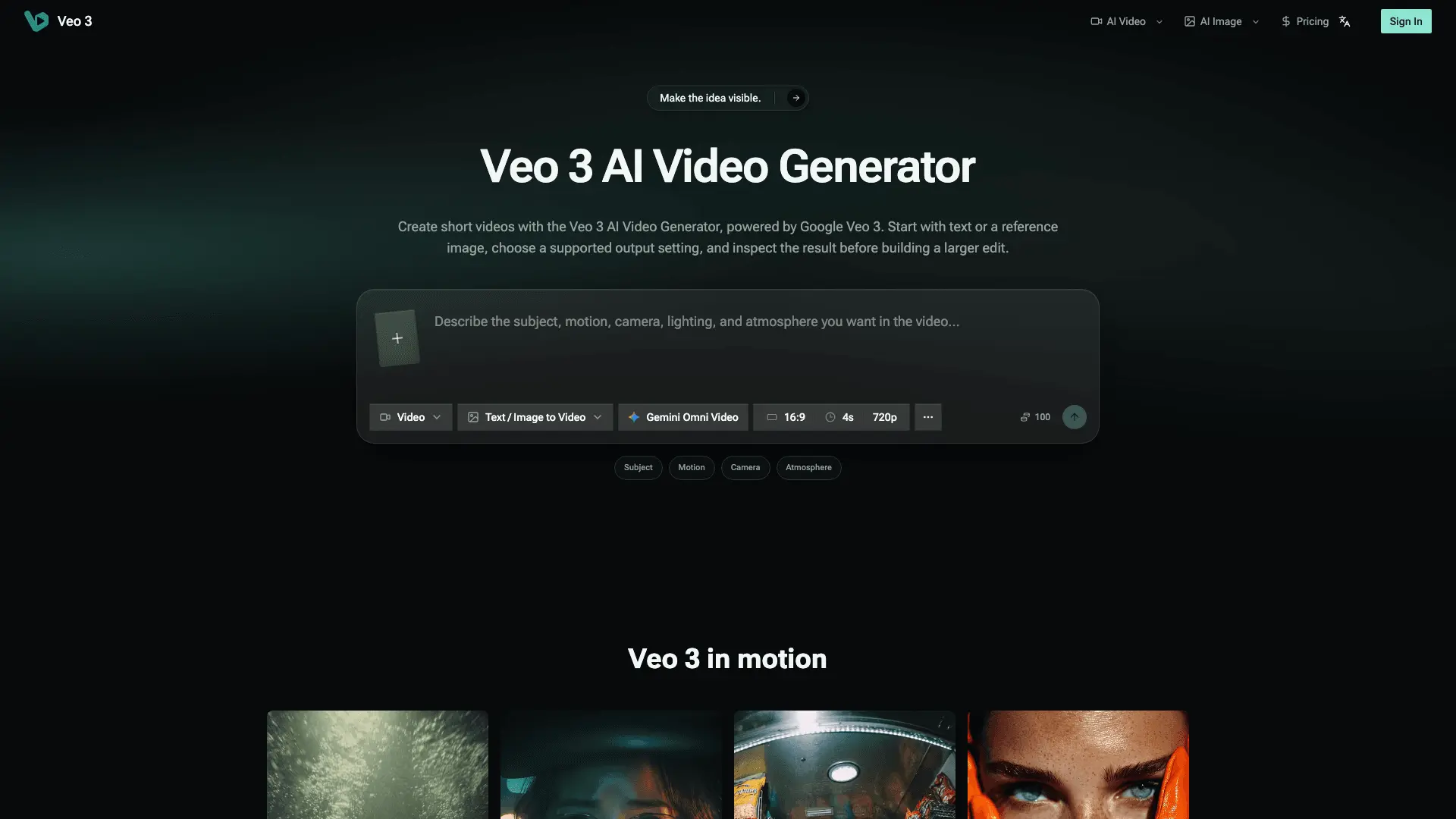
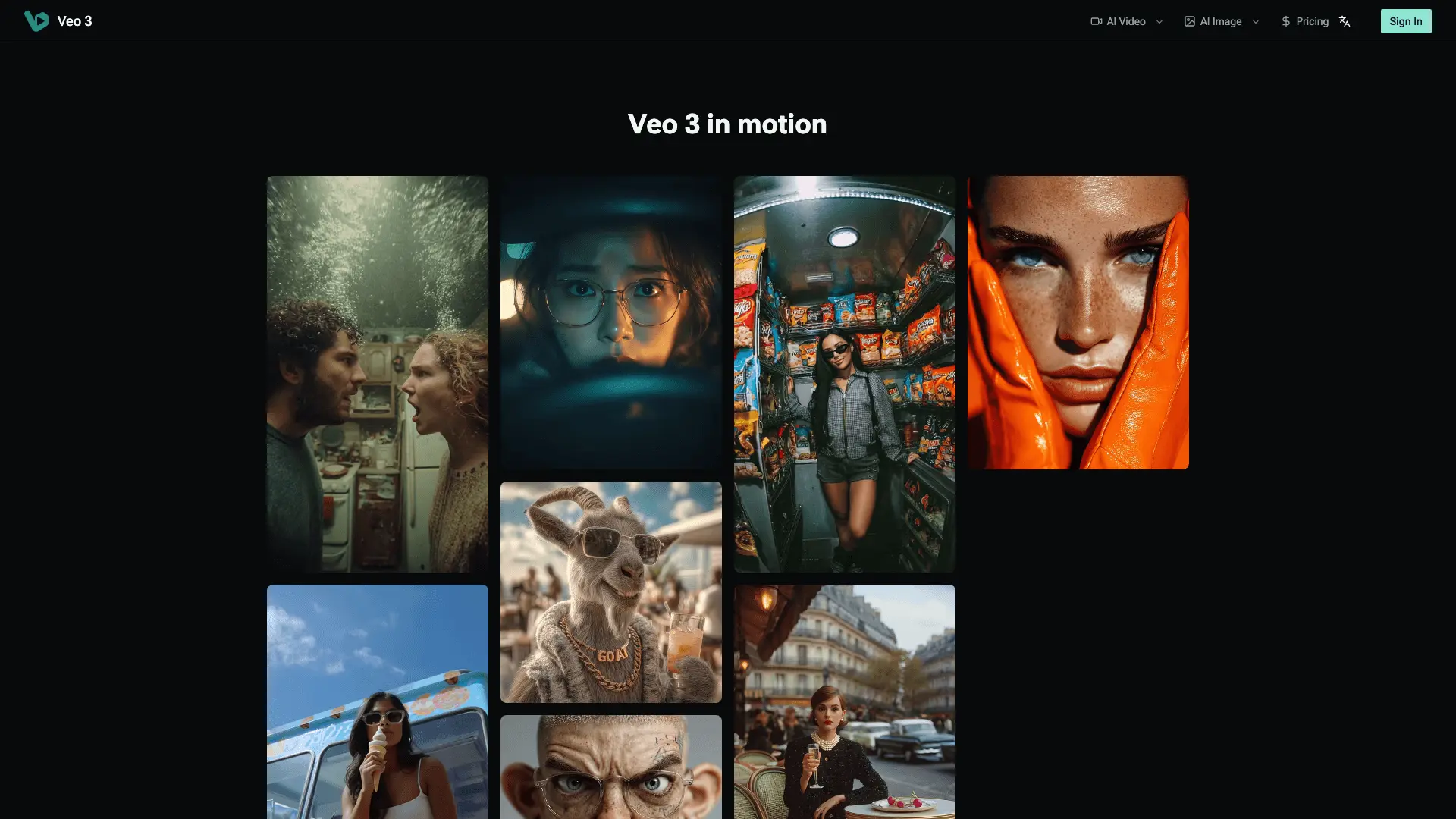
Veo 3 is a web-based AI video creation workspace for turning a written idea or a reference image into a short, reviewable video shot. Creators describe the subject, action, camera movement, lighting, and atmosphere they want to see, then use a Veo 3 configuration to explore the scene. The goal is fast visual prototyping: make an idea visible, inspect the result, identify the biggest mismatch, and refine the direction before investing time in a larger edit. The workflow supports text-to-video and image-to-video starting points. Use text when the concept is still open and you want the model to build the scene from a description. Upload a reference image when the subject, product, composition, character, location, or visual style already exists and should guide the result. This can turn a campaign thought into a product moment, a storyboard beat into motion, or a location idea into a visual reveal without preparing footage first. A focused prompt can describe what the viewer should notice, how the subject moves, how the camera follows or reveals it, and what kind of light or atmosphere defines the shot. Before generating, users can work with the model and input-mode controls available in the active configuration. They can choose supported aspect ratios and resolutions for the intended destination, including portrait framing when 9:16 is available. The prompt defines the visual intention, the reference image establishes an anchor, and the output settings determine how the shot is framed. Models, controls, duration, resolution, and access can change with the current configuration, so the live generator is the source of truth rather than a promise of one fixed format. Veo 3 is designed for an inspectable shot rather than a complete feature-length production. Content creators can explore openings for short-form videos, social posts, and vertical campaigns. Marketers can visualize product demonstrations, launch concepts, advertisements, and branded motion ideas. Filmmakers, directors, and storyboard artists can test camera language, movement, atmosphere, and continuity. Designers, product teams, agencies, educators, and independent creators can use short generated scenes to communicate a direction, test a concept, or build material for explainers and demos. The generated clip can be evaluated through a practical review loop. Check the opening frame and confirm that the intended subject is clear. Follow the subject through the motion, observe whether the camera path supports the action, and look for continuity in the character, object, product, location, and lighting. When supported by the active Veo 3 setup, the result may include dialogue, ambience, and sound effects, so listening is part of reviewing the shot. If something is wrong, change the largest mismatch first: clarify the action, simplify the scene, adjust the camera direction, replace the reference image, or select a more suitable output setting. The product supports ideation, previsualization, social content, product storytelling, campaign development, motion design, and rapid creative testing. It helps move an idea from “I can see it in my head” to a draft that collaborators can watch and discuss. It can bridge a still image and a larger edit: establish the visual anchor, add a specific action, choose the framing, generate a short take, and decide whether it is worth refining. Veo 3 works in the browser and keeps the path from idea to first result direct. Start with a sentence, add a reference image when consistency matters, describe the shot in production language, choose the available configuration, and generate a result for inspection. A useful prompt can include the subject, visible action, camera movement, perspective, lighting, environment, pacing, and sound intent. Decide what must remain recognizable, what must move, and what the viewer should understand in the first few seconds. Veo 3 provides access to supported video-generation workflows using Google Veo 3 through the service. Availability of models, output settings, duration, input modes, and generation access depends on the active configuration and applicable account or plan conditions. Users should review the current interface, pricing, provider terms, and the rights attached to uploaded or referenced material before using a result in paid, client, or public work. Third-party images, logos, people, voices, music, and other assets should only be used with the necessary permission. Review every result for visual quality, audio clarity, continuity, and rights before publication. For creators who want to prototype a scene or test a visual direction without a full production pipeline, Veo 3 offers a focused place to begin. Start with the idea, add the image that matters, define the action and camera, choose the output, and generate a shot you can watch, hear, judge, and improve.
Screenshots
Reviews (0)
No reviews yet. Be the first to rate this product!
Comments (0)
No comments yet. Be the first to share your thoughts!