
VidhyaGen
Free browser-based tools for image editing and conversion

Details
- Categories
- Design Tools
- Target Audience
- Content CreatorsDigital MarketersHobbyists
- Pricing
- Free
- Platforms
- Web
Discovery signals
How AI and people discover VidhyaGen on PeerPush
Sep 26, 2026
About VidhyaGen
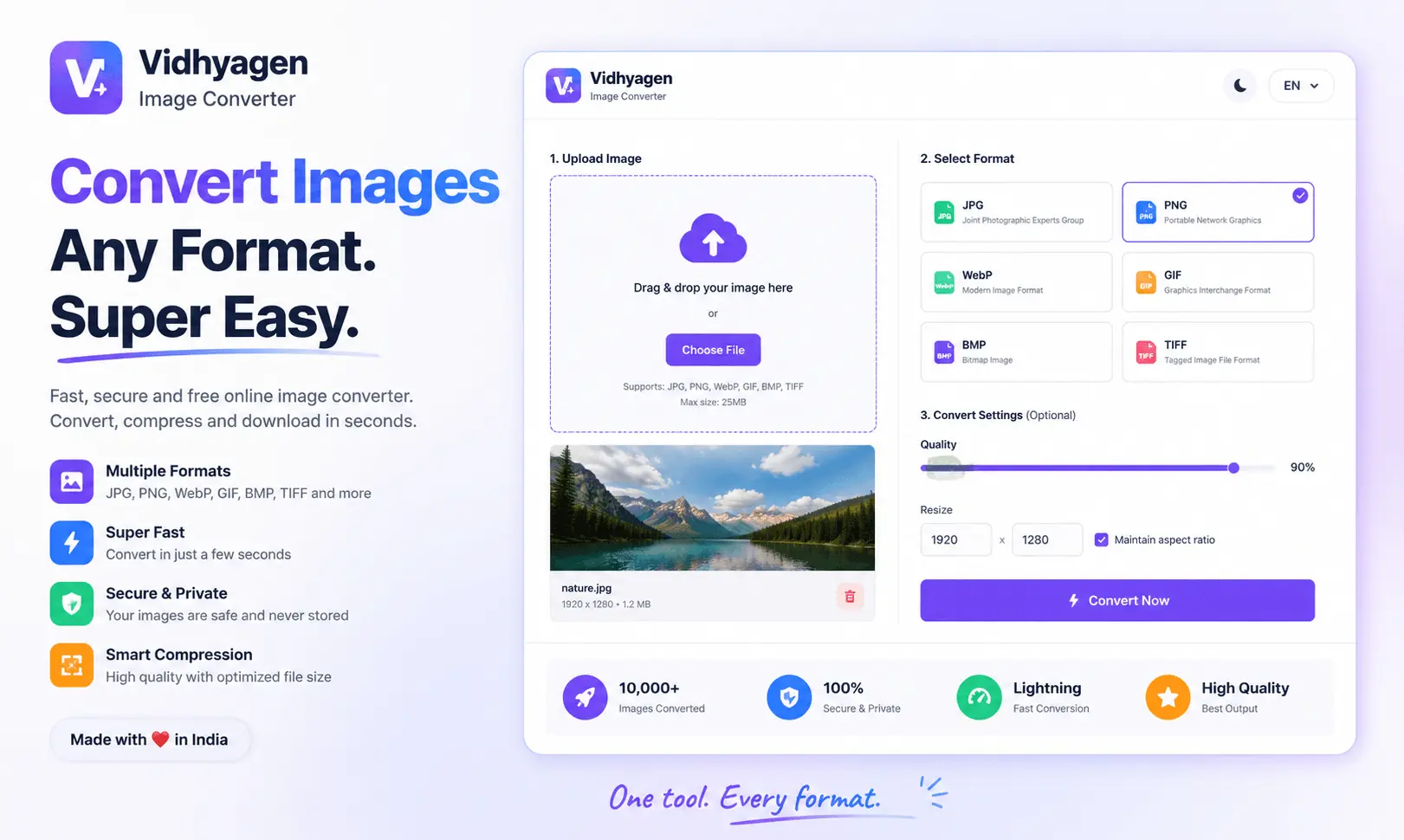
VidhyaGen provides a suite of fast and secure online tools for managing image files. Operating entirely within the browser, the platform allows you to convert, compress, resize, crop, and edit images without the need for software installation. All processing is designed to be private and simple, ensuring that your files are handled securely while you perform routine image adjustments.
Screenshots
Reviews (22)
Average 5.0 out of 5
Based on 22 reviews

My file not leave my browser. I like it. Keep it up. Grow.
Really. Quick conversation. I bookmark it.
I expected only an image converter, but there are actually tools for resizing, metadata, colors, background removal, compression and more. I keep finding useful tools on the site.
Image to text is good work. Also compressor is good work.
I used other tool of image. Good work. Keep it up. I support you.
Useful for those small image tasks where installing a full editing program makes no sense. I just open the site, do the job and continue working.

Clean ui. I loved it. Also support batch processing.
Comments (5)
Image conversion and editing directly in the browser removes friction for quick tasks - fast processing and no install requirements make this ideal for creators and teams managing media workflows across devices
I had an image that was too large for an online form. The compression tool helped me reduce the file size quickly without opening Photoshop.
@xehala4207 Thank you for support.
A handy way to turn images into useful outputs; the batch workflow and simple controls should save time for repeated conversions.
@nckbrz Thank you.
Image conversion and editing directly in the browser removes friction for quick tasks - fast processing and no install requirements make this ideal for creators and teams managing media workflows across devices
@omribenshoham Thank you for the thoughtful feedback! We’re glad VidhyaGen helps make image conversion and editing faster and easier across devices. We really appreciate your support.
Good creation. Keep it up.
@poyeh48319 Yes.