
VoxelVision AR Medical Imaging
Spatial imaging for Apple Vision Pro, iPad and iPhone


Details
- Target Audience
- Pricing
- Freemium
- Platforms
Discovery signals
How AI and people discover VoxelVision AR Medical Imaging on PeerPush
About VoxelVision AR Medical Imaging
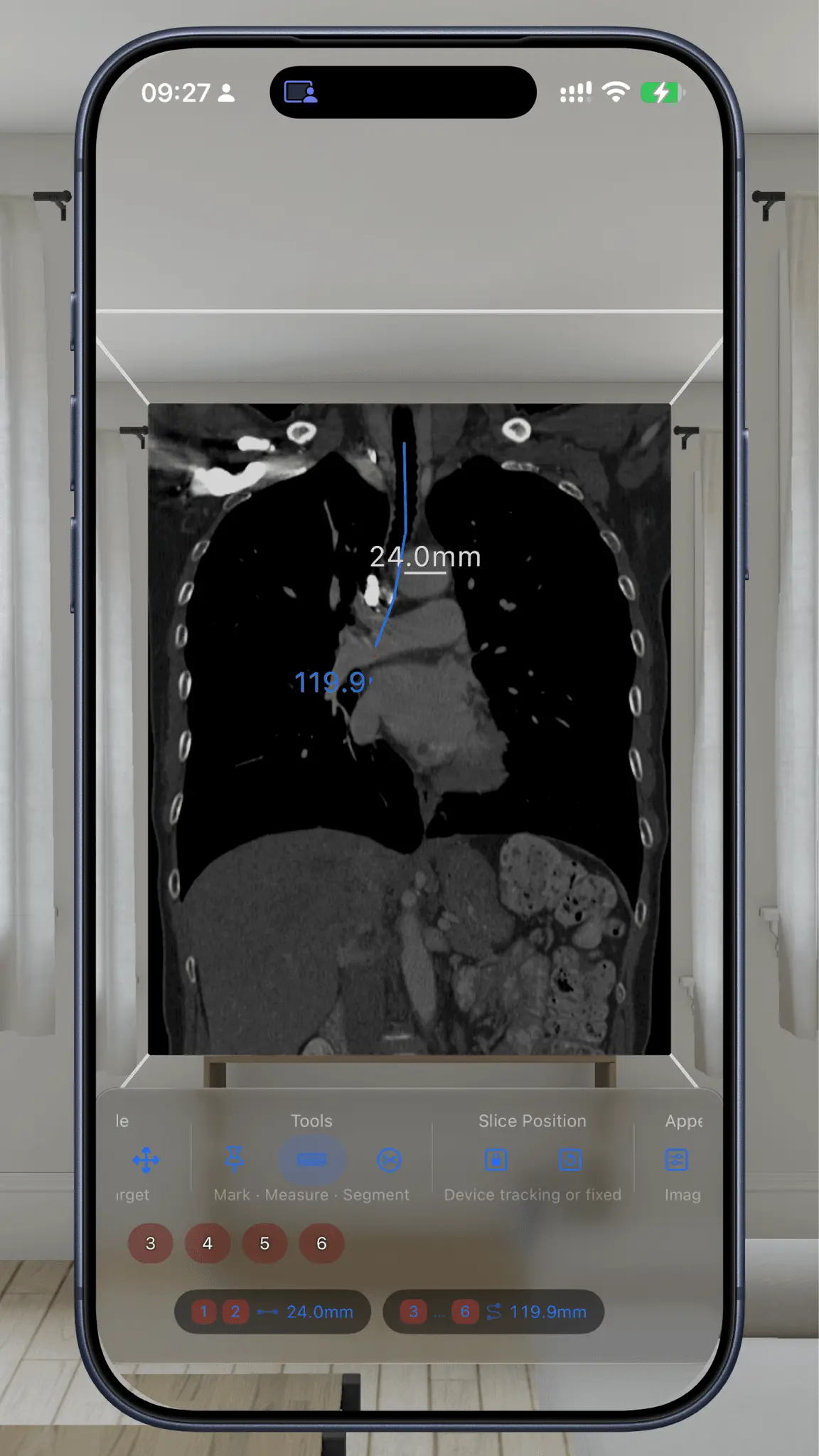
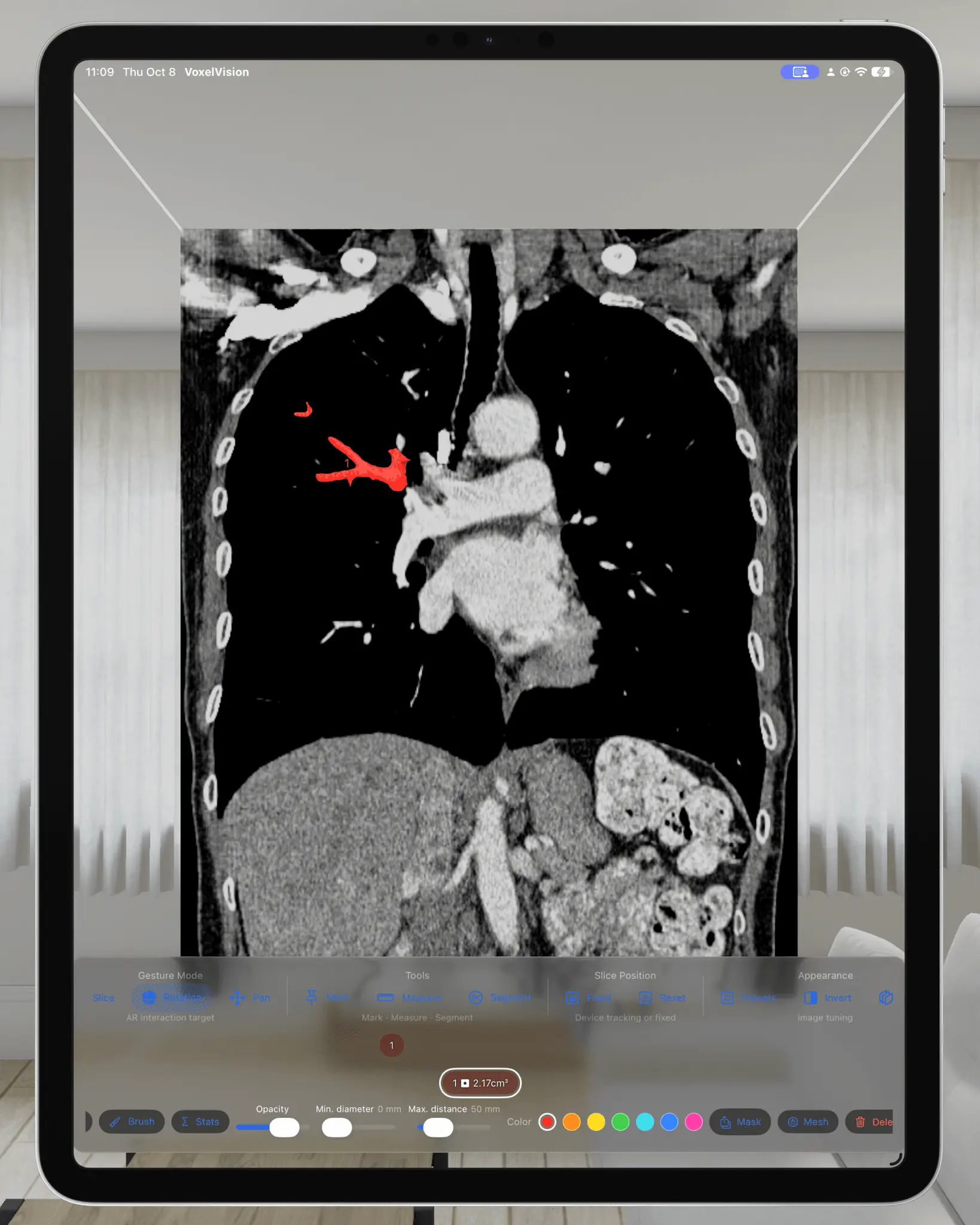
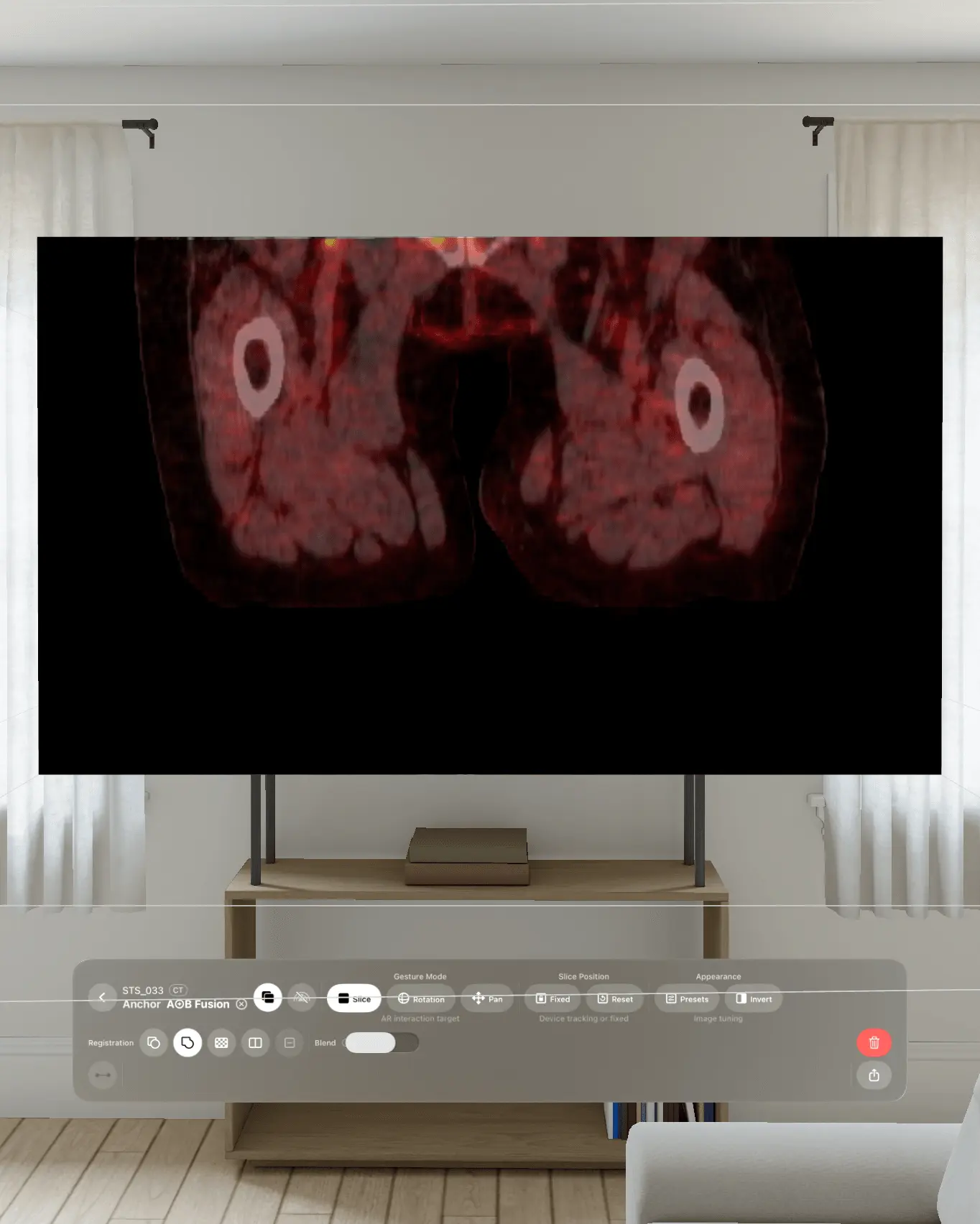
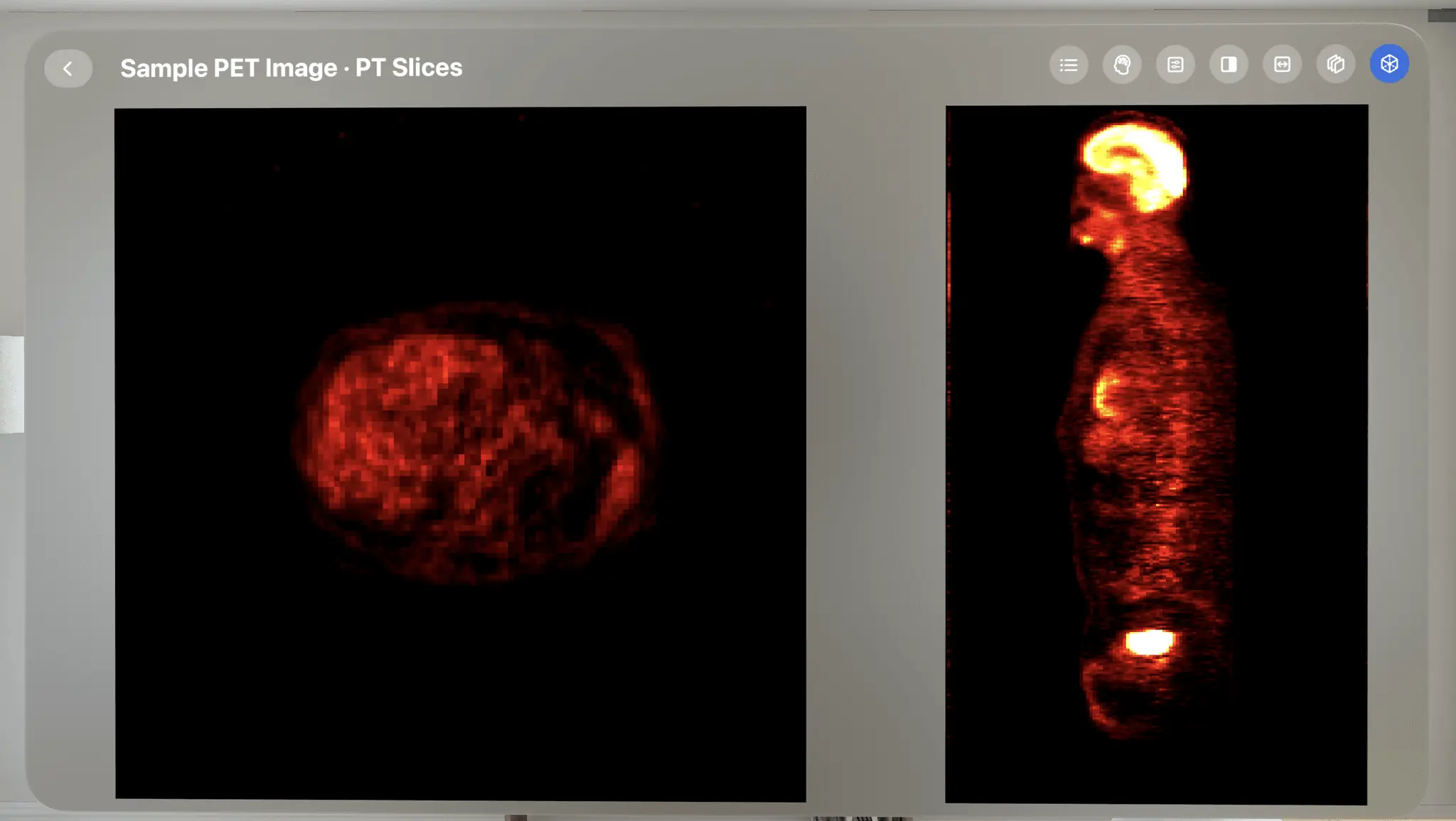
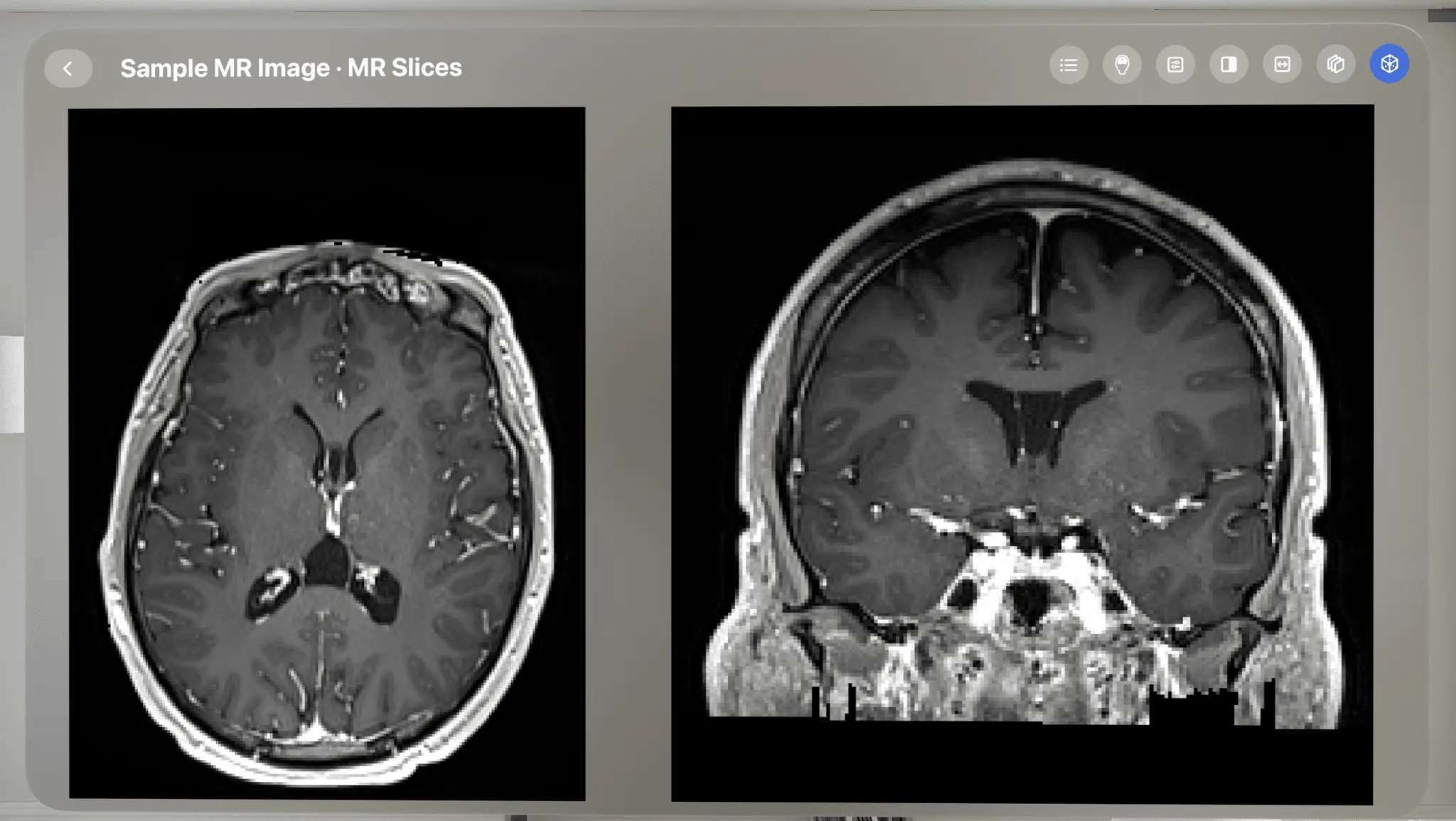
VoxelVision 2.0.0 brings spatial medical imaging to Apple Vision Pro, iPad and iPhone for learning, teaching, research and workflow exploration. Import your own DICOM studies and NIfTI or NRRD volumes through the Files app. Explore linked orthogonal views, let an oblique slice follow your viewpoint, or position the slice by hand in physical space. Measure distances, angles and paths directly in 3D and export measurements as CSV. Separate regions of interest with seed-based or threshold segmentation, refine boundaries with a voxel brush, and export labeled volumes, surfaces and statistics. Align two volumes using anchor pairs, refine the alignment from the images, and compare scans in a fused view. Extend your 3D Slicer or ITK-SNAP workflow into physical space: import compatible volumes and registration transforms, then export volumes, measurements and segmentations in formats you can use on your computer. Additional tools include curved planar reformation, slab projections, intensity profiles, PET color maps and SUV readouts for calibrated studies. Explore the same case with others using SharePlay. Invite participants to view or edit, and choose whether to retain session annotations. Batch assistants help process planned scan pairs and saved alignments with exportable results and step-by-step records. The same tools are available on all three platforms. Try every tool free on sample images; in-app purchases unlock Measurement, Segmentation and Registration for your own cases. Sample images can be restored from Settings. Imaging data is processed and stored on-device, with no analytics, tracking or ads. Downloads, purchases and user-initiated SharePlay transfers use network services. VoxelVision is not intended for clinical diagnosis or treatment. Compatible formats, import examples and batch workflow templates: https://voxelvision.app/resources.html Instructions and FAQ: https://voxelvision.app/support.html
Product Video
Watch a video demo of VoxelVision AR Medical Imaging.
Screenshots
Reviews (0)
No reviews yet. Be the first to rate this product!
Comments (0)
No comments yet. Be the first to share your thoughts!