
Whisk AI
Create and remix AI images online for free

Details
- Categories
- Use Cases
- Target Audience
- Pricing
- Free
- Platforms
Discovery signals
How AI and people discover Whisk AI on PeerPush
By AI reads among Design Tools tools
8,469 AI reads since launch, ranked against every Design Tools tool listed.About Whisk AI
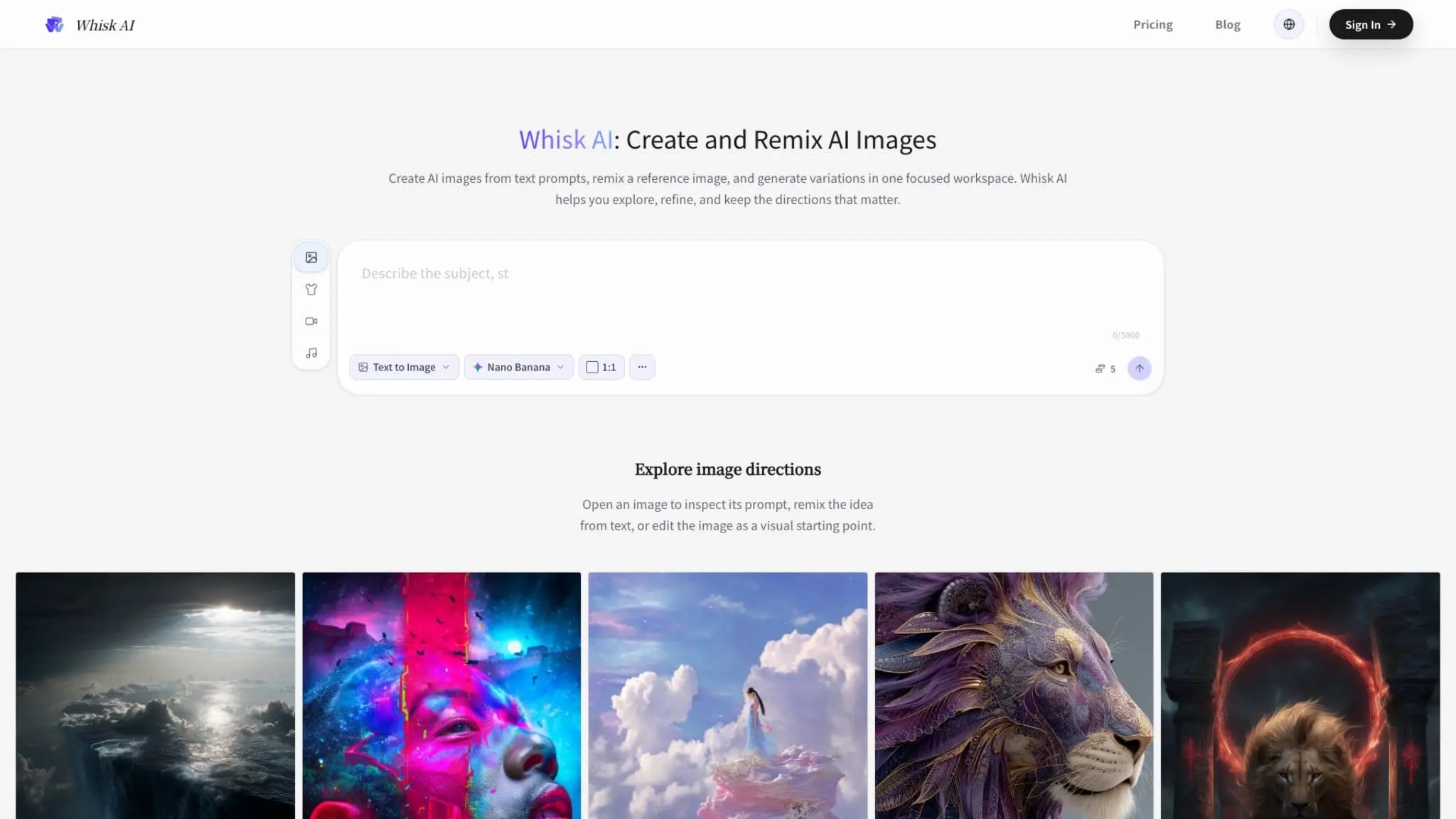
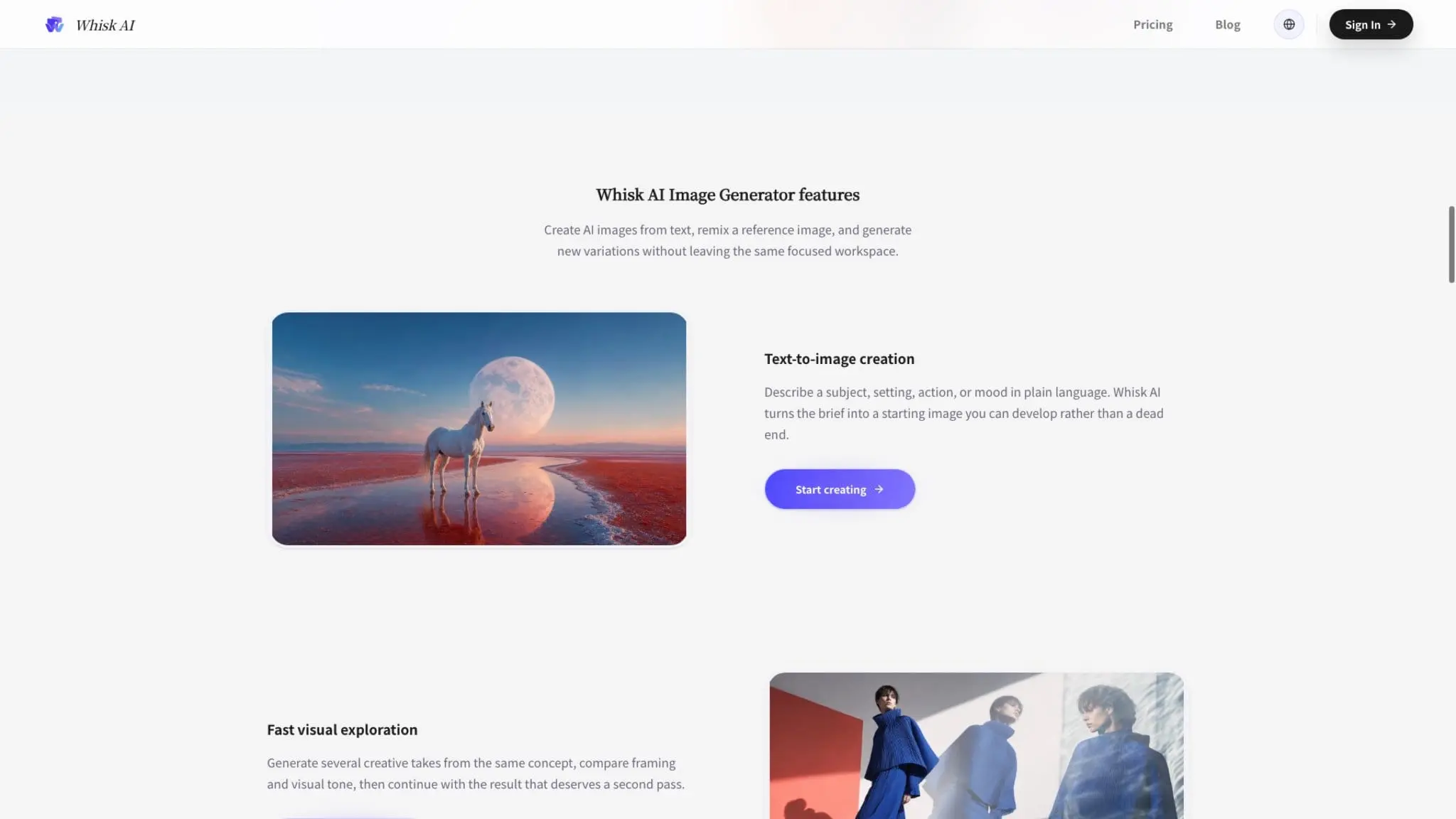
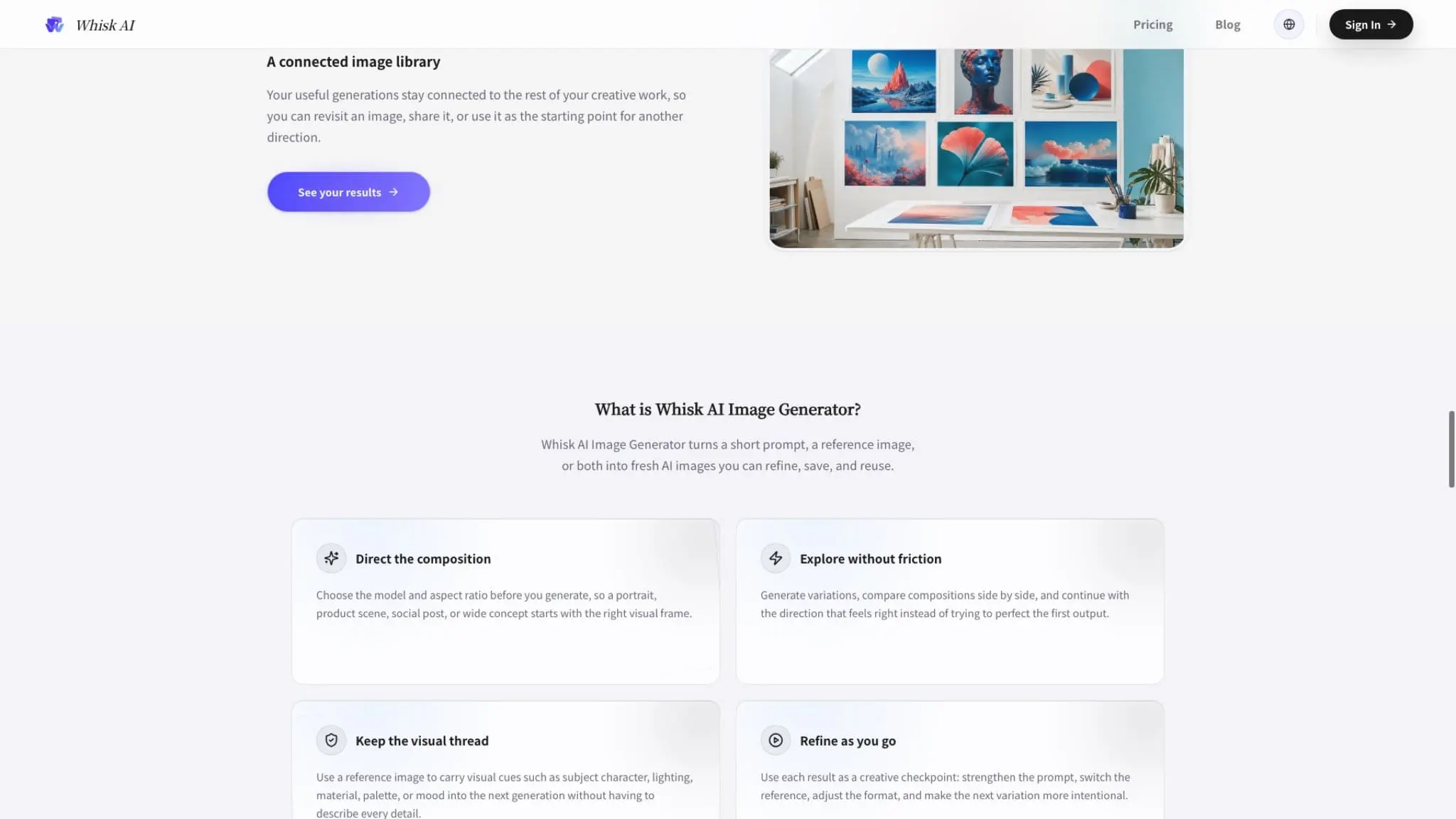
Whisk AI is a browser-based AI image creation workspace for turning short ideas, reference images, and visual directions into images worth developing. It is designed for exploration rather than a one-shot generation form: start with a prompt, add a reference when useful, choose an available model and aspect ratio, generate several directions, and continue with the result that best matches the creative brief. The workflow supports text-to-image creation for ideas that are still open. Describe a subject, setting, action, material, mood, composition, or visual style in plain language and use the result as a starting point for the next decision. A prompt can establish the most important visual priorities, such as a product in a particular environment, a character in a defined pose, a landscape with a specific atmosphere, or an editorial image with a deliberate visual tone. Whisk AI also supports image-to-image remixing with reference images. Bring a photo, sketch, product shot, portrait, existing composition, or brand mockup into the workspace when an image communicates the direction faster than a long written prompt. A reference can help carry visual cues such as subject character, lighting, material, palette, layout, or mood into a new generation. Users can explain what should change, what should stay important, and what should be reimagined instead of rebuilding the entire idea from zero. The product is built around fast visual exploration and intentional iteration. Generate several creative takes from the same brief, compare framing and visual tone, and continue with the direction that deserves a second pass. Use a generated image as the next creative brief: clarify the prompt, change the reference image, adjust the visual direction, or select a different format. This makes it easier to move from broad exploration to a focused result without trying to perfect the first output. Before generating, users can choose an available image model and set an aspect ratio for the intended outcome. Portrait formats can support character studies, editorial images, product scenes, and social assets. Wider formats can support campaign concepts, presentations, landscape compositions, and early concept art when available. Model choices, output settings, image quality, generation access, and other controls may vary with the current configuration, account, plan, or provider availability. Whisk AI can support many kinds of visual work. Content creators can develop thumbnails, social posts, cover images, visual hooks, and story concepts. Designers can explore composition, color, material, lighting, and style before moving into a detailed design tool. Product teams can prototype product scenes, packaging directions, interface visuals, and launch concepts. Marketers and creative teams can compare campaign directions, ad concepts, landing-page images, and editorial treatments. Visual explorers can use the workspace for character studies, mood exploration, practice, and early concept development. Good results start with one clear priority: define what the viewer should notice first, then describe the subject and visual arrangement. Add a reference when identity, composition, product details, palette, lighting, or material matters. Choose the output format before generation, review the variations, and make the next change deliberate rather than adding every possible instruction at once. Useful generations remain connected to the creative process through the image library. Revisit, open, share, or reuse a result as the starting point for another direction, so promising explorations remain available after feedback or a second pass. Reference images guide a new generation rather than acting as pixel-level editing instructions, so the output may reinterpret composition, texture, identity details, or styling. For a closer result, use a clear reference, state the important elements in the prompt, and iterate with the strongest variation. Upload only images you own or have permission to use, especially when a reference contains a person, recognizable product, private material, or protected artwork. Each generation can use credits based on the selected model and settings. Review the available balance and cost context before committing, and check the current pricing page for plans or credit capacity. Generation time can vary with the model, output settings, and current demand. The workspace may show whether a result is queued, processing, or ready to review, but no single completion time should be assumed for every request. For anyone who wants to explore visual ideas quickly and develop the promising ones with more intention, Whisk AI offers a focused path from prompt or reference to usable image direction. Start broad, generate a few possibilities, compare what changed, keep the result that deserves attention, and use it to guide the next version.
Screenshots
Reviews (0)
No reviews yet. Be the first to rate this product!
Comments (0)
No comments yet. Be the first to share your thoughts!