
WholeClear EML Converter Wizard
Convert EML Files into Multiple Formats with Attachments

Details
- Categories
- Data & Infrastructure
- Target Audience
- EnterprisesFreelancersSmall Businesses
- Pricing
- Paid from $69
- Platforms
- Web
Discovery signals
How AI and people discover WholeClear EML Converter Wizard on PeerPush
- ChatGPT
- Perplexity
- Claude
- +3 other AI crawlers
Reads by these AI engines
Crawlers behind these engines read this listing on PeerPush.About WholeClear EML Converter Wizard
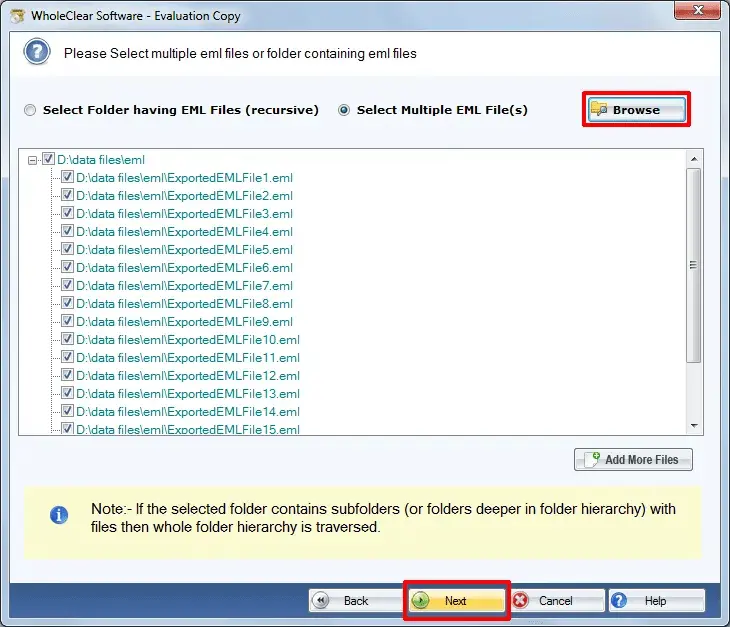
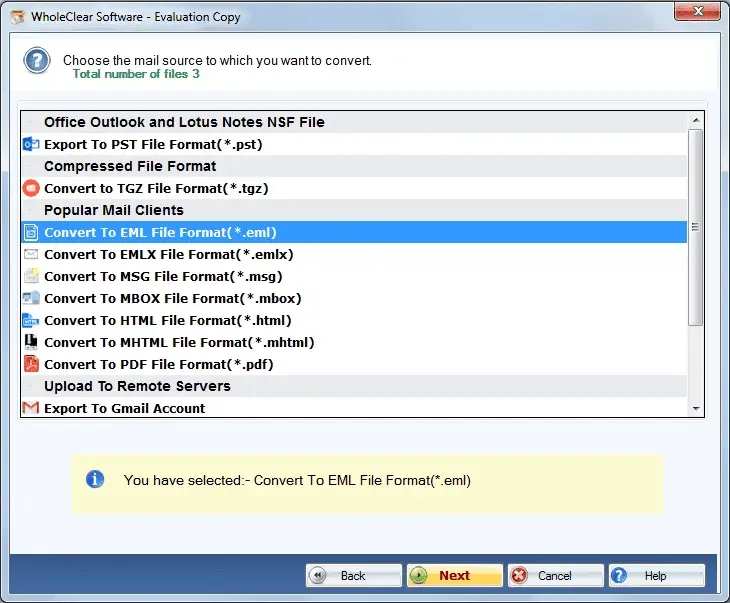
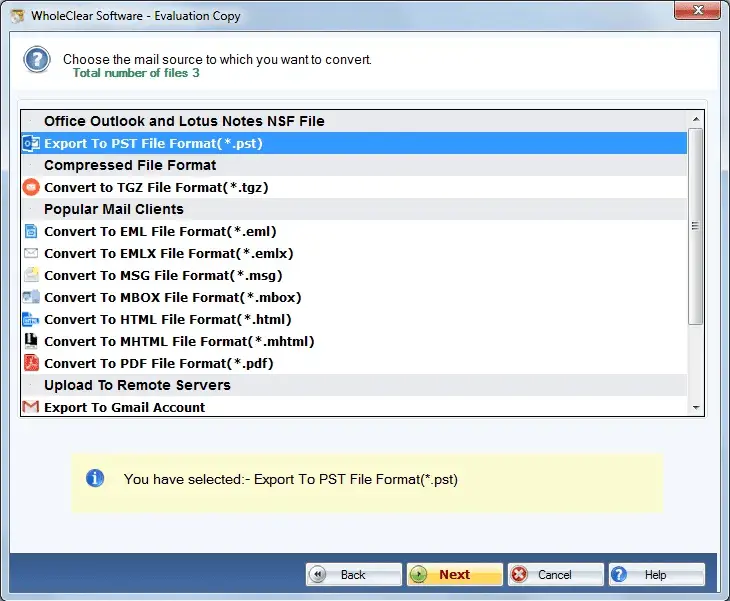
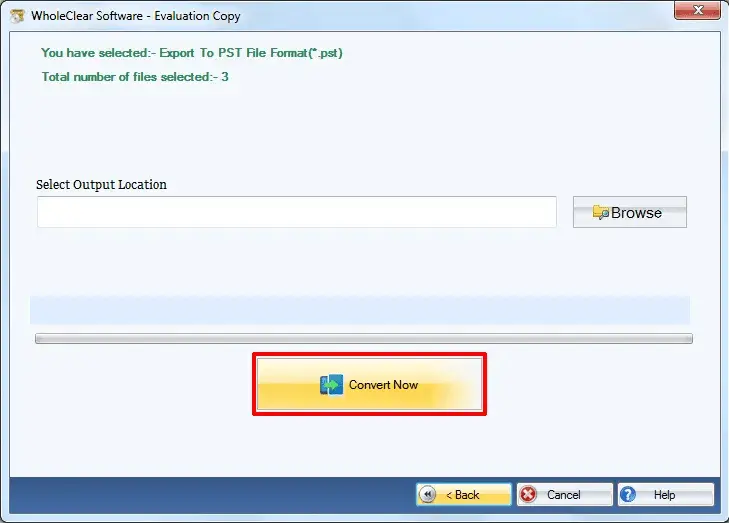
WholeClear EML Converter Wizard is a user-friendly tool that will make email migration and file converting easy for individuals and organizations. This software allows users to convert EML files to different file formats and email clients compatibly without losing original email data. The utility helps to convert EML files generated by apps such as Windows Live Mail, Thunderbird, Outlook Express Apple Mail and others. As per their needs, users can export emails into PST, MSG, MBOX, PDF, HTML and various other formats. The tool retains email layout, attachments, metadata and folder structure during the process for accurate results. This wizard also offers a batch conversion feature, which is one of its practical benefits for managing large email collections easily. This tool makes it easy to manage files and backup emails for professional and personal usage. Users who want to test the tool before upgrading can download a free sample version. The tool is also compatible with Windows 11 and earlier versions.
Screenshots
Reviews (1)
Average 4.0 out of 5
Based on 1 review
My experience with this tool was good, and the conversion process went smoothly. I did not face any complexity while using it because the interface was really easy to understand. I prefer this tool because I was genuinely impressed when I saw the results in the demo version. It is truly a great tool.
Comments (0)
No comments yet. Be the first to share your thoughts!