
Quick Unzip
Unzip archives quickly and reliably
Details
- Categories
- Use Cases
- Target Audience
- Platforms
Discovery signals
How AI and people discover Quick Unzip on PeerPush
About Quick Unzip
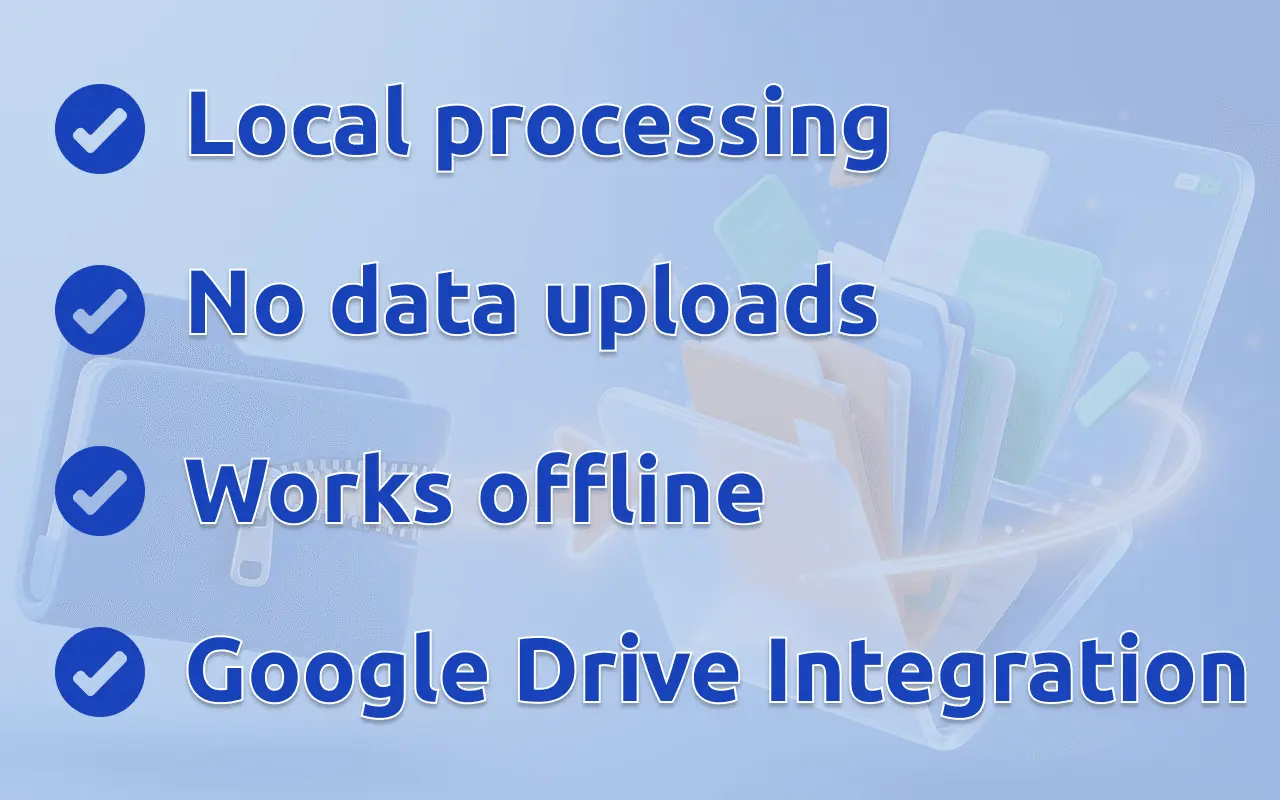
Quick Unzip Chrome extension, your tool for managing compressed files. Seamlessly integrated with Google Chrome, this app simplifies handling archives directly in your browser. The extractor lets you open zip files without heavy programs. Extract zip files directly from Google Drive. The extractor prioritizes your privacy. All extractions happen locally in Chrome, ensuring your data stays secure. Whether using the unpacker for personal or work tasks, your files are safe. 🛡️ The extension supports various formats: .zip, .7z, .rar, .tar, .bzip2, .bz2, .gzip, .gz, .xz, .zstd, .zst, .xar, .wim. After install works offline. Access archives anytime, anywhere. Process your files offline, without requiring an internet connection.
Screenshots
Product Updates (4)
v2.5.1 — Local work journal
📊 Usage stats (local only) — the footer shows how many files and how many bytes you have extracted. Click it for Settings → Stats: breakdowns by format, type, source, and method; discovery chips (first RAR, encrypted, multipart, nested, …); safety counts from Security Scan and VirusTotal. Nothing leaves the device; Reset is on that tab. Analytics opt-out does not wipe the ledger. ⭐ Review at a real milestone — once you cross 100 files or 1 GB extracted, a one-shot dialog asks for a Chrome Web Store rating. Dismiss it and it does not come back. Footer stars stay. 💡 Quiet Pro hints — if you unpacked many archives one-by-one this month, or many files of one type, a once-a-month toast (and a card on Stats) points at Batch Extract or Extract by type. Subscribed users never see them. ⚡ Faster save to a linked folder — when a download directory is connected, up to four files write at once. “Show in folder” still points at a real (non-dot) file.
Comments (0)
No comments yet. Be the first to share your thoughts!
Big Update! v.2.3.0
What's new in this update: 🖥️ Side panel mode — open Zip Extractor as a Chrome side panel instead of a separate tab. Switch between modes at any time right from the toolbar. 🔄 Smooth mode switching — switching between tab and side panel preserves your open archive. A progress overlay guides you through the transition. 📁 Linked download folder — connect any folder on your disk as the default save location. Files go straight there — no more hunting through your Downloads folder. Hidden files like .gitignore are handled correctly too. 🗄️ Better large file handling — three under-the-hood improvements for working with big archives: Faster reopening — archive file lists are now cached in IndexedDB. Reopening the same archive skips re-reading it entirely and shows the file tree instantly. Lower memory for URL-loaded archives — archives opened from a download link are no longer assembled into one giant in-memory blob. Chunks go directly to IndexedDB and are streamed into the reader, cutting peak RAM roughly in half. Streaming extraction to linked folder — when a linked download folder is set, extracted ZIP files are written as a stream straight to disk. The previous ~2 GB per-file limit no longer applies. 📂 "Show in folder" after download — after saving a file or batch of files, a button appears right in the notification to reveal the result in Finder / Explorer. ⚙️ Open Settings from anywhere — warning notifications now include an inline Settings button so you can fix things without digging through the UI. 🎨 UI polish — cleaner toast notifications with correct icons per severity, a wider confirm popup, and minor layout fixes throughout.
Comments (0)
No comments yet. Be the first to share your thoughts!
🚀 Major Update! Now even more powerful.
What's new in this update: 📦 Create & extend archives – build ZIP/RAR on the fly, add files to existing archives. 🔐 Password protection – secure your archives with a password. ✏️ Full file management – rename files, move them between folders – organize everything your way. 🎨 UI improvements – cleaner, faster, and more intuitive.
Comments (0)
No comments yet. Be the first to share your thoughts!
🚀 Major Update! Now even more powerful.
What's new in this update: 🔗 Upload by direct URL – Just paste the link. 🌐 On-site upload button – Appears on supported sites (can be hidden). ☁️ Extract to Google Drive – Send files from archives straight to your Drive.
Comments (0)
No comments yet. Be the first to share your thoughts!
Reviews (0)
No reviews yet. Be the first to rate this product!
Comments (0)
No comments yet. Be the first to share your thoughts!