Everything you copy, always searchable
Strong note-taking tools for designers share a few traits: fast setup, clear documentation, and a maintainer who ships. The picks below were selected with those traits in mind, not raw feature counts.
The right tool for designers is the one that disappears into the workflow. Integration depth, setup effort, and pricing clarity tend to matter more than any individual feature, and the picks below were chosen accordingly.
Everything you copy, always searchable

Capture ideas, beautifully and privately.

Your floating workspace for inspiration

Organize Mac screenshots into a private searchable library

Quote of the day in a bottle, daily inspiration & wisdom
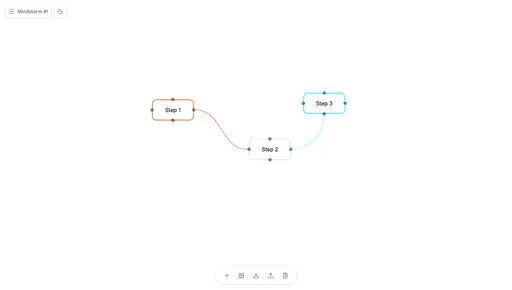
Infinite canvas for visual thinking and mind mapping

Stop Screenshot chaos and save ideas in beautiful boards
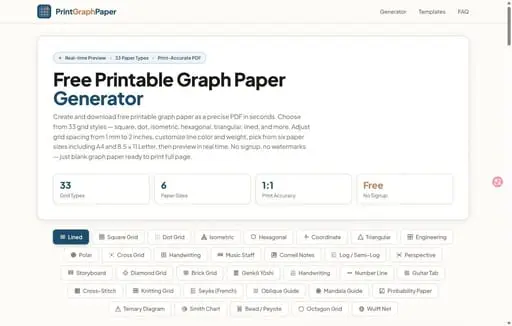
Generate and download 33 types of custom graph paper PDFs

Capture analyze and organize screenshots with AI
We evaluate every pick on documentation quality, integration breadth, clarity of pricing, and the pace of active maintenance. Options with opaque terms, thin docs, or stalled release cycles are filtered out regardless of marketing reach.