
Adima - AI Photo Enhancer
Upscales Images Up-to 4k With In-Built Photobooth


Details
- Follow on
- @AIImageUpscale
- Categories
- AIDesign Tools
- Target Audience
- Content CreatorsDesignersNon-Technical Users
- Platforms
- Mobile
Discovery signals
How AI and people discover Adima - AI Photo Enhancer on PeerPush
About Adima - AI Photo Enhancer
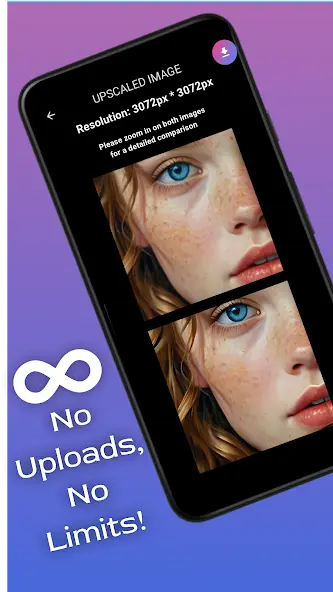
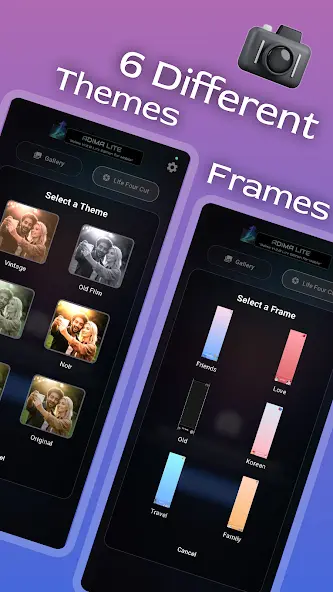
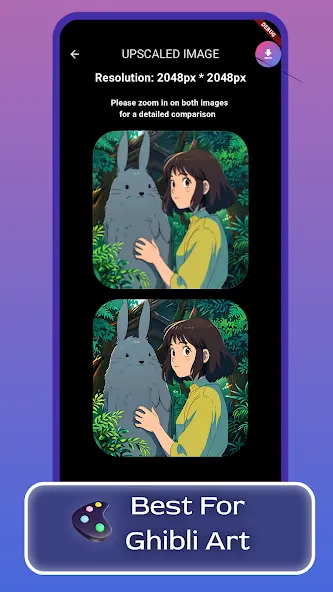
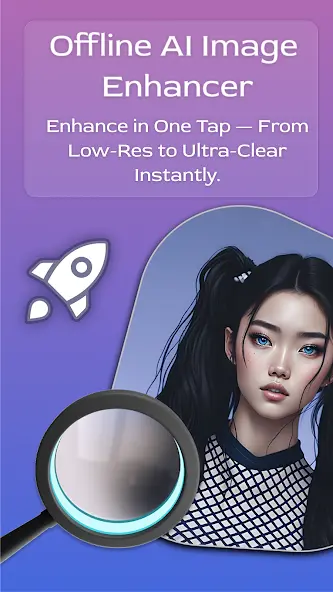
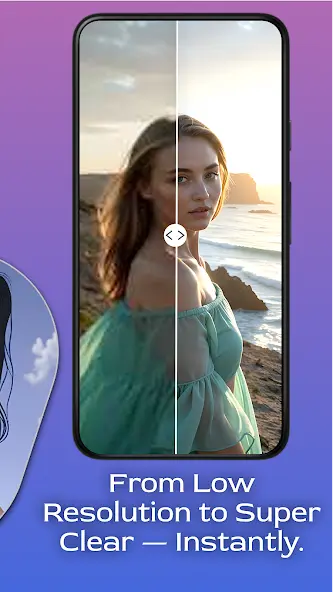
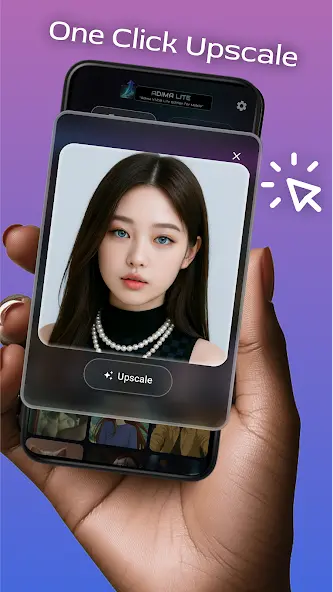
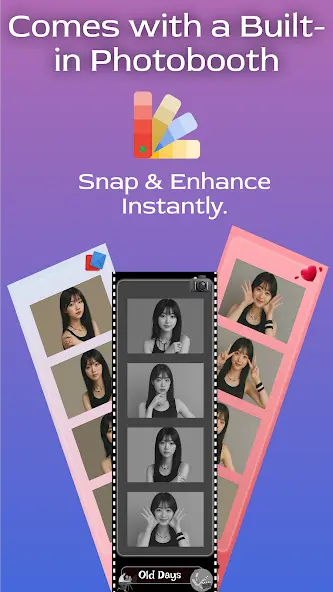
Adima AI Photo Enhancer is a fast, private, and powerful image enhancement app built for Android. It uses advanced on-device AI to upscale and enhance your photos up to 4K resolution — completely offline, with no internet required and no data sent to servers. ✅ Key Features: 📸 AI Upscaling up to 4K – Sharpen and enlarge your photos without losing detail 🔒 100% Offline & Private – All processing happens on your device ⚡ Fast Processing – Optimized for speed even on mid-range phones 🧹 Noise Reduction – Clean up grainy or low-light photos 🎨 Color & Detail Enhancer – Restore faded images with vibrant results 🎭 LifeFour Cut Photo Booth – Fun and creative auto-photo mode 🚫 Completely Ad-Free – No distractions, no tracking 🧠 Lightweight AI Models – Balanced for quality and speed 📂 Works with Local Storage – No upload or login needed Whether you're touching up portraits, fixing old memories, or prepping images for social media, Adima AI helps you do it all — quickly, privately, and beautifully.
Screenshots
Reviews (0)
No reviews yet. Be the first to rate this product!
Comments (1)
Upscaling photos to 4K on-device is impressive, especially if it doesn't send data to servers. Im curious how it handles low light or grainy photos. Could be a handy tool when I'm editing on the go.