
AfterCut — Screen Recorder
Turn raw screen captures into polished videos for macOS

@lenvladislavs8994
Details
- Use Cases
- Target Audience
- Platforms
Discovery signals
How AI and people discover AfterCut — Screen Recorder on PeerPush
About AfterCut — Screen Recorder
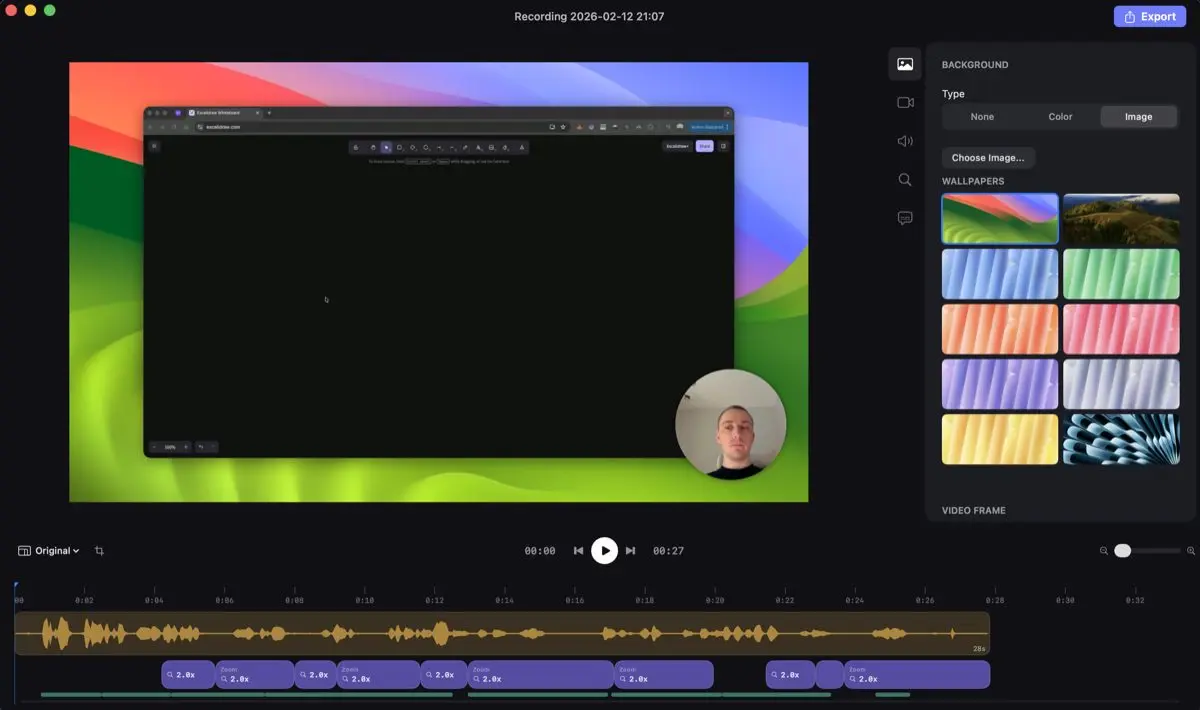
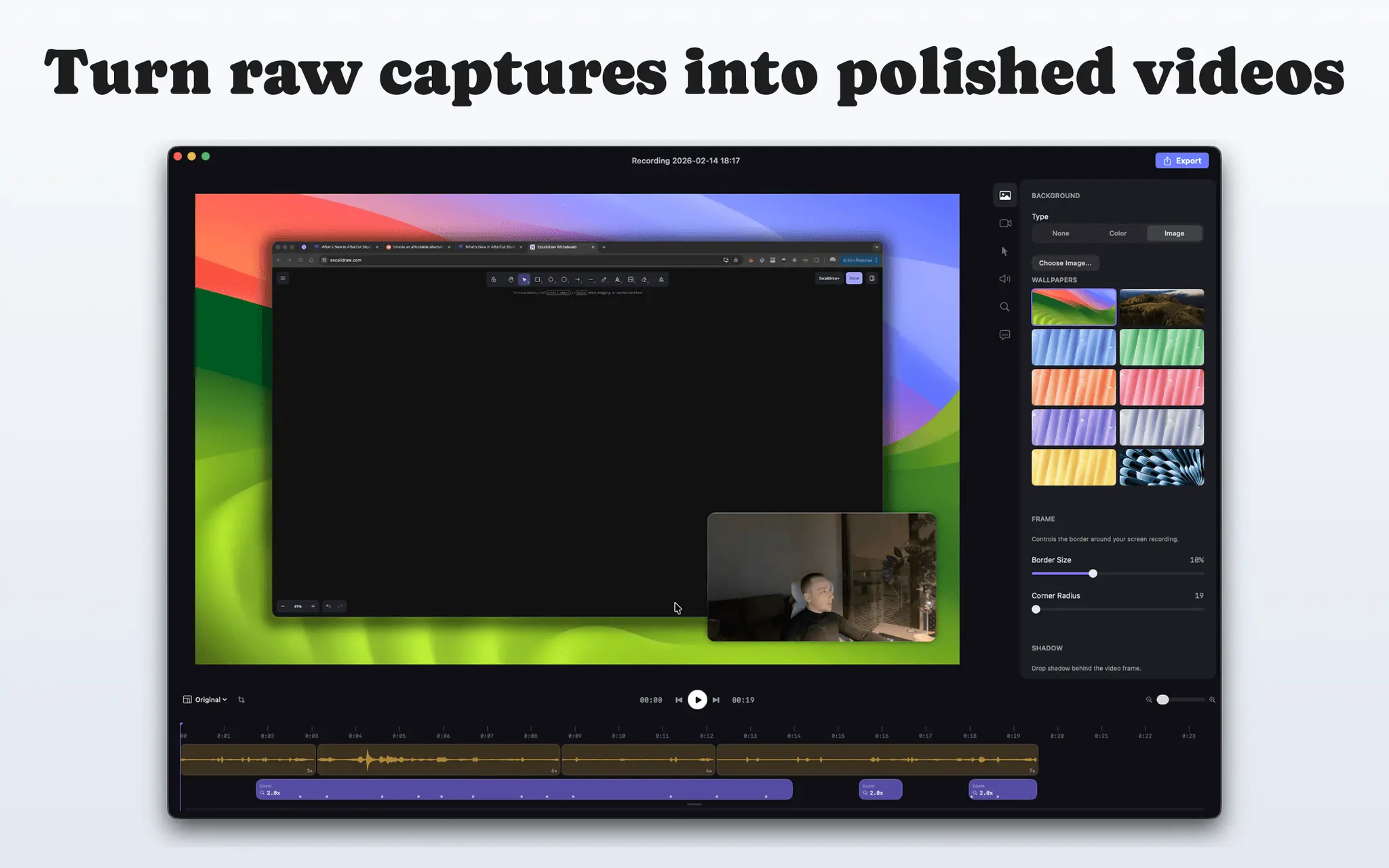
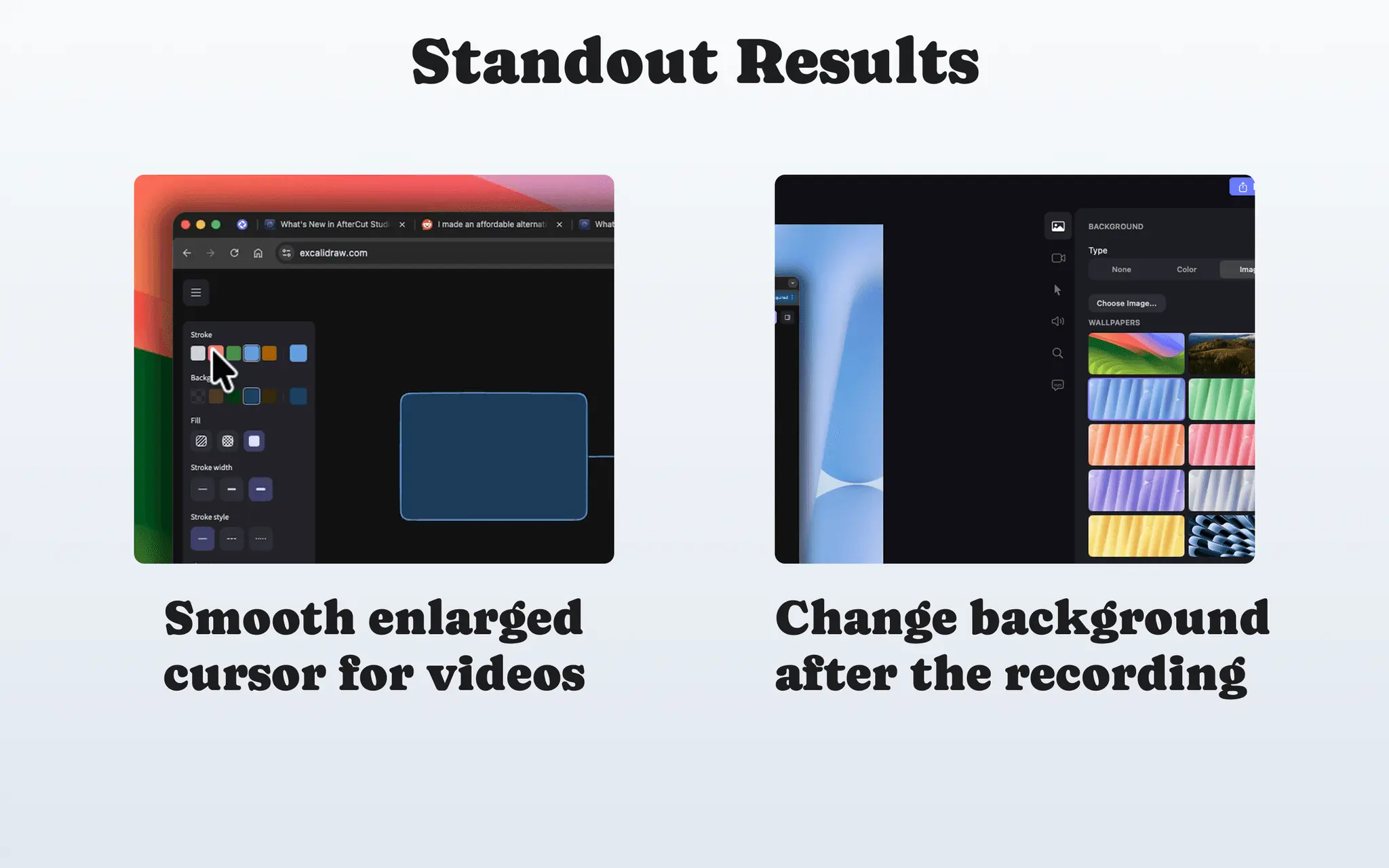
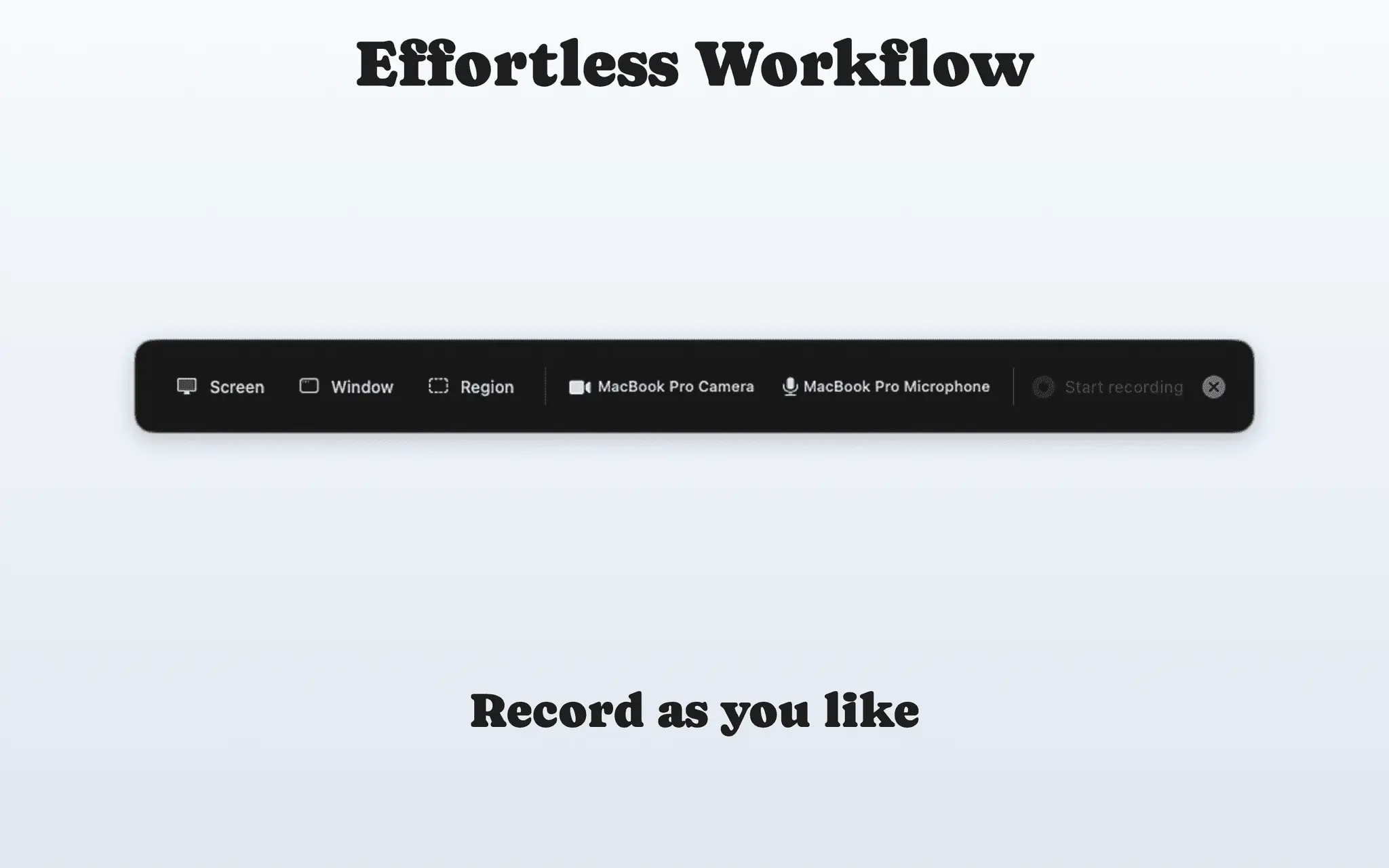
AfterCut helps you transform raw screen captures into professional-quality videos on macOS. You can enhance your recordings with features like auto zoom, stylish backgrounds, and camera overlays. This tool allows for high-quality 4K export and offers a simple one-time purchase model, meaning you can create polished content without the burden of a monthly subscription.
Screenshots
Reviews (0)
No reviews yet. Be the first to rate this product!
Comments (0)
No comments yet. Be the first to share your thoughts!