
AI Chat Exporter Pro
Export AI chats to PDF, DOCX, HTML, Markdown, CSV, and JSON

Details
- Follow on
- Categories
- Use Cases
- Target Audience
- Pricing
- Free
- Platforms
- Alternatives to AI Chat Exporter Pro
- See 3 AI Chat Exporter Pro alternatives
Discovery signals
How AI and people discover AI Chat Exporter Pro on PeerPush
- ChatGPT
- Perplexity
- +4 other AI crawlers
Reads by these AI engines
Crawlers behind these engines read this listing on PeerPush.About AI Chat Exporter Pro
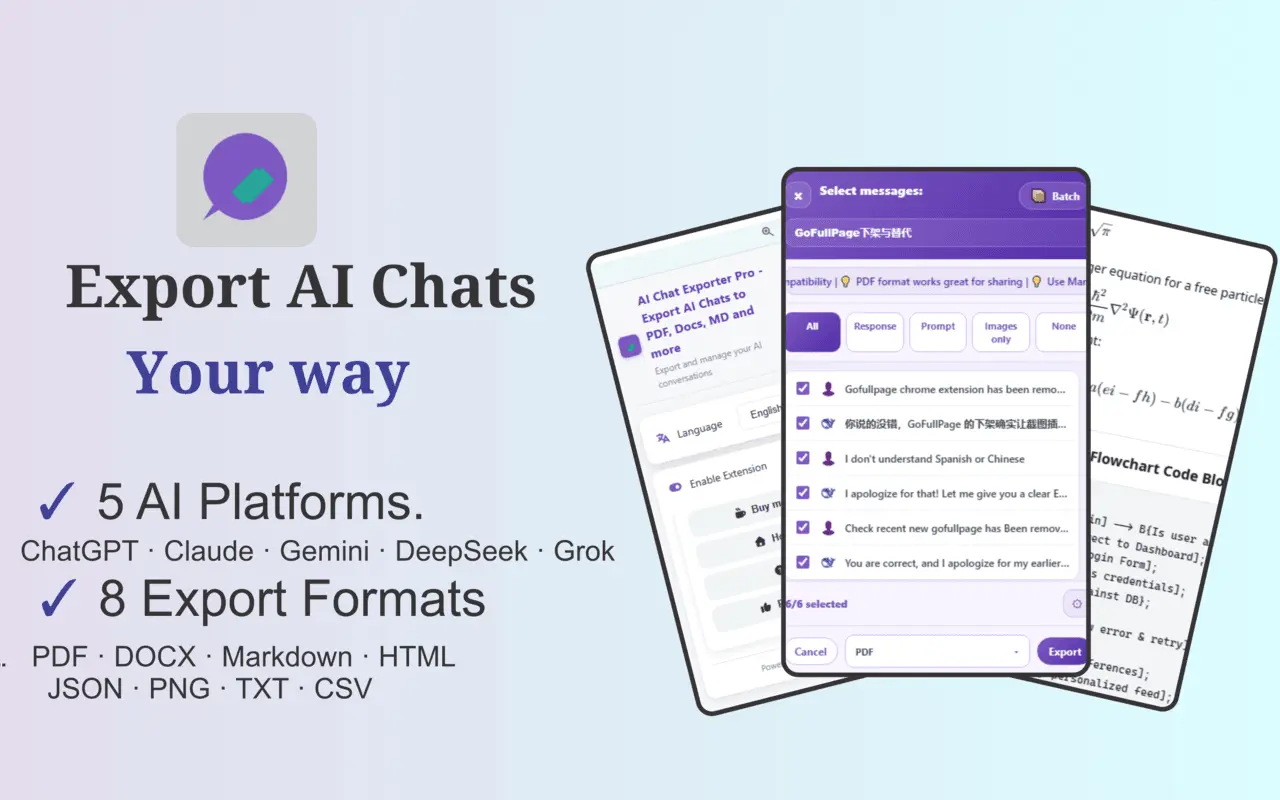
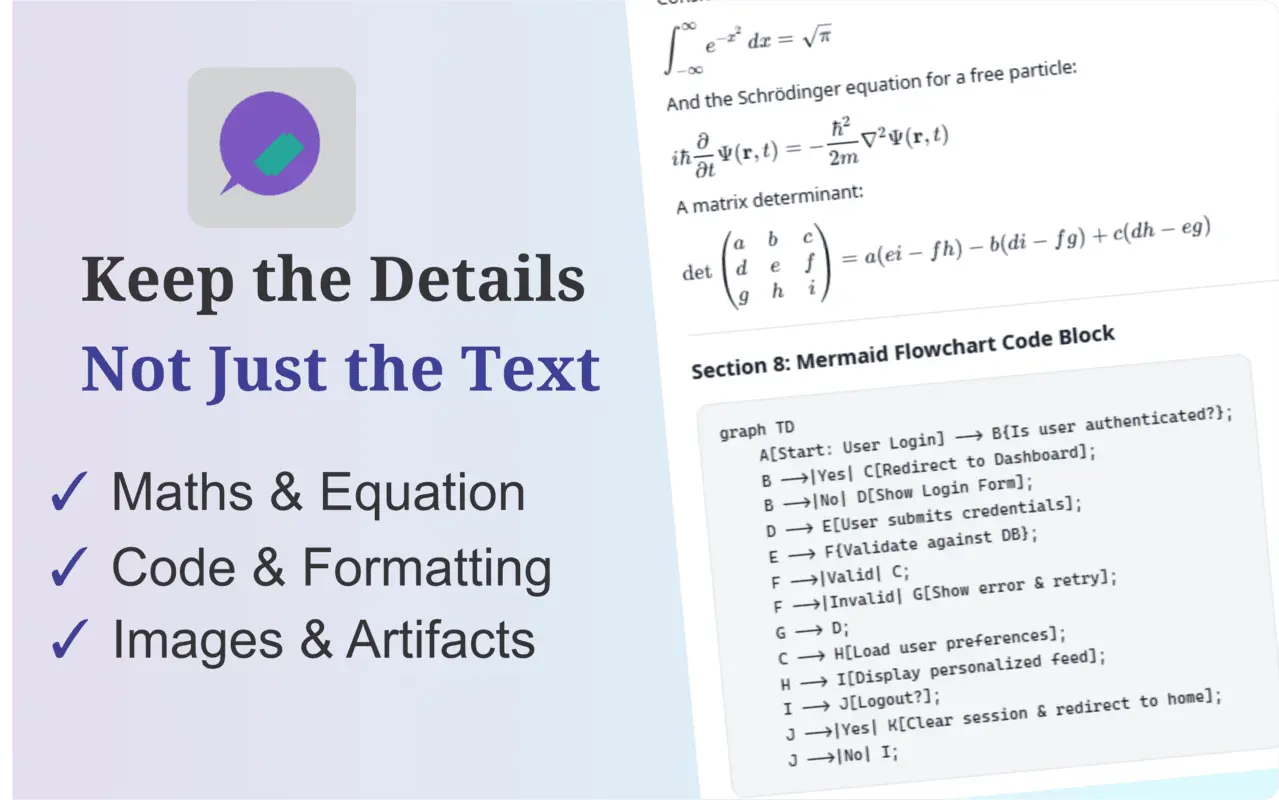
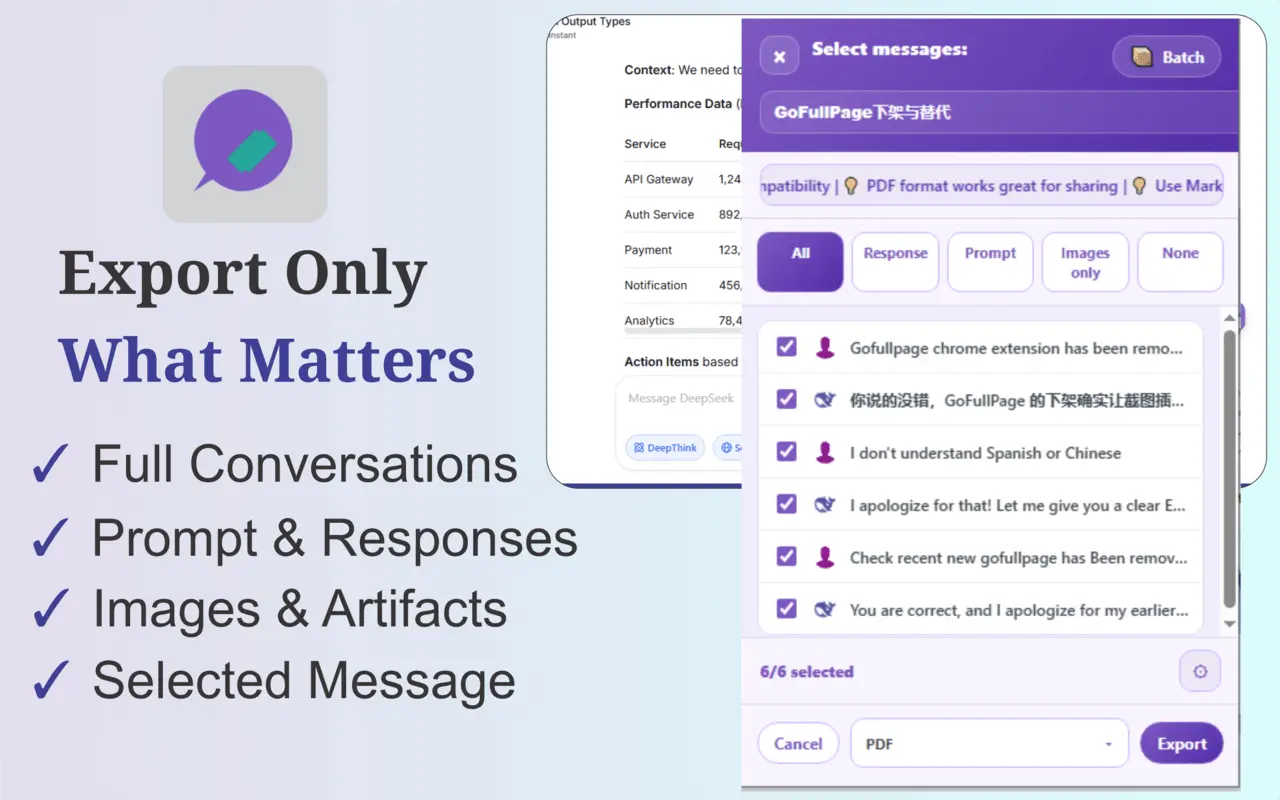
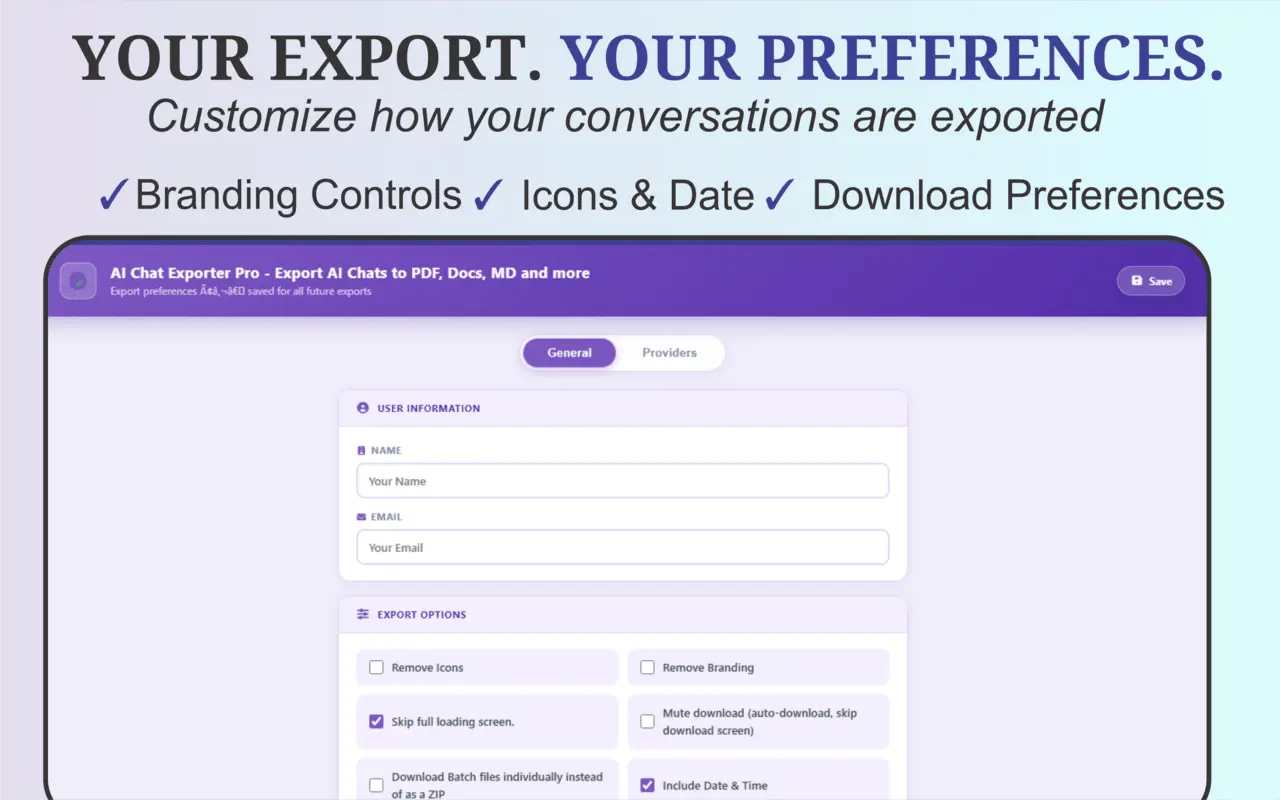
AIChatExporterPro is a browser extension for exporting, saving, backing up, and reusing conversations from ChatGPT, Claude, Gemini, DeepSeek, and Grok. Instead of manually copying and pasting long AI conversations into documents, AI Chat Exporter Pro lets you turn chats into clean, reusable files while preserving important parts of the original conversation. It supports exporting conversations as PDF, DOCX, Markdown, HTML, JSON, PNG, TXT, and CSV, making it useful for research, coding sessions, study materials, documentation, client work, project archives, and personal backups. Export Complete Conversations or Only What You Need AI Chat Exporter Pro gives you control over what gets included in an export. You can export: Complete conversations Prompts only AI responses only Selected messages or turns Images from a conversation Supported Claude artifacts This means you don't have to save an entire conversation when only a few responses are important. Select the parts you want and export only those. Export to 8 File Formats Choose the format that fits what you want to do with the conversation: PDF — for polished documents, reading, archiving, printing, and sharing DOCX — for editing conversations later in Microsoft Word and compatible editors Markdown — for documentation, notes, development workflows, and knowledge bases HTML — for preserving and viewing conversations in a browser JSON — for structured conversation data and further processing PNG — for saving conversations as images TXT — for simple, portable plain-text copies CSV — for structured analysis and spreadsheet-based workflows Export All Images from a Chat For conversations containing multiple images, AI Chat Exporter Pro can extract the images from the conversation and download them together in a ZIP file. This avoids manually opening and saving images one at a time and is particularly useful for long AI conversations containing multiple uploaded, generated, or displayed images. Batch Export Multiple Conversations AI Chat Exporter Pro also supports batch conversation export. Select up to 30 conversations at once and export them in one operation instead of opening and saving each chat individually. Batch export supports: PDF DOCX Markdown HTML JSON TXT CSV The resulting files can be packaged together for convenient downloading and organization. This is useful when backing up AI chat histories, organizing project conversations, preserving research sessions, or moving important conversations into your own archive. Preserve Important Conversation Formatting AI conversations often contain much more than ordinary paragraphs. AI Chat Exporter Pro is designed to retain important structured content in supported exports, including: Code blocks Tables Mathematical formulas LaTeX and KaTeX expressions Images Links Headings Lists Emojis Other structured conversation content This is particularly useful for technical conversations where simply copying the text can lose important formatting. Works Across 5 Major AI Platforms One extension works across: ChatGPT Claude Gemini DeepSeek Grok You don't need a separate chat-export tool for each AI platform. Whether you're preserving a ChatGPT coding session, saving a Claude research conversation, backing up DeepSeek chats, exporting Gemini responses, or archiving a Grok conversation, AI Chat Exporter Pro provides a consistent export workflow. Useful for Long AI Conversations Long conversations can become difficult to preserve manually, especially when they contain hundreds of messages, code, mathematical expressions, tables, links, or images. AI Chat Exporter Pro is built to make these conversations easier to preserve outside the original AI platform, so important work isn't limited to a browser tab or chat history. Built for Different Workflows AI Chat Exporter Pro can be useful for: Developers preserving coding and debugging sessions Researchers archiving AI-assisted research Students saving study conversations and explanations Writers keeping drafts and brainstorming sessions Professionals preparing AI conversations for clients or colleagues Users creating personal backups of important AI chats People moving useful AI responses into documentation or knowledge-management systems Anyone who wants a reusable copy of an AI conversation outside the original platform Local and Server-Side Processing Most export formats are generated locally in the browser. PDF export uses a dedicated rendering service to better preserve complex conversation content such as mathematical expressions, code formatting, images, emojis, and other document elements. One Tool for Saving AI Conversations Your Way AI Chat Exporter Pro is designed around a simple idea: AI conversations increasingly contain valuable work, and users should be able to preserve that work in the format that fits their needs.
Screenshots
Reviews (0)

Comments (2)
Unique Idea, nicely executed.
Export your Chatgpt, Deepseek, Grok, Gemini and Claude conversations to PDF, DOCX, HTML, Markdown, CSV, and JSON.