
AirStats
Lightweight menu bar system monitor for macOS
Details
- Categories
- Use Cases
- Target Audience
- Pricing
- Free
- Platforms
- Featured in
Discovery signals
How AI and people discover AirStats on PeerPush
About AirStats
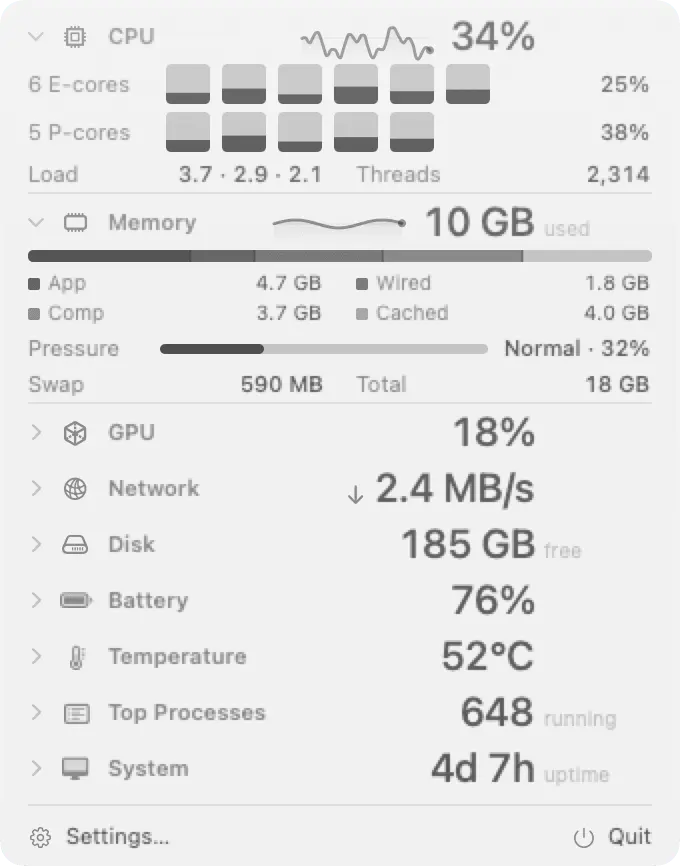
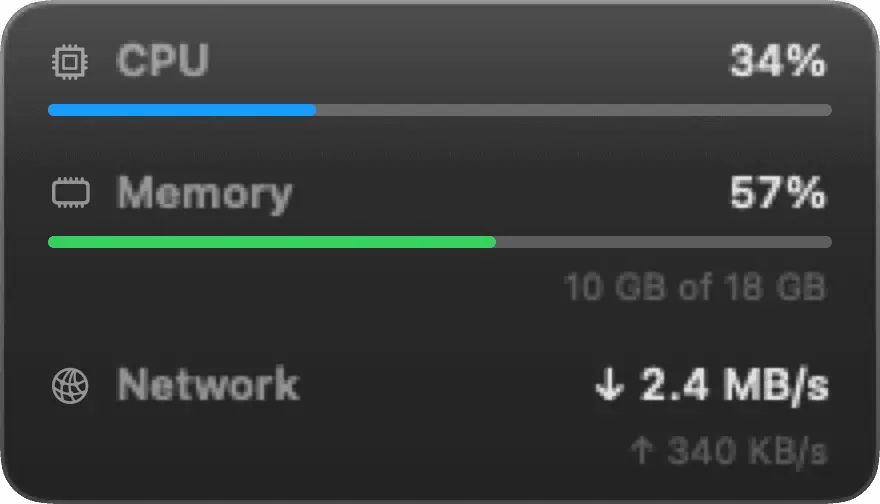
AirStats is a free, open-source system monitor for macOS that lives in your menu bar. It is built for Apple silicon Macs and shows the numbers you actually check: CPU load, memory pressure, GPU activity, network throughput, disk usage, battery, temperature, and the processes using the most resources right now. You choose which metrics sit in the menu bar. There are sixteen to pick from, and each one can have its own colour so you can read the bar at a glance. Click any metric to open a detailed panel with the full picture and a live process list. If you prefer something always visible, pin a configurable widget to the desktop instead. Threshold alerts let you set a limit on any metric, such as CPU above 90 percent or free disk under 10 GB, and AirStats tells you when it is crossed. Keyboard shortcuts open and close the panel without touching the mouse. AirStats is lightweight by design. It is a native Mac app that stays out of the way while you work. The full source is on GitHub under the MIT license, so you can read exactly what it does, build it yourself, or contribute. There is no account, no subscription, and no paid tier. Download it from airstats.app and it is running from the first launch.
Screenshots
Reviews (0)
No reviews yet. Be the first to rate this product!
Comments (1)
The configurable thresholds make this more than a passive menu-bar display. Do alerts have a cooldown or a reset threshold to avoid repeated notifications when a metric hovers around its limit?