
All Cloud Hub Android Application
Multi Cloud Storage Manager Android App


Details
- Follow on
- Categories
- Pricing
- Freemium from $49
- Platforms
Discovery signals
How AI and people discover All Cloud Hub Android Application on PeerPush
About All Cloud Hub Android Application
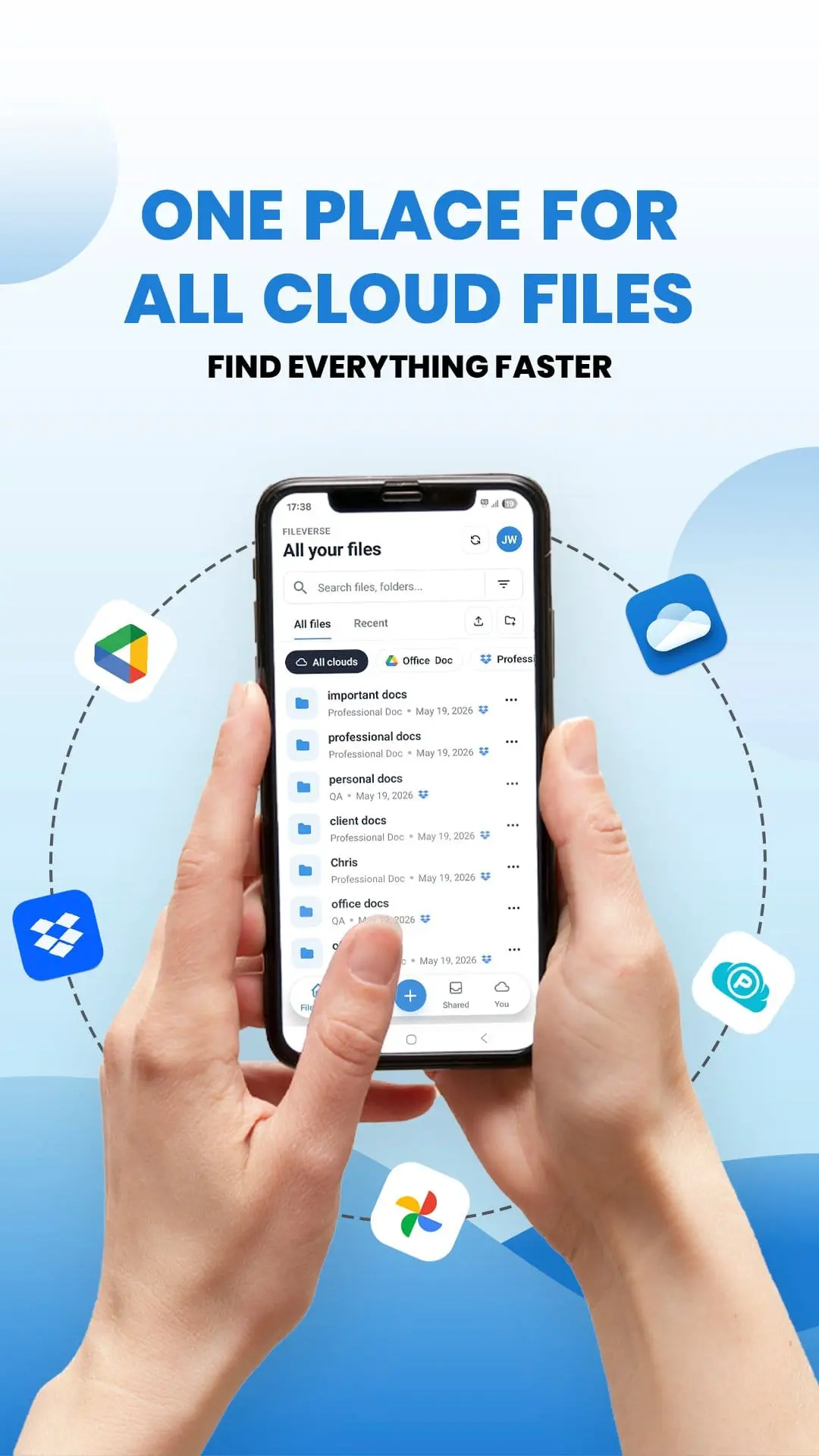
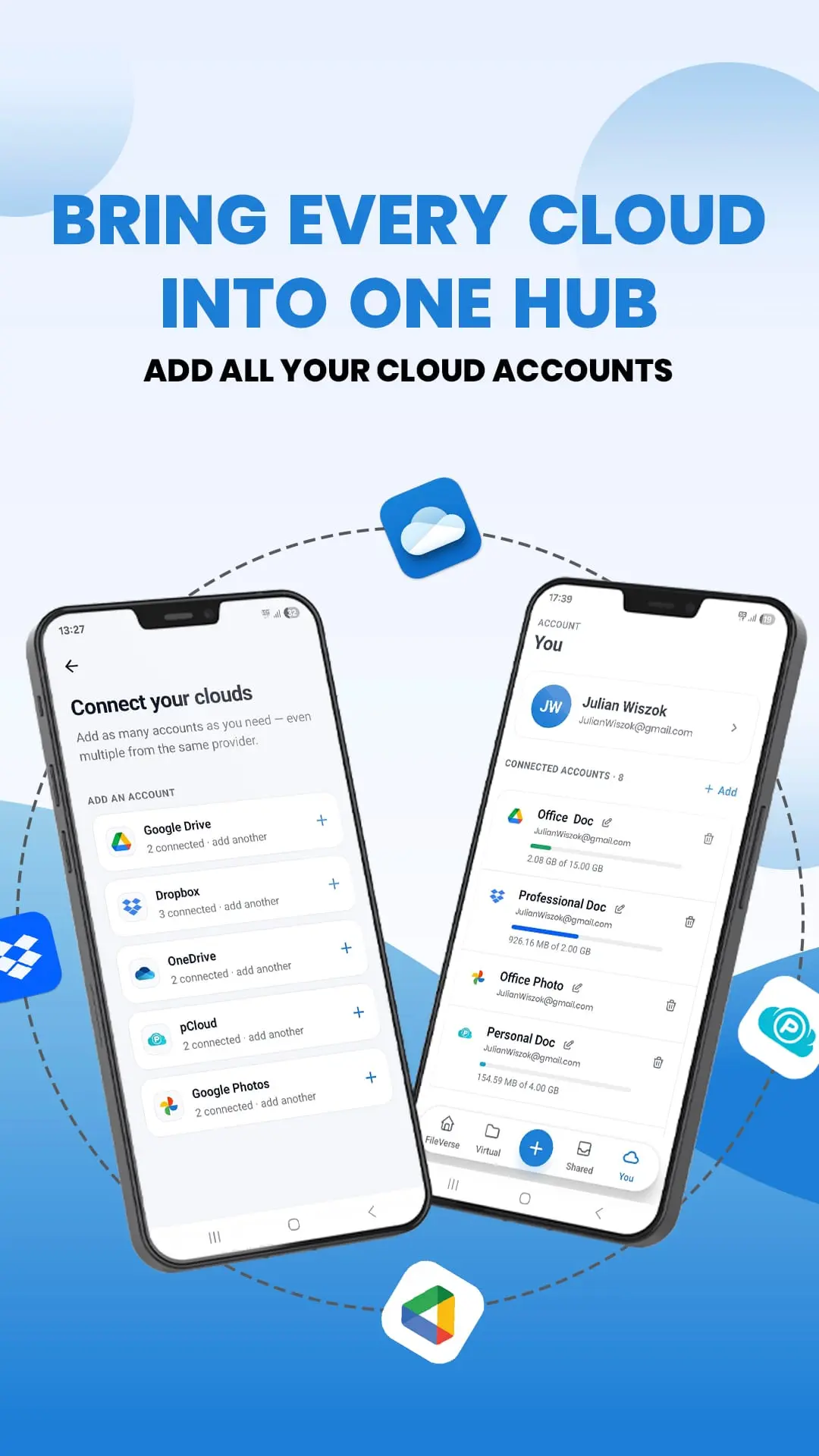
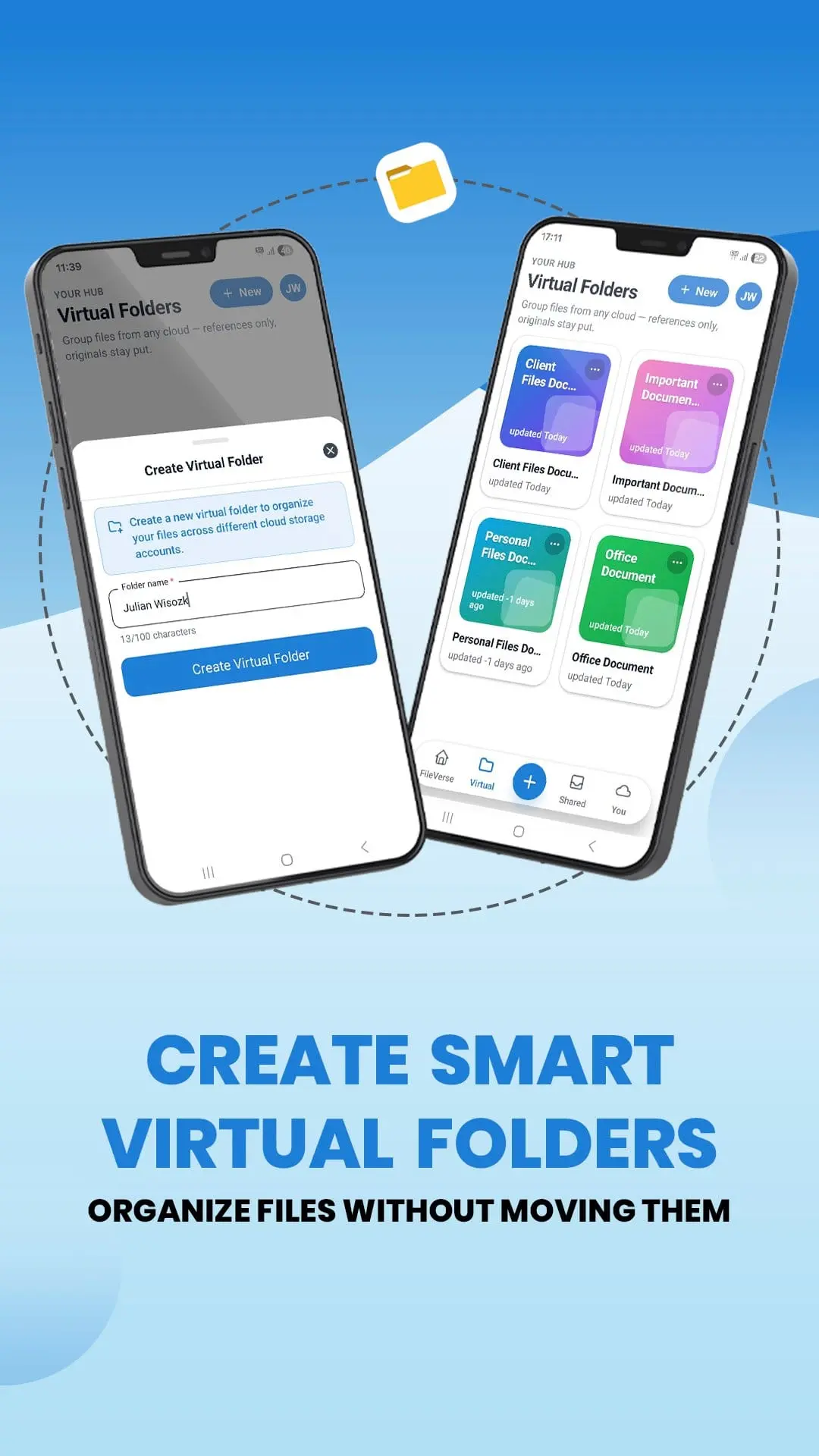
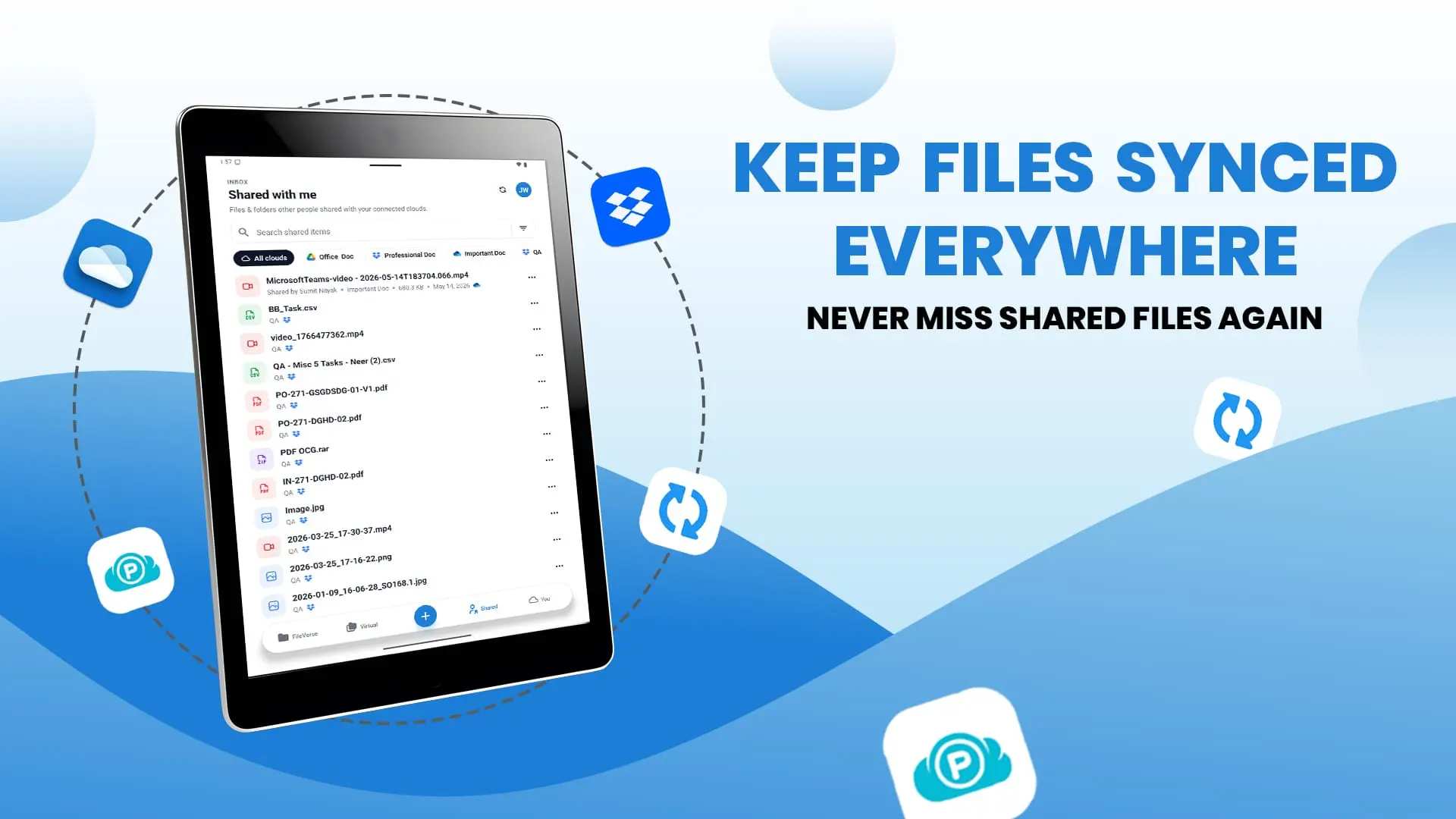
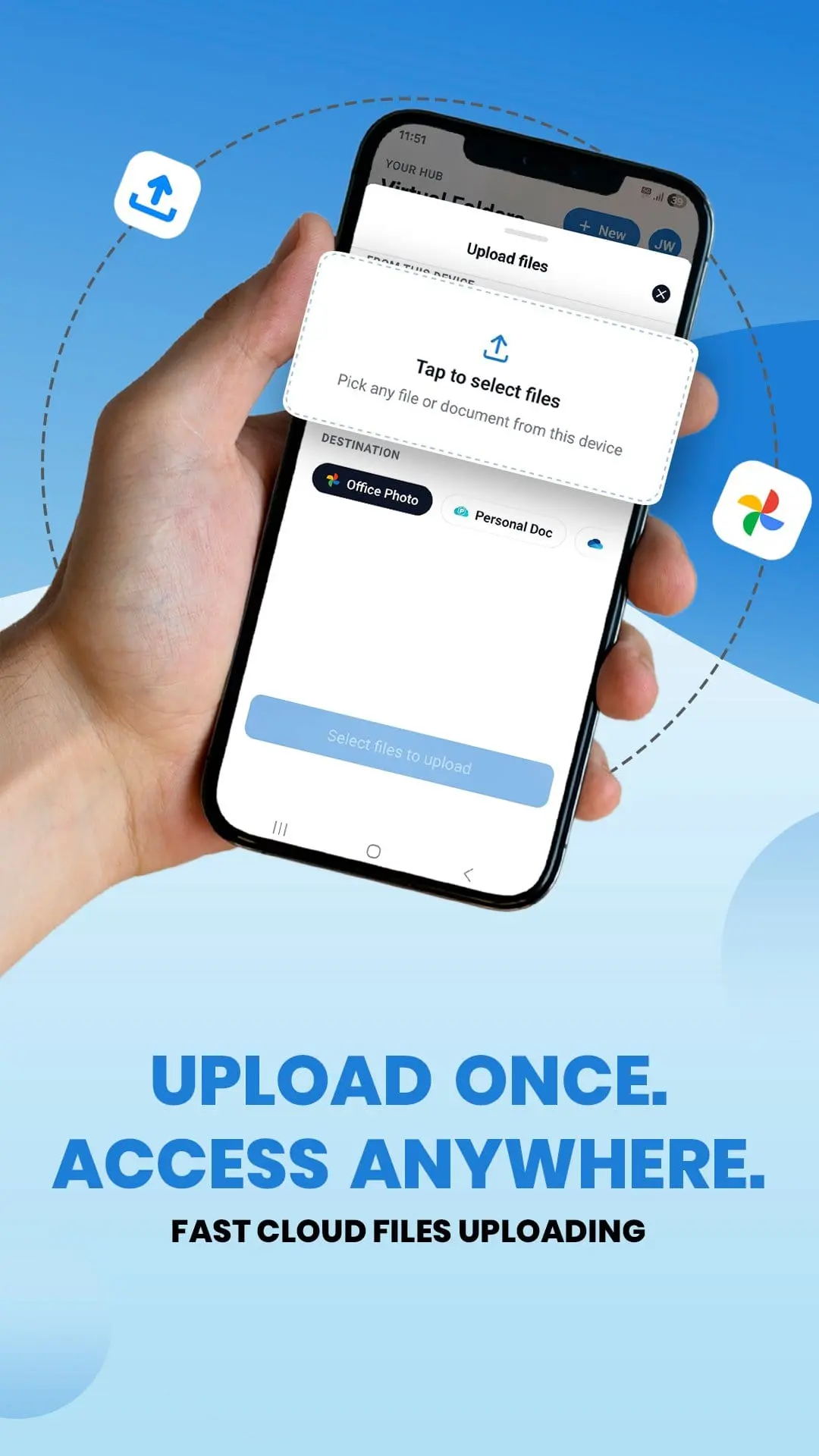
All Cloud Hub is a multi-cloud storage Android app that connects Google Drive, Google Shared Drive, Google Photos, Microsoft OneDrive, Dropbox, pCloud, iCloud Drive, iCloud Photos, MEGA, and Backblaze B2 into a single unified dashboard. View, search, manage, and transfer files across all your connected cloud accounts. No more switching between drives, downloading files from one service, and re-uploading them to another just to complete a simple transfer. - One Dashboard for All Your Cloud Storage Browse folders, view files, and perform actions across your connected cloud accounts, including multiple accounts from the same service, without logging in and out of different apps. - Transfer Files Between Clouds Without Downloading Move or copy files between supported cloud services without saving them to your device. Transfer files from one cloud to another in just a few taps. No local storage required. No unnecessary downloads or re-uploads. - Search Every Cloud at Once A single search scans all your connected accounts at the same time. Find files across your cloud storage without opening multiple apps or remembering where a file is stored. - Organize and Back Up Across Clouds Copy, move, rename, and restructure folders across connected accounts from one place. Use All Cloud Hub to back up important files across multiple services or clean up your cloud storage without constantly switching between apps. - Virtual Folders Create virtual folders to organize files from different cloud accounts in one place without physically moving them. Keep related files together and access them through a single organized view, regardless of which connected cloud they are stored in. - Scheduled Tasks Schedule recurring file transfers and cloud management tasks to run automatically at your preferred time. Automate regular backups, transfers, and other repetitive workflows without having to perform them manually every time. - Transfer History Keep track of your cloud-to-cloud transfers with a detailed transfer history. Review completed, ongoing, and failed tasks to easily monitor your file transfer activity and check the status of previous operations. - Security & Privacy Accounts are connected through each cloud service's official authentication and authorization system, and your cloud passwords are never stored by All Cloud Hub. and it is is not affiliated with, endorsed by, or officially connected to Google, Microsoft, Dropbox, Apple, pCloud, MEGA, or Backblaze. All product names and trademarks are the property of their respective owners.
Screenshots
Reviews (0)
No reviews yet. Be the first to rate this product!
Comments (0)
No comments yet. Be the first to share your thoughts!