
Convertimg.io
Convert, compress, resize, and crop images online

@liamwgit
Details
- Follow on
- Target Audience
- Pricing
- Free
- Platforms
 Convertio alternatives
Discovery signals
How AI and people discover Convertimg.io on PeerPush
About Convertimg.io
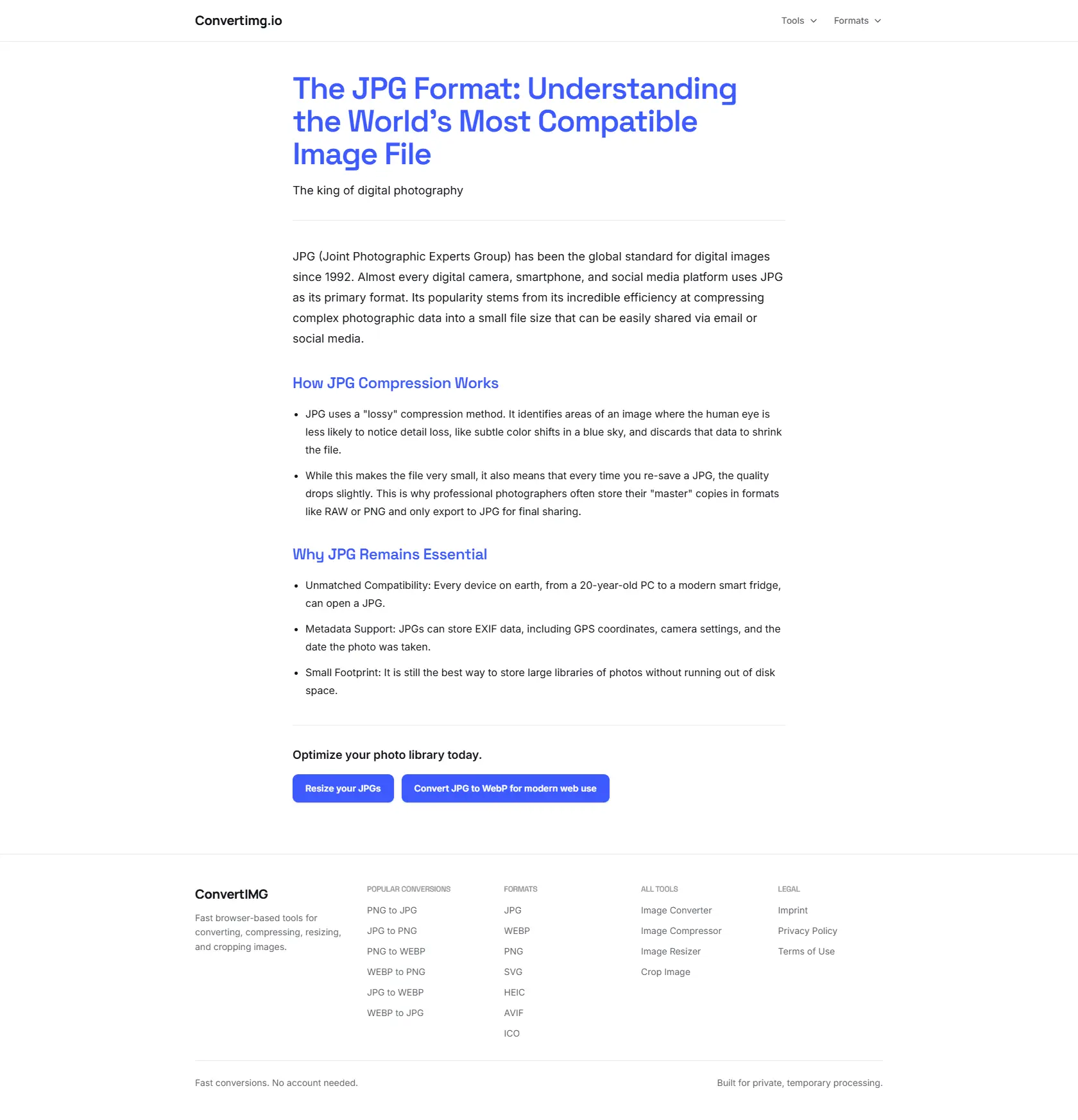
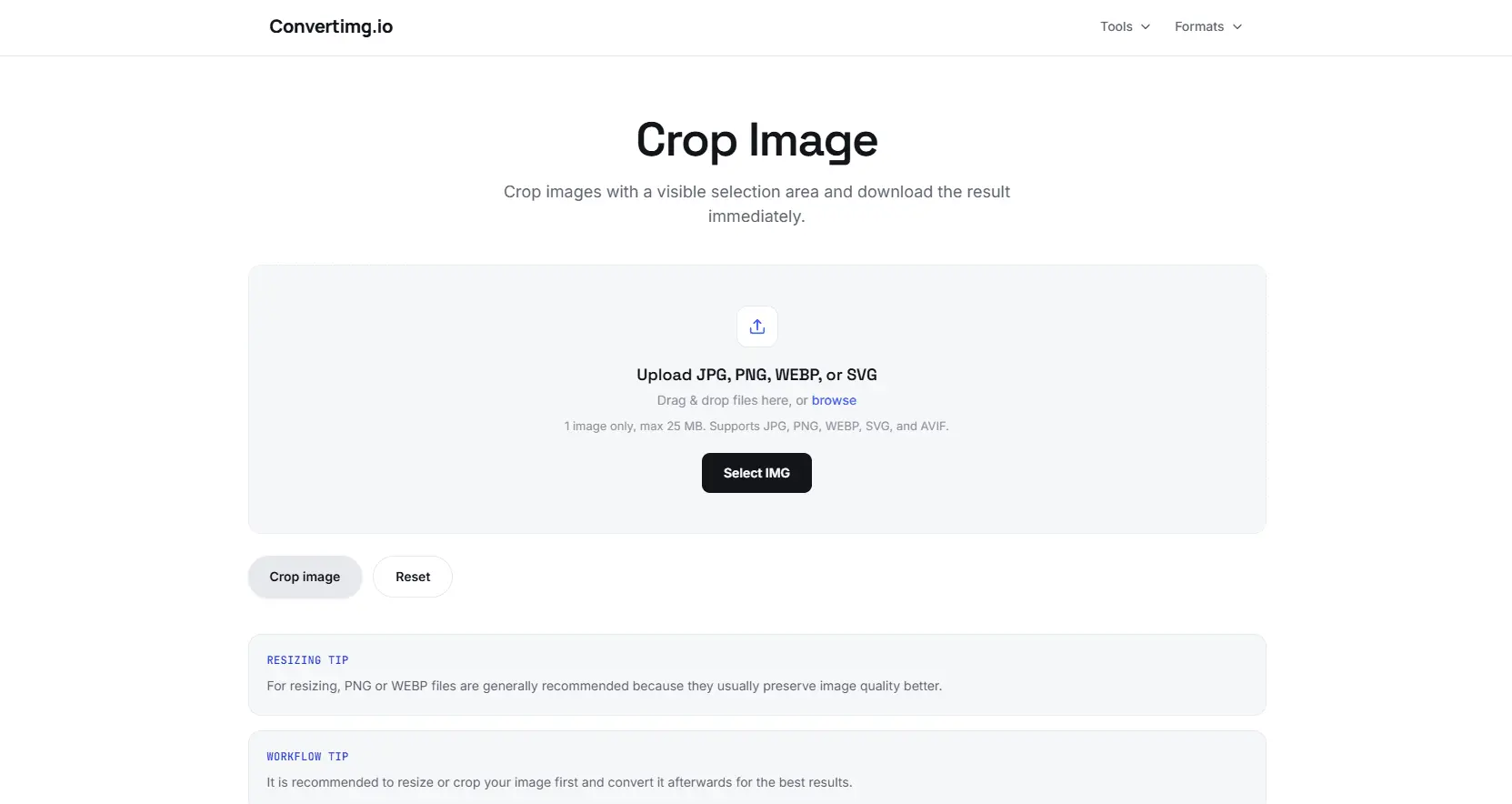
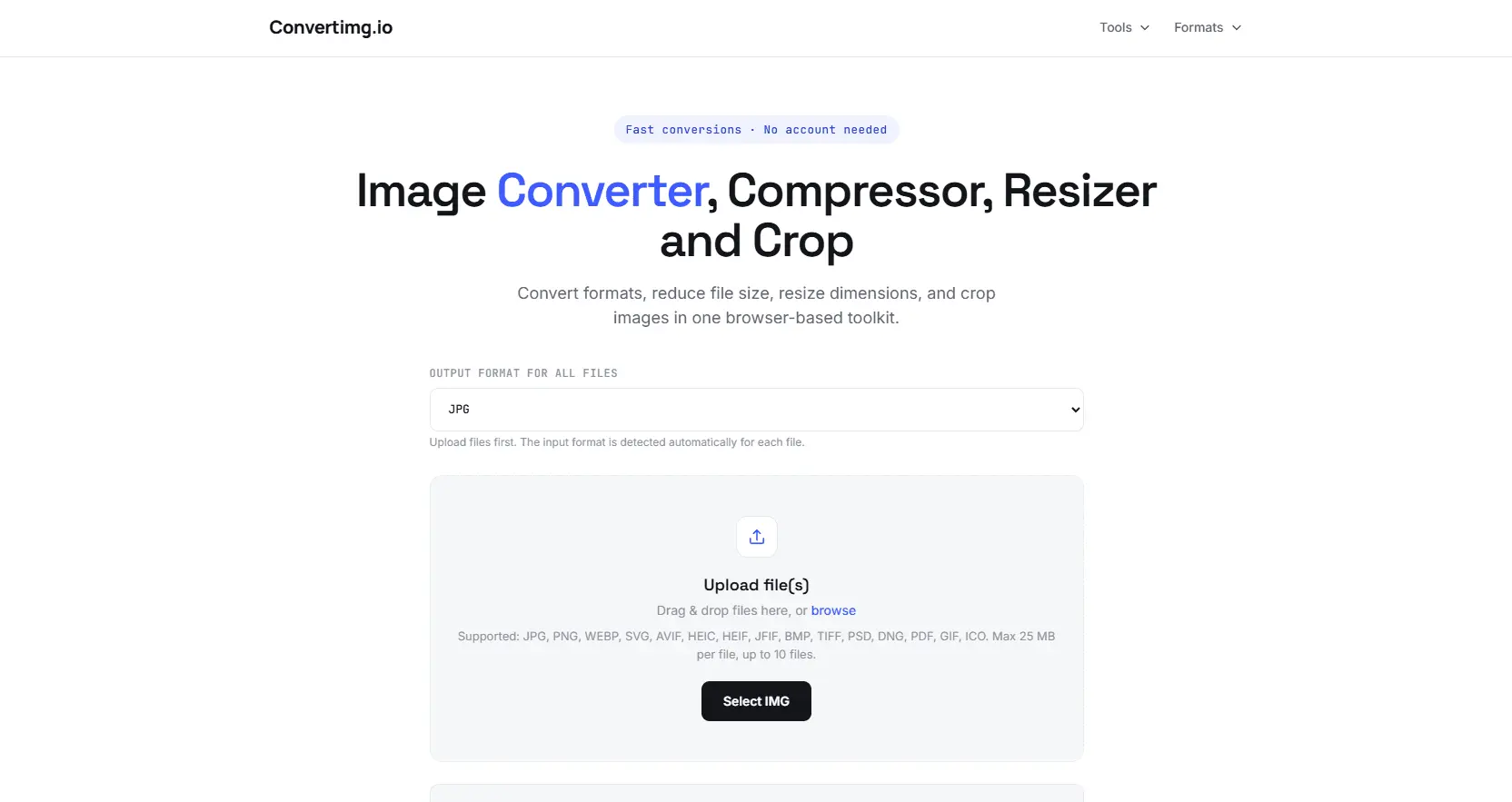
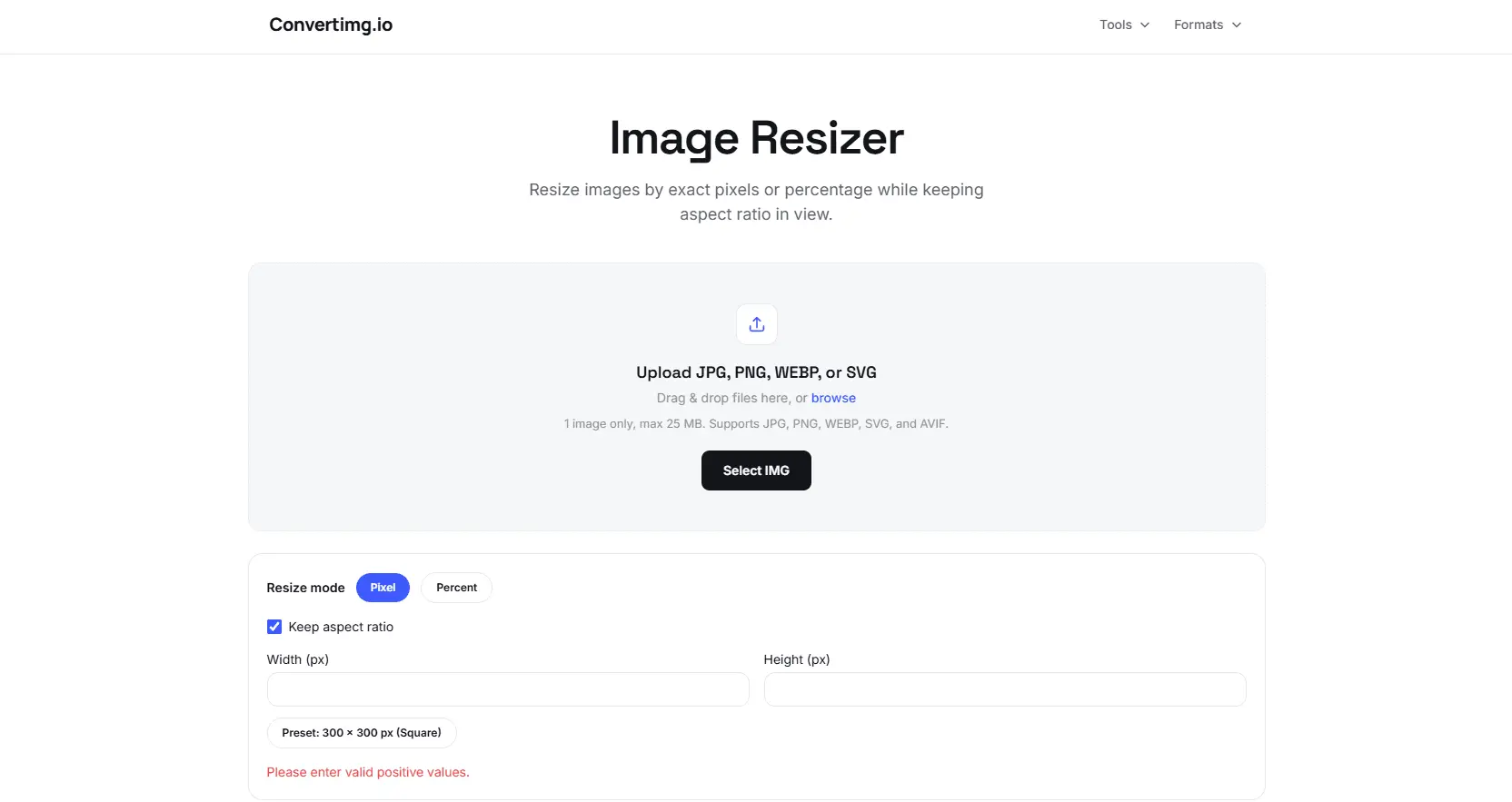
This tool provides a fast workflow for managing your visual assets. You can convert, compress, resize, and crop images online through an efficient interface. It supports popular formats including JPG, PNG, WEBP, and SVG files, helping you optimize your media for any project.
Screenshots
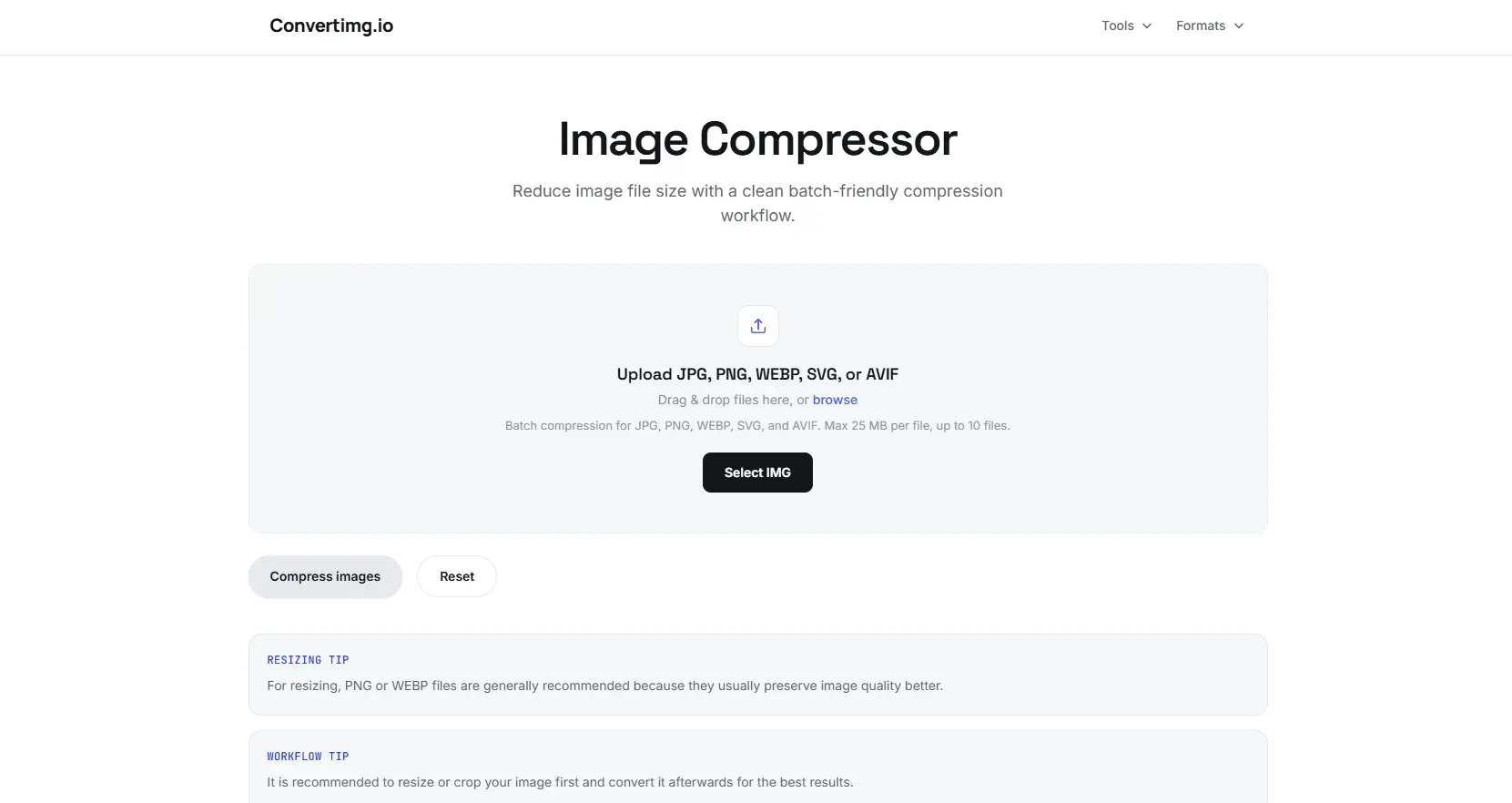
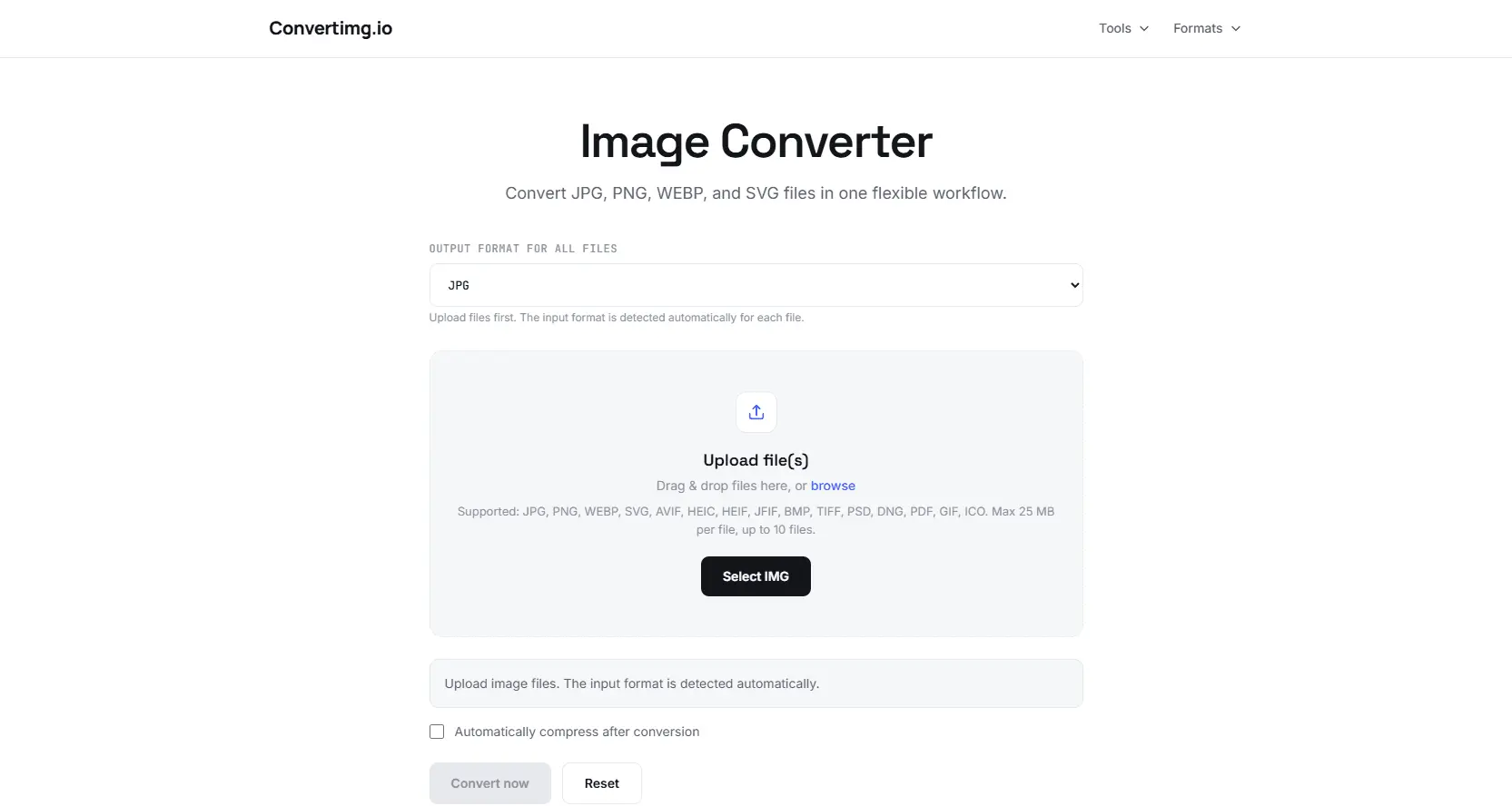
Product Updates (1)
New Look for Convertimg.io
Hey guys, i've heard a lot of Feedback about the design of the Site, so i did a new one. It looks way more modern, i'm excited about your feedback. Try it out now.
Product had at the time: 4 upvotes • 5 comments • 3 followers • 4 PeerPush
Comments (0)
No comments yet. Be the first to share your thoughts!
Reviews (1)
Average 3.0 out of 5
3.0
Based on 1 review
5
0
4
0
3
1
2
0
1
0

Dont think this product is ready yet
Comments (1)
I tried converting the image format. It worked. I do feel the homepage needs to communicate features better. The homepage section shows the feature of file conversion, but you have other tools as well, which feel hidden.
@ashishdurgude Thanks for your comment, is it the UI overall which needs to communicate better ?
@liamwgit, ideally, having a homepage with your tools card. Think of how ilovepdf.com looks. They list what is possible with their product, and then you as a user choose which tool you want you use.
@ashishdurgude Having a homepage like that will help users know that you have other image tools as well. It will help those tools to get visibility as well. I see that you have 4 tools. Show 4 cards and let user decide what they want to do.
@ashishdurgude Thanks for the feedback, that will make it more user friendly, i think i will rebuild the landingpage of the tool