
App Pin
Pin apps to your Android home screen, even after uninstall


Details
- Categories
- Target Audience
- Pricing
- Freemium
- Platforms
About App Pin
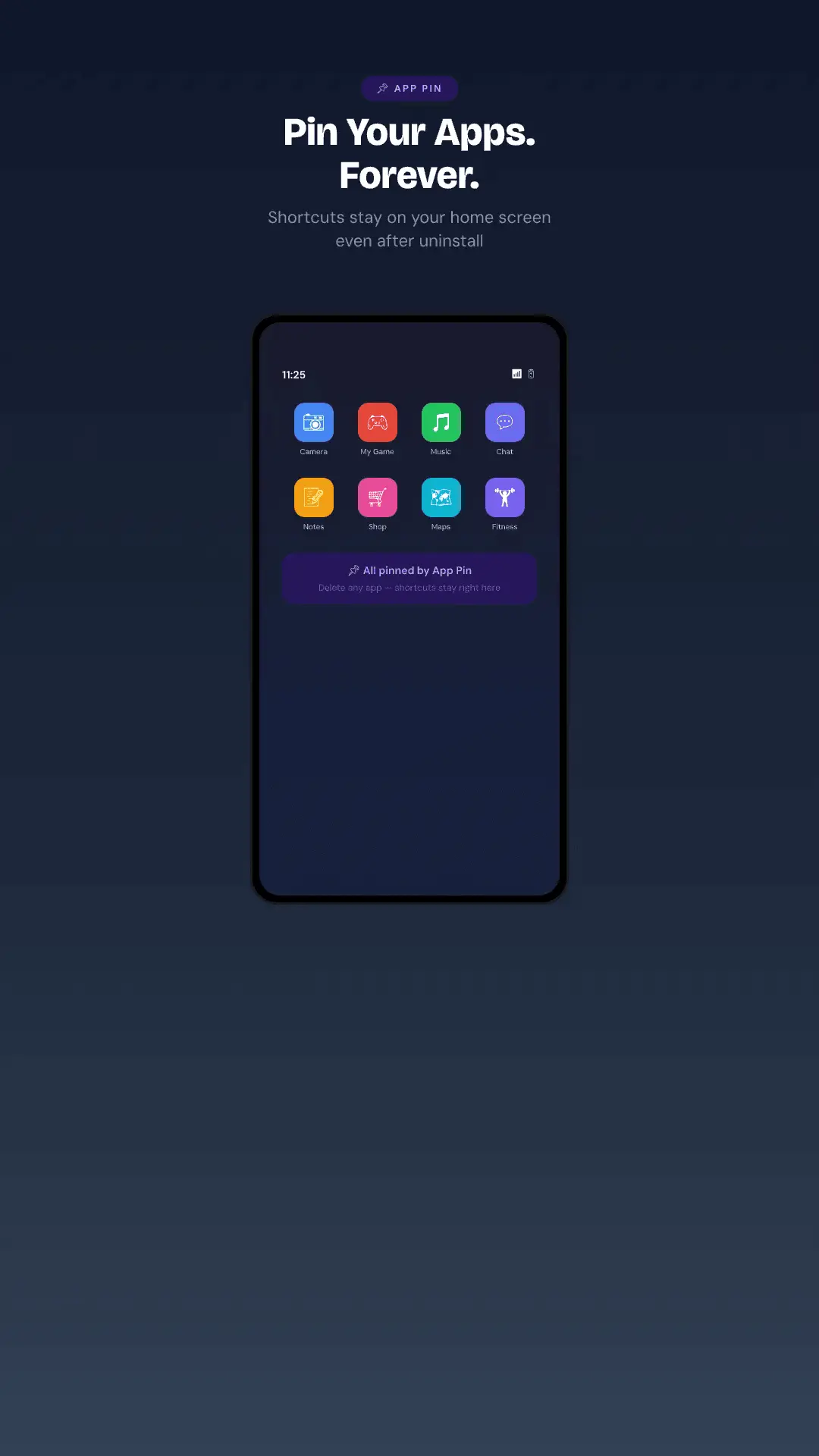
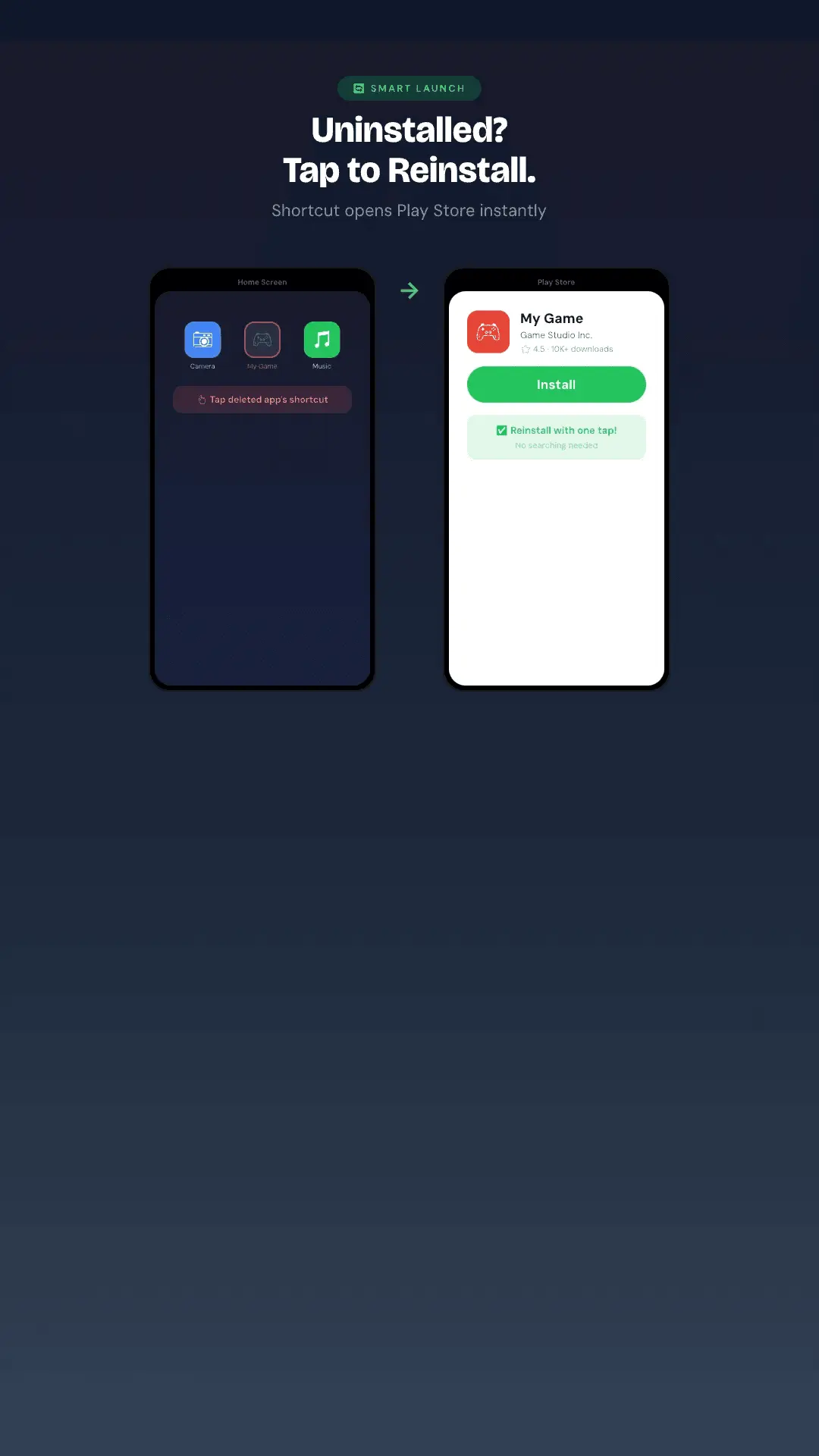
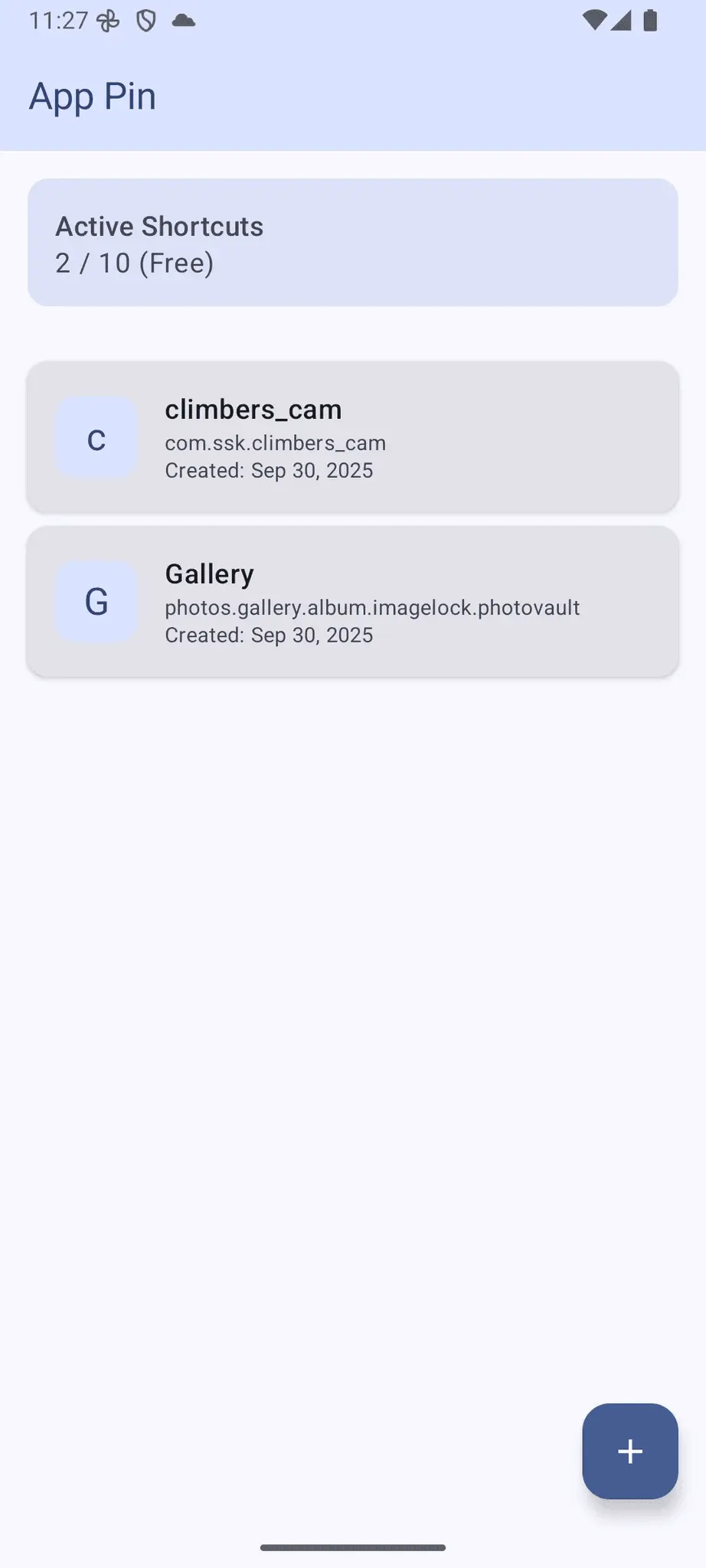
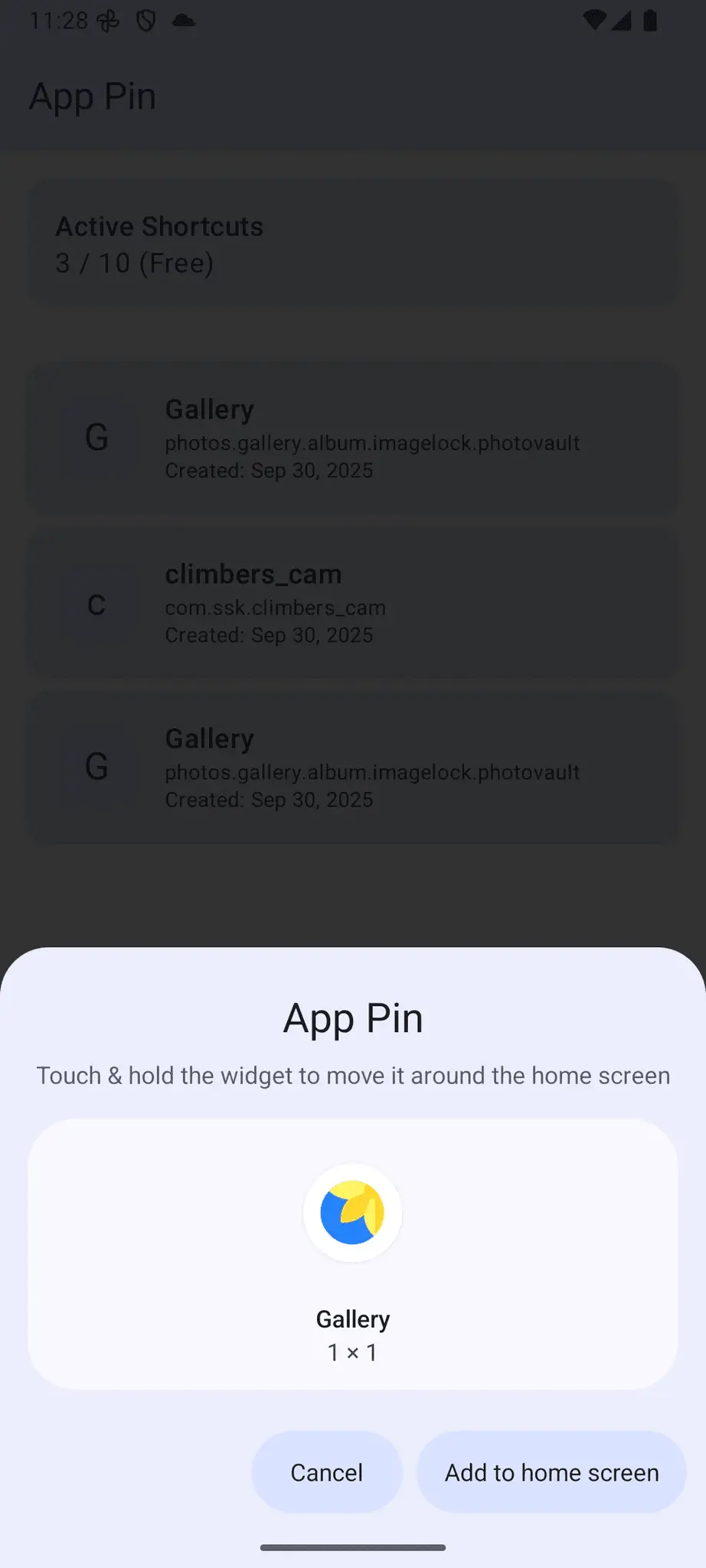
App Pin keeps shortcuts to your apps on the Android home screen, even after you uninstall them. Tap a pinned shortcut: if the app is installed, it opens. If not, the Play Store opens so you can reinstall it in one step. The problem: you uninstall apps you only use now and then (travel, delivery, event or government apps) to save space, and later can't remember what they were called when you need them again. With App Pin, the icon stays right where it was. Features - Permanent shortcuts: pin any app to the home screen. The shortcut stays after uninstall. - Smart launch: opens the app if it's installed, otherwise jumps to its Play Store page to reinstall. - Original icons: shortcuts use the real app icon, so your home screen stays clean and recognizable. - Auto cleanup: detects removed packages in the background and keeps the dashboard tidy. - One dashboard: re-pin, rename, view info, or remove pinned apps from a single screen. - Lightweight, no account required. Built with Material You. Requirements - Android 8.0 or later - A launcher that supports pinned shortcuts (most stock and third-party launchers do) Download - Google Play: https://play.google.com/store/apps/details?id=com.ssk.apppin Free for up to 10 pinned shortcuts, with an optional upgrade for more.
Screenshots
Reviews (0)
No reviews yet. Be the first to rate this product!
Comments (1)
Hi PeerPush! App Pin keeps home screen shortcuts for apps even after you uninstall them, so getting one back is a single tap. Feedback welcome!