
Avionics Buddy
Live MSFS companion for iPhone, iPad & Mac


Details
- Follow on
- Use Cases
- Pricing
- One-time from $3.99
- Featured in
Discovery signals
How AI and people discover Avionics Buddy on PeerPush
- ChatGPT
- Perplexity
- +2 other AI crawlers
Reads by these AI engines
Crawlers behind these engines read this listing on PeerPush.About Avionics Buddy
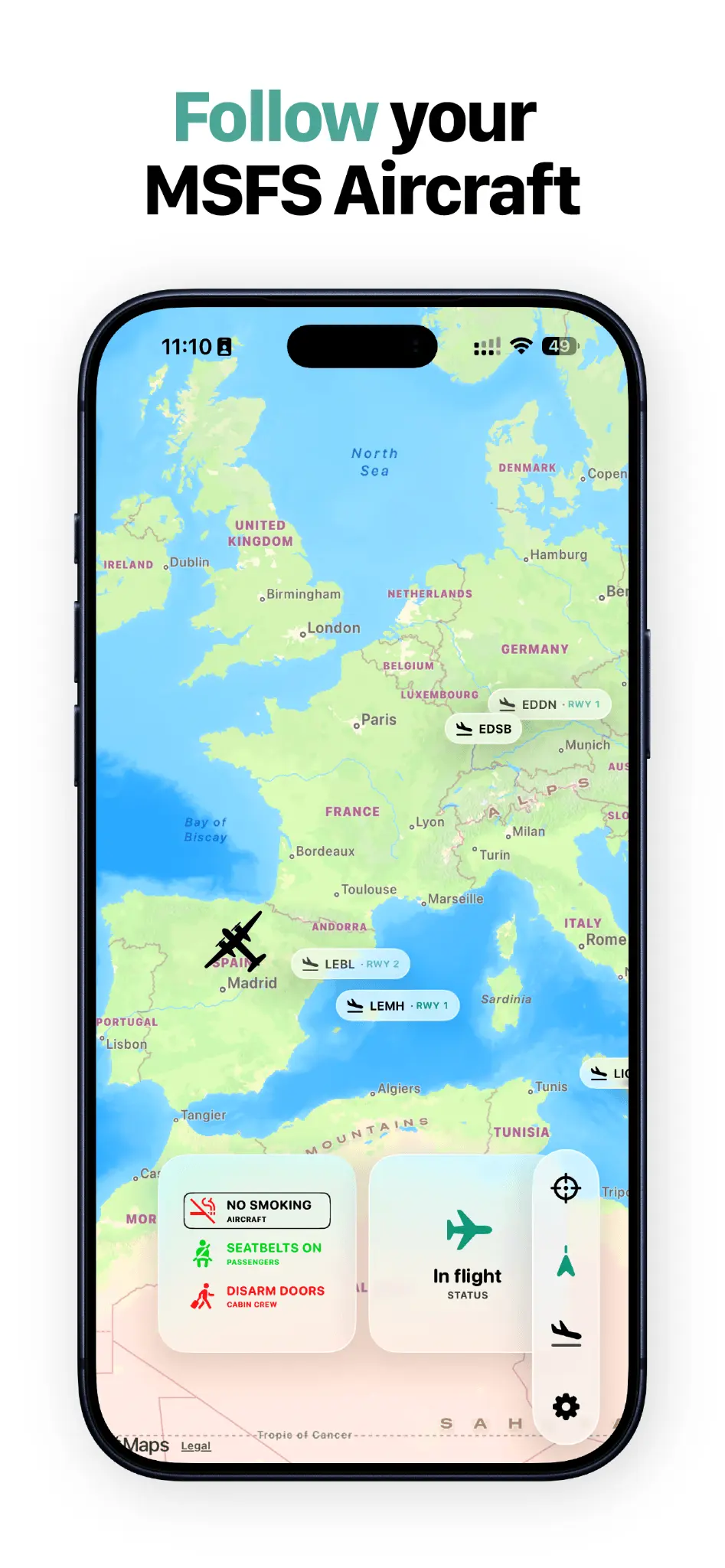
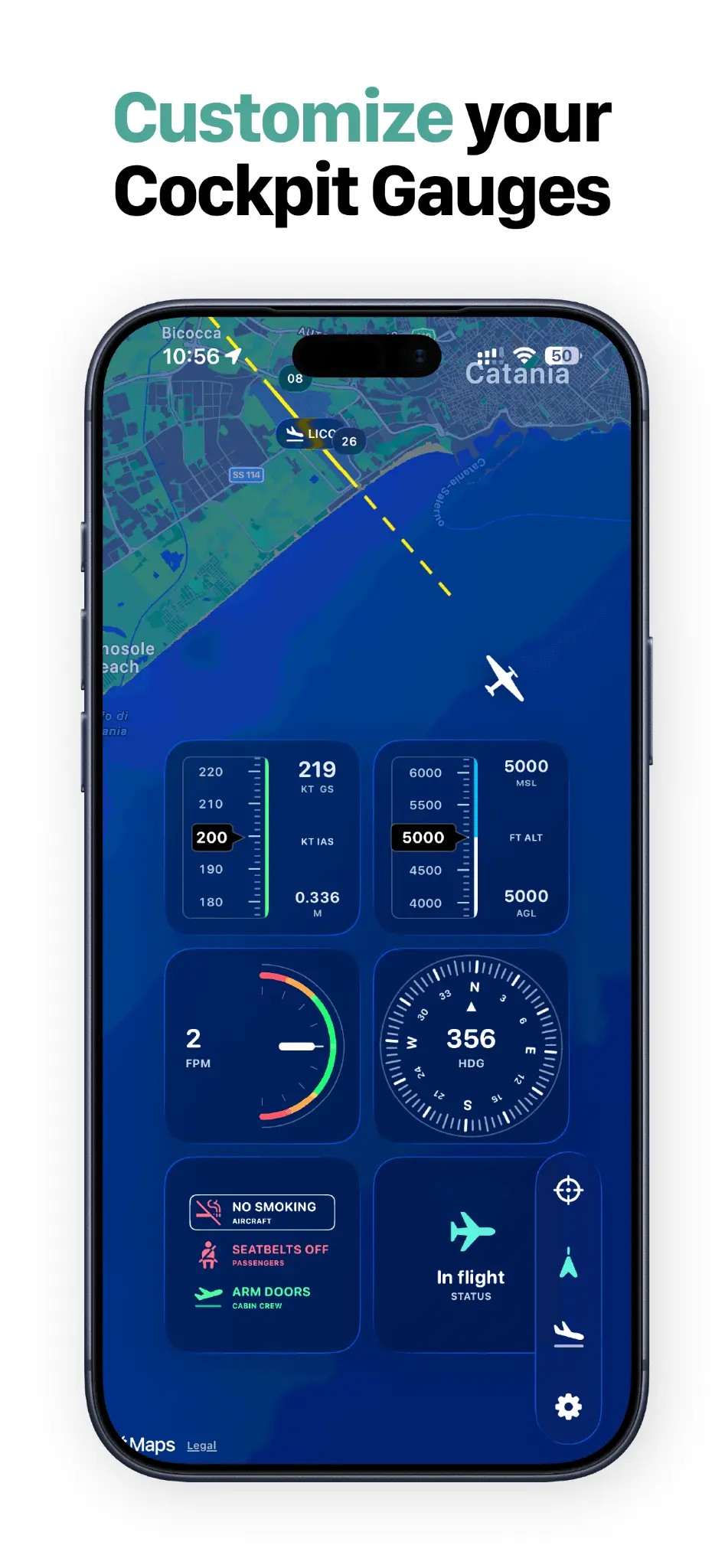
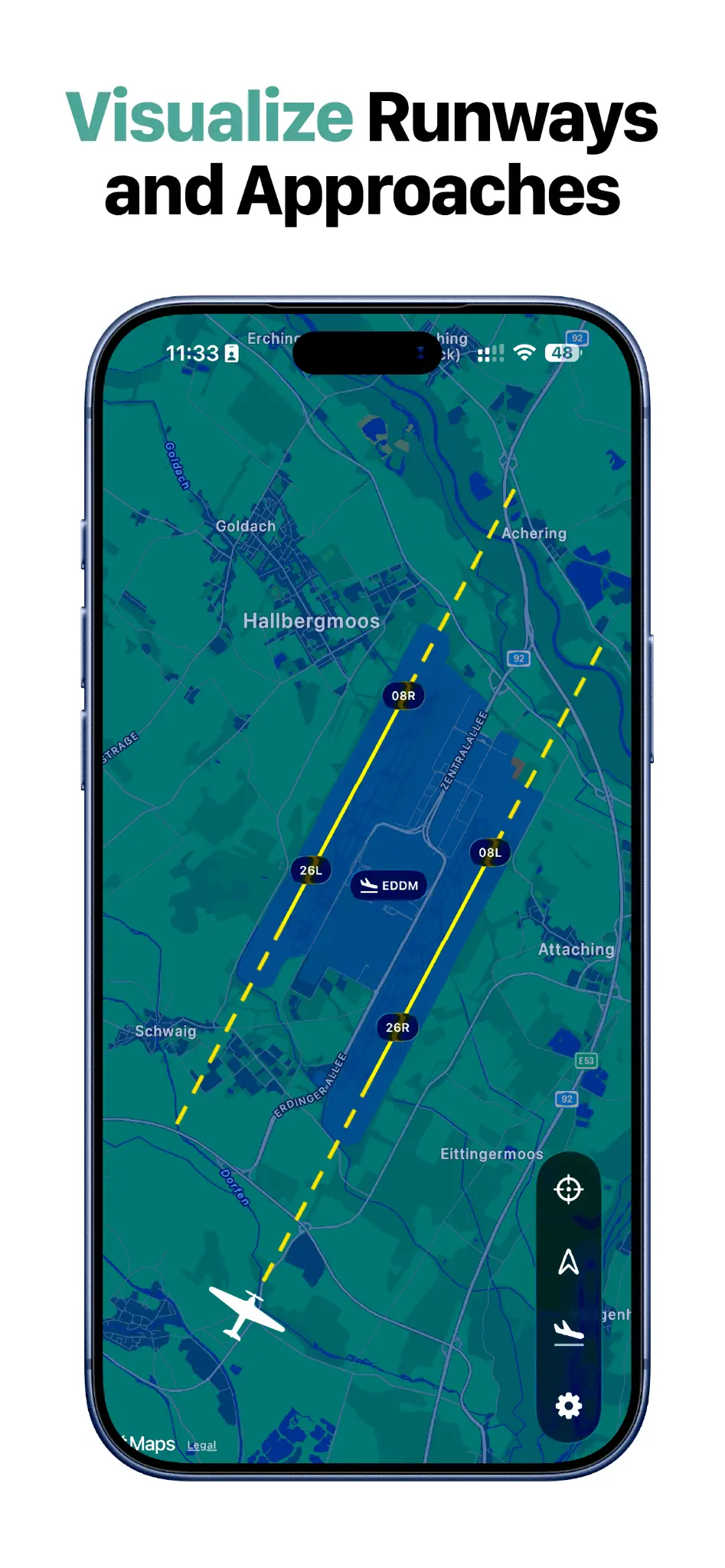
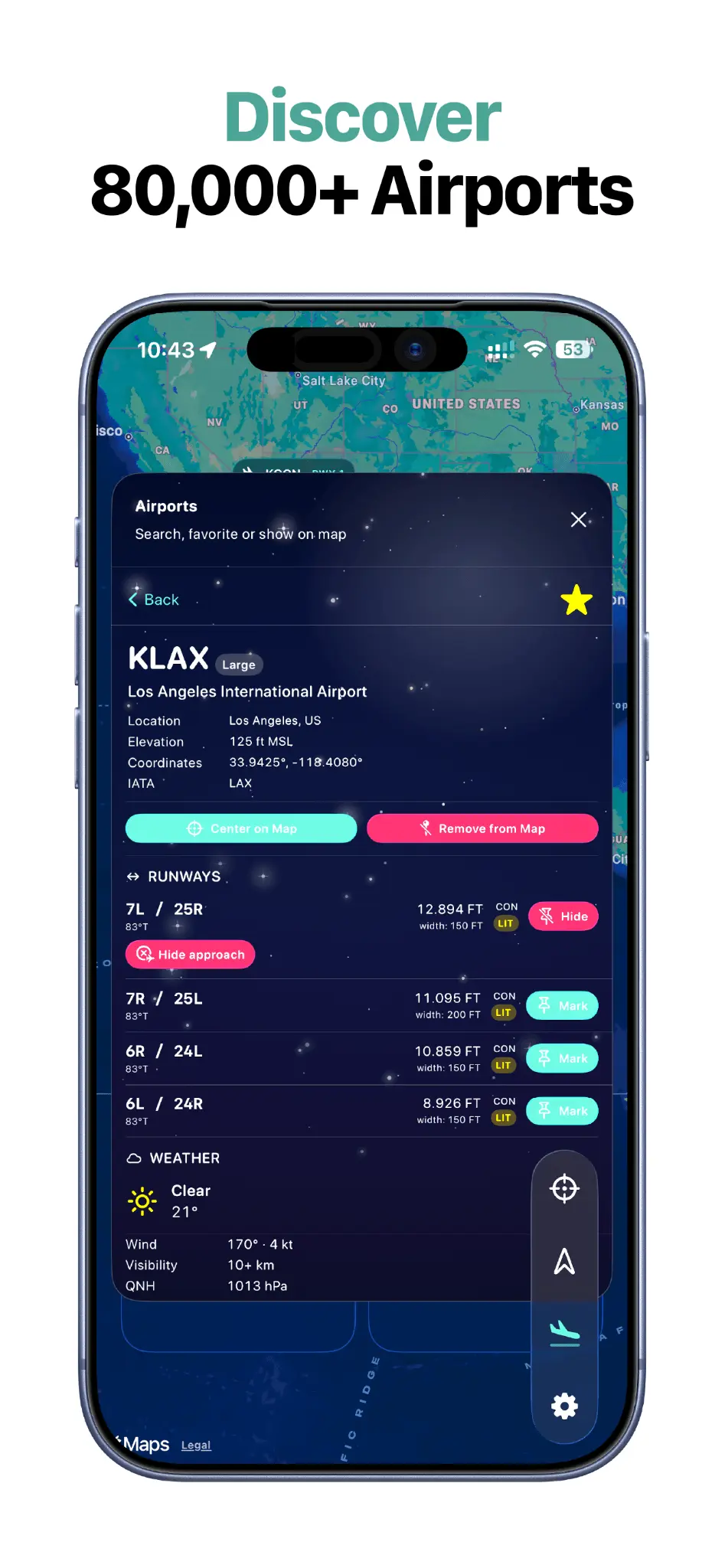
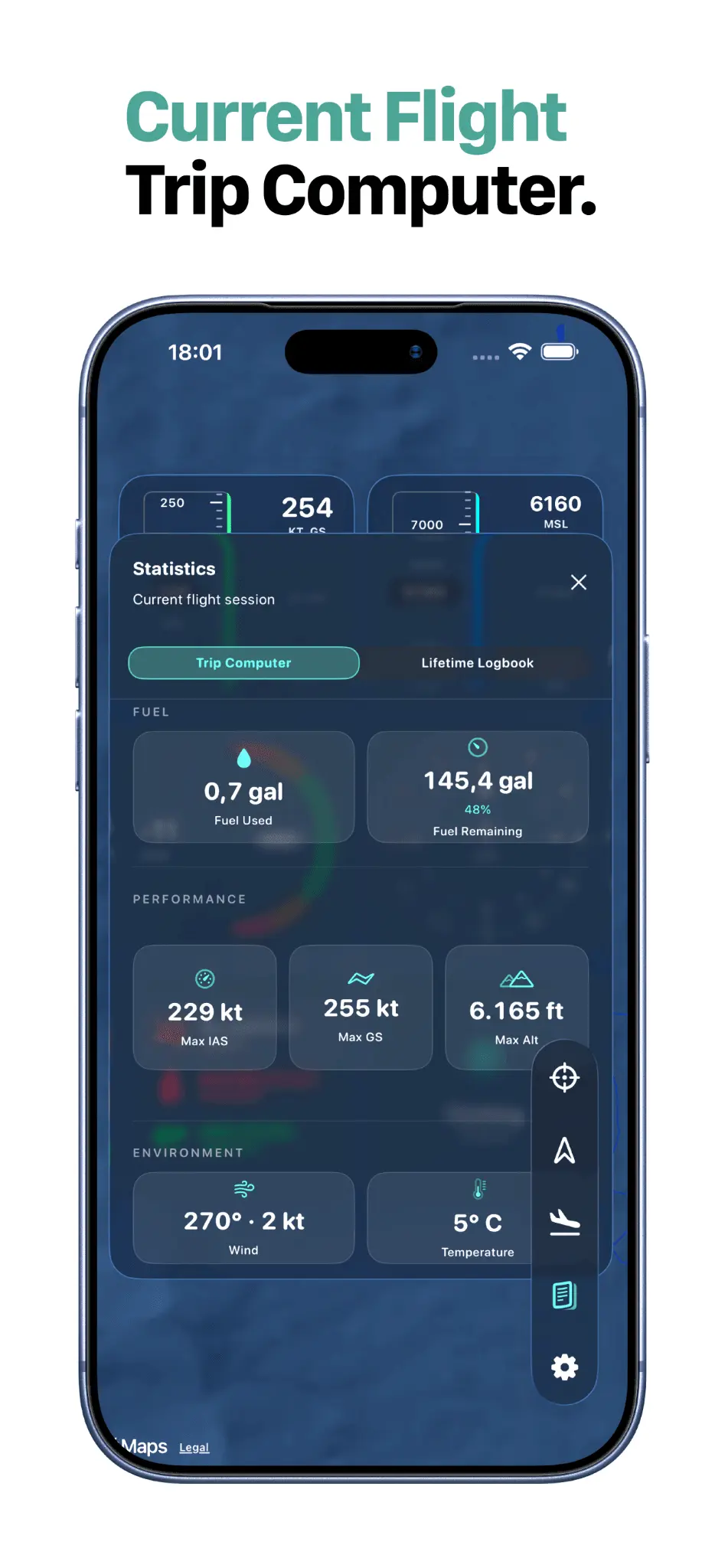
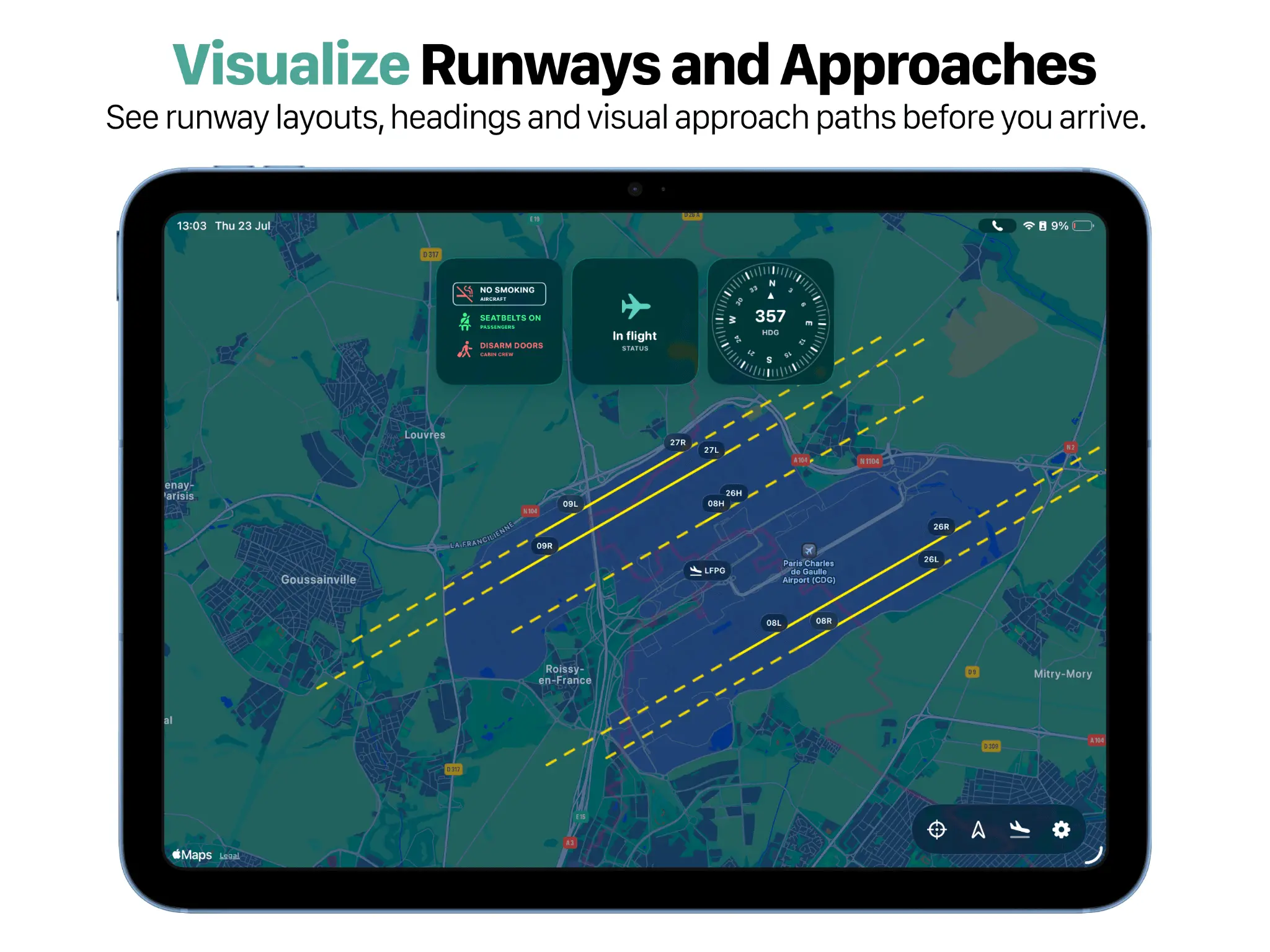
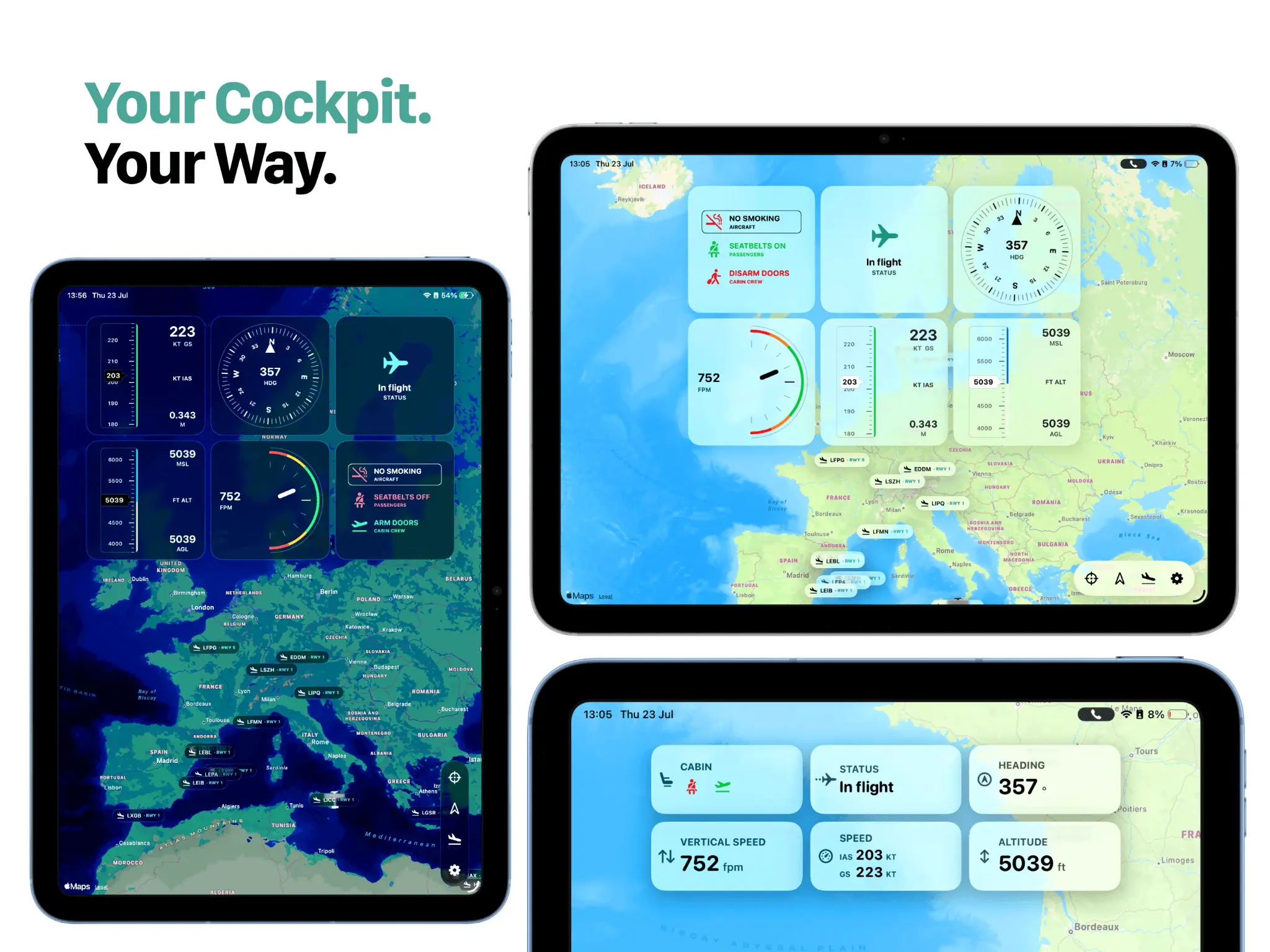
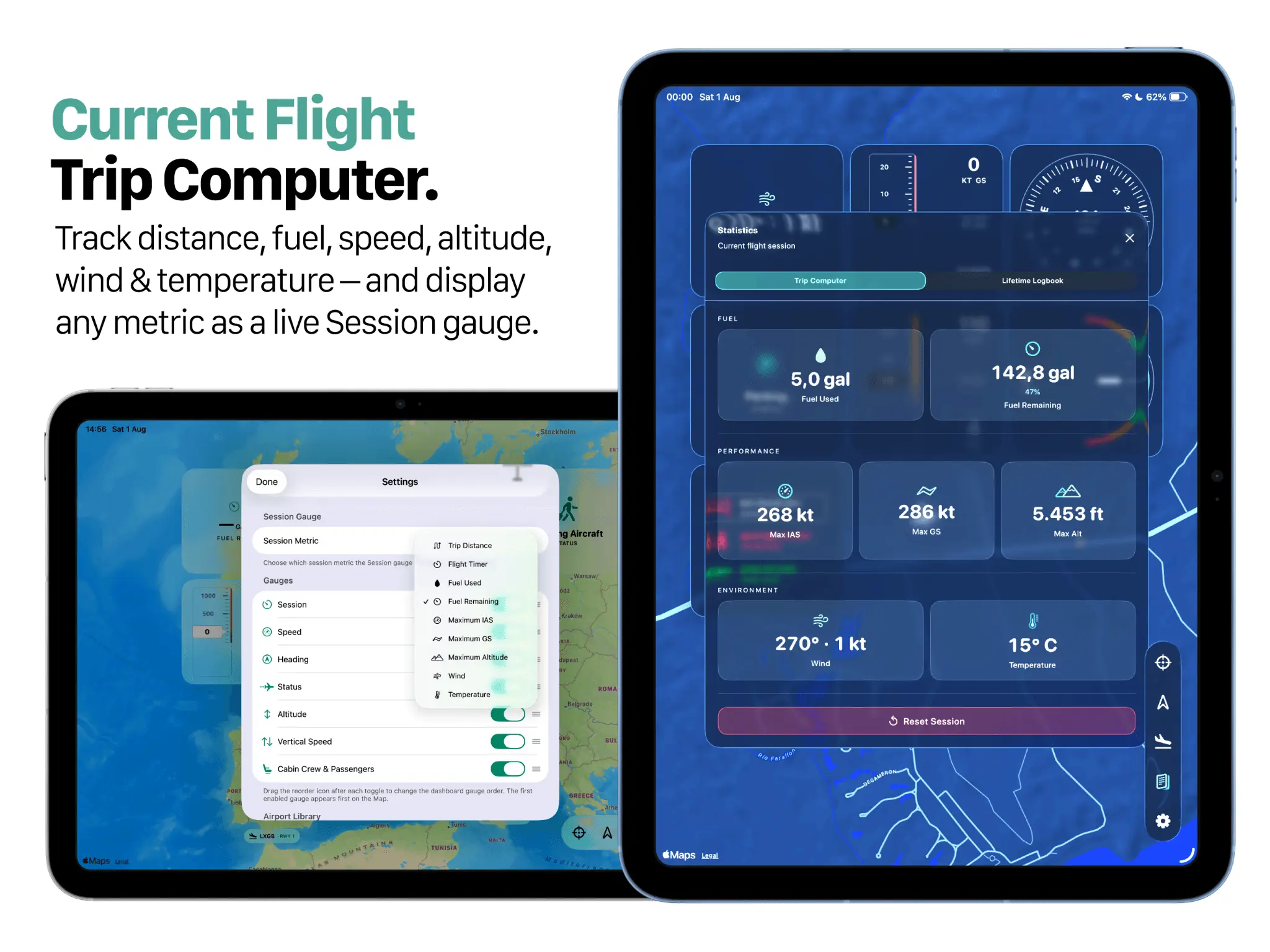
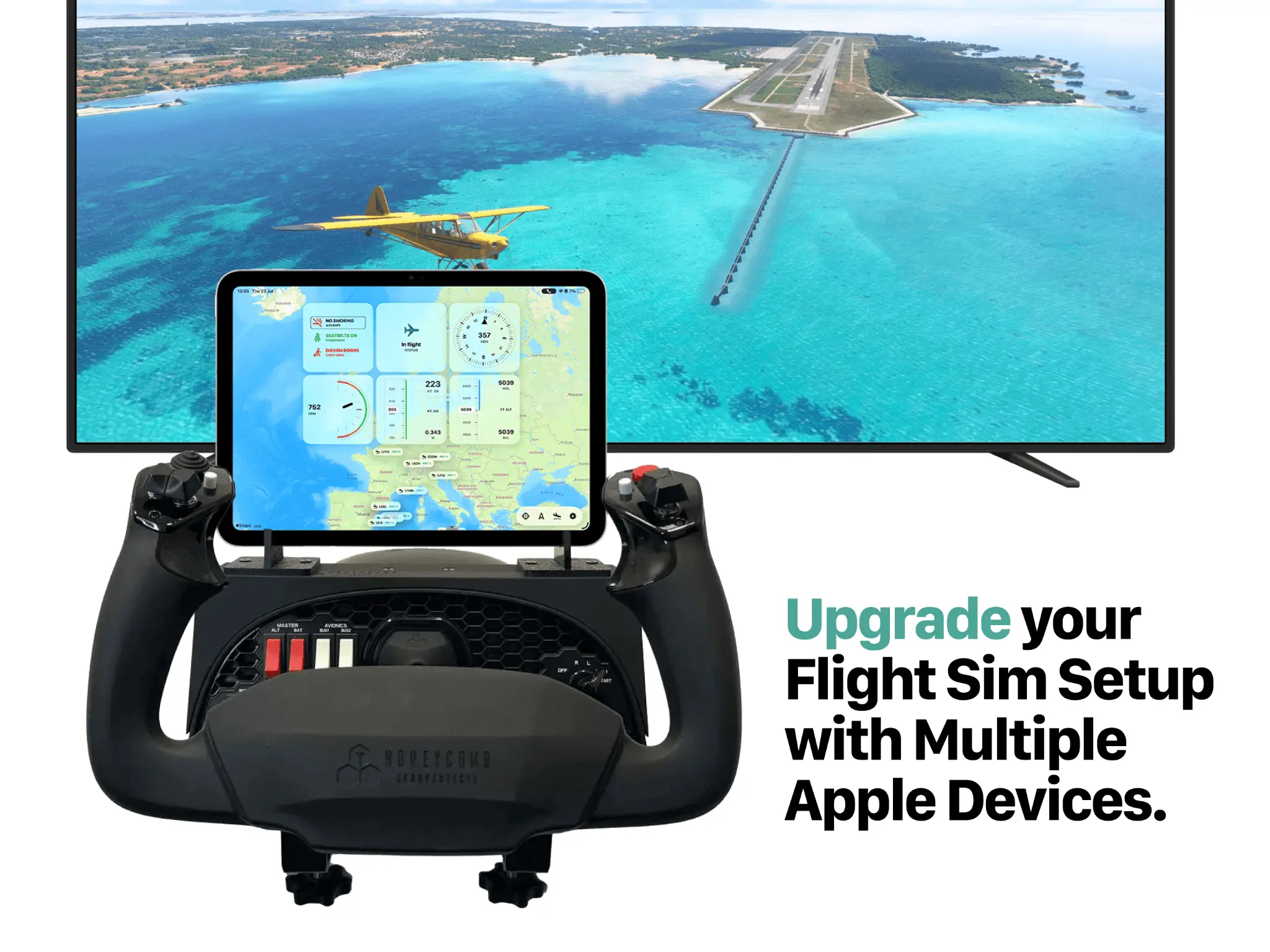
Avionics Buddy transforms your iPhone, iPad or Mac into a live companion display for Microsoft Flight Simulator. Connect through the free Avionics Buddy Bridge for Windows and keep live telemetry, interactive maps, customizable cockpit gauges, airport information, weather, trip statistics and lifetime flight records visible without leaving the simulator window. Follow your aircraft on the map, monitor altitude, heading, airspeed, ground speed and vertical speed, browse more than 80,000 airports, inspect runways, check live airport weather and use visual approach helpers during arrivals. Build your own cockpit using the Apple devices you already own. During long flights, keep your aircraft status visible from your iPhone or iPad while you step away from the simulator. After every flight, review your Trip Computer and continue building your Lifetime Logbook with cumulative flight time, distance, takeoffs, landings and personal records. Export and import your Airport Library to back up your saved airports or transfer them between your Apple devices. No account required. No cloud telemetry. No subscription. Key Features * Live Microsoft Flight Simulator telemetry * Interactive moving map with live aircraft position * Fully customizable cockpit gauges * Trip Computer with detailed flight statistics * Lifetime Logbook with cumulative records * 80,000+ airports with runway information * Live airport weather * Visual runway approach helpers * Airport Library with export & import * Cabin sound effects and immersion features * Works on iPhone, iPad and Apple Silicon Mac * Free Windows Bridge * Local network connection * No account required * No subscription How it works 1. Start Microsoft Flight Simulator. 2. Launch the free Avionics Buddy Bridge on your Windows PC. 3. Pair your Apple device using the QR code. 4. Fly with live telemetry on your second screen. Perfect for discovery flights, cinematic sightseeing, challenging landings and home cockpit setups.
Screenshots
Product Updates (1)
Avionics Buddy 1.3 — Trip Computer & Lifetime Logbook
Version 1.3 introduces the new Trip Computer and Lifetime Logbook. Track each flight session with live statistics including distance, flight time, speed, altitude, fuel, wind and temperature. Your Lifetime Logbook automatically builds a long-term overview of your simulator activity, including total flight time, distance flown, takeoffs, landings and personal records. This update also includes improvements to the Airport Library, live airport weather, customizable gauges, Apple Silicon Mac support, performance and overall stability.
Comments (0)
No comments yet. Be the first to share your thoughts!
Reviews (0)
No reviews yet. Be the first to rate this product!
Comments (1)
Excited to launch Avionics Buddy here — a beautiful second-screen MSFS cockpit companion for iPhone, iPad and Mac. App Store: https://apps.apple.com/app/id6773903019