
Beauty Diagram
Beautify Mermaid and PlantUML diagrams for presentations

Details
- Target Audience
- Pricing
- Freemium
- Platforms
Discovery signals
How AI and people discover Beauty Diagram on PeerPush
- ChatGPT
- Perplexity
- Claude
- +2 other AI crawlers
Reads by these AI engines
Crawlers behind these engines read this listing on PeerPush.About Beauty Diagram
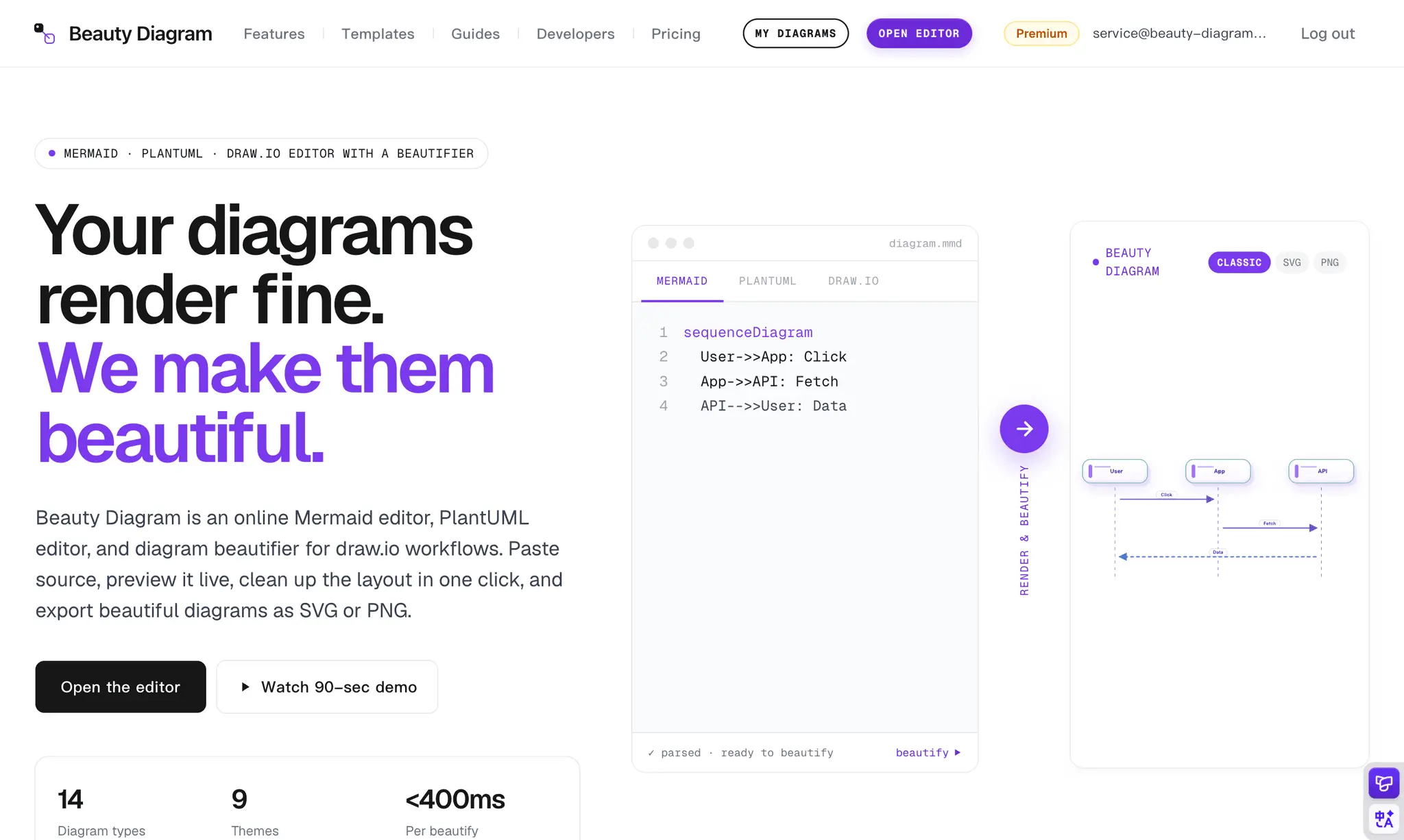
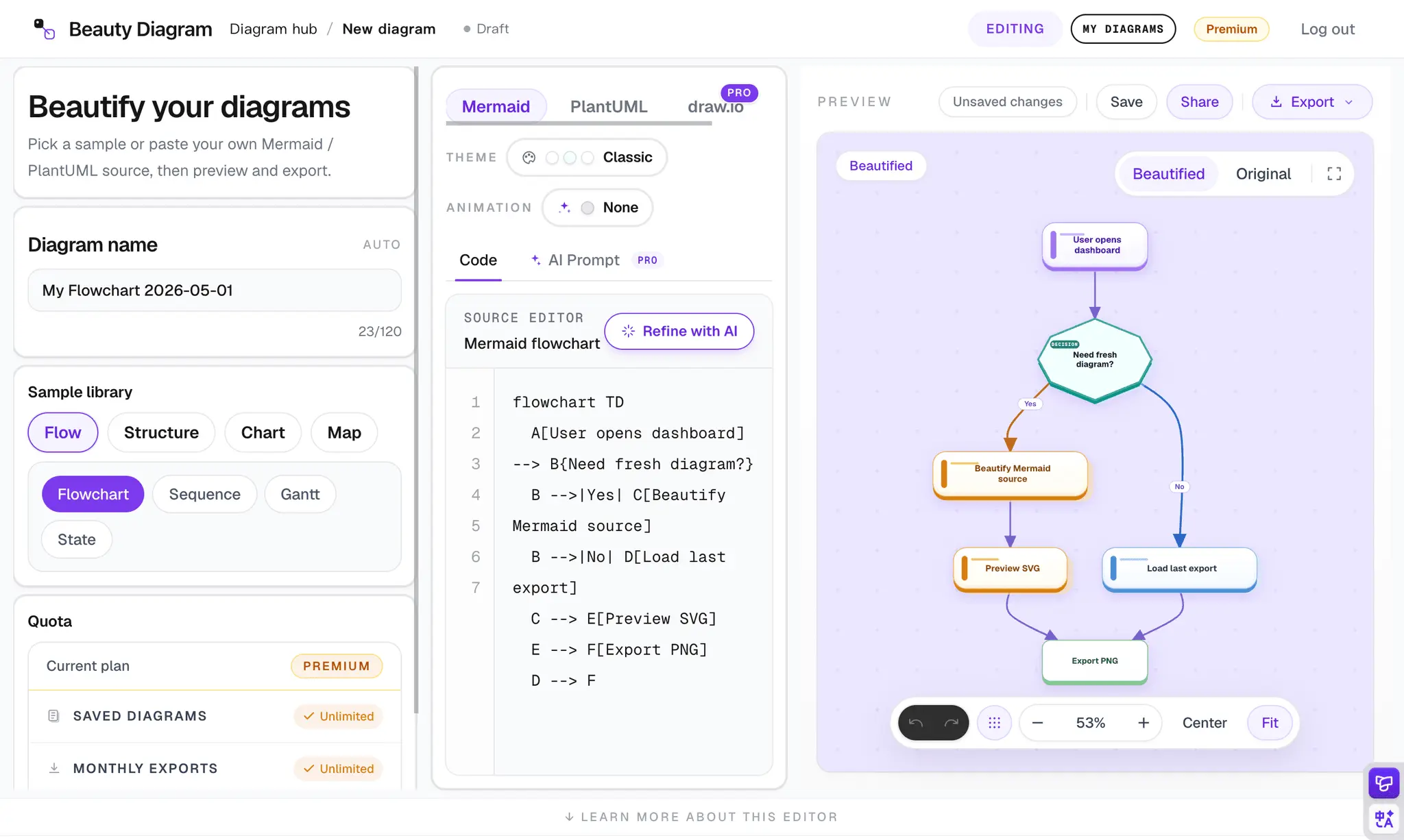
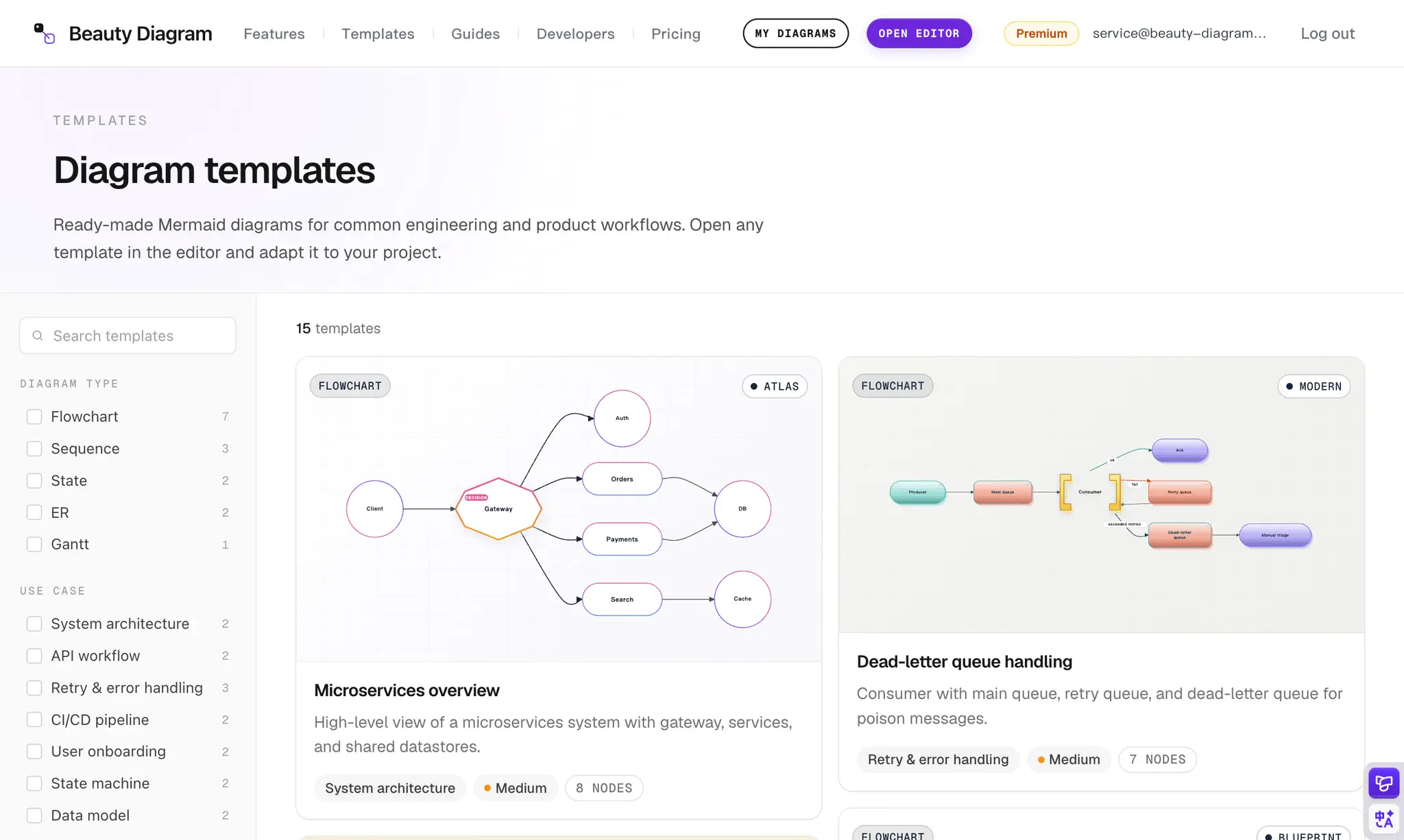
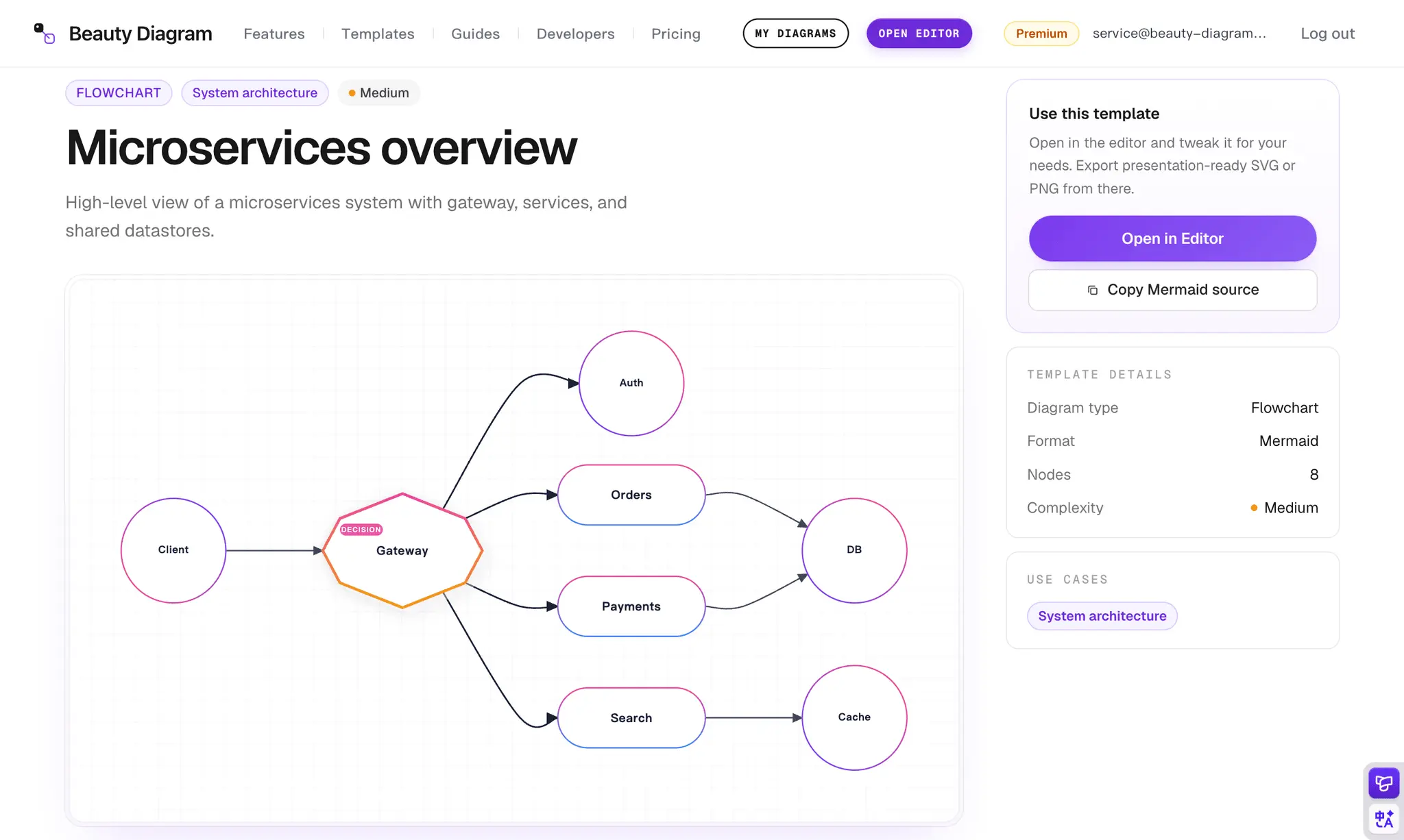
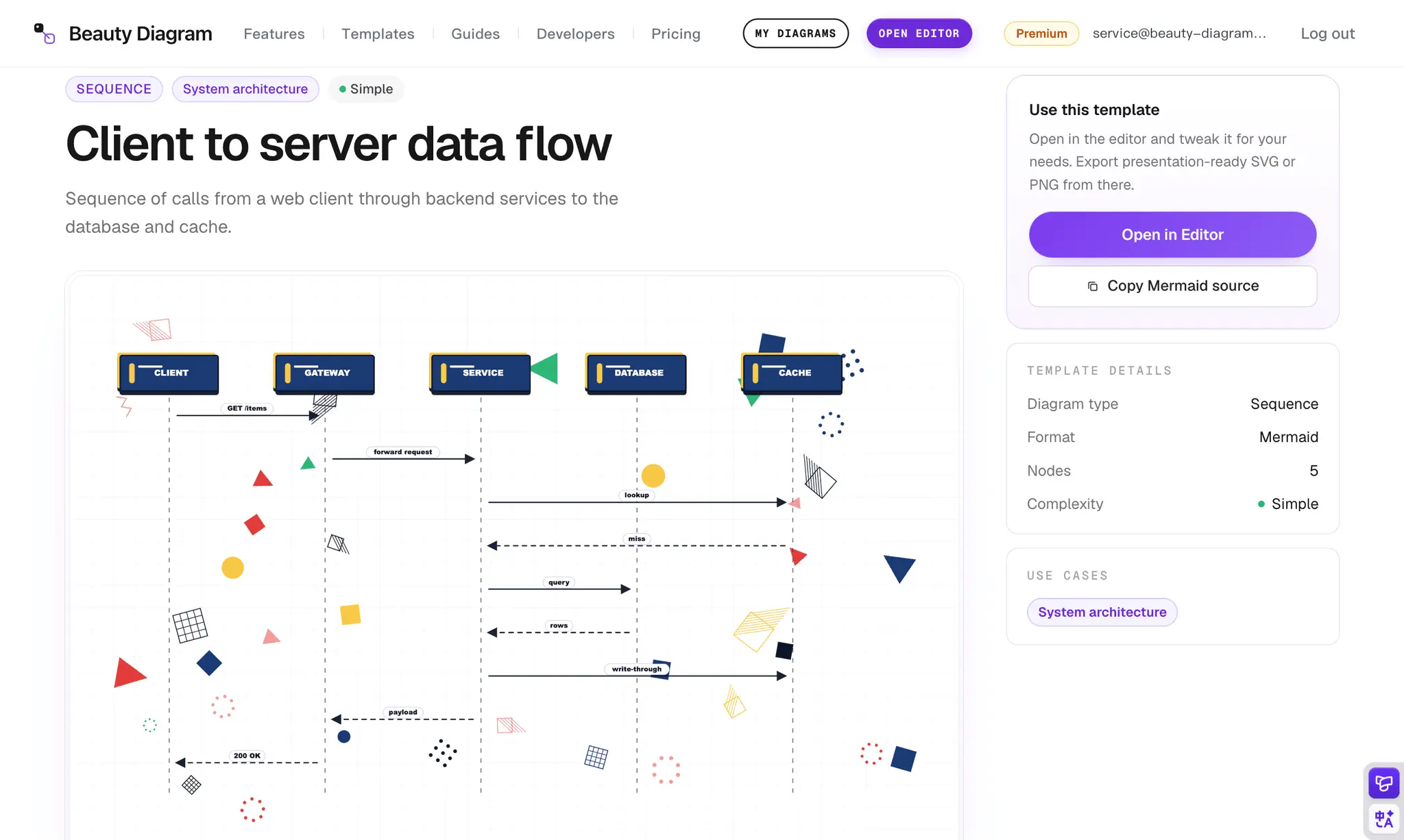
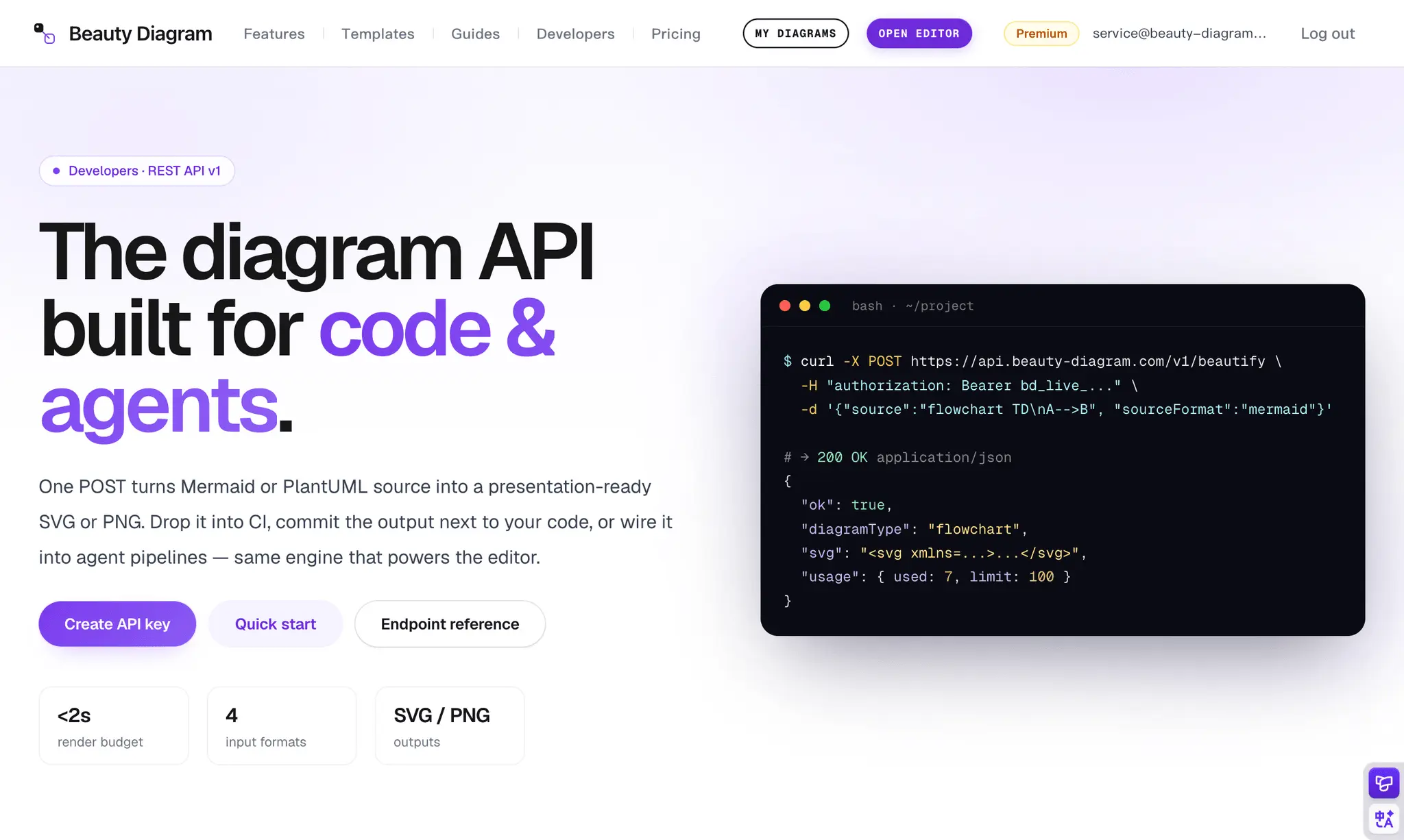
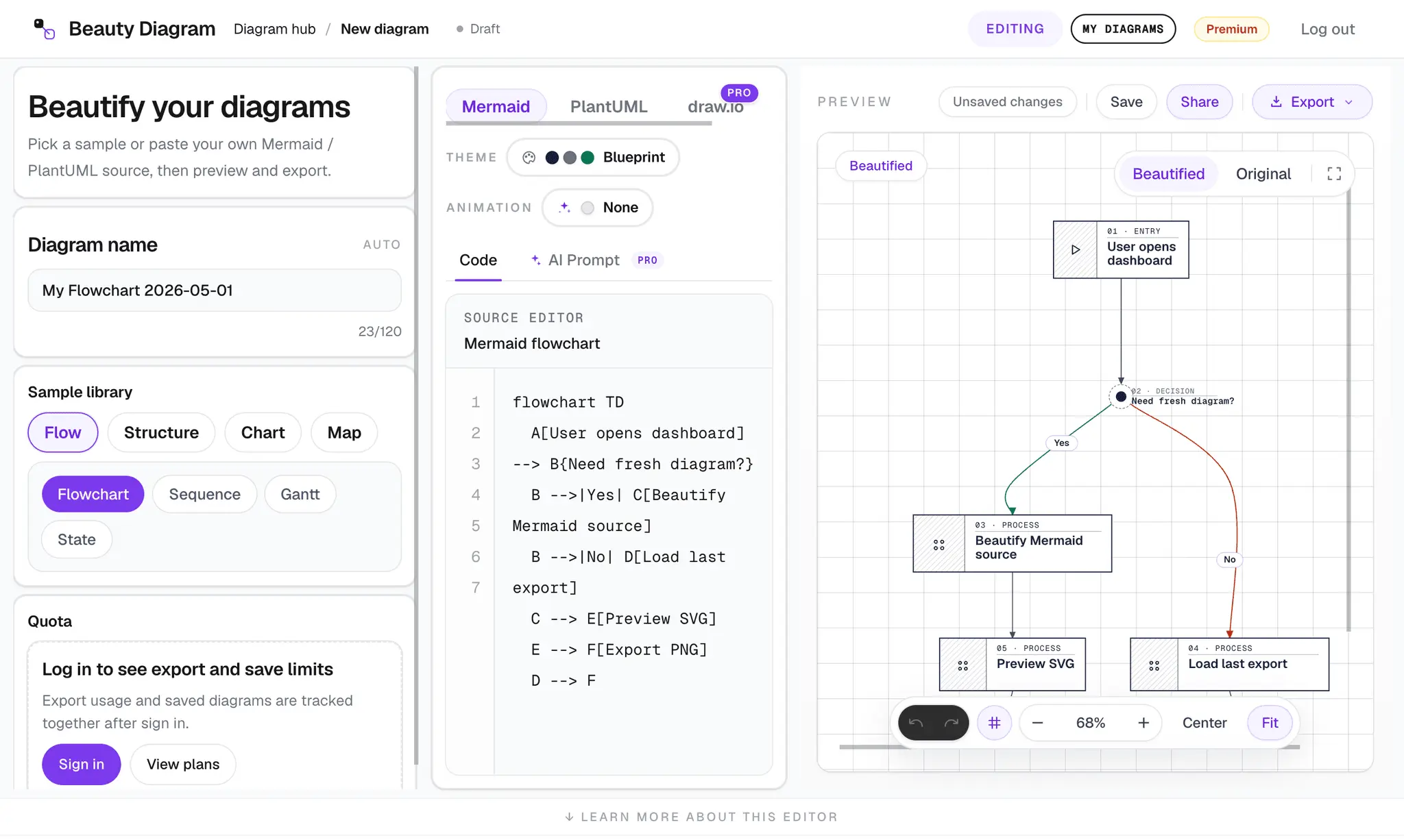
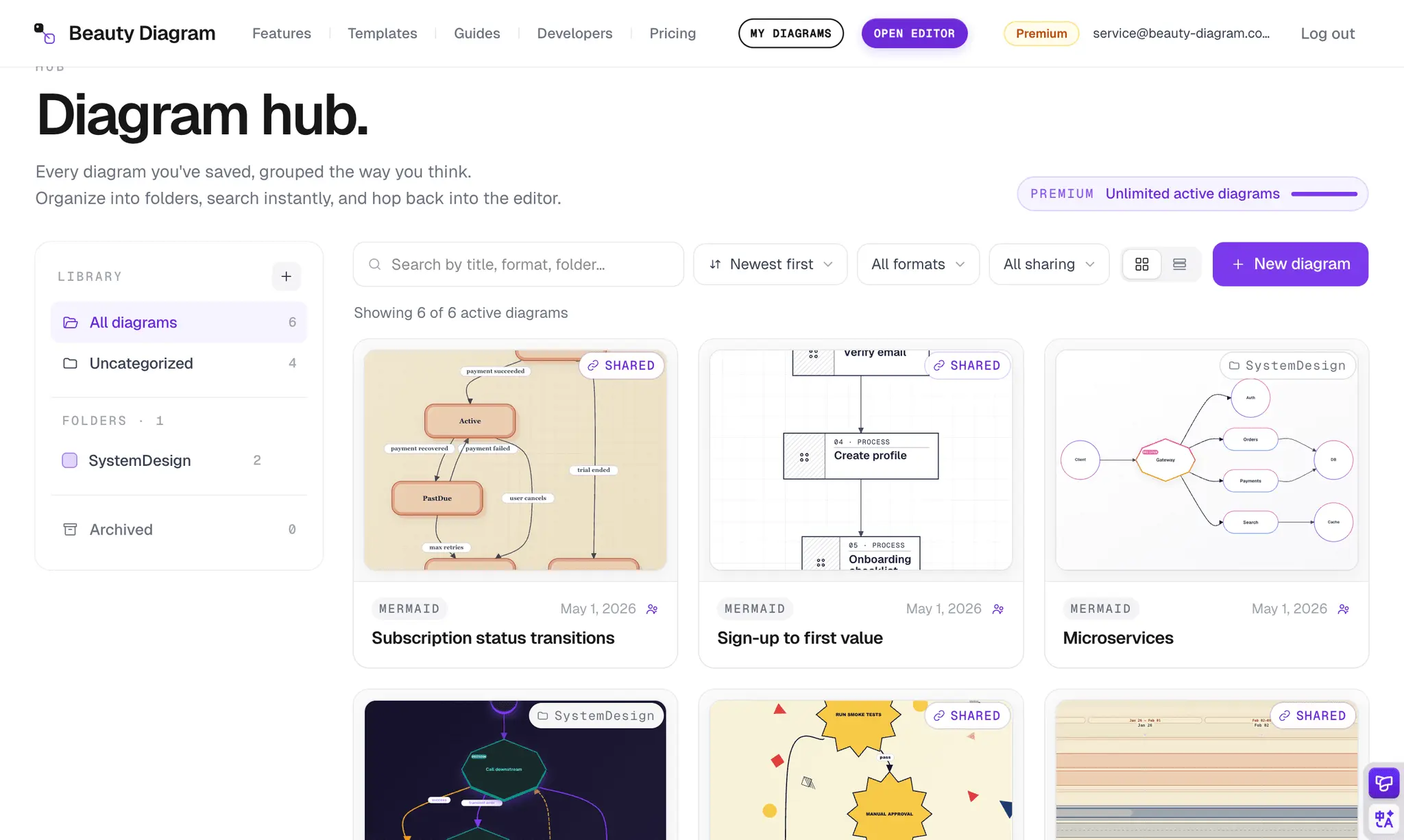
Most diagrams shipped in READMEs, docs, and decks look the same: stiff Mermaid defaults, boxy PlantUML, or hand-drawn draw.io exports that never quite match the rest of the slide. Beauty Diagram fixes that without forcing you to redraw anything. Paste a Mermaid, PlantUML, draw.io source, pick a theme, and get a clean SVG or PNG you can drop straight into a deck, blog post, Notion page, or product spec. The same source can render as a public share link or as an <img src> embed URL — so your README diagrams stay live and updateable instead of going stale. It works wherever you write code: Browser app at www.beauty-diagram.com for visual editing and exports CLI (npx @beauty-diagram/cli) for batch rendering, share links, and stdin piping in CI AI agent skill so Claude Code, Cursor, and other agents render real diagrams instead of hand-authoring SVG Public API for embedding in your own tools and docs pipelines A free tier handles ad-hoc use; Pro unlocks watermark-free output, share links, and high-resolution PNGs; Premium adds prompt-to-diagram generation for when you want a draft to start from. Built for builders, technical writers, and AI-first developers who want their diagrams to look like the rest of their product.
Product Video
Watch a video demo of Beauty Diagram.
Screenshots
Reviews (1)
Average 4.0 out of 5
Based on 1 review

Beauty Diagram converts Mermaid, PlantUML, draw.io, and SVG sources into slide-quality diagrams with curated themes, smart layout, and shareable links. Use it in the browser, from the bd CLI, or directly through your AI coding agent — no manual styling required.

Comments (0)
No comments yet. Be the first to share your thoughts!