
Bernini Studio
AI video generation and browser-based editing
Details
- Follow on
- Categories
- Target Audience
- Pricing
- Freemium
- Platforms
Discovery signals
How AI and people discover Bernini Studio on PeerPush
By AI reads among AI tools
986 AI reads in the last 30 days, ranked against every AI tool listed.About Bernini Studio
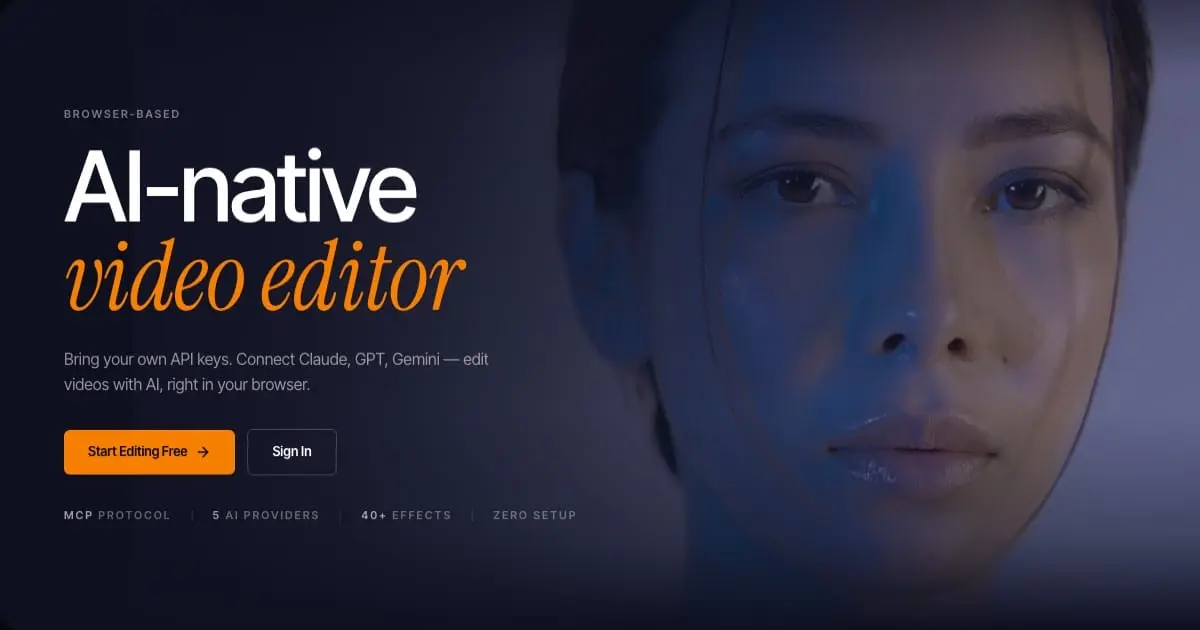
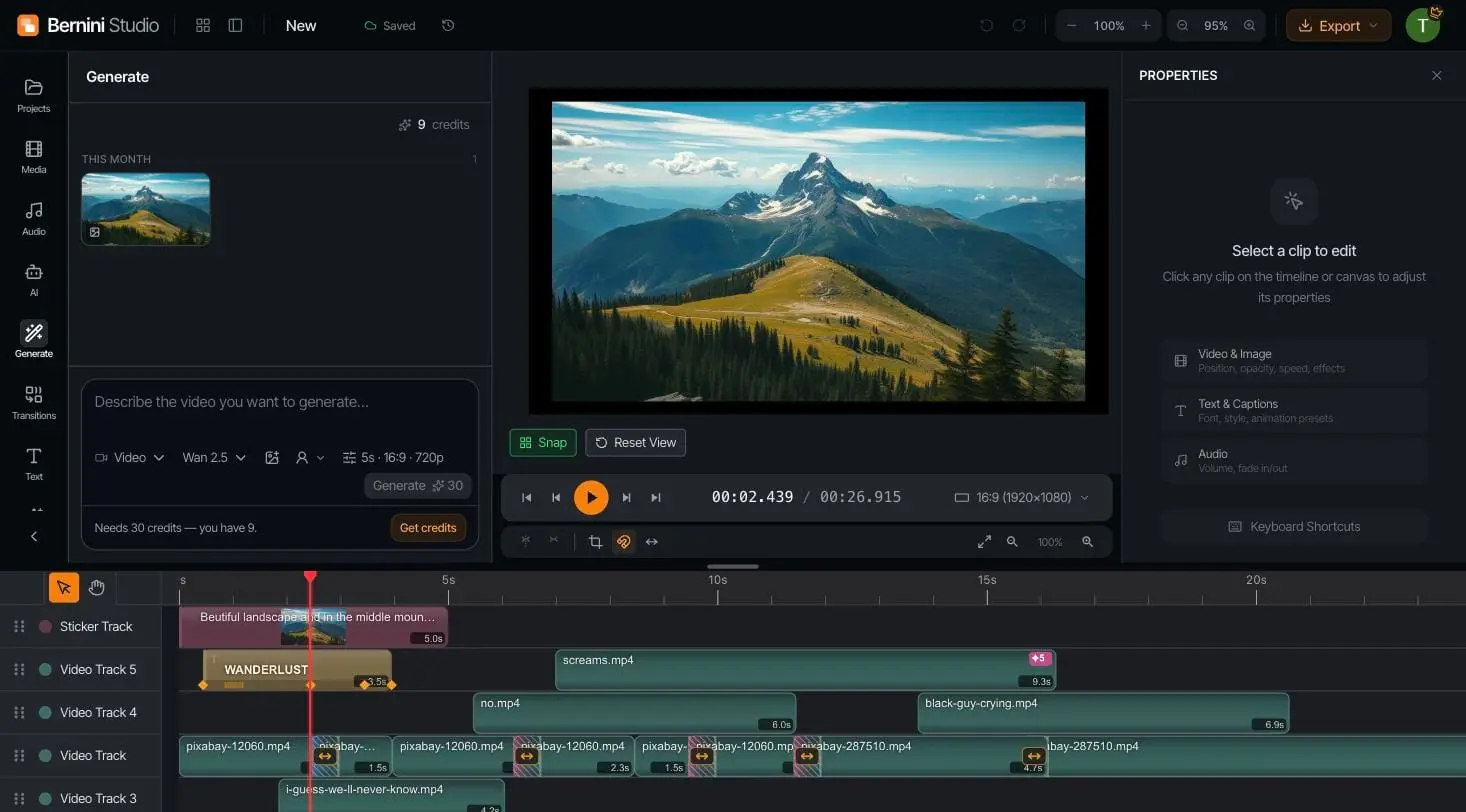
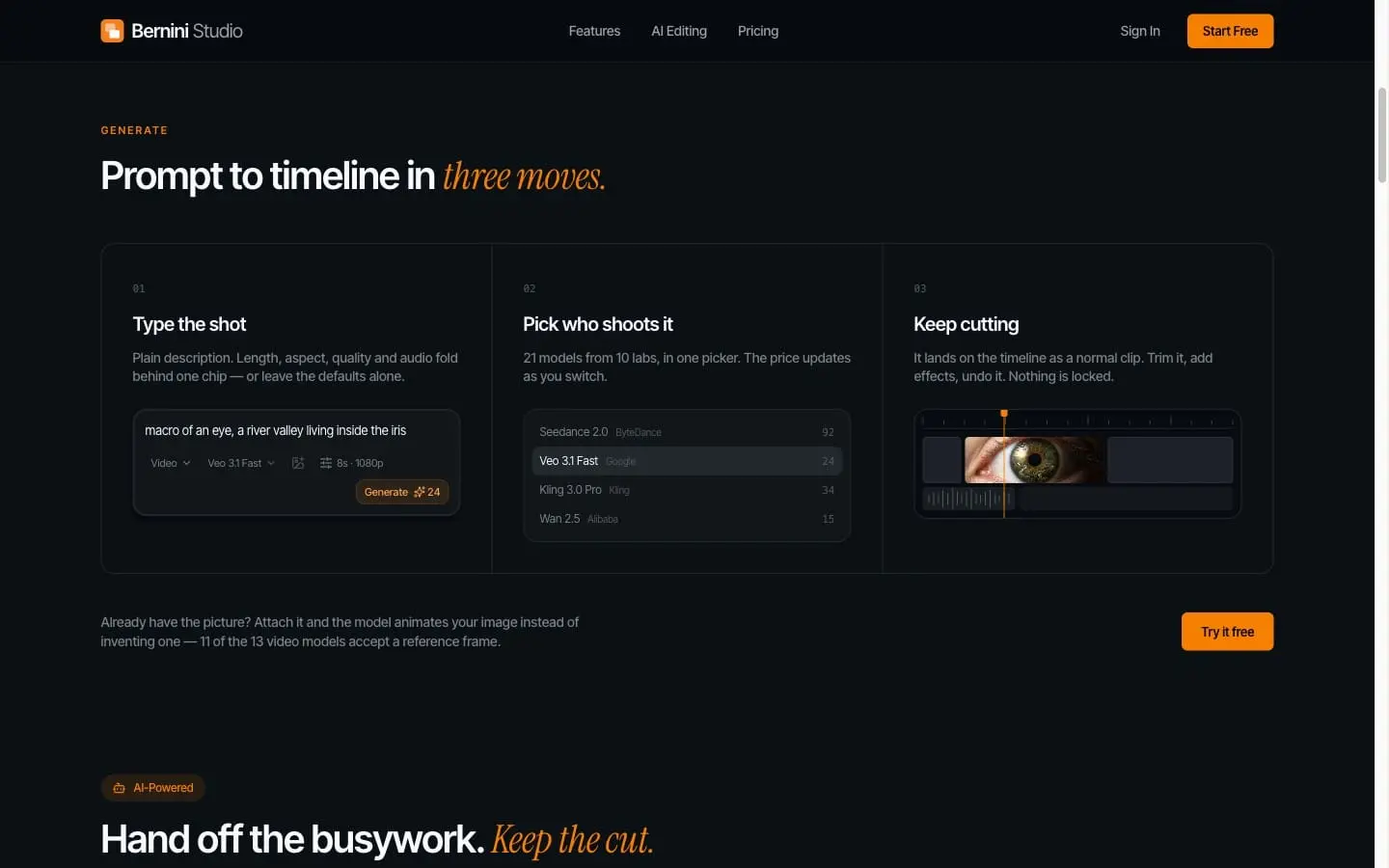
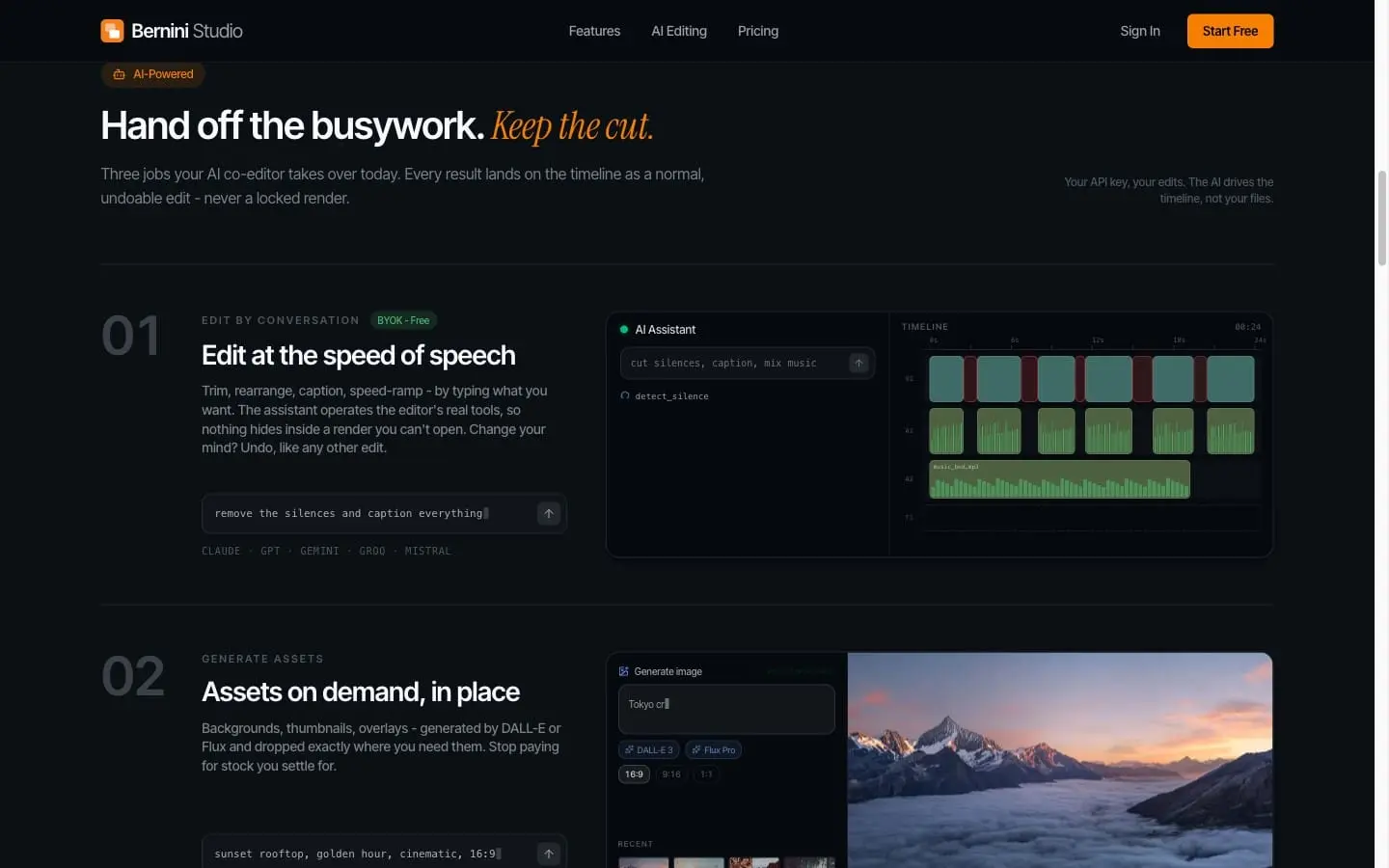
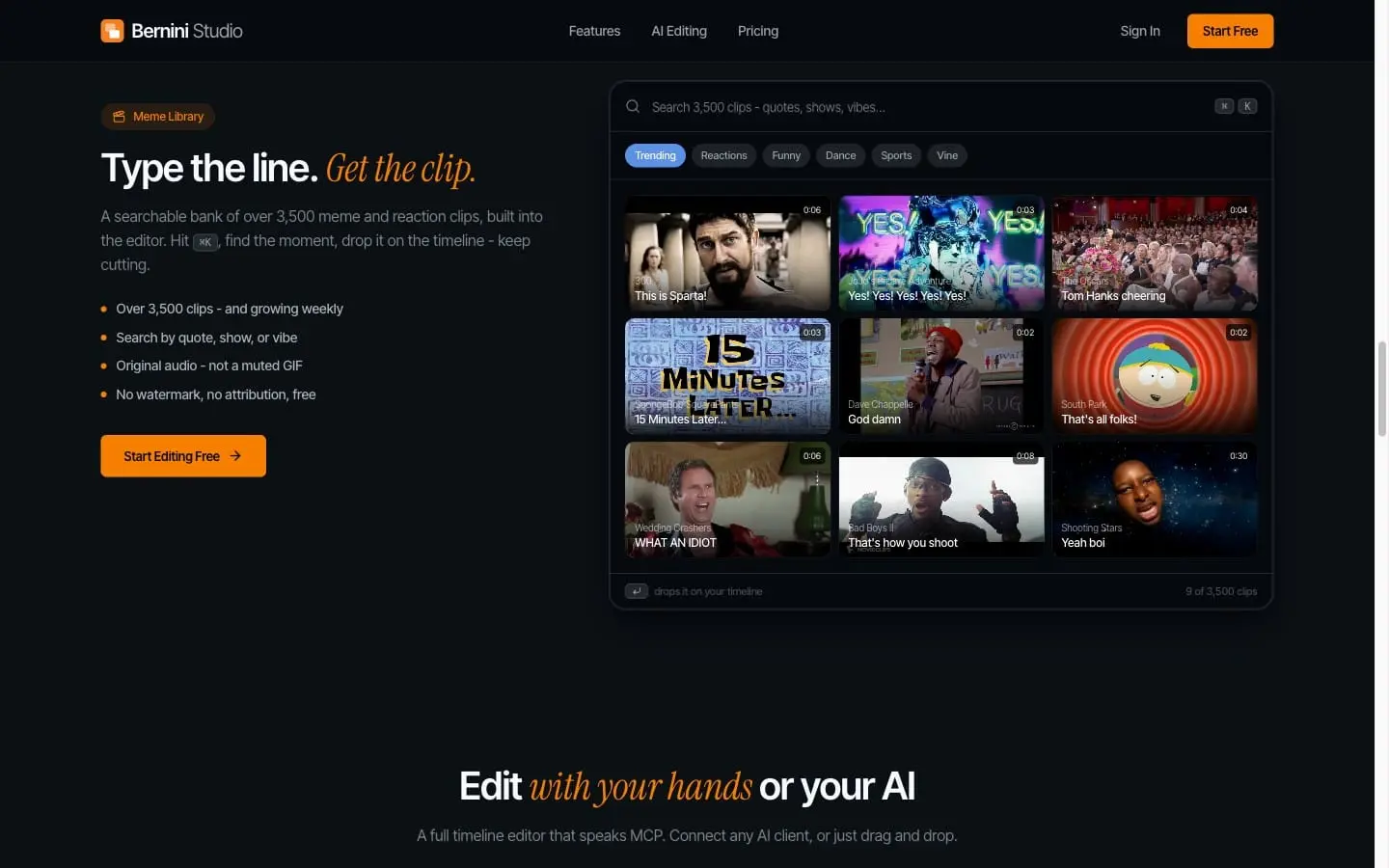
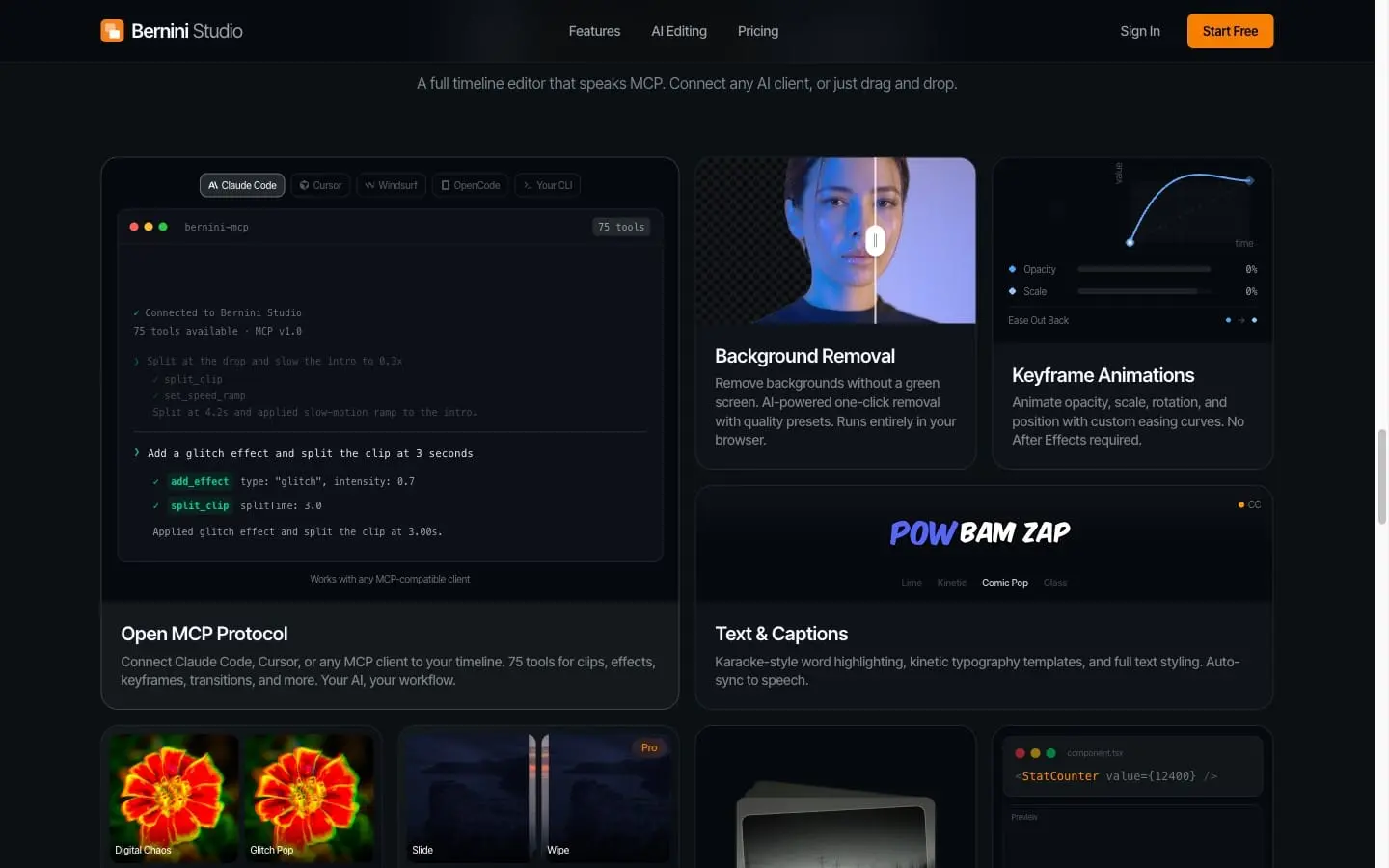
Bernini Studio is an AI-native video editor that runs entirely in the browser — no downloads, no installs, no watermarks. Generate footage with 20+ AI models from 10 labs (Veo, Sora, Kling, Wan, Seedance and more) in one picker with live price comparison, then edit the results like any normal clip on a full multi-track timeline. The editor is a real editor, not a prompt box: trim, split, speed ramps, keyframe animations with custom easing curves, 40+ GPU-accelerated effects and transitions, masks, crop and reframe. One-click AI background removal runs locally in your browser — no green screen needed. Text and captions come with karaoke-style word highlighting, kinetic typography templates, and auto-sync to speech. What makes it different: • Open MCP protocol — connect Claude Code, Cursor, or any MCP-compatible client and drive the timeline with 75 tools. "Cut the silences, caption everything, mix the music" becomes real, undoable edits on your timeline — never a locked render. • Bring your own API keys — hook up Claude, GPT, or Gemini and edit by conversation for free. Your keys, your edits. • Built-in meme library — 3,500+ searchable reaction clips with original audio. Type the line, get the clip, drop it on the timeline. • Generate assets in place — backgrounds, thumbnails, and overlays via DALL-E or Flux, dropped exactly where you need them. Everything lands on the timeline as an editable clip. Nothing is locked, everything is undoable. Start free with no signup required, and pay only for the AI generation you actually use — the editor itself has no feature walls.
Screenshots
Reviews (0)
No reviews yet. Be the first to rate this product!
Comments (1)
Maker here — Bernini pairs 20+ AI video models (Veo, Sora, Kling) with a real timeline editor, all in the browser. Generate, cut, add effects, export. Happy to answer questions!