
BlinkCAD
Open and measure DWG and DXF files online for free

Details
- Categories
- Target Audience
- Pricing
- Free
- Platforms
- Featured in
Discovery signals
How AI and people discover BlinkCAD on PeerPush
- ChatGPT
- Perplexity
- Claude
- +4 other AI crawlers
Reads by these AI engines
Crawlers behind these engines read this listing on PeerPush.About BlinkCAD
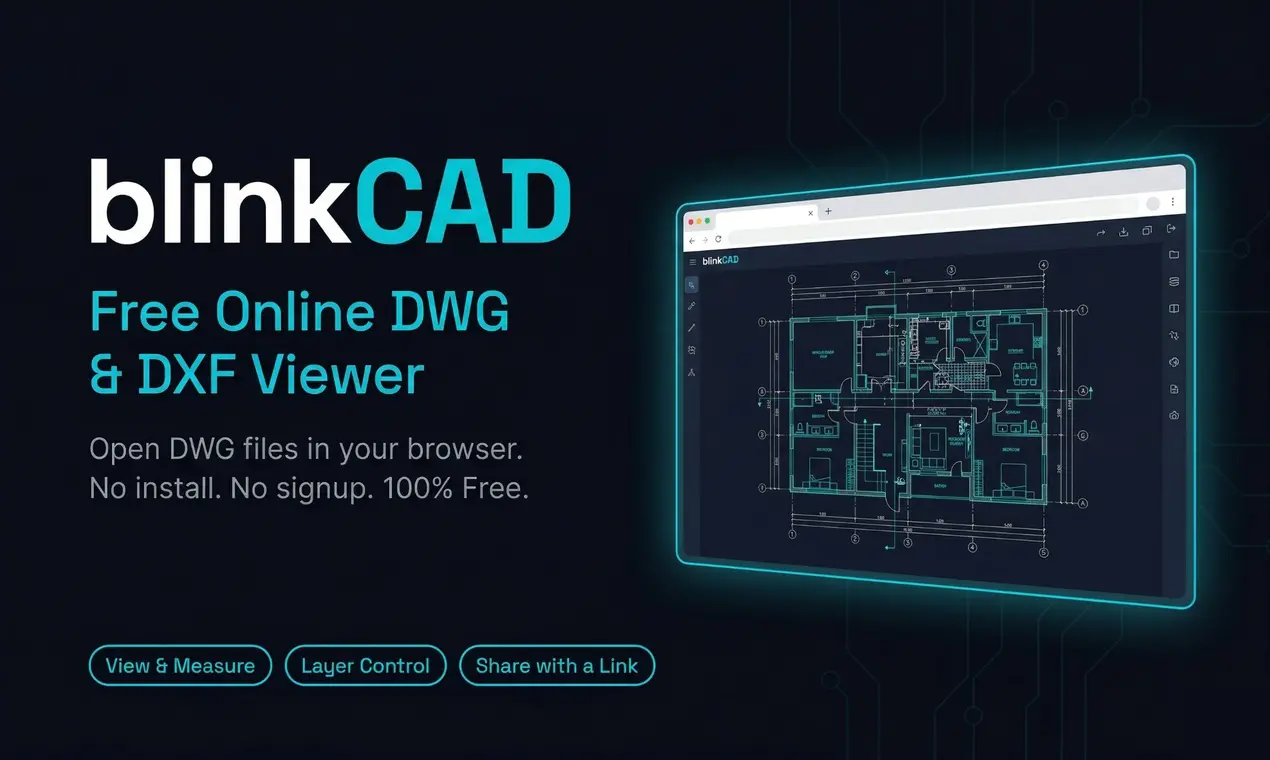
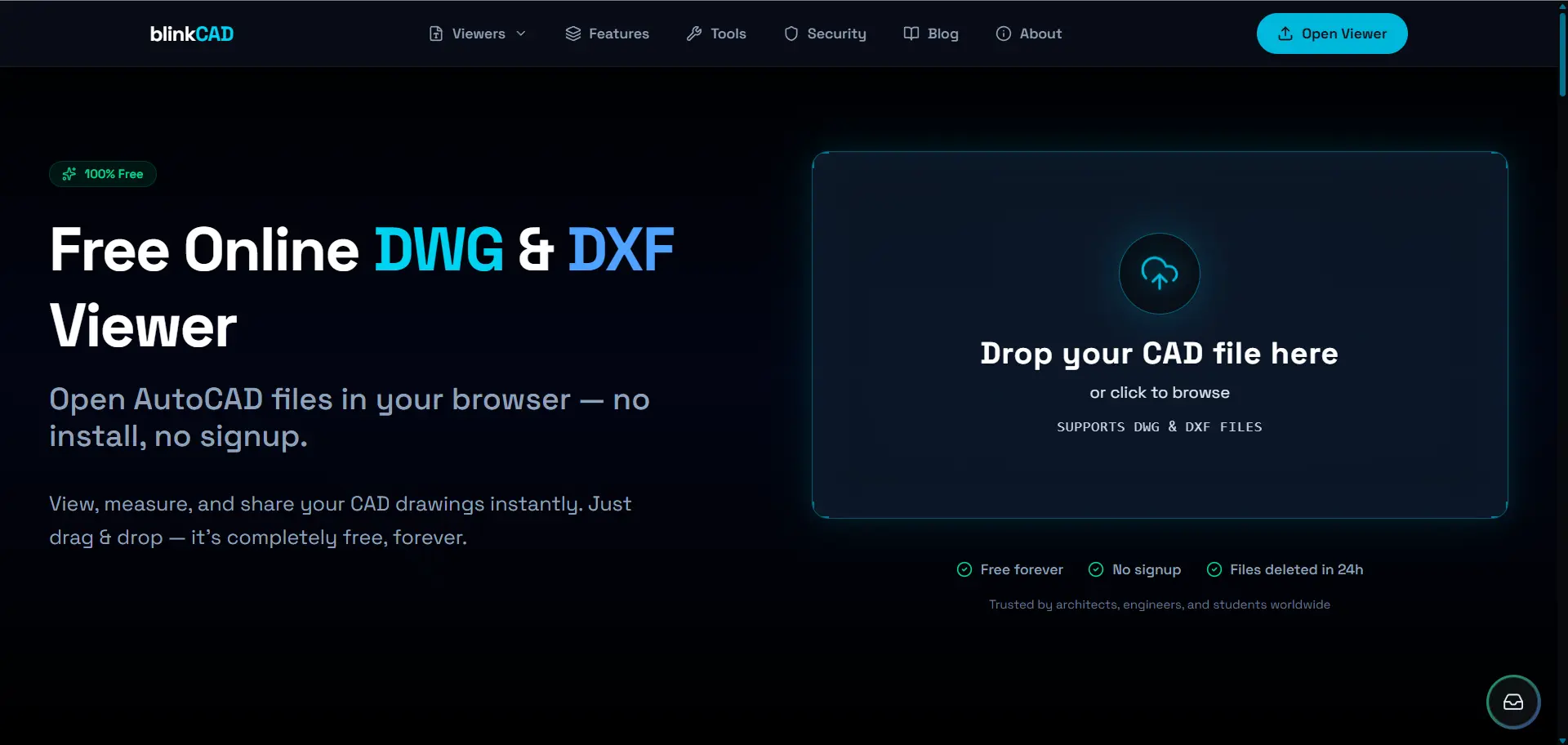
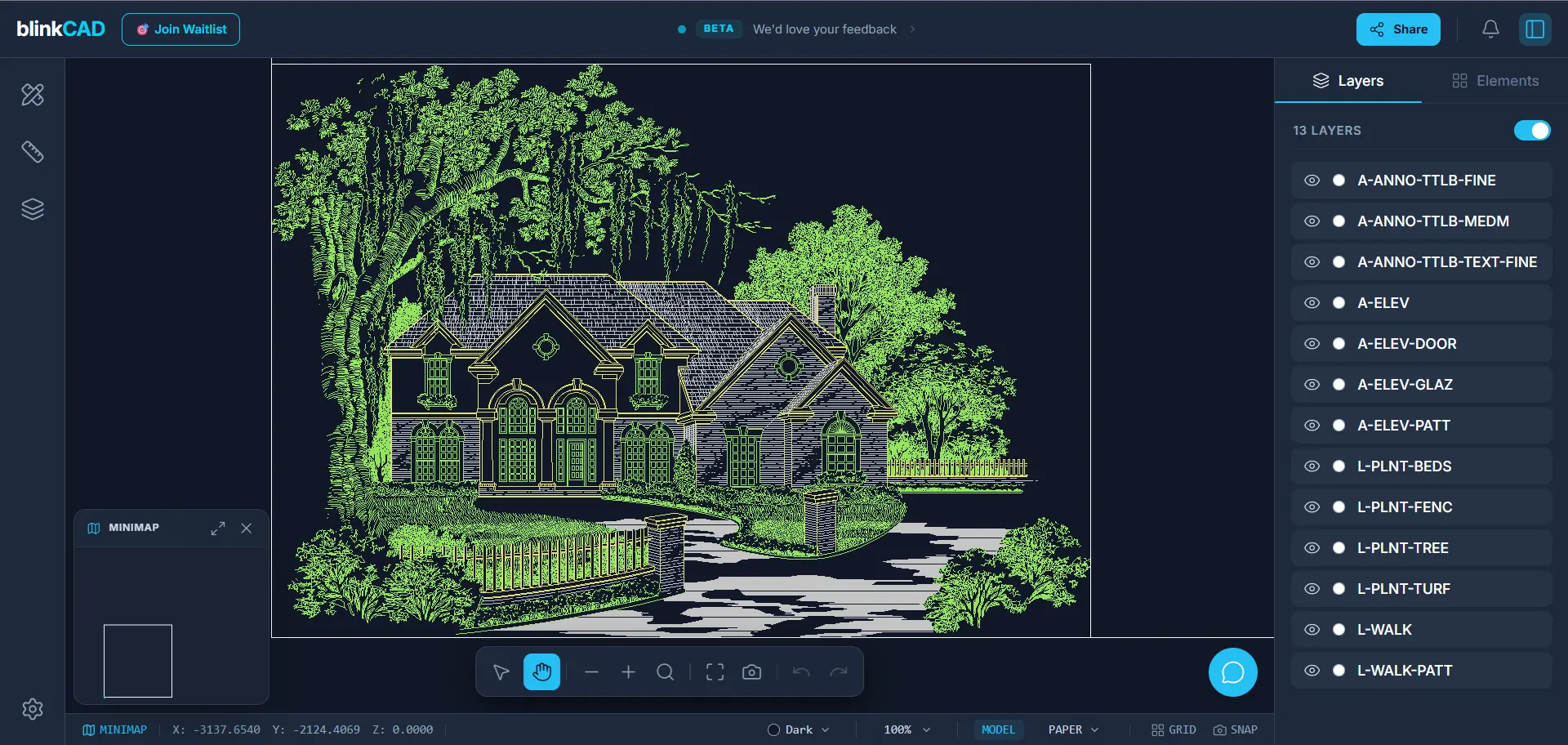
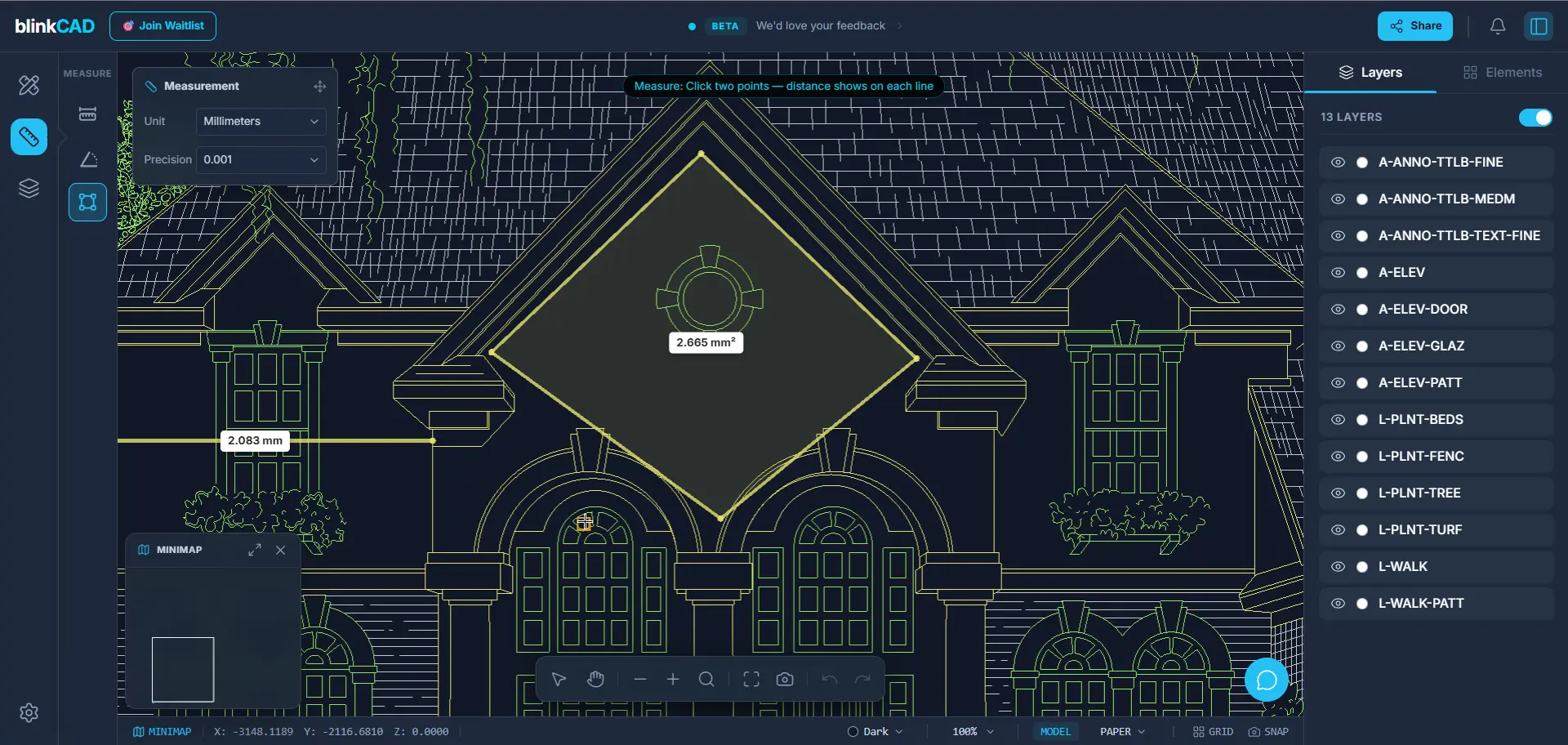
BlinkCAD is the fastest way to open and measure AutoCAD DWG and DXF files without the heavy software overhead. Simply drag and drop any DWG or DXF file to view it instantly in your browser—no signups, no installations, and 100% free. Designed for architects and engineers who need to check drawings on the go, it features precise measurement tools, layer toggling, and instant link sharing. Your privacy is a priority: all files are automatically deleted within 24 hours. Access your CAD drawings anywhere with BlinkCAD, a high-performance online viewer for DWG and DXF formats. Zero Friction: No account or plugin required. Powerful Tools: Measure real-world distances, view element properties, and manage layers. Universal Access: Works seamlessly across desktop, tablet, and mobile. Secure & Private: Files are processed server-side and wiped after 24 hours. Stop waiting for heavy CAD software to load and start viewing drawings in seconds.
Screenshots
Reviews (1)
Average 5.0 out of 5
Based on 1 review
Comments (1)
Does it process files server-side (upload, render, send back), or client-side with WebAssembly/JavaScript?
@ashishdurgude Files are processed server-side. Users upload the file to our server, it gets rendered/processed there, and then the output is sent back to the client.