Brink Browser
"Zen and Arc, but on iPad". Built for research & privacy.


Details
- Target Audience
- StudentsAcademicsResearchers
- Pricing
- One-time from $6.6
- Platforms
- Mobile
Discovery signals
How AI and people discover Brink Browser on PeerPush
About Brink Browser
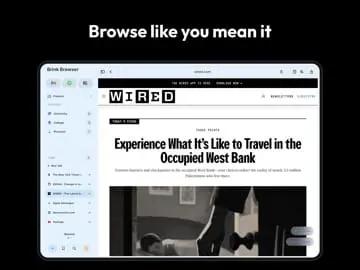
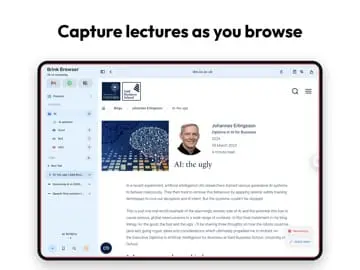
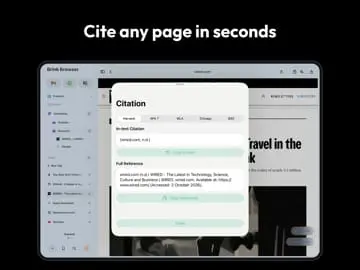
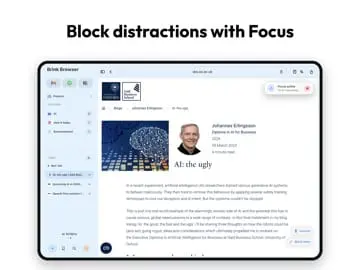
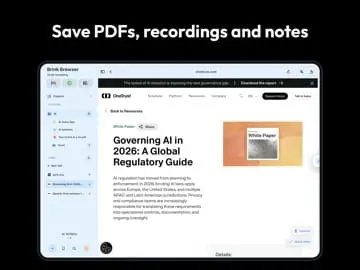
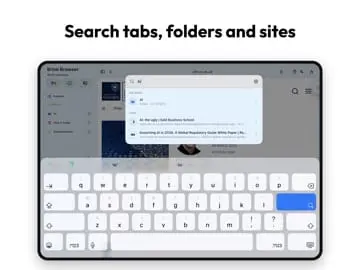
Research Projects: Give each subject, assignment or topic its own workspace, with separate tabs, folders and saved research. Swipe between them in the sidebar. Save & cite sources: Save pages to your library and generate references + in-text citations in Harvard, APA, MLA, Chicago and IEEE. Everything in one place: Organise links, notes, images, PDFs and lecture recordings in nested folders alongside the research they belong to. ⌘K Brink Search: One shortcut to find open tabs, saved research, favourites, folders and history. Study Mode: Run focus sessions with timed work/break blocks and block distracting sites while you work. Private browsing: Private tabs that never touch history and are wiped the moment you close them. Built-in ad blocker: Turned on by default for a cleaner, less distracting web. Reader Mode: Strip busy pages back to clean, readable text with full typography controls. Lecture Capture: Record lectures right in the browser, saved with your notes and sources. PDF viewer & editor: Open, annotate and save PDFs into your workspace. Built for iPad: Desktop-style sidebar, keyboard shortcuts, drag-and-drop, designed for real work.
Discount Codes
FREE(-100% OFF)
Valid until Oct 31, 2026
Product Video
Watch a video demo of Brink Browser.
Screenshots


Reviews (0)
No reviews yet. Be the first to rate this product!
Comments (1)
Try out Brink completely free, Love it or Hate it. Leave a review.