
BrowsePad
Redefining Web Browsing on Android TV

Details
- Categories
- Pricing
- Freemium
Discovery signals
How AI and people discover BrowsePad on PeerPush
- ChatGPT
- Perplexity
- +2 other AI crawlers
Reads by these AI engines
Crawlers behind these engines read this listing on PeerPush.About BrowsePad
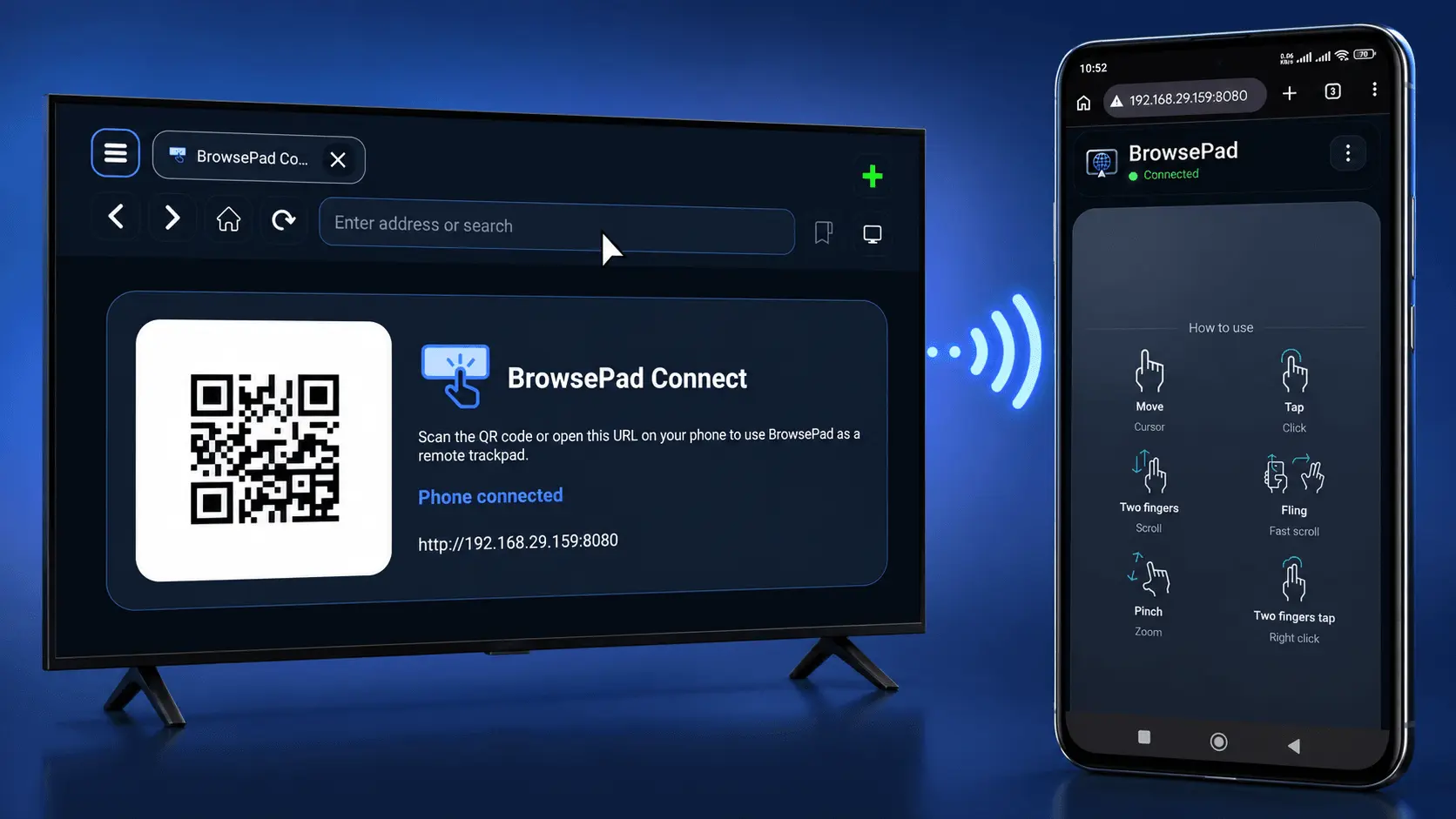
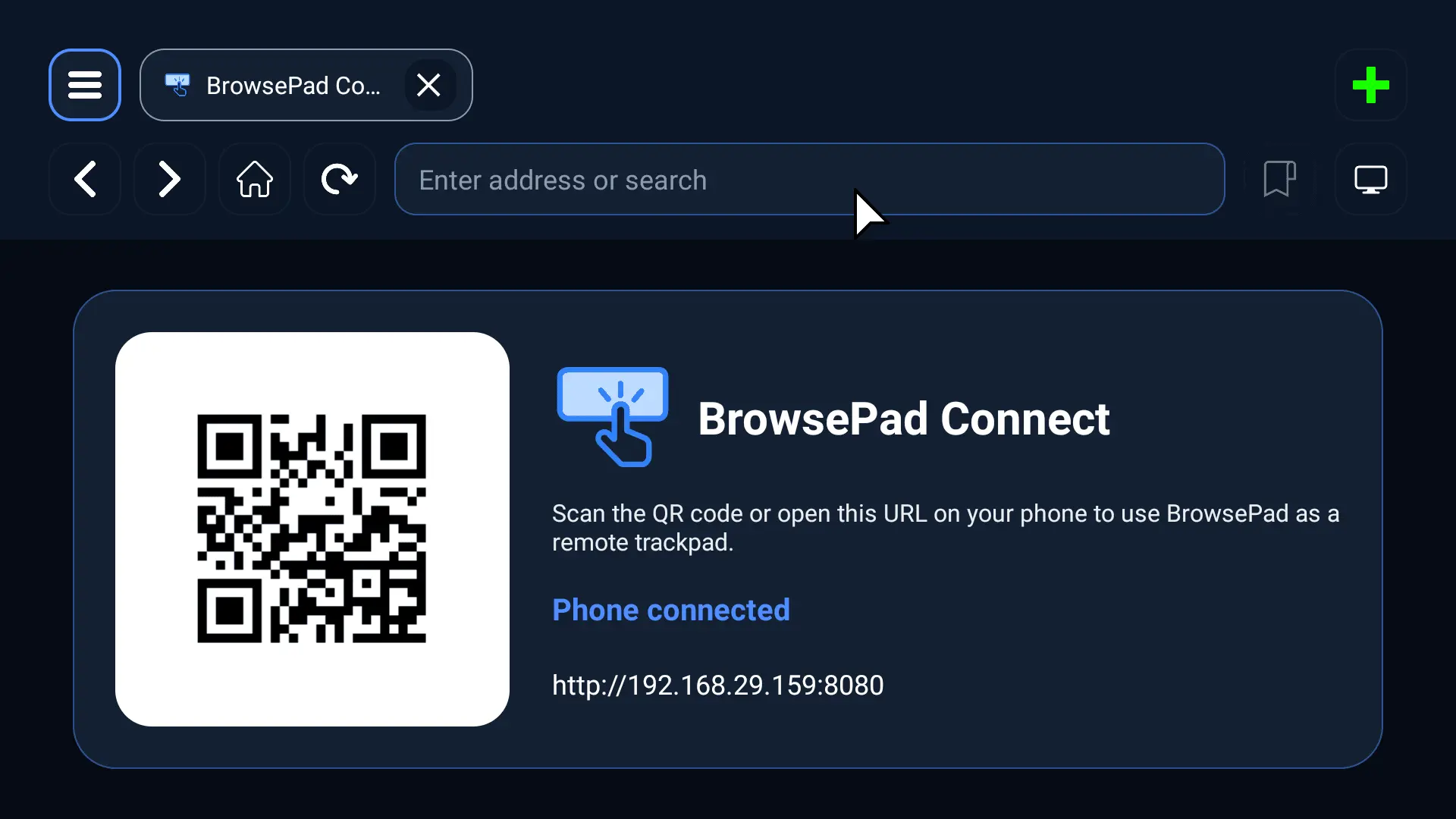
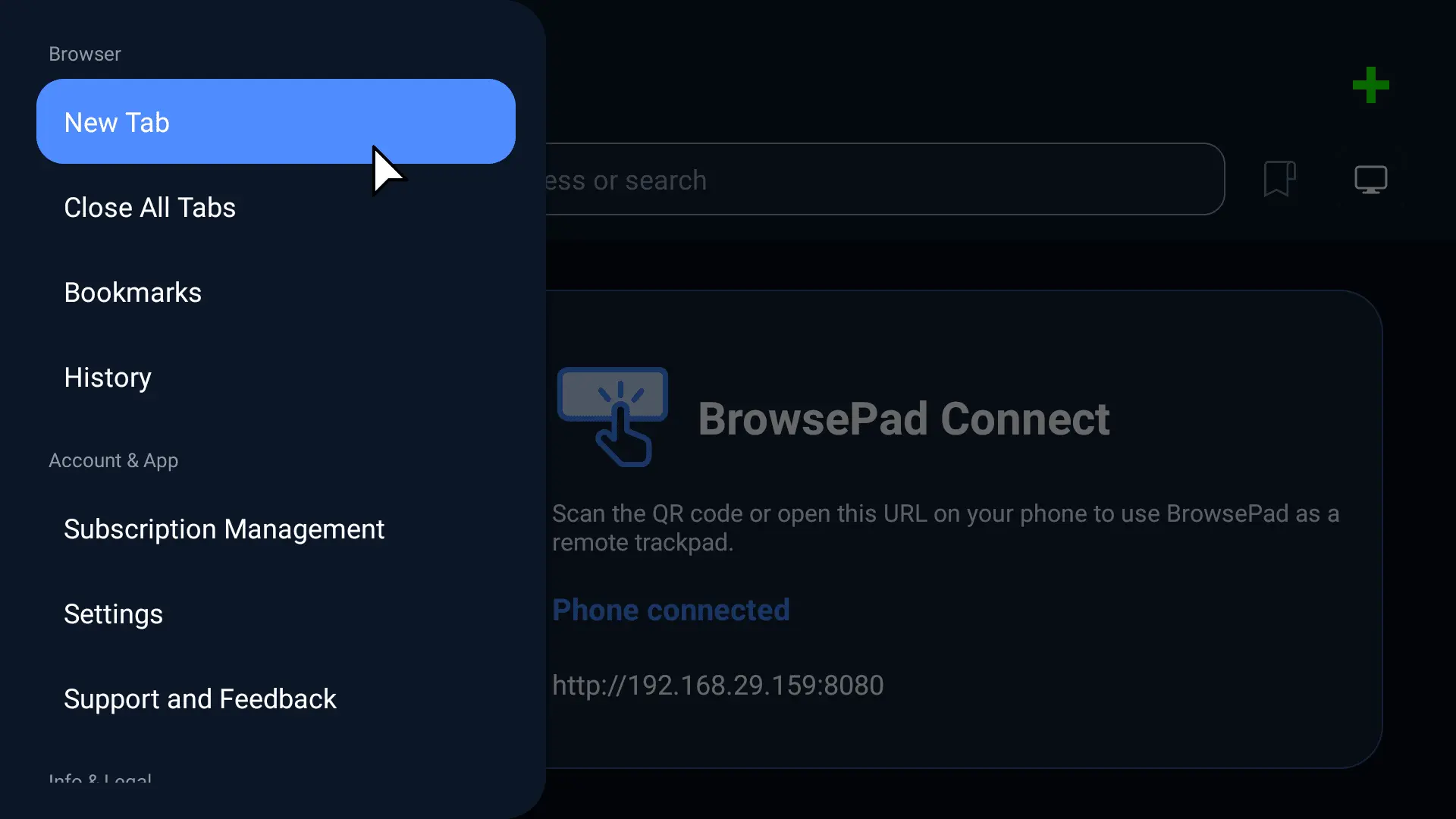
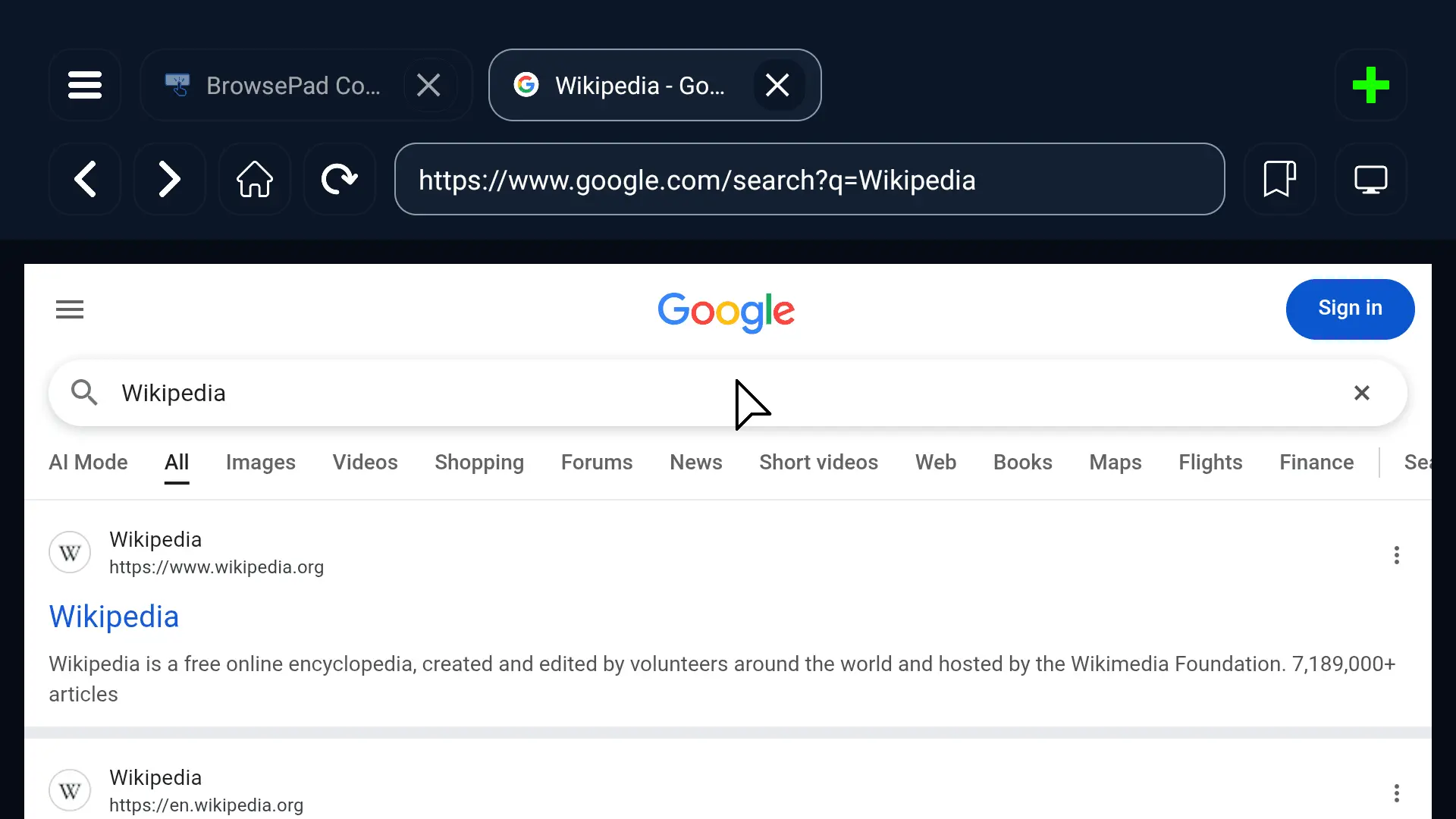
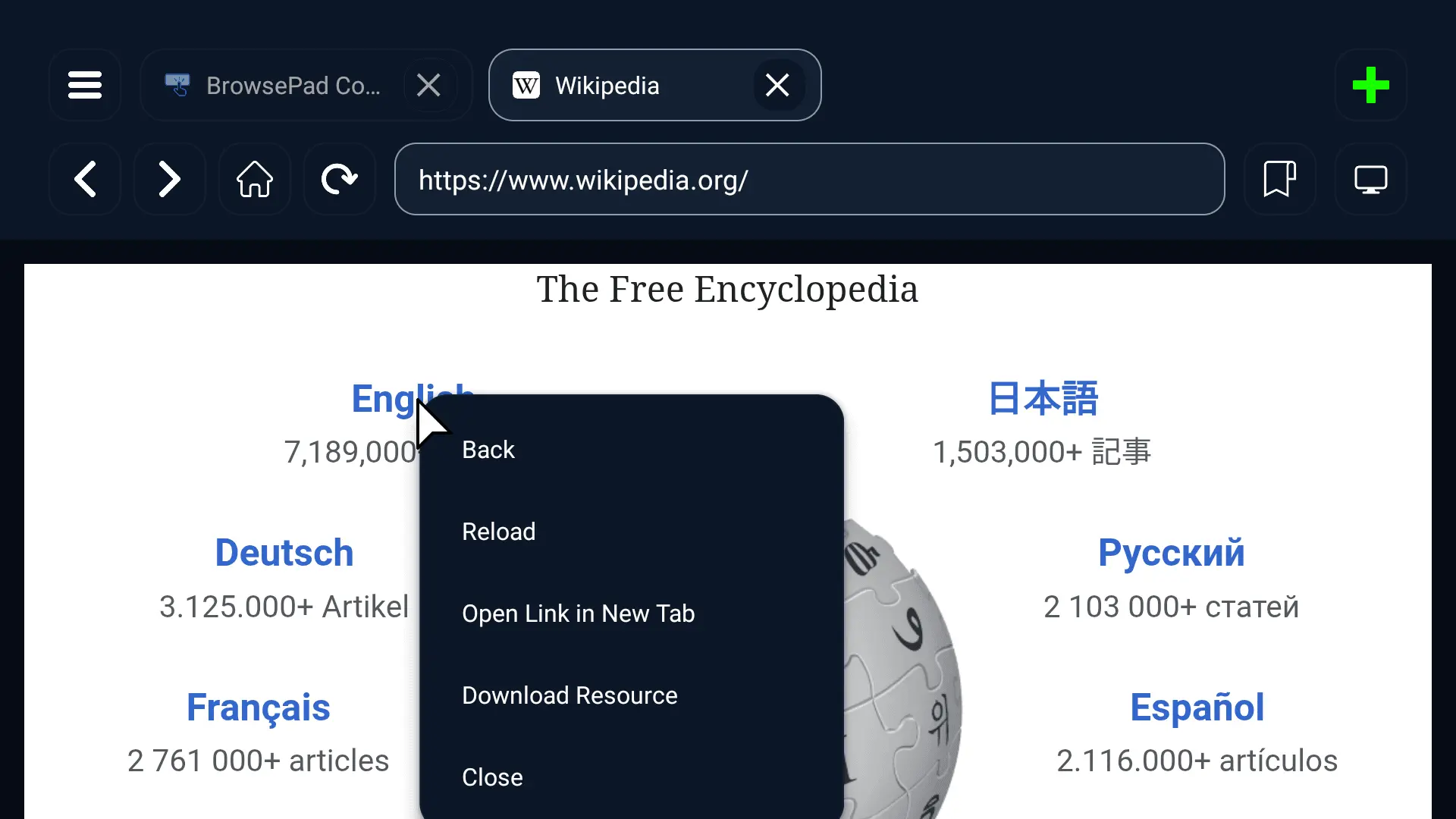
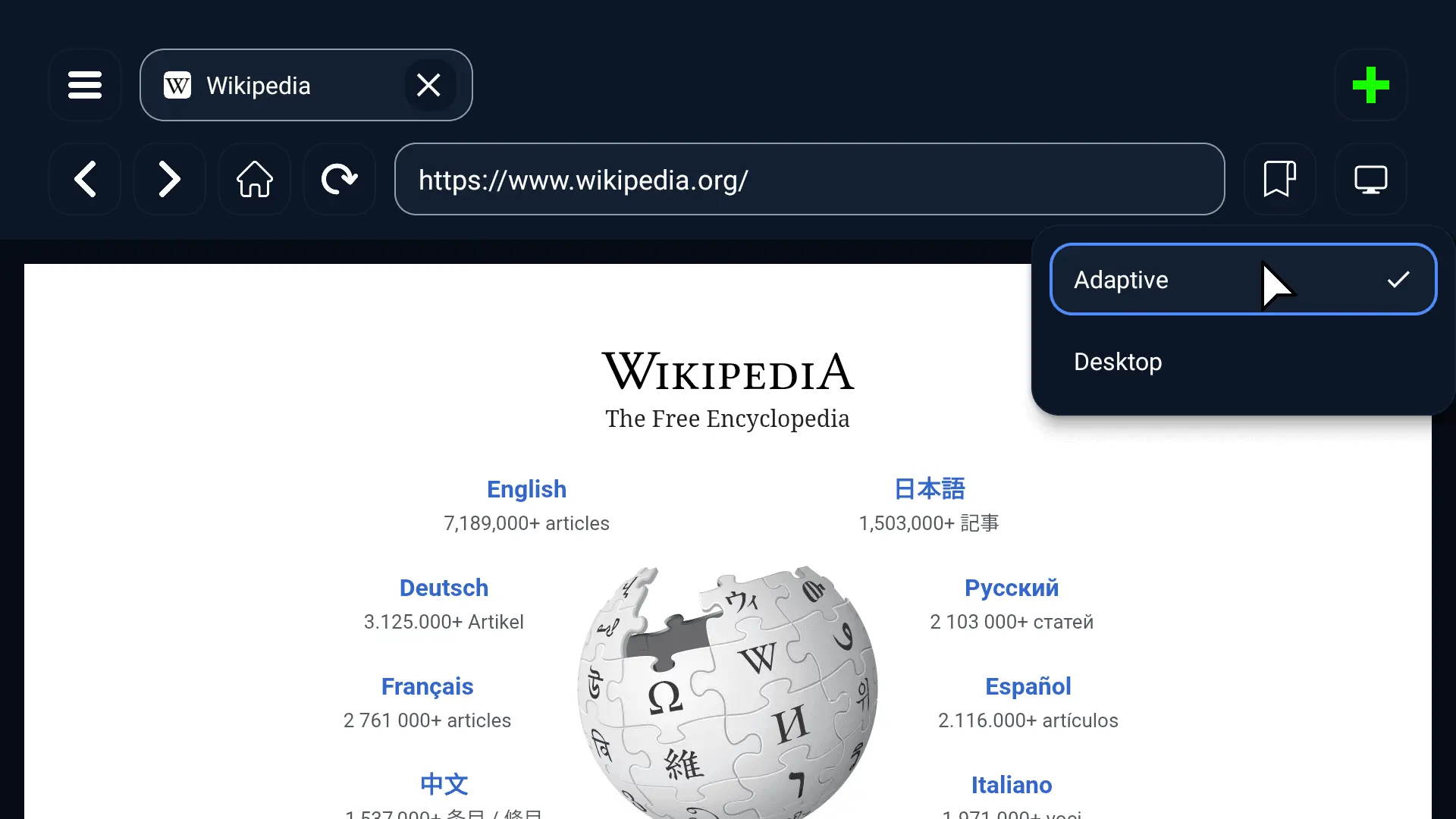
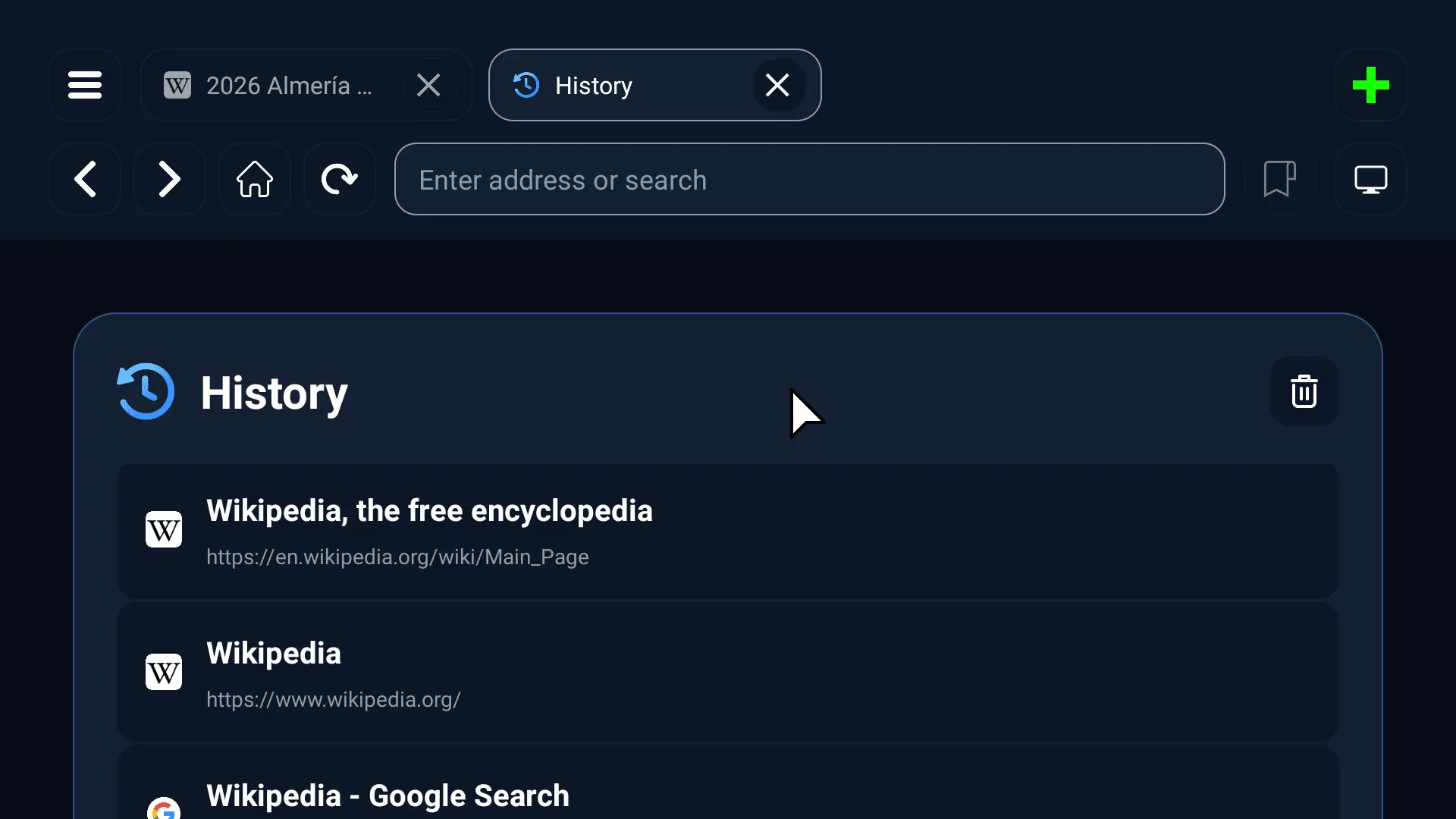
BrowsePad is a modern web browser built specifically for Android TV. Instead of trying to force a mobile browser experience onto a television, BrowsePad has been designed from the ground up for the big screen. Whether you are browsing websites, reading articles, shopping online, watching web videos, accessing cloud services, or using web apps, BrowsePad makes browsing on your TV fast, comfortable, and intuitive. The biggest innovation in BrowsePad is BrowsePad Connect. Simply scan the QR code displayed on your TV with your smartphone and instantly turn your phone into a precision touchpad. Move the pointer naturally, tap to click, right click with a two finger tap, scroll smoothly with two fingers, pinch to zoom, and use momentum scrolling just like on a laptop trackpad. No accounts, no complicated setup, and no extra hardware required. Everything works securely over your local WiFi network. BrowsePad also works perfectly with a standard Android TV remote. Navigate pages using the D pad, move the pointer with precision, select links, browse menus, and enjoy a complete TV friendly browsing experience even without a phone. Designed for Productivity BrowsePad brings many desktop browser features to Android TV, making it easier to browse complex websites and web applications. Features include: • Desktop style multi tab browsing • Quick tab switching and tab management • Bookmark your favorite websites • Browsing history with easy access • Automatic session restore after reopening the app • Fast address bar with intelligent search and URL detection • Multiple search engine support including Google, Bing, DuckDuckGo, Brave Search, Perplexity, and Andi • Desktop and adaptive website viewing modes • Download files directly to your device • Built in download manager integration • Secure SSL browsing • Friendly error pages and reliable page loading BrowsePad Connect BrowsePad Connect transforms your smartphone into a powerful remote browsing companion. Using your phone you can: • Move the mouse pointer with high precision • Left click with a single tap • Right click with a two finger tap • Scroll vertically and horizontally • Pinch to zoom webpages • Enjoy smooth momentum scrolling • Adjust pointer speed • Type directly into website forms • Enter URLs and search queries • Send text instantly to your TV • Automatically reconnect after temporary network interruptions Built for Android TV Unlike traditional mobile browsers, BrowsePad is optimized for televisions. Enjoy: • Large TV friendly interface • Easy navigation with the TV remote • Smart pointer based interaction • Quick toolbar access • Full screen browsing experience • Smooth tab management • Fast QR based phone pairing • Local network communication for improved privacy and responsiveness Privacy First Your phone communicates directly with your TV over your local network. Your browsing controller does not rely on cloud services, allowing for a fast, responsive, and private browsing experience. Perfect For • General web browsing • Reading news and blogs • Shopping online • Streaming websites • Social media websites • Productivity web apps • Educational websites • Cloud storage access • Home automation dashboards • Business presentations • Research and learning Why Choose BrowsePad? BrowsePad reimagines how web browsing should work on Android TV. Instead of struggling with a traditional TV remote, you get the precision of a laptop style touchpad right from your smartphone while still keeping full remote support whenever you need it. The result is a faster, smoother, and more enjoyable browsing experience that feels natural on the biggest screen in your home. If you have been looking for a better Android TV browser with true desktop style browsing and intuitive phone powered control, BrowsePad is built for you.
Screenshots
Reviews (0)
No reviews yet. Be the first to rate this product!
Comments (1)
BrowsePad transforms web browsing on Android TV with a desktop-style browser built for the big screen. Control every website using your TV remote or your phone as a precision wireless trackpad.