
Browser Notes
Private notes, sticky notes, and mind maps in your browser
Details
- Follow on
- @daxeelsoniLinkedIn
- Categories
- Productivity & NotesPrivacy
- Use Cases
- Note-TakingVisual Thinking
- Target Audience
- FreelancersStudentsFounders & CEOs
- Pricing
- Free
- Platforms
- Web
Discovery signals
How AI and people discover Browser Notes on PeerPush
About Browser Notes
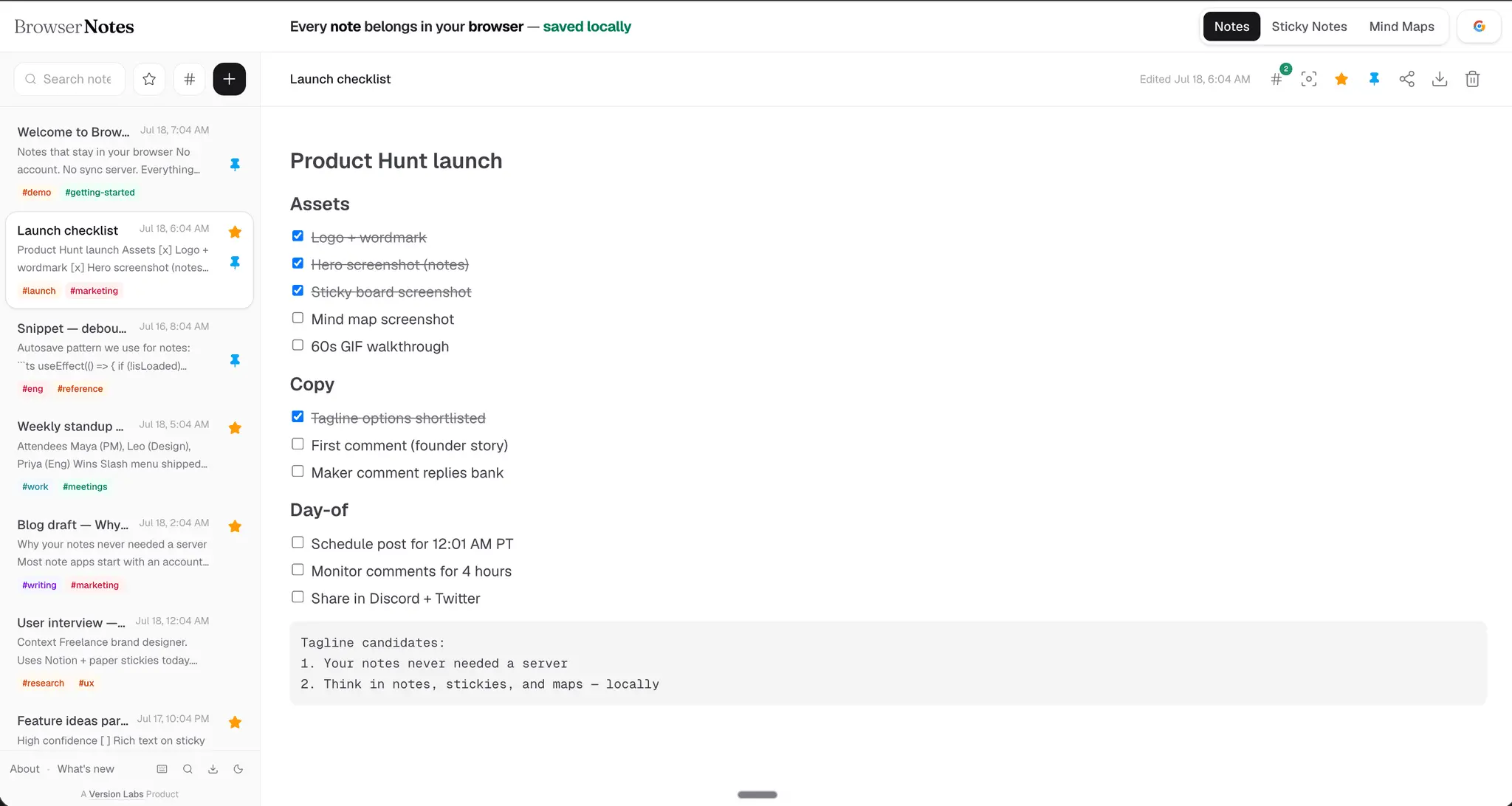
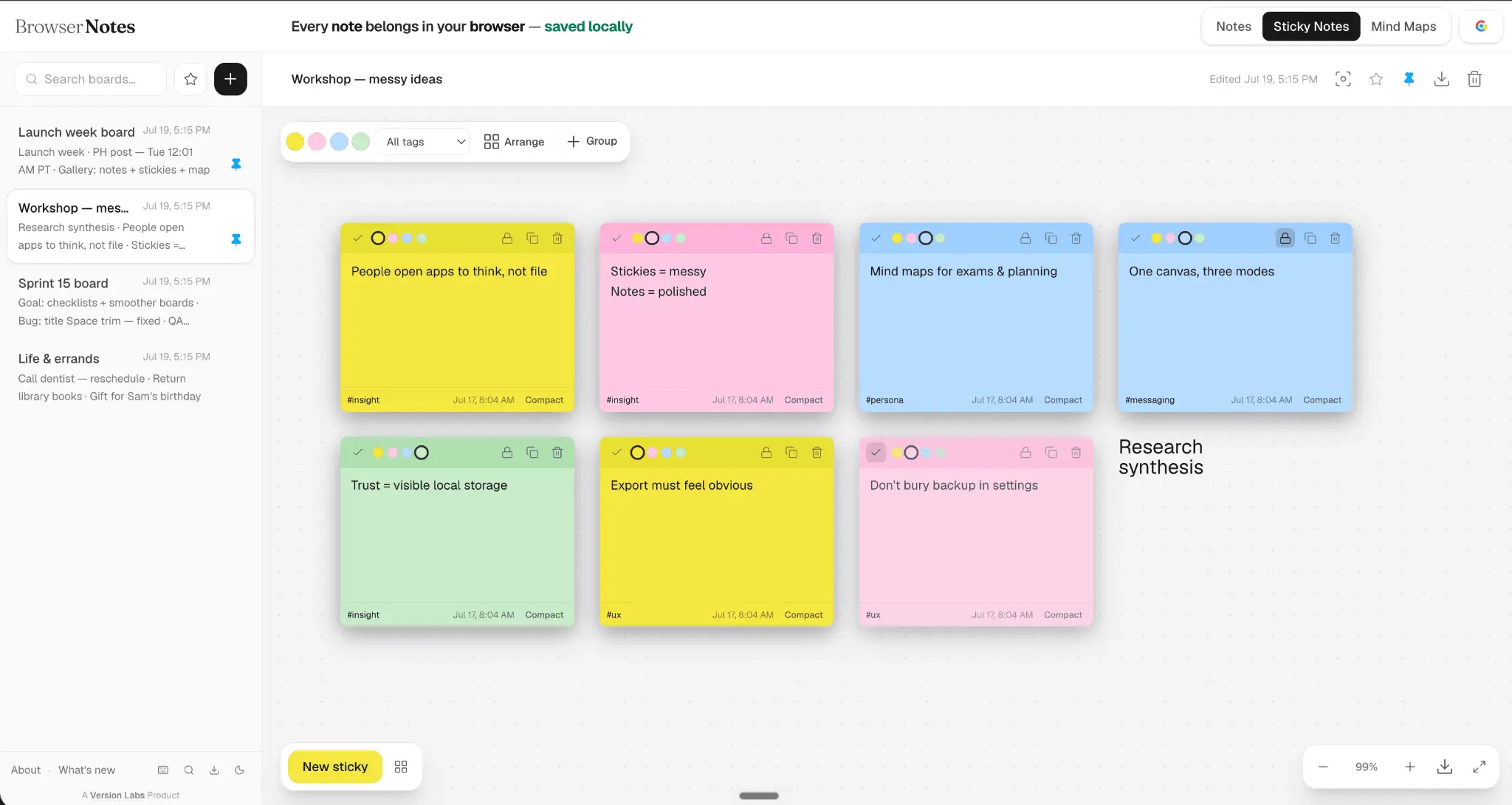
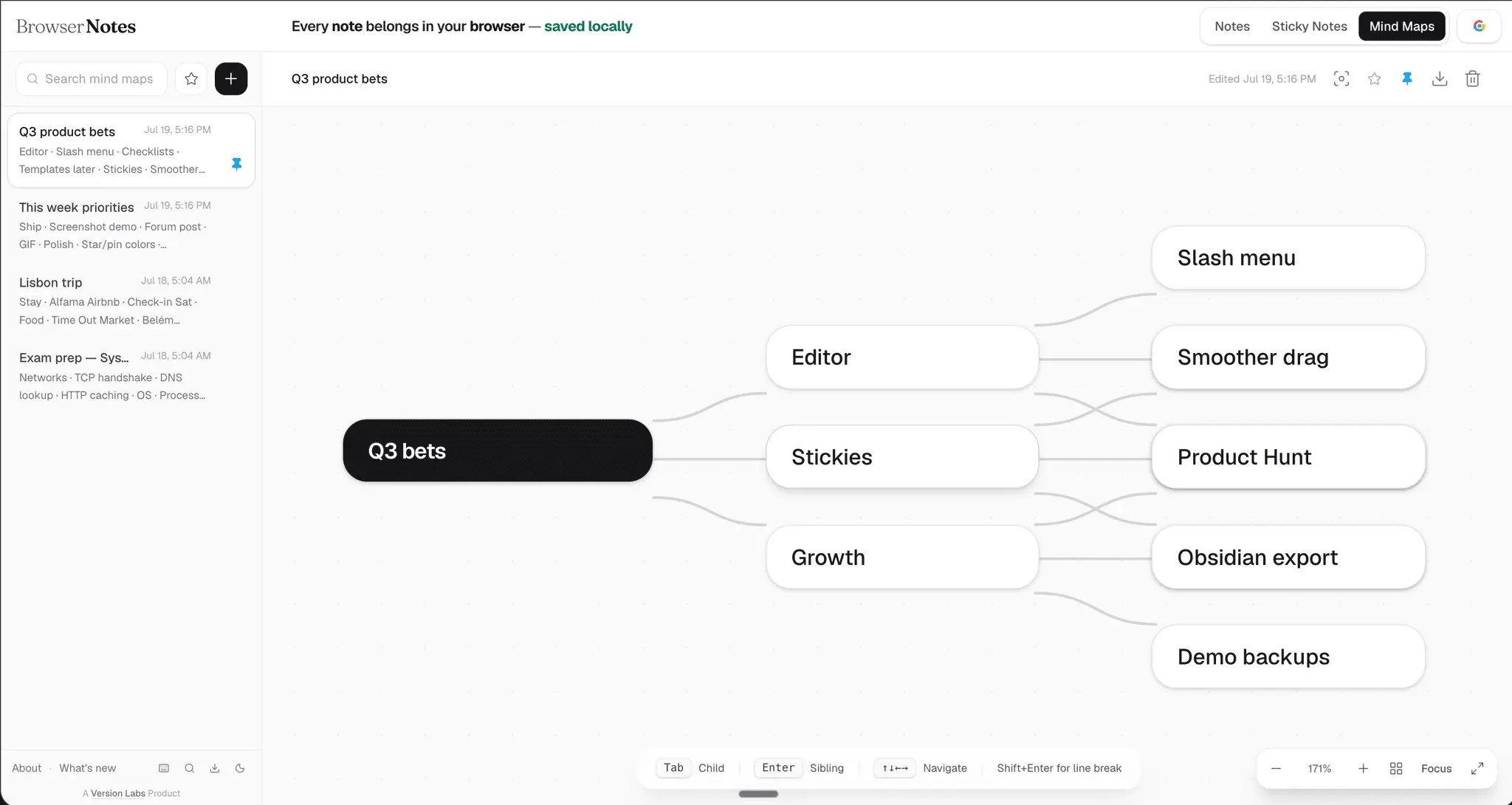
Browser Notes provides a local-first workspace within your web browser for managing text notes, sticky notes, and mind maps. By saving all data locally on your device, the application ensures privacy and offline access without requiring external cloud synchronization. It combines multiple organizational formats in a single tool to help you structure your thoughts without leaving your browser environment. Browser Notes Features 🔒 Local-first — notes stay in your browser, no account ☁️ No cloud vault — private by default, works offline ✍️ Text notes — rich formatting + Markdown 📌 Sticky boards — drag, color, group on an infinite canvas 🧠 Mind maps — branch, arrange, export ⚡ Slash commands — type / for headings, lists, code & more ✅ Checklists — /todo with clickable checkboxes 🏷️ Tags — organize & filter notes and stickies ⭐ Star favorites — quick access to what matters 📍 Pin to top — keep active items at the top of the list 🔍 Search — find across titles and content fast ⌨️ Keyboard shortcuts — stay in flow 🌙 Light & dark themes 📤 Export — TXT, Markdown, PDF 💎 Obsidian export — .md, ZIP, or vault folder 🔗 Share links — snapshot in the URL, no server upload 💾 JSON backup — full workspace import & export 🧩 Chrome extension — clip text, images & links from any page
Screenshots
Reviews (1)
Average 4.0 out of 5
Based on 1 review

A practical way to keep quick notes and ideas close while browsing. The sticky notes and mind maps make lightweight planning feel convenient.
Comments (1)
I closed another notes signup mid-form, I didn’t want private drafts on someone else’s cloud. So I built Browser Notes: free, local-first, no account. Privacy should be default. → browsernotes.xyz