
Pocket Accountant
AI bookkeeping for freelancers and small businesses


Details
 QuickBooks alternatives
 Freshbooks alternatives
 wave alternatives
Discovery signals
How AI and people discover Pocket Accountant on PeerPush
About Pocket Accountant
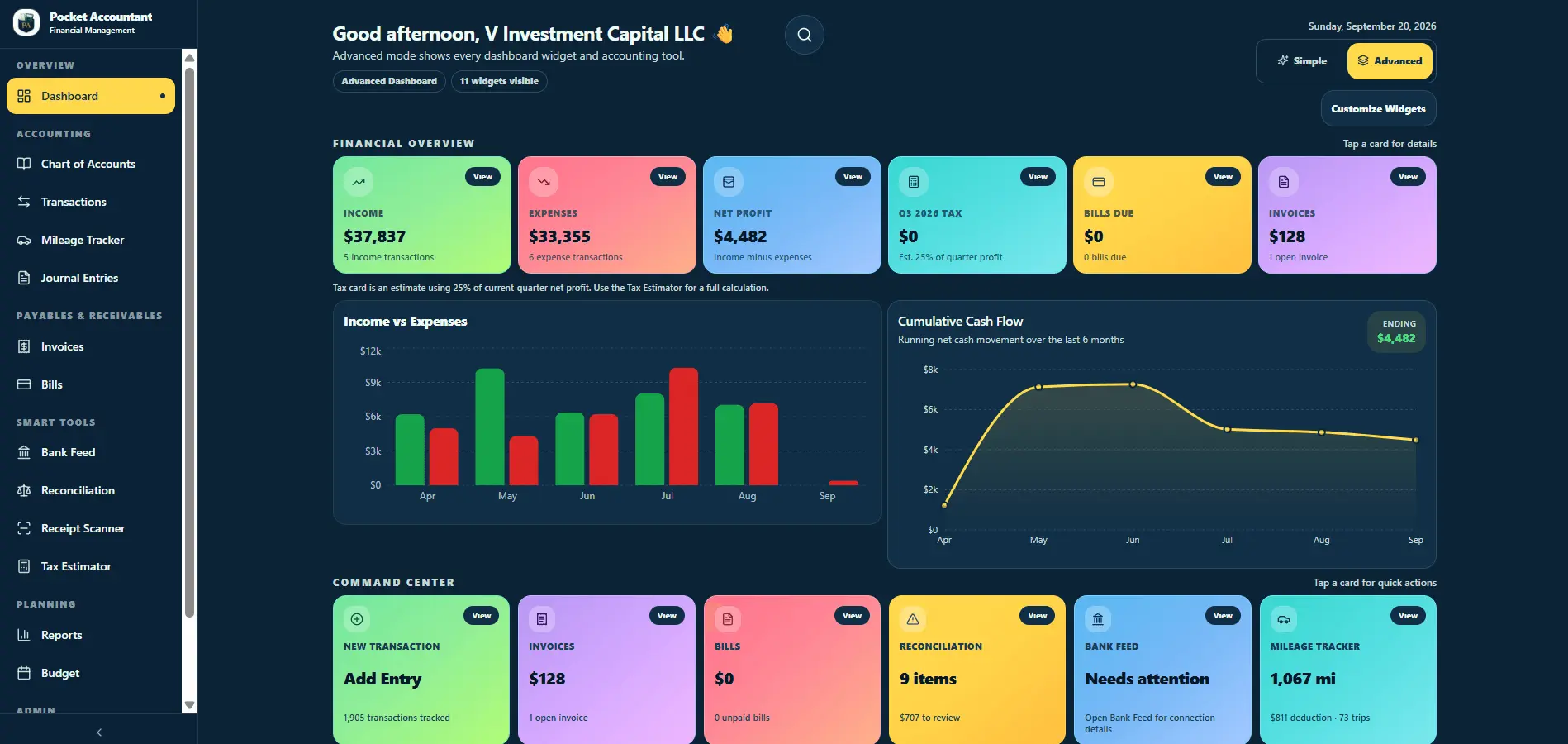
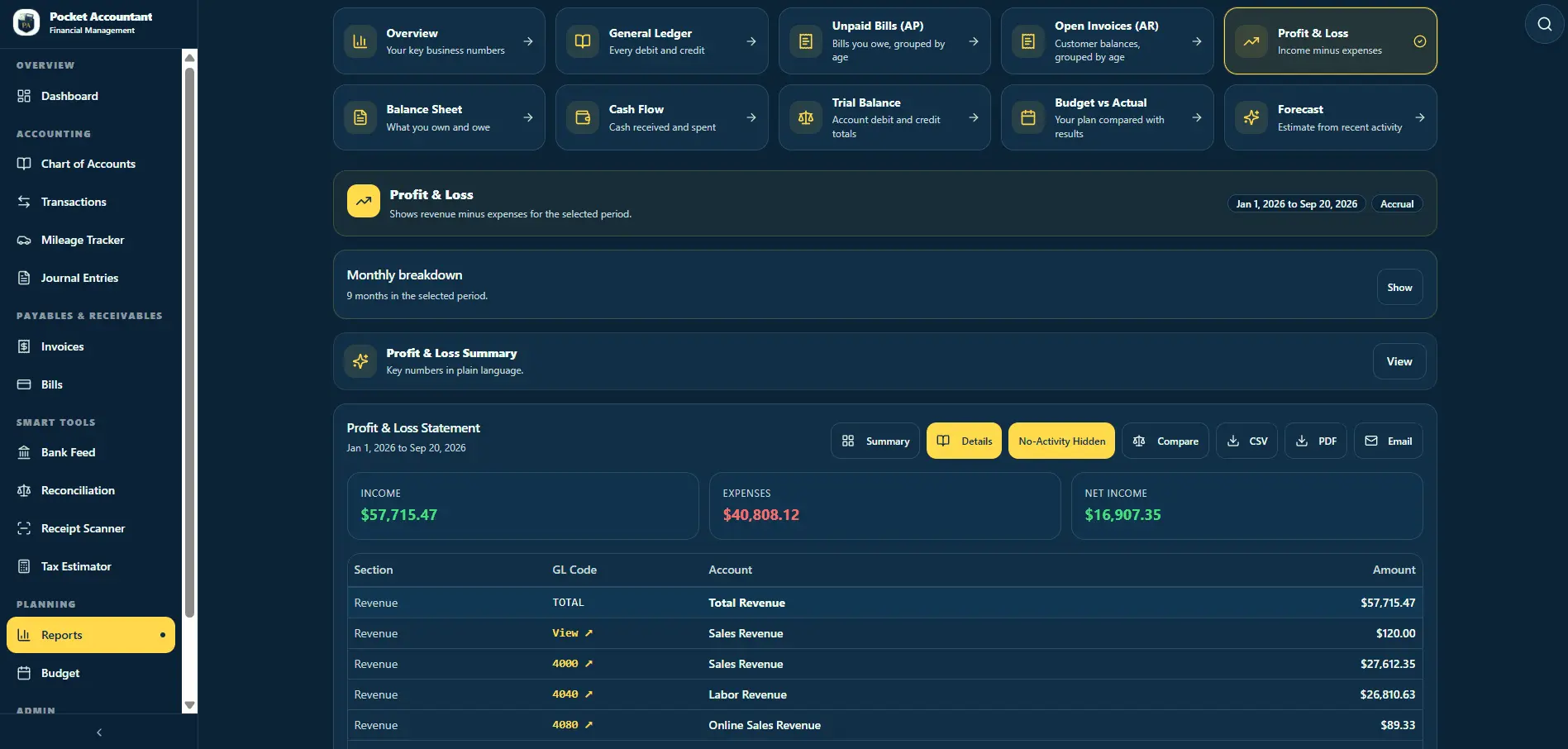
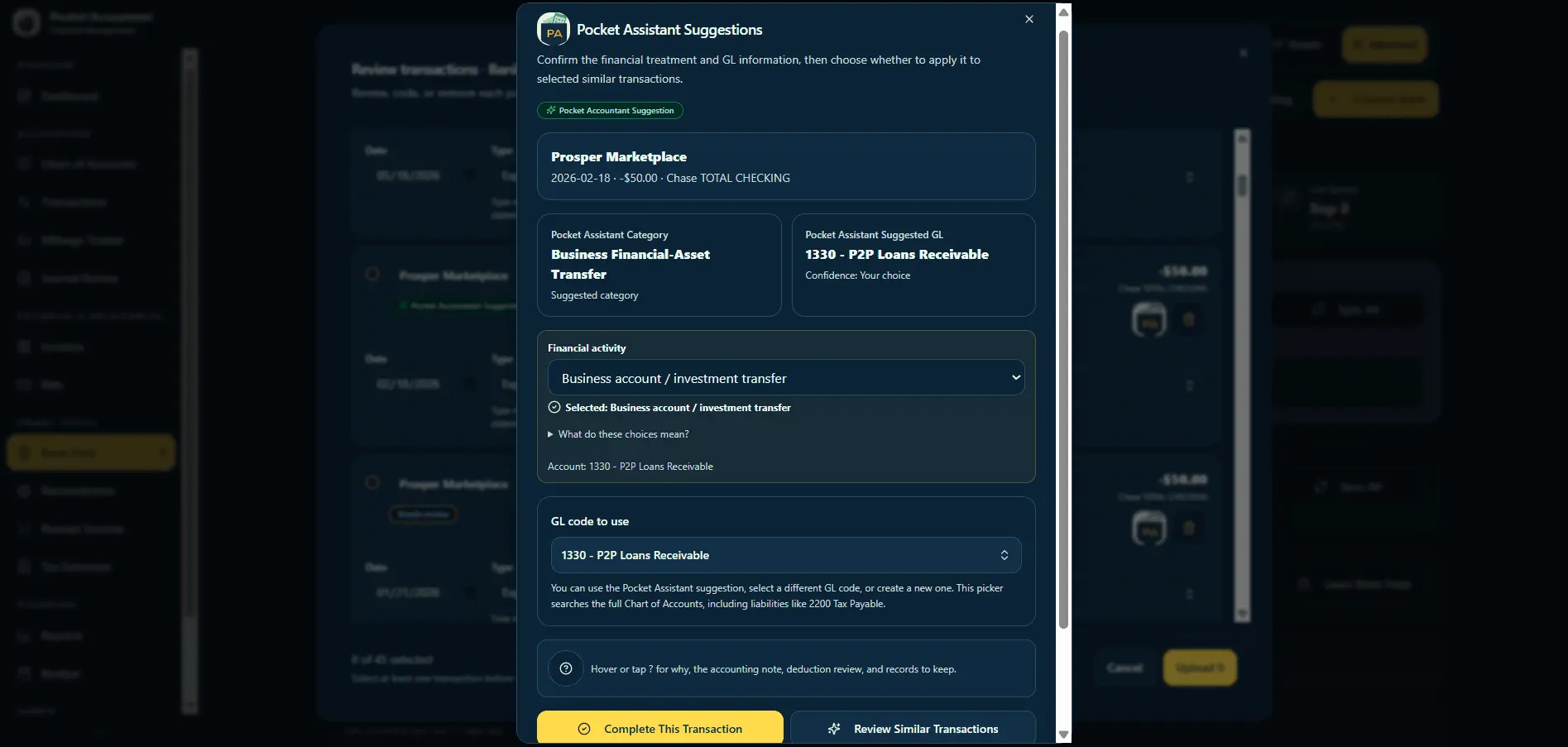
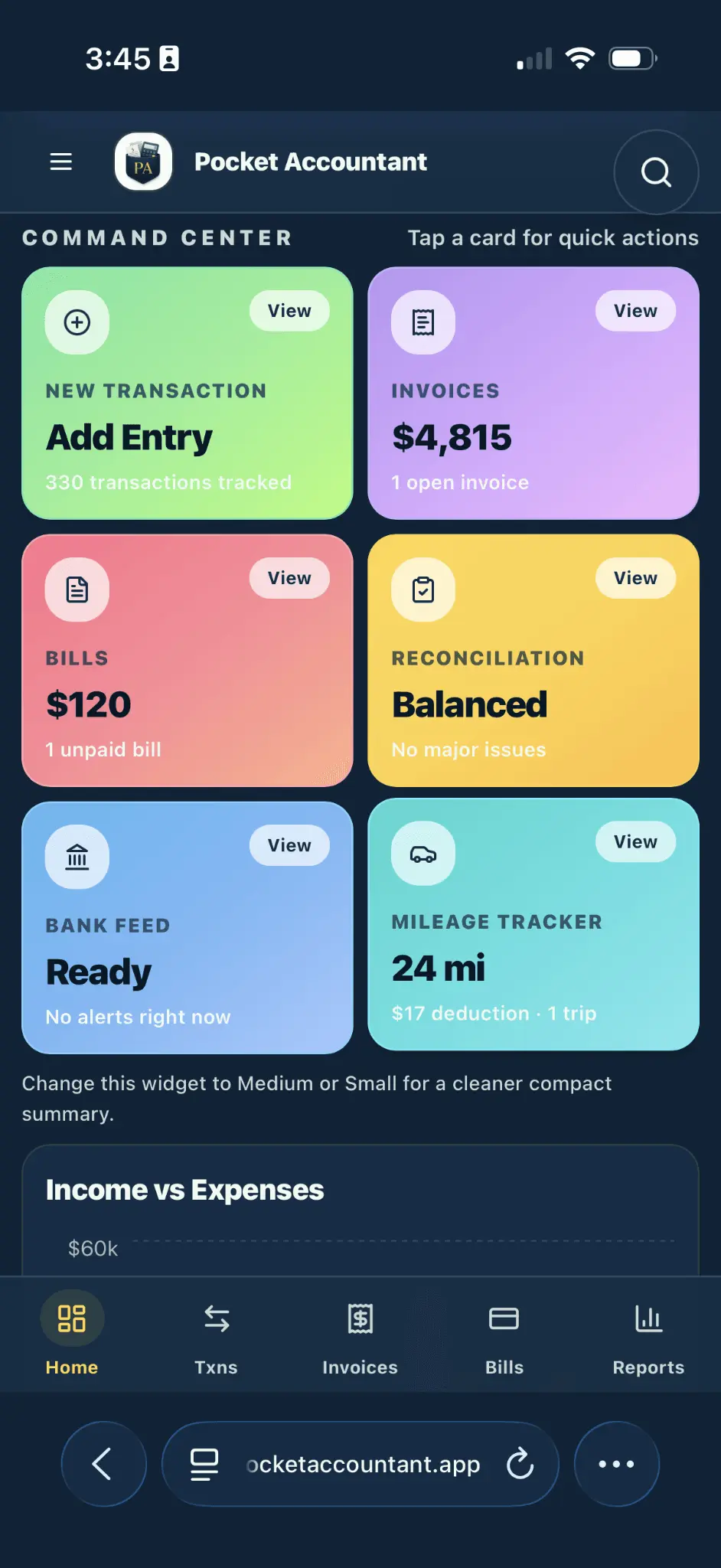
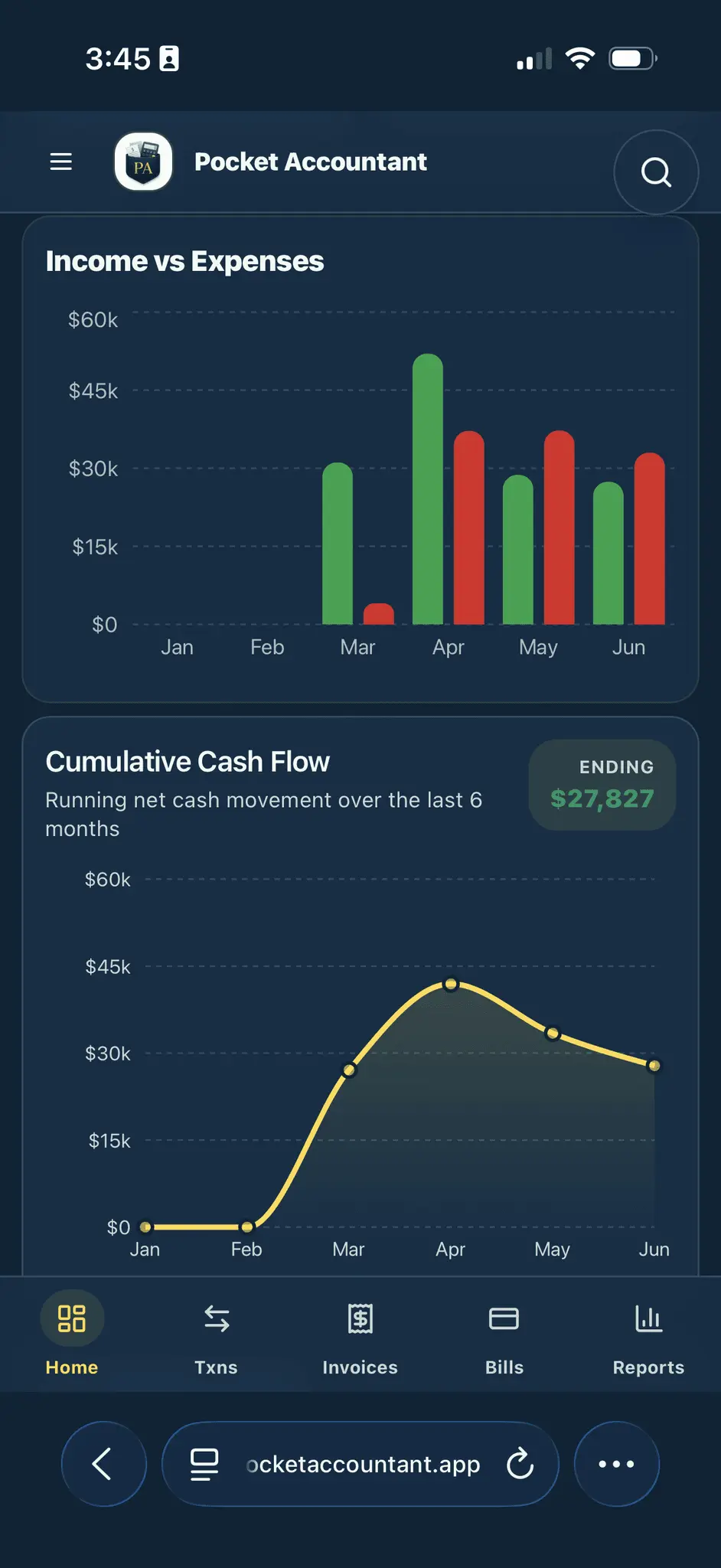
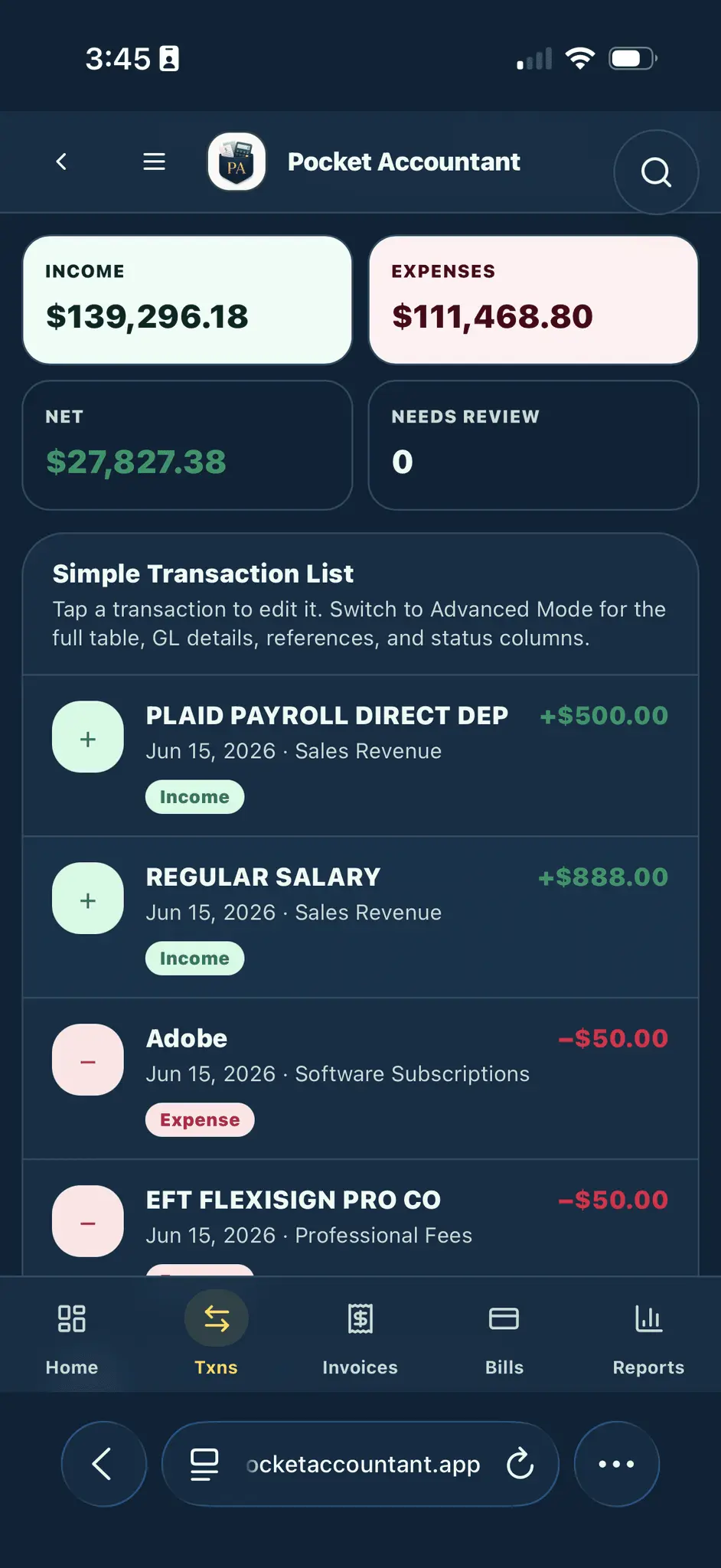
Pocket Accountant helps freelancers, independent contractors, and small business owners keep income, expenses, invoices, and bills in one place. When your records are scattered across spreadsheets, receipt photos, and bank statements, catching up takes time away from your business. Pocket Accountant brings those everyday tasks into one workspace so you can see what you earned, what you spent, and what needs attention. Start with the essentials: - Record income and expenses and organize transactions by category. - Create invoices and track due dates and recorded payments. - Keep customer details, vendor bills, and business mileage organized. - Review your dashboard to keep up with your records. Pro adds tools for the repetitive work: - Connect supported bank accounts through Plaid and review imported activity. - Review suggested transaction categories and investigate differences with reconciliation tools. - Scan receipts and bills to help fill in details. - View Profit & Loss, Balance Sheet, and Cash Flow reports. - Use budgets, comparisons, supported exports, and mileage route planning. - Ask Pocket Assistant for help understanding expenses, reviewing transactions, or reading reports. Getting started is straightforward: add your business details, choose your money categories, and enter your first records. Start manually with Starter, or choose Pro for connected tools. You review suggestions and scanned details before applying them, keeping the final decisions in your hands. Starter is free and includes core manual bookkeeping, invoices, bills, and mileage records. Pro is $20/month or $198/year. Less time sorting records. A clearer view of the business behind your work.
Product Video
Watch a video demo of Pocket Accountant.
Screenshots
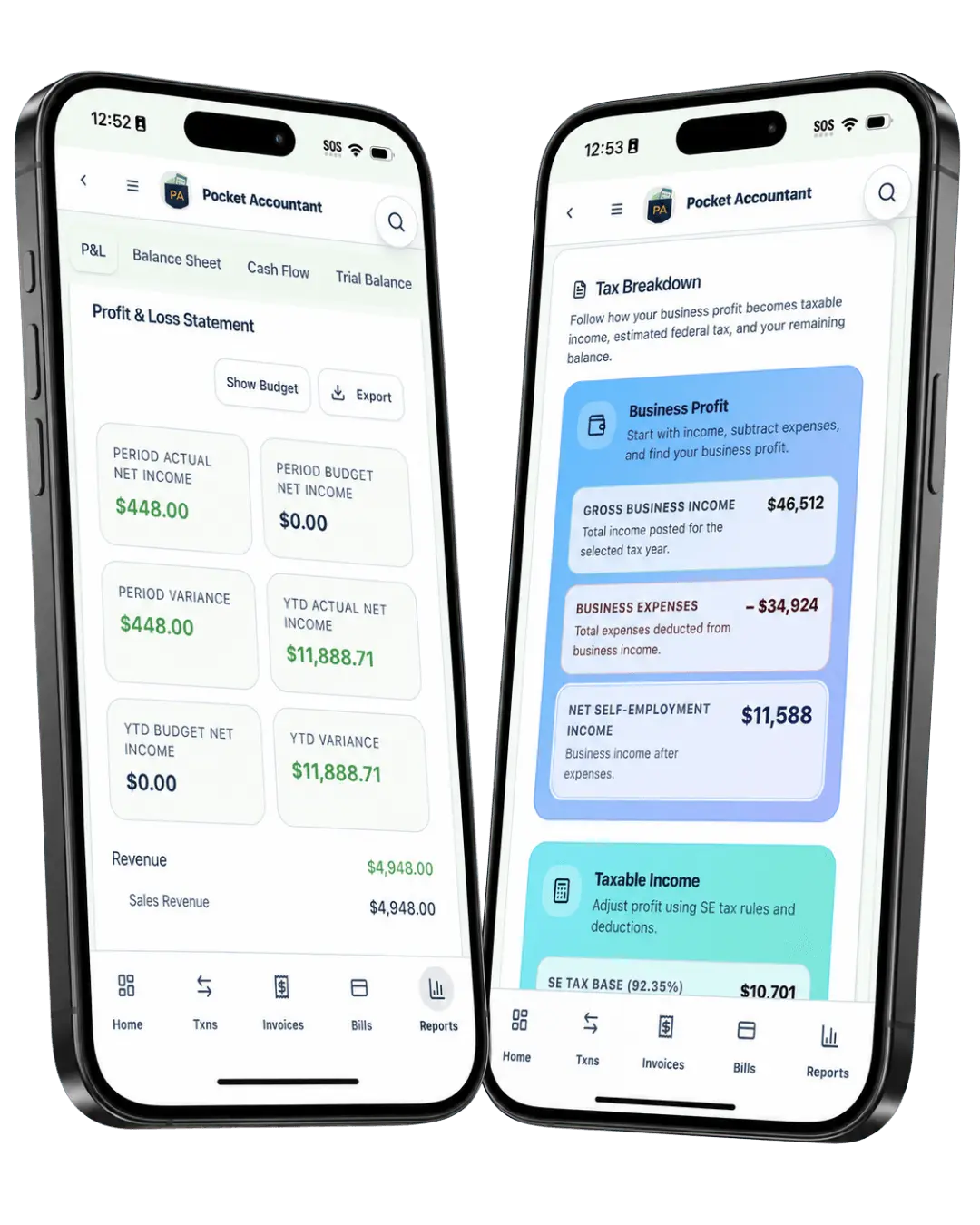
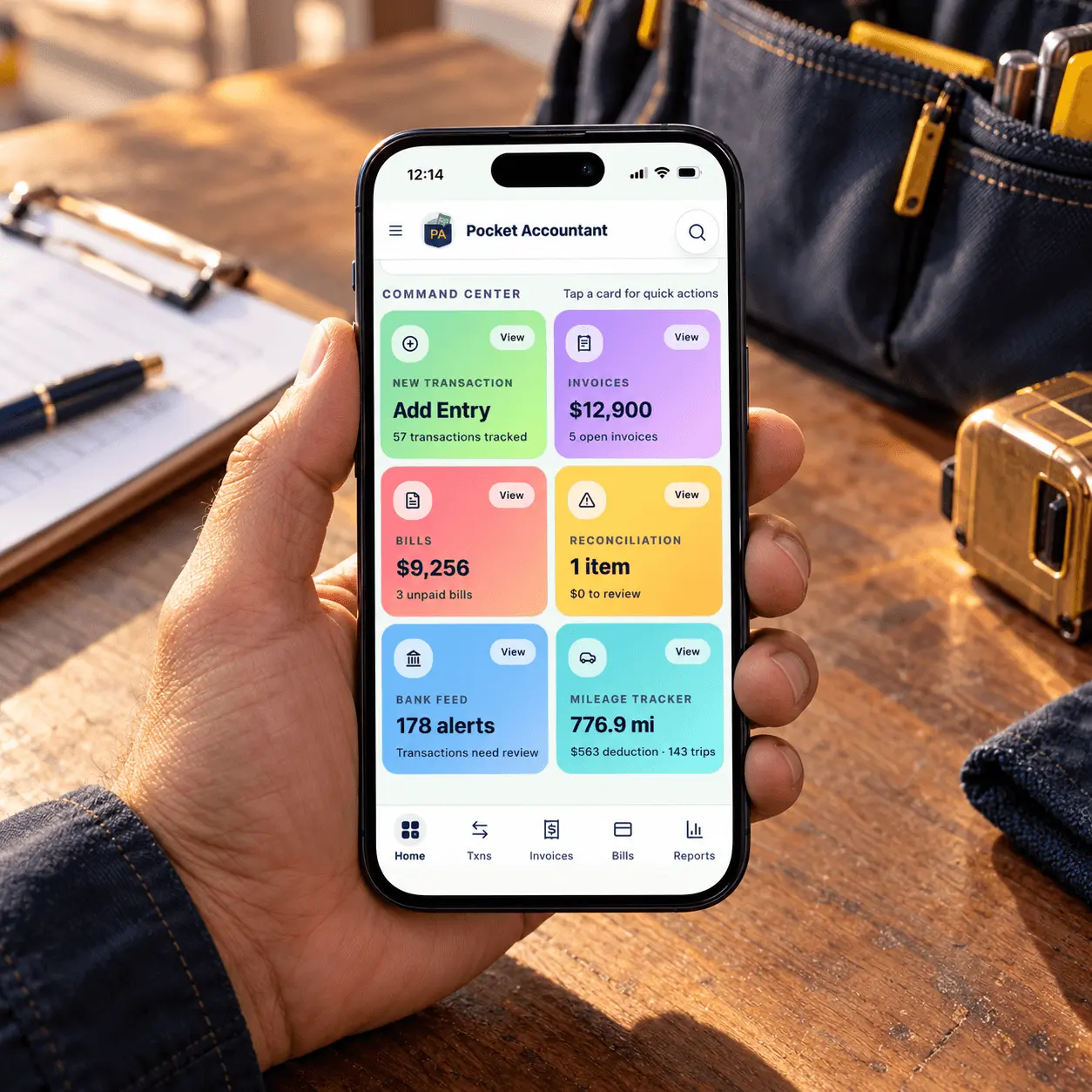
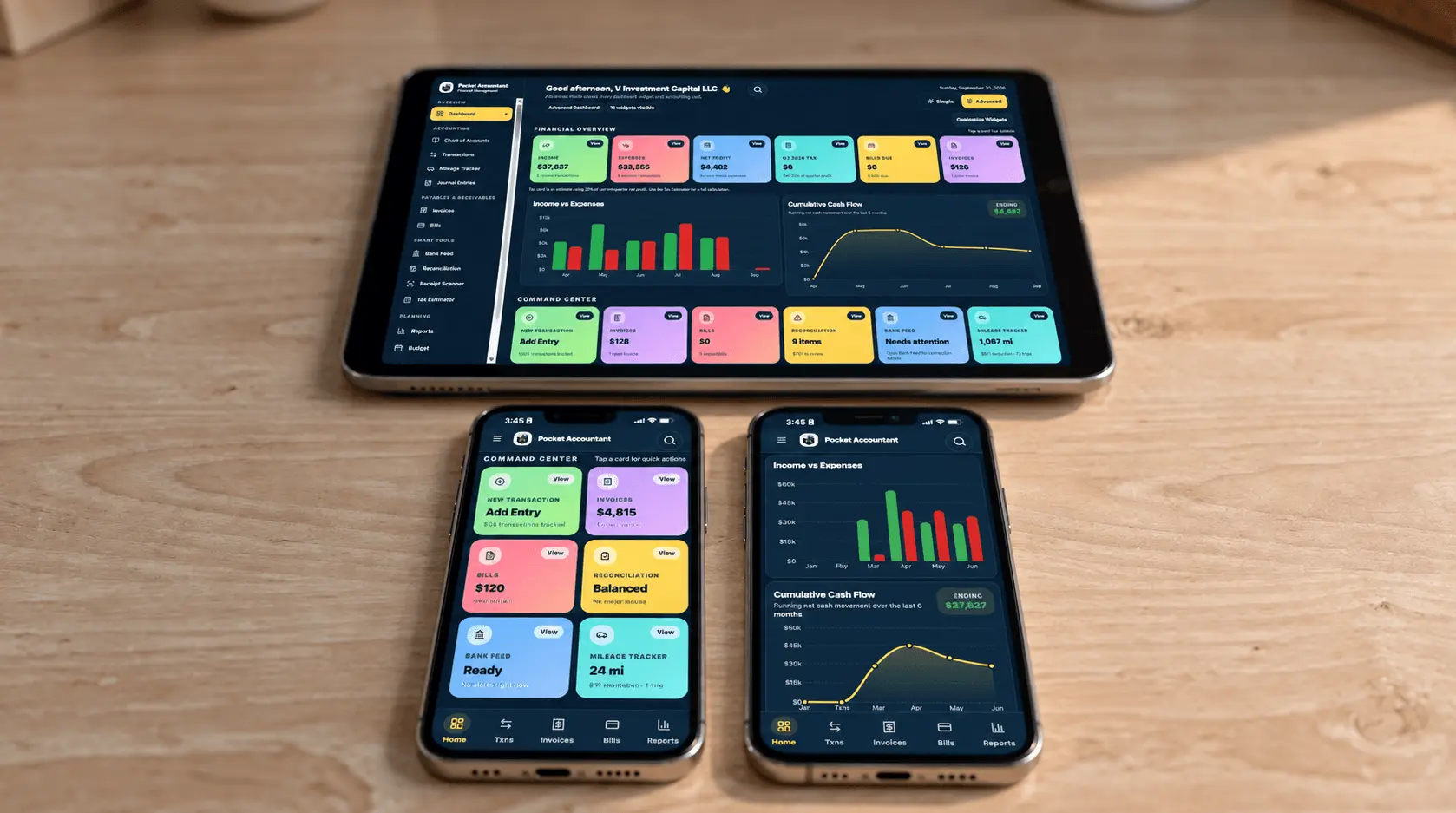
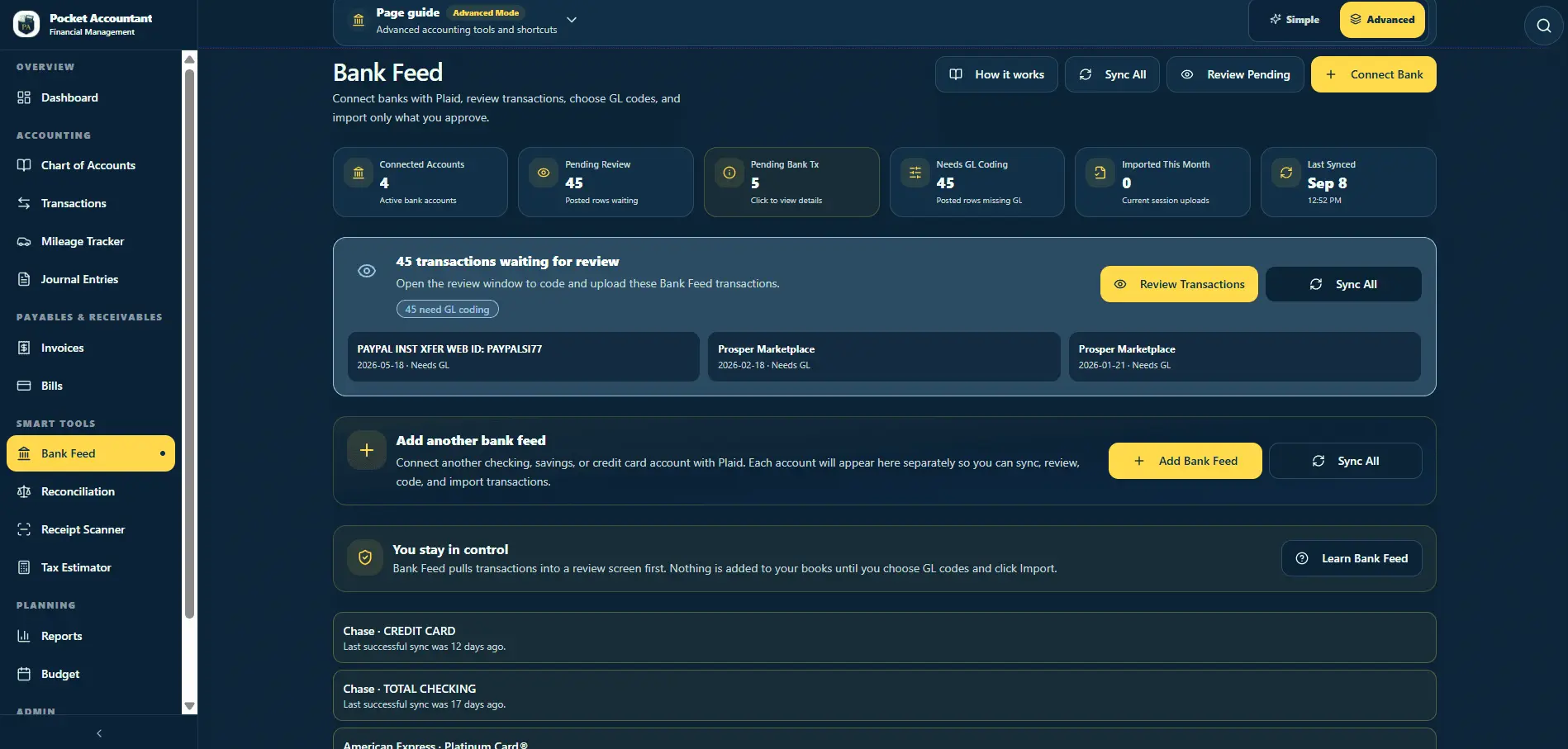
Product Updates (1)
We Are working on Launching in IOS
We are working in setting up the IOS soon. We also reviewed our scanning details and suggested categories, we found some bugs there are now have been fixed. Manual receipts that are scanned gives the option to match an imported Plaid transaction. The issue lies when the auto fill, when the user changes something, the app refreshes when the user is editing. This has now been fixed.
Comments (0)
No comments yet. Be the first to share your thoughts!
Reviews (4)
Average 5.0 out of 5
Based on 4 reviews


Comments (7)
cool!
congrats on the launch
useful tool. good work
Looks solid, nicely done
Looks pretty slick. I haven't tried it yet but rooting for any apps that will make accounting and bookkeeping easier. Intuit needs more competition.
@whistlestop Thank you! We are really trying to help small businesses with their accounting and bookkeeping needs; instead of looking them as just a paying user.
Reviewing scanned details and suggested categories before applying them is sensible. When a manual receipt later matches an imported Plaid transaction, does the review screen flag the likely duplicate before it affects reports?
@GeneralManager_Getatext When you add a receipt, you have the option for it to be applied to any Plaid transaction. The System also flags duplicates in our bank feed page before any transaction gets posted. Btw, we found a bug bc of you.TY
I built Pocket Accountant to make everyday bookkeeping easier for freelancers and small businesses. Try it, sign up, and tell me which bookkeeping task takes up too much of your week.