
BucketDesk
A secure file workspace for Amazon S3

Details
- Follow on
- Target Audience
- Pricing
- Subscription
- Platforms
- Featured in
Discovery signals
How AI and people discover BucketDesk on PeerPush
About BucketDesk
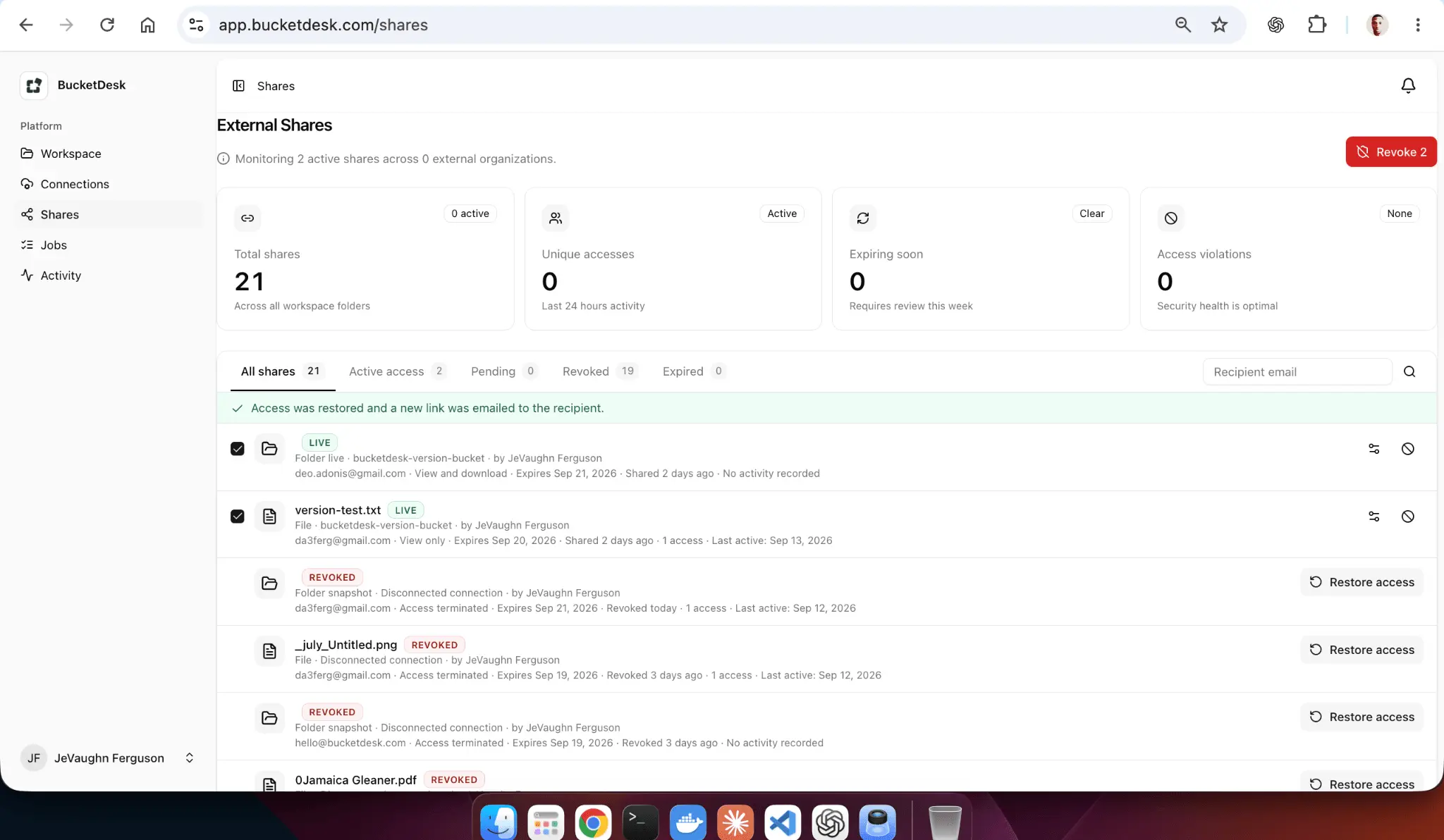
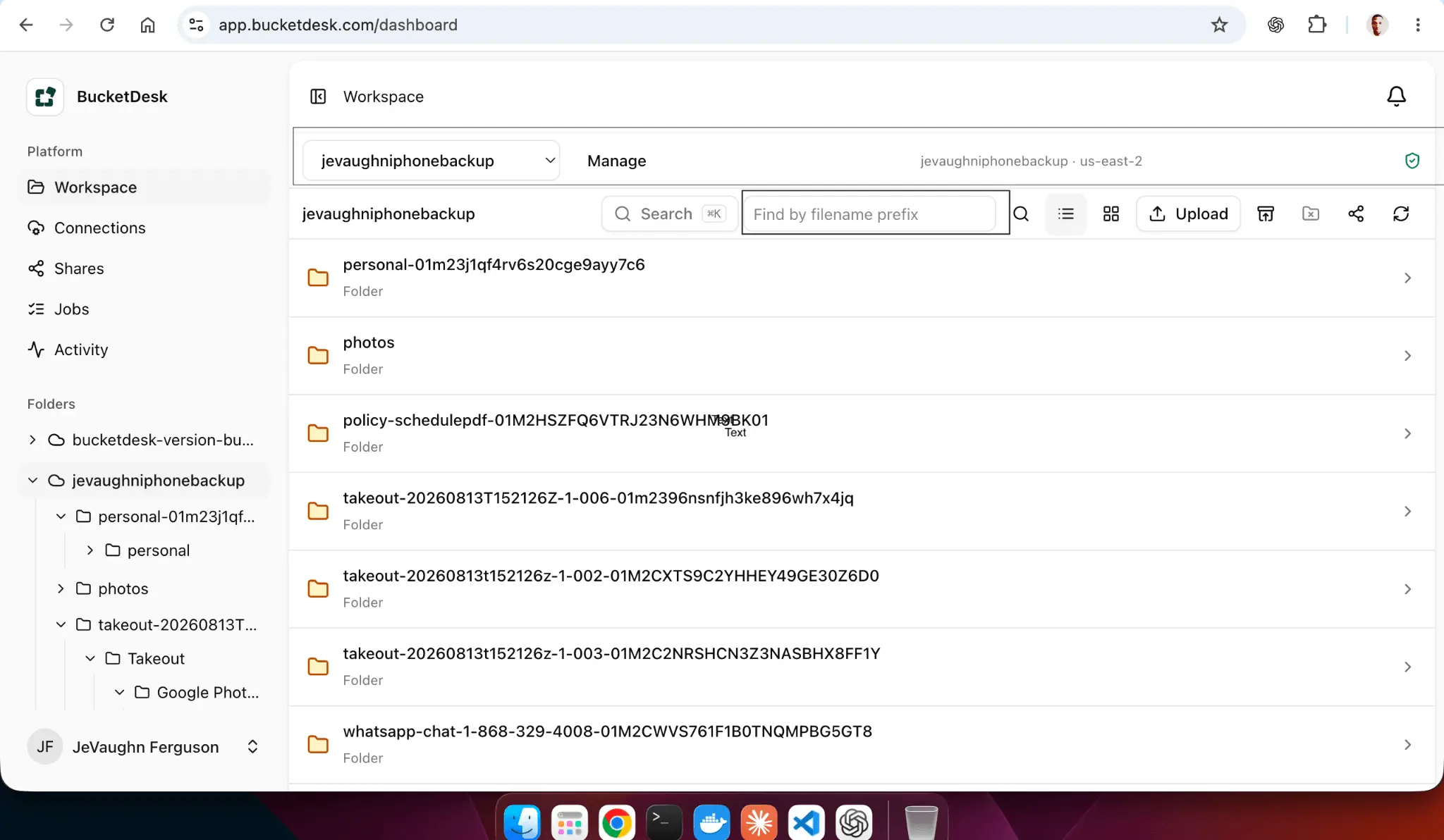
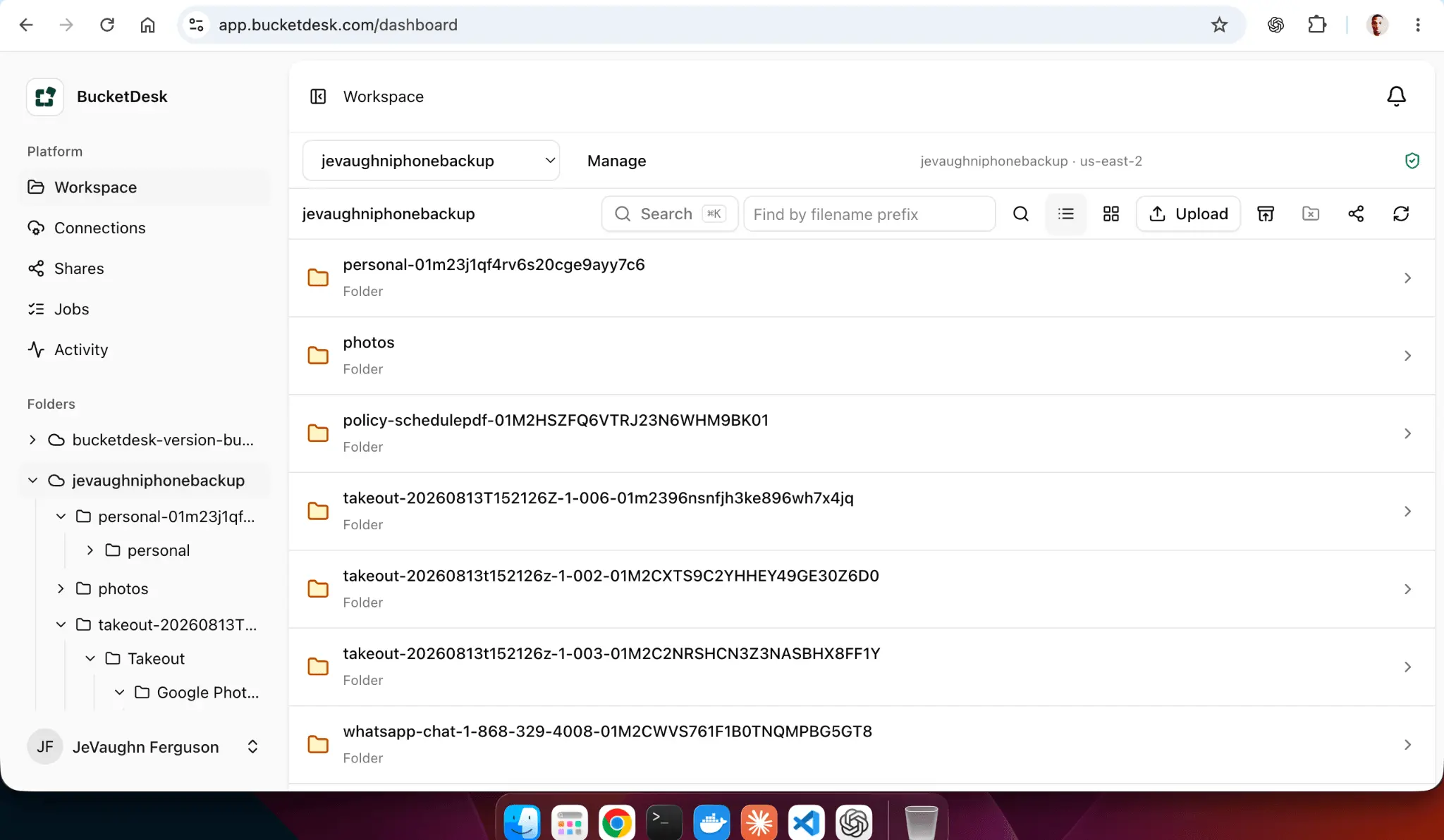
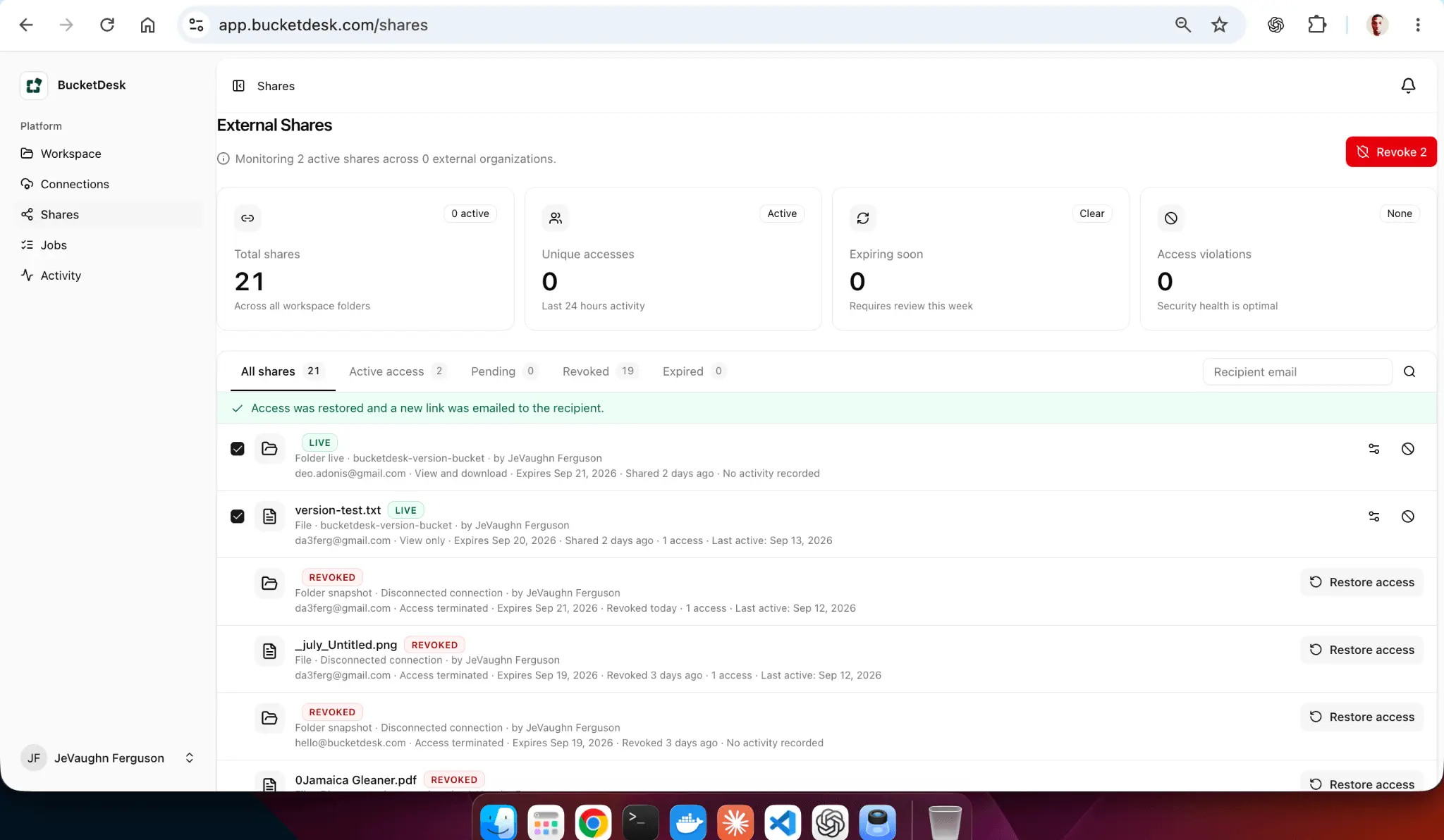
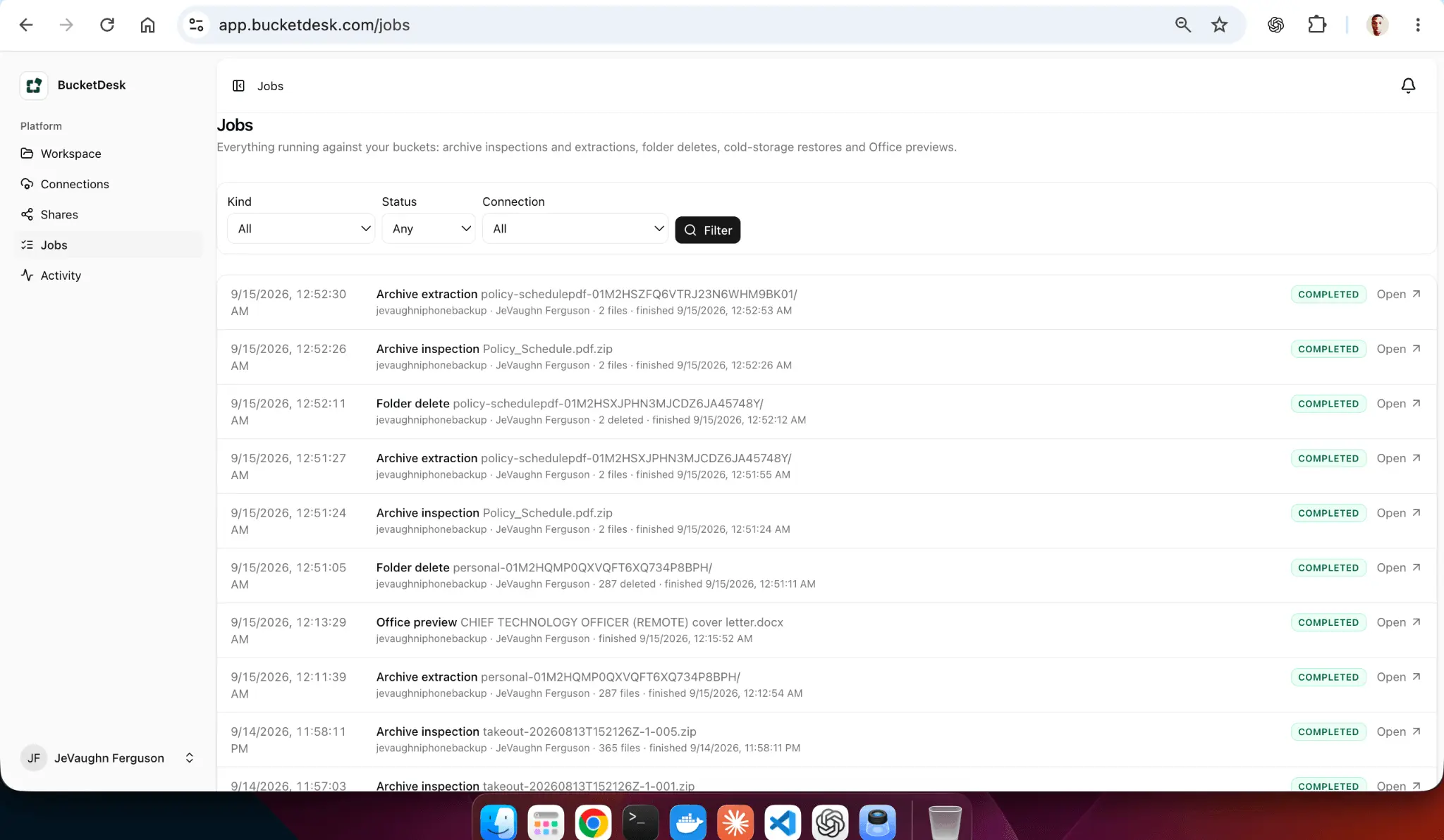
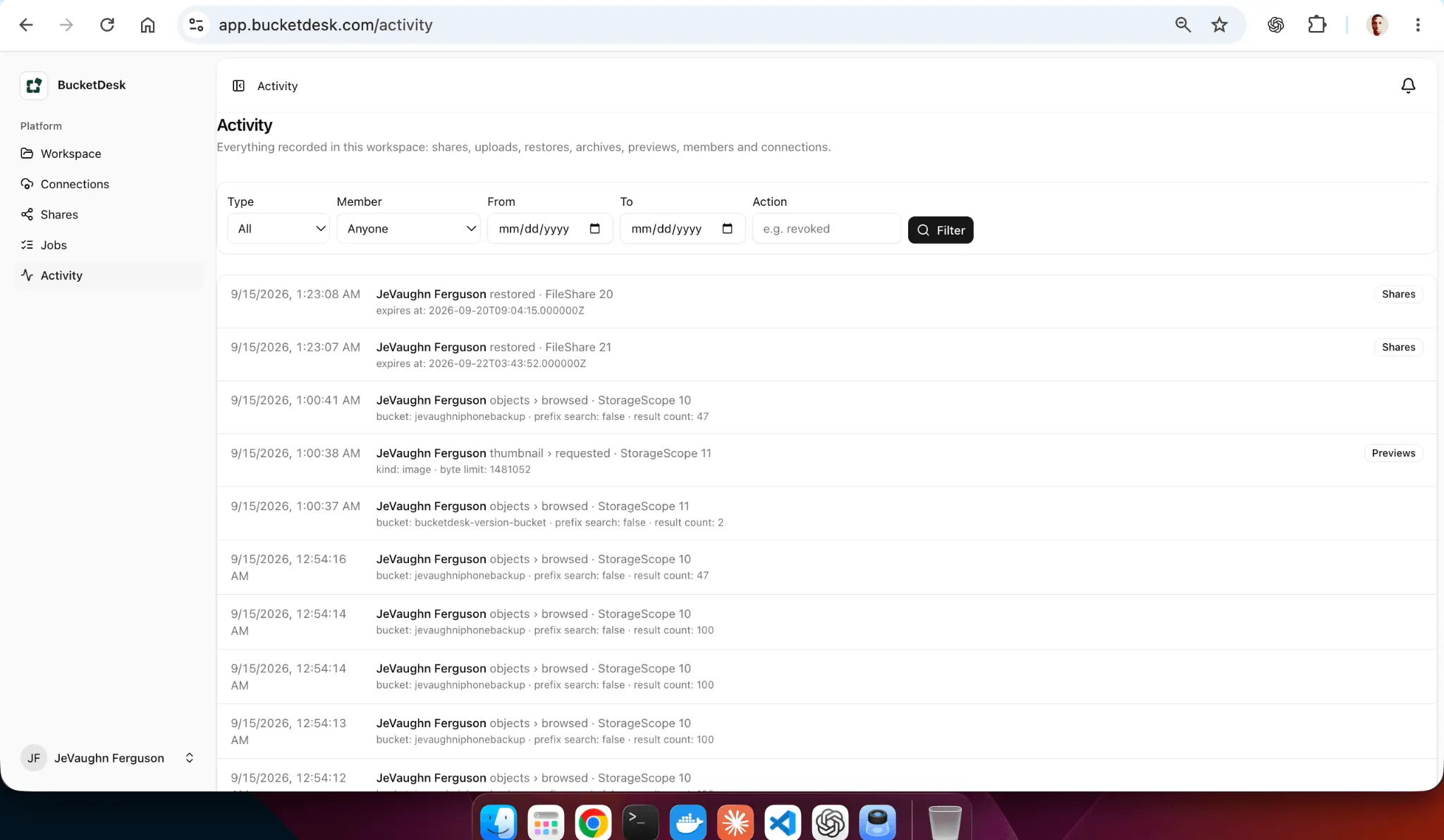
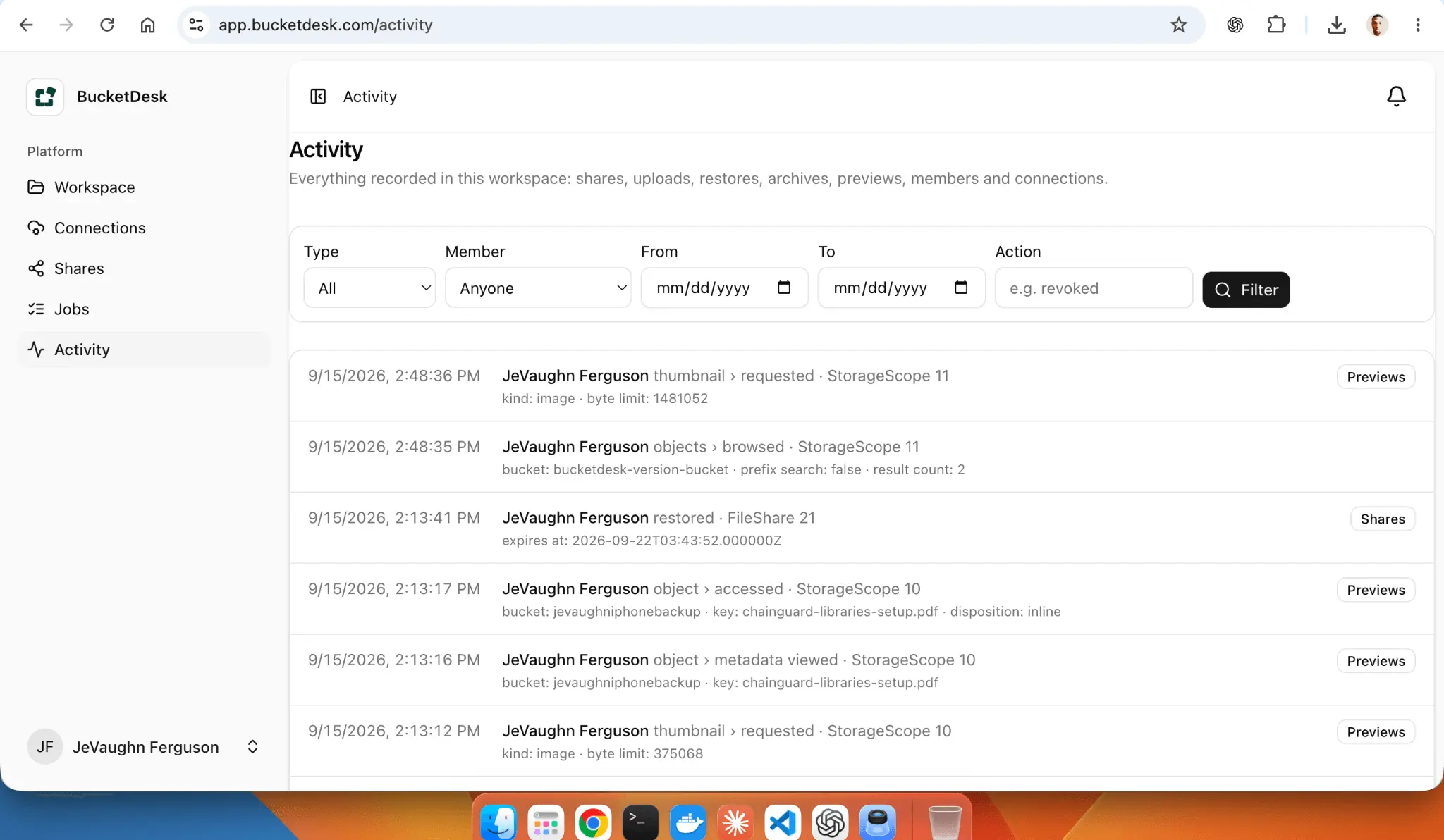
BucketDesk turns your Amazon S3 buckets into a file workspace your whole team can use, without anyone needing the AWS console. Your files never leave your AWS account. You connect in a few clicks with a CloudFormation role, so there are no access keys to hand over or rotate, and you can revoke access at any time. What your team can do: • Browse, search and organize S3 files in a familiar folder view • Preview PDFs, images, Office documents and more in the browser, with no downloads • Share files and folders through secure links • Open ZIP and other archives without extracting them locally • Ask questions about a document with built-in AI chat • Recover deleted files with the recycle bin and set retention rules Why teams choose it: S3 is cheap and reliable but hard for non-technical people to use. BucketDesk gives everyone a simple way to work with those files while storage, billing and security stay in your own AWS account.
Screenshots
Reviews (1)
Average 5.0 out of 5
Based on 1 review

Comments (1)
The folder view and archive previews address a real gap between S3 storage and everyday team use. Can access be limited to specific folders for non-technical teammates?