
BulkPixel
🖼️ Convert more. Click less.

brew tap oliverjessner/tap && brew install --cask bulkpixelDetails
- Follow on
- Target Audience
- Pricing
- Free
- Featured in
Discovery signals
How AI and people discover BulkPixel on PeerPush
About BulkPixel
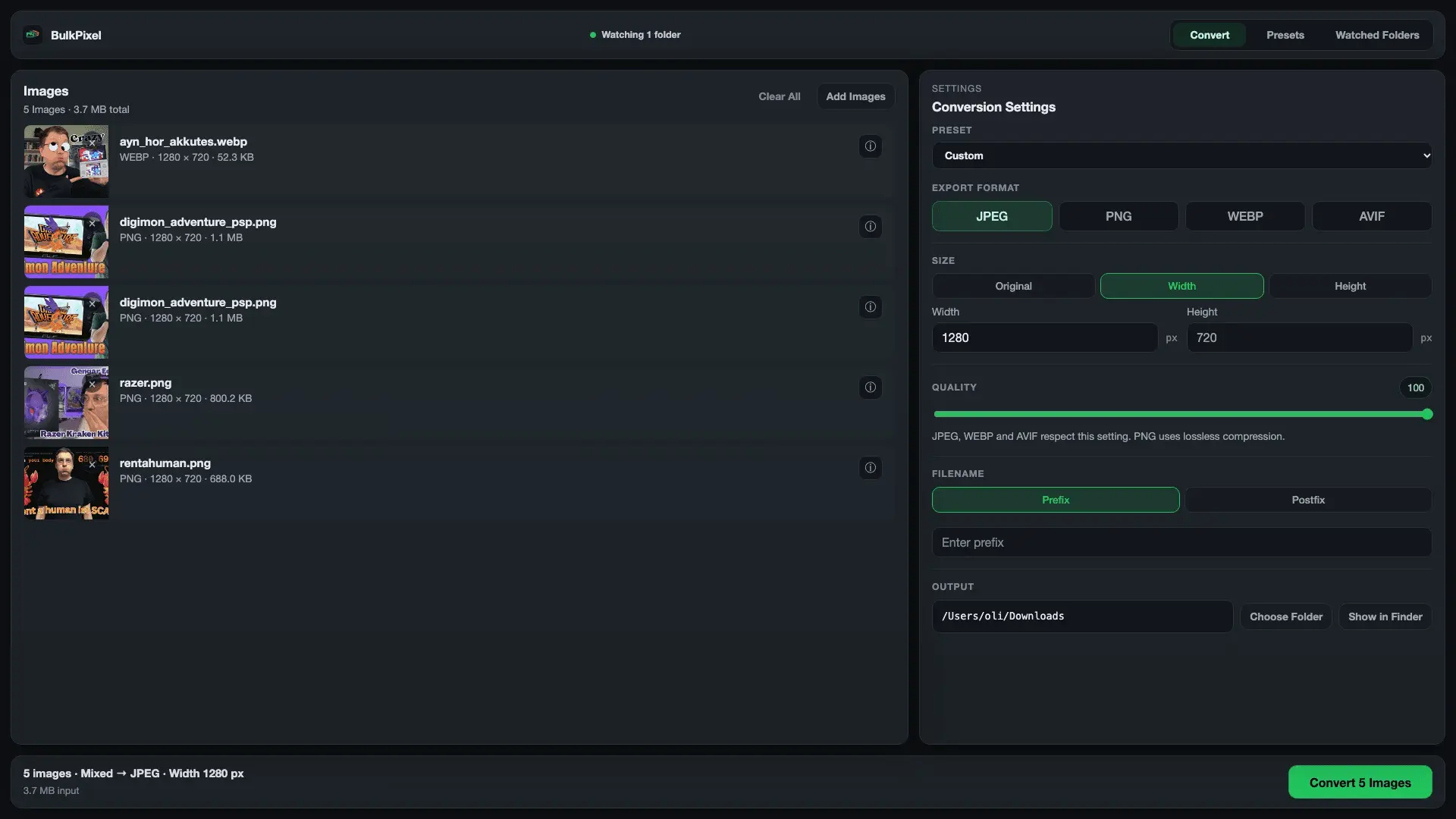
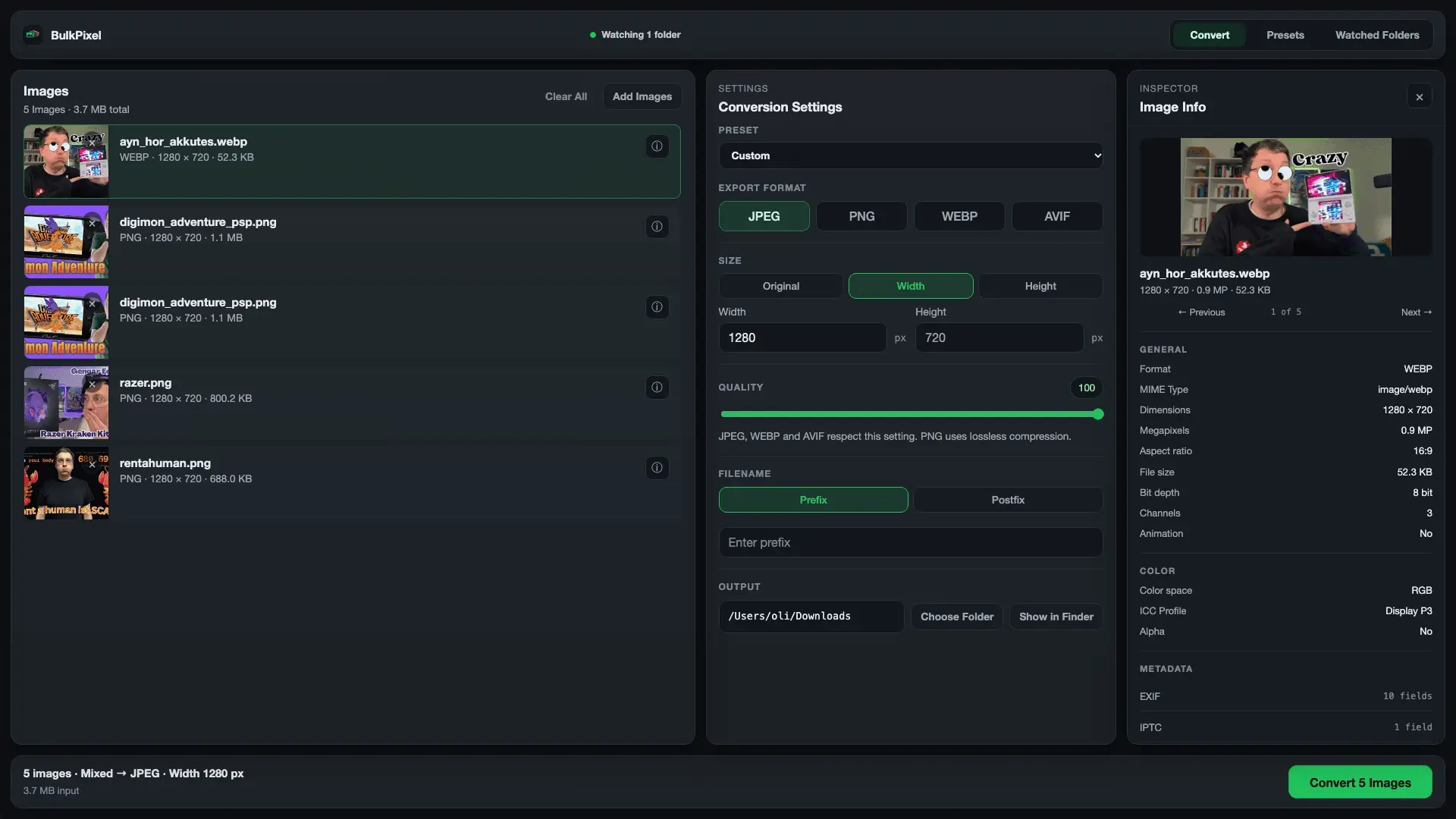
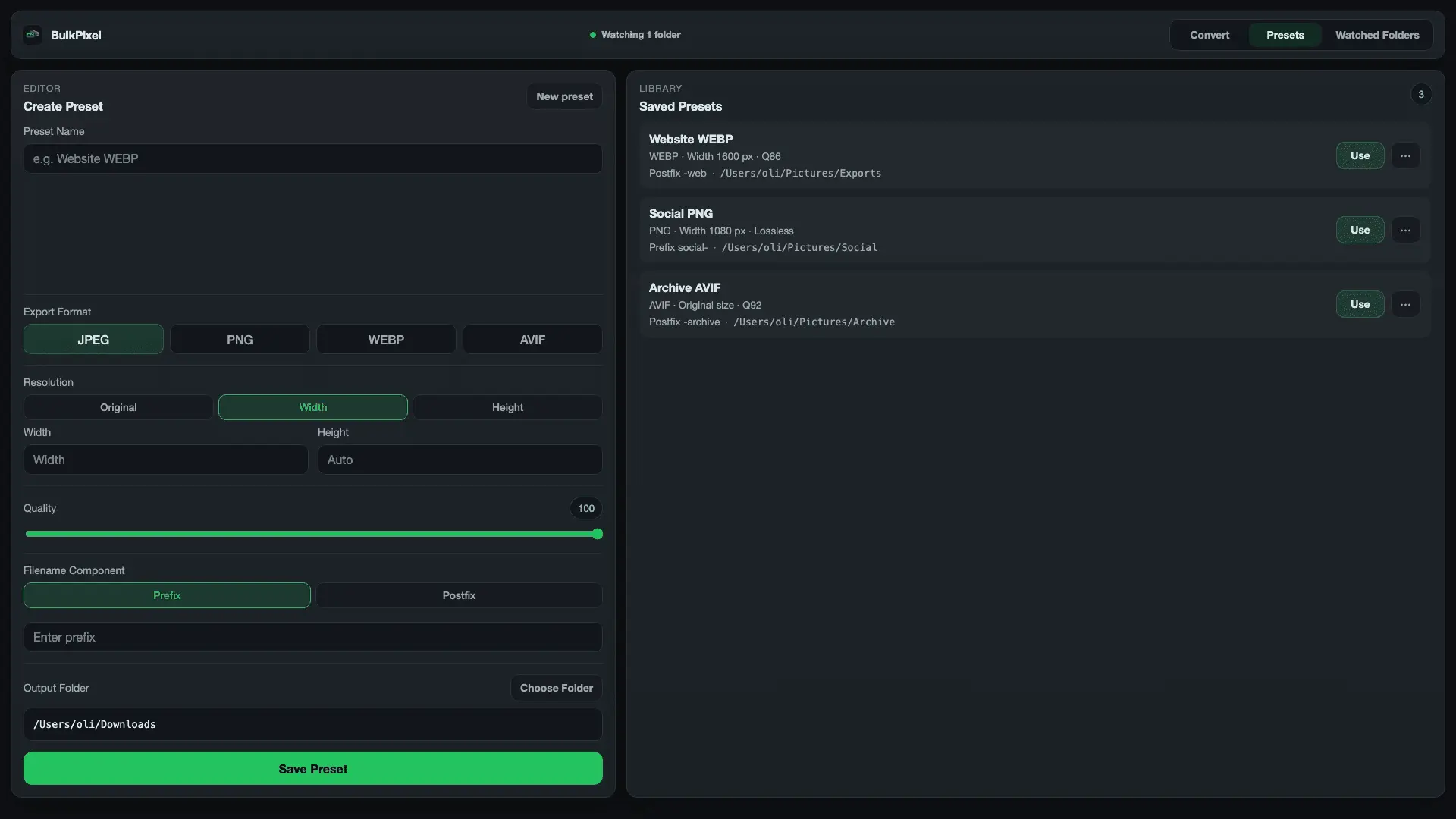
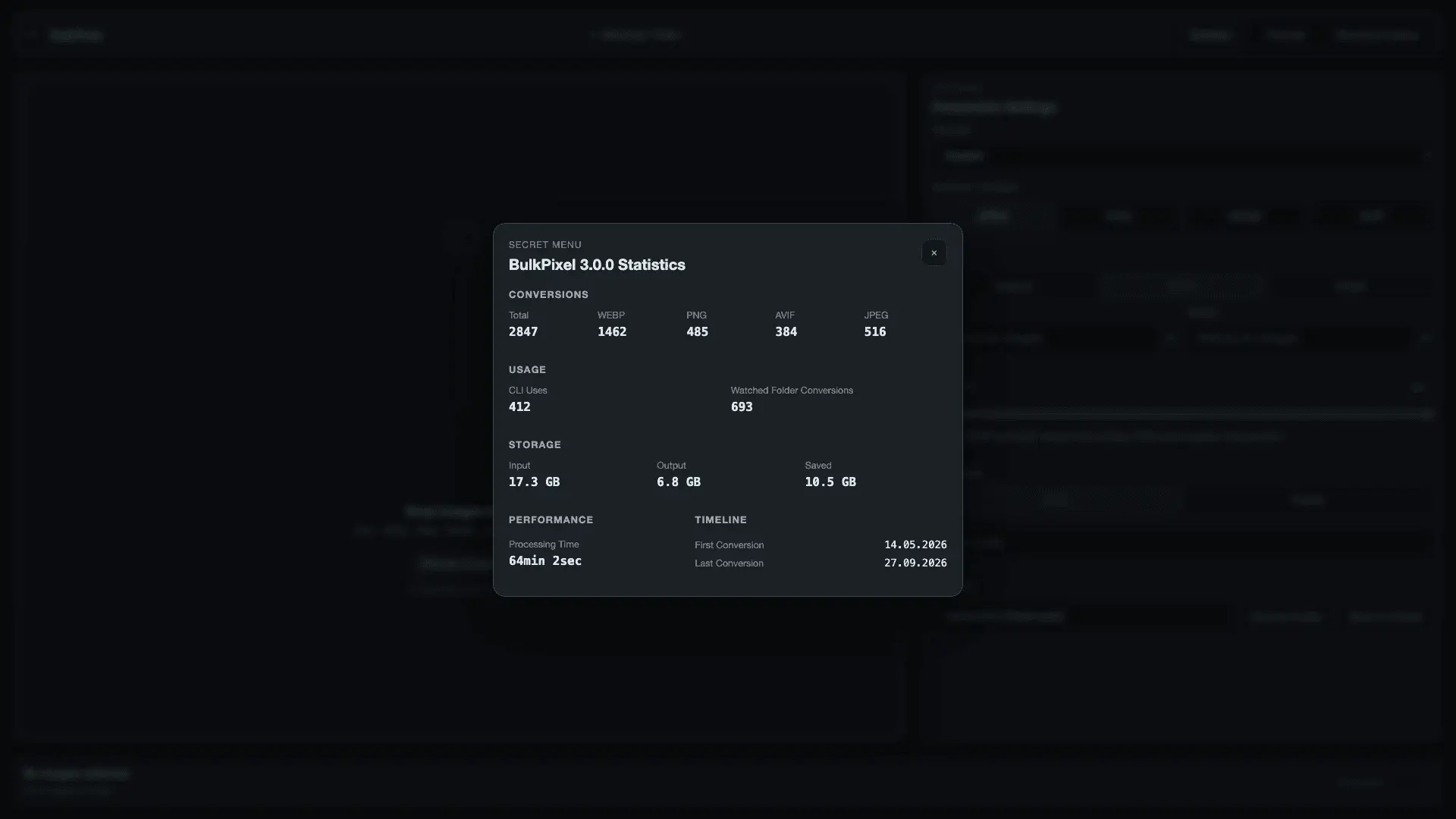
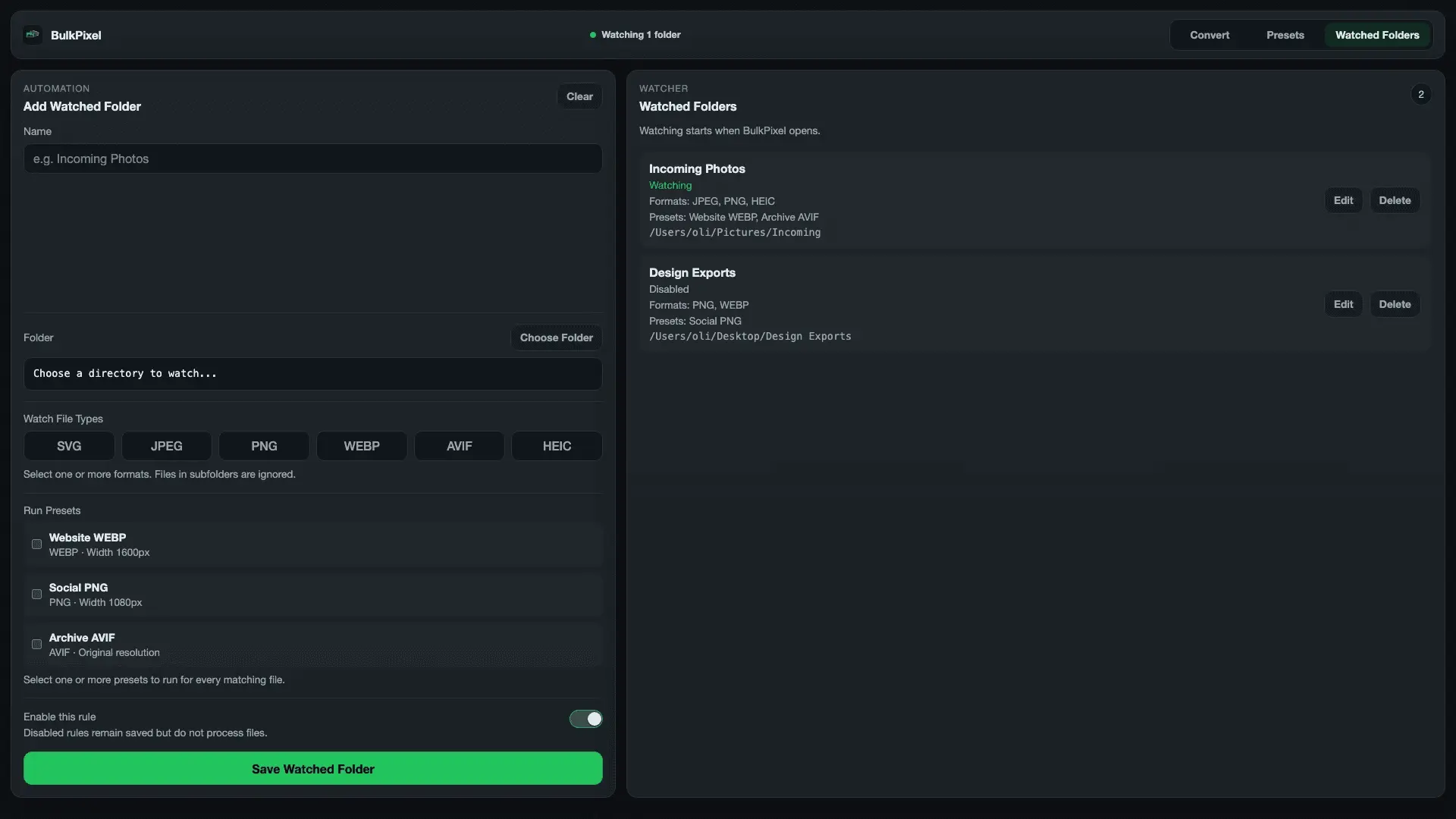
I built BulkPixel because image conversion is one of those small tasks that somehow keeps interrupting real work. Resize a batch of screenshots. Convert PNGs to WebP. Export the same assets in different sizes. Rename files. Remove metadata. Repeat the exact same setup a few days later. There are plenty of tools that can do parts of this, but I wanted something focused, local-first, and easy to automate. You can drop in multiple images, choose an output format, resize by width or height, adjust quality, change filenames, remove EXIF metadata, and export the whole batch at once. For workflows you repeat regularly, you can save everything as a preset: format, dimensions, quality, naming rules, and output directory. One of my favorite features is Magic Directories. You can watch a folder and connect one or more presets to it. Whenever matching images are added, BulkPixel processes them automatically while the app is running. There is also a CLI, so the same presets can be used from the terminal or integrated into scripts: `bulkpixel convert --preset "Blog Header" --input ./image-1.png ./image-2.png` BulkPixel also keeps local statistics about your workflow, including the number of conversions, formats used, input and output storage, saved space, and processing time. Everything runs locally on your Mac. There is no account, no cloud upload, and no subscription. Supported input formats include JPG, JPEG, PNG, WebP, and AVIF, with exports to JPEG, PNG, WebP, and AVIF. The project is completely open source under the MIT license and available on GitHub. You can also install the app and CLI through Homebrew. My goal with BulkPixel is simple: make repetitive image work boring again. I’d love to hear how you handle bulk image workflows today and what you’d like to see in BulkPixel next.
Screenshots
Reviews (0)

Comments (2)
A lot of people asked me if BulkPixel is just another image converter. It’s a free, open-source batch image converter for macOS with presets, Watched Folders, HEIC/WebP/AVIF support and local processing. No cloud, no uploads.
Hey Product PeerPush 👋 I built BulkPixel because I kept running into the same boring workflow: resize images, convert formats, rename files, strip metadata, repeat on multiple Files.
@MrJavaScript we have PNG, JPEG, WEBP, AVIF, SVG and HEIC support :)