
Cappu.app
Capture now, process later. Different kind of task manager
Details
- Categories
- Automation & Workflow
- Target Audience
- SolopreneursFreelancersFounders & CEOs
About Cappu.app
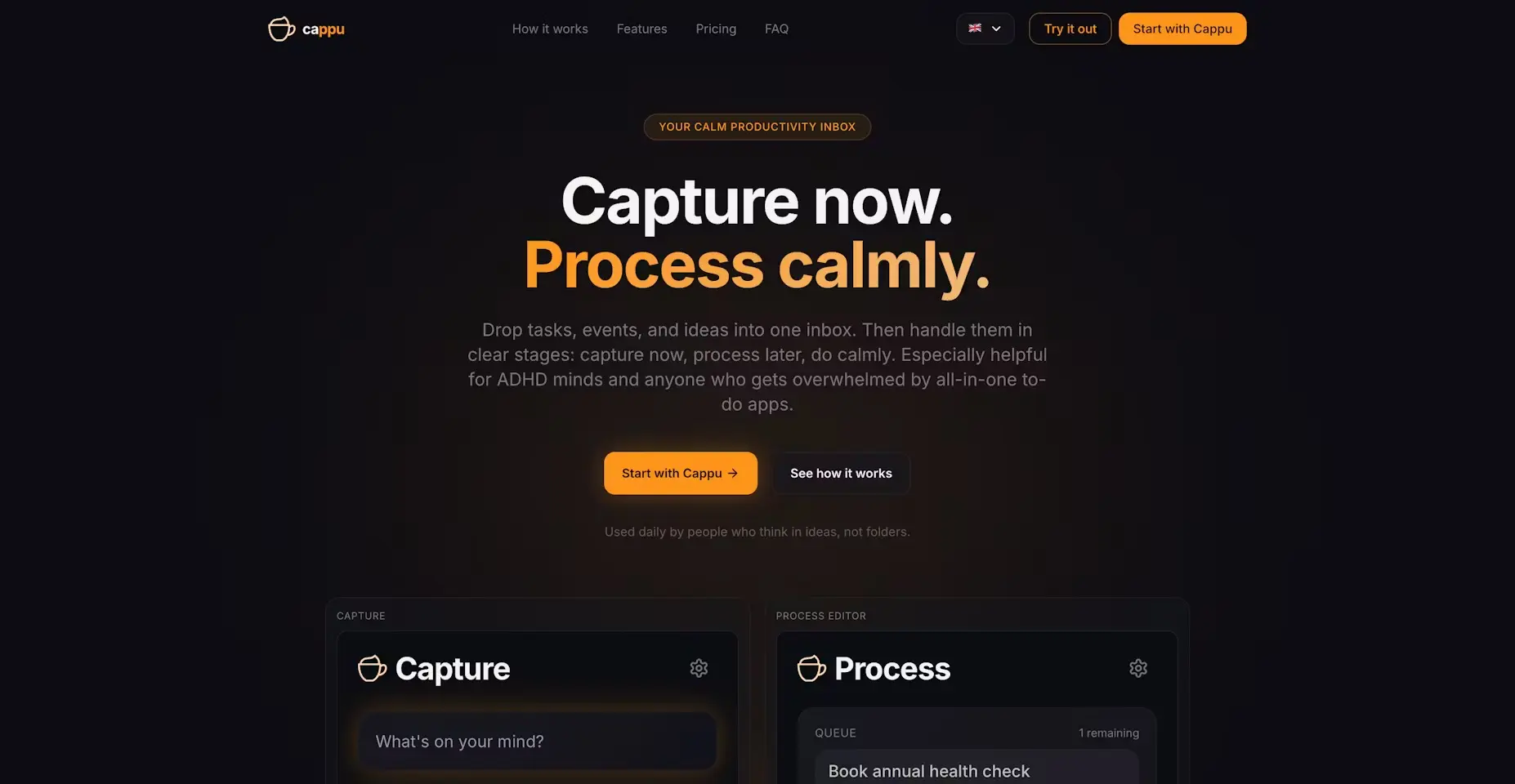
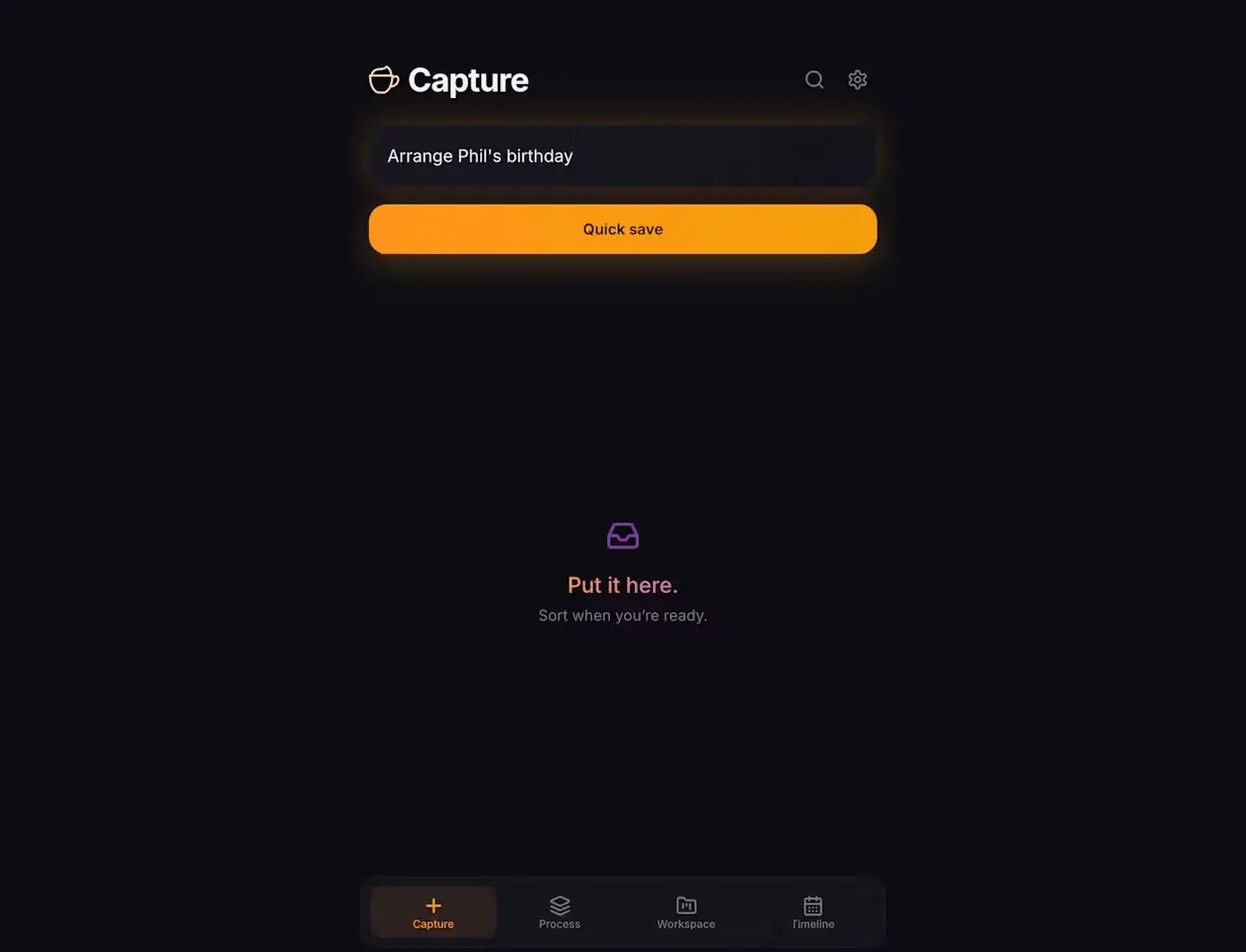
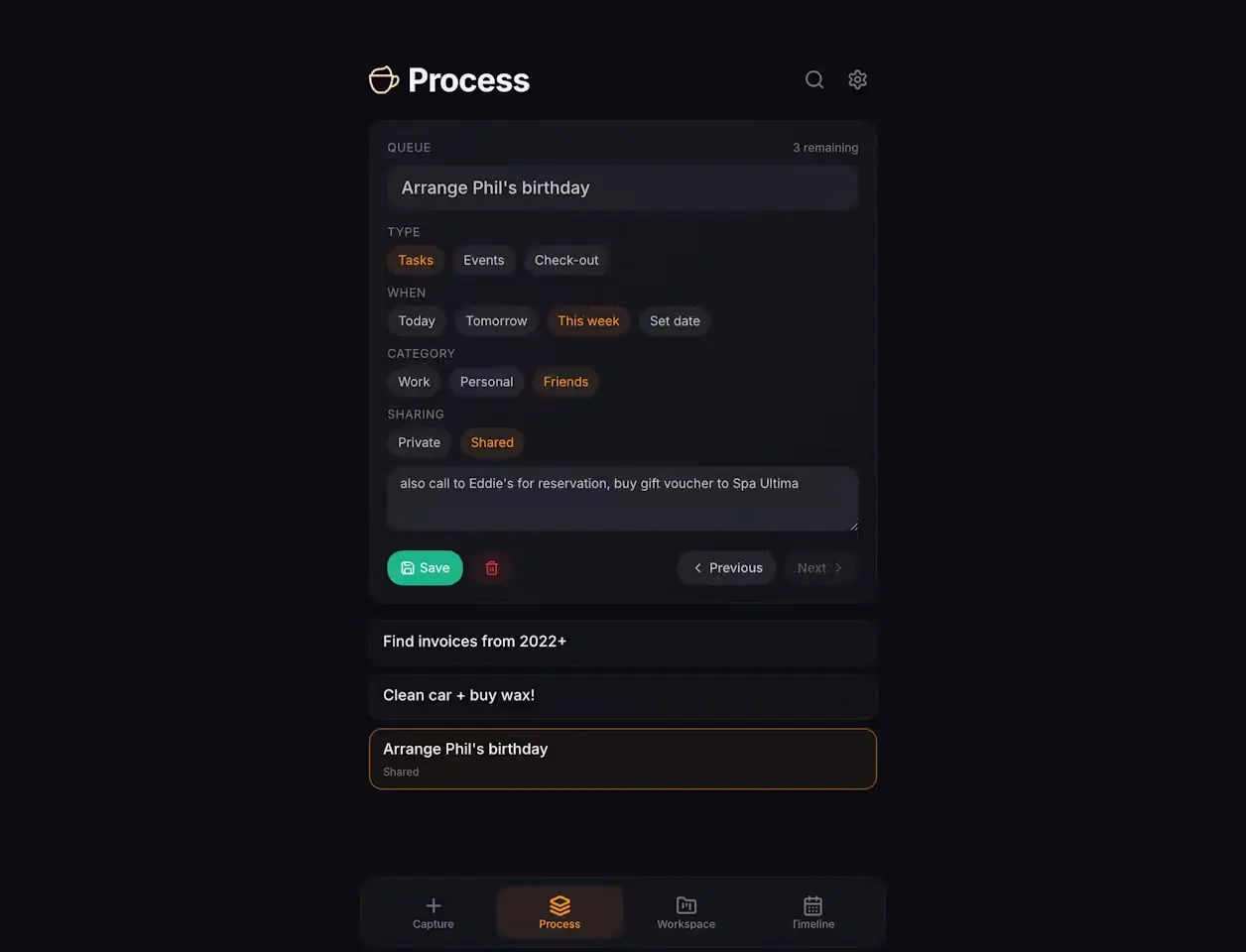
Cappu started from a simple frustration: quick-capture apps are fast, but messy later; task apps are structured, but too heavy in the moment. I wanted one place to drop anything immediately, without deciding too much upfront: a task, event, link, note, movie tip, random thought. Then process it later in a calm, focused flow. The core idea became: 1. Capture now 2. Process later (while sipping cappuccino) 3. Work from organized views While building, I kept removing friction: - fewer actions during capture - clearer processing steps - lightweight organization by type/date/category - timeline for date-based items - mobile-first behavior as a PWA The biggest product decision was separating “capturing” from “organizing.” That single shift reduced stress a lot, especially on scattered or overloaded days (and works very well for ADHD-style workflows). I’d love feedback on: - which part of the flow feels best - where it still feels too heavy - what would make you trust it as your daily “don’t forget this” app You can test all features for free in Test mode. It’s designed for trying the full flow, but doesn’t save data to the server.
Screenshots
Reviews (0)
No reviews yet. Be the first to rate this product!
Comments (0)
No comments yet. Be the first to share your thoughts!