
Capturo
Make a raw screenshot look like it belongs in the post

Details
- Categories
- Design Tools
- Use Cases
- Graphic DesignContent Creation
- Target Audience
- Content CreatorsSocial Media Managers
- Pricing
- Free
- Platforms
- Web
Discovery signals
How AI and people discover Capturo on PeerPush
About Capturo
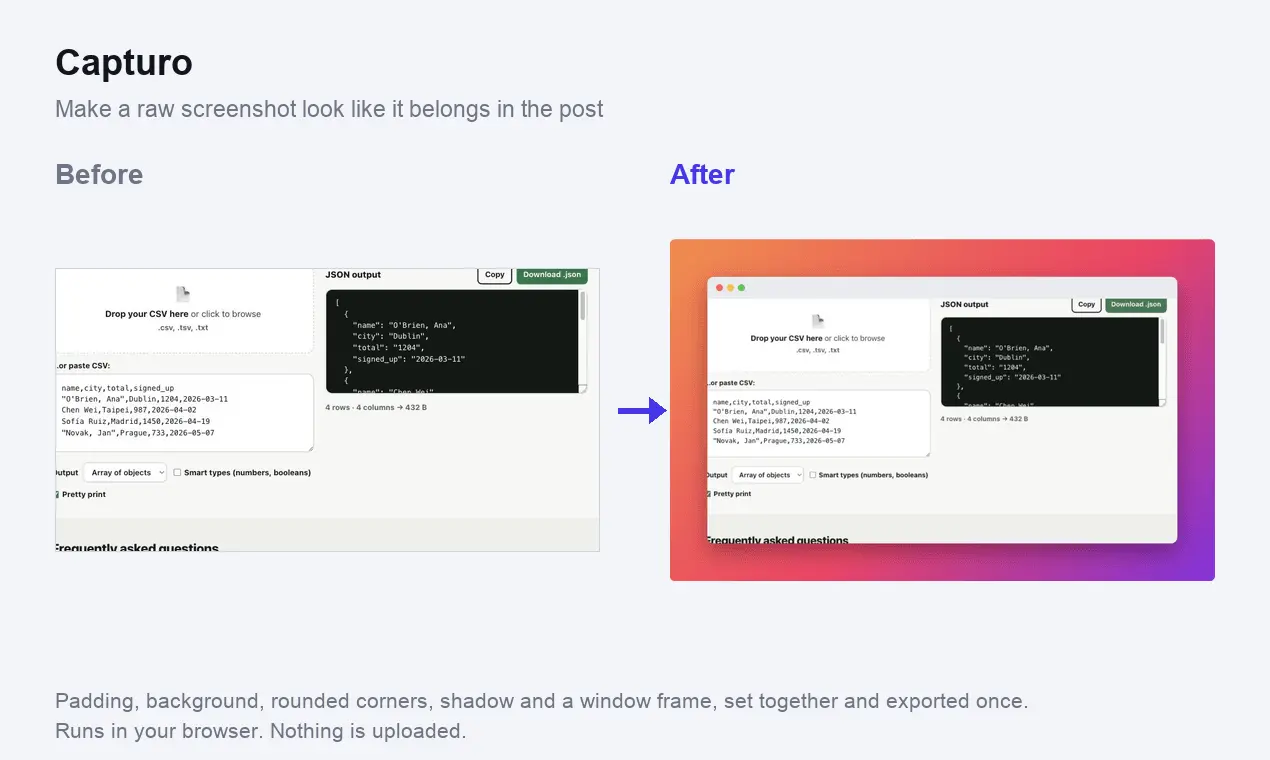
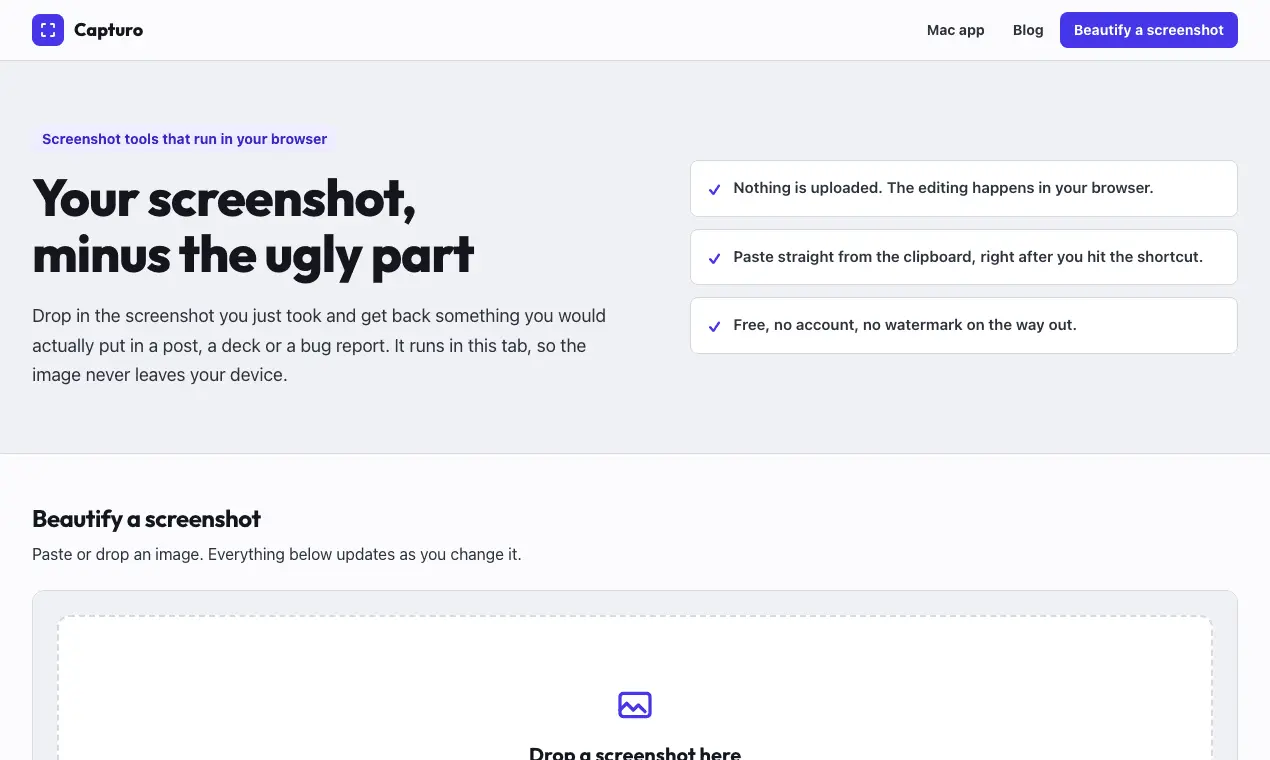
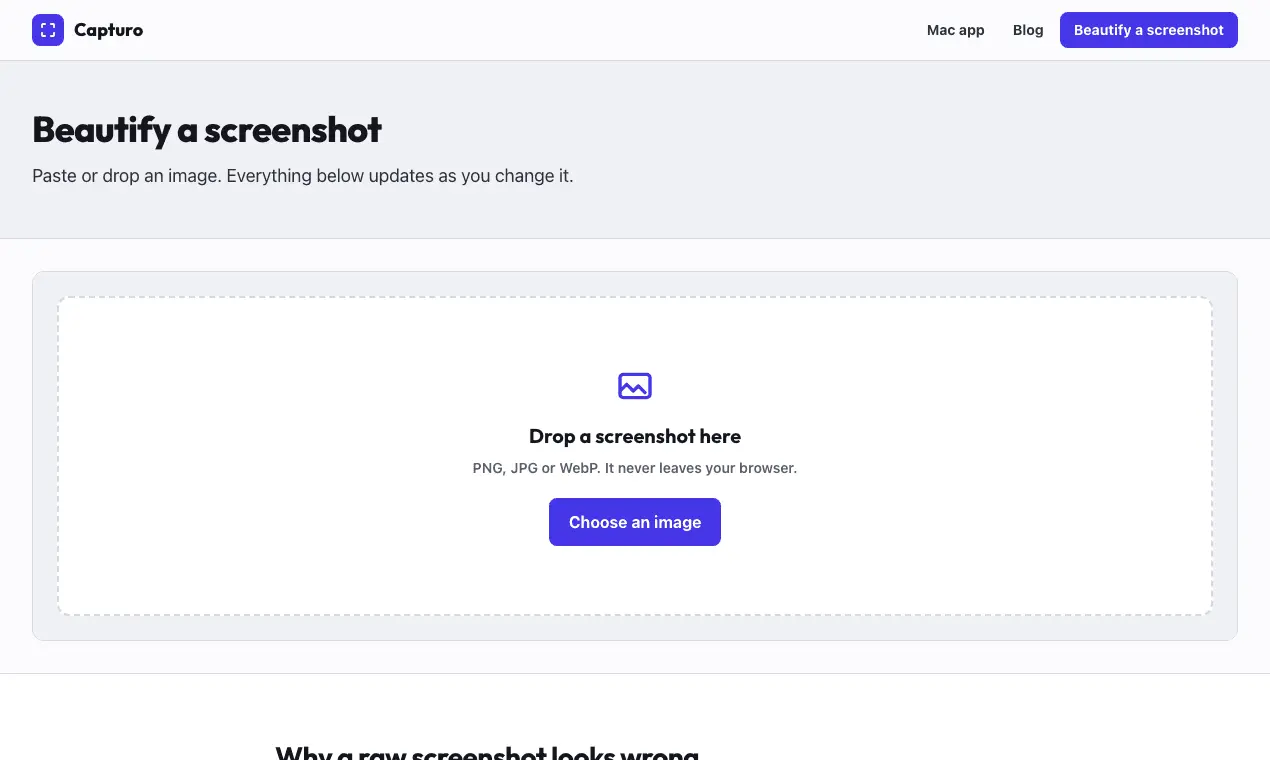
A screenshot is a rectangle of pixels cut out of a much larger screen. On its own it has no edges, no context and no breathing room, which is why one pasted into a slide or a blog post always looks like it fell there by accident. Capturo fixes that in one pass. Padding gives the image somewhere to sit instead of butting against the text around it. Rounded corners and a shadow tell the eye this is a window, not a stain on the page. A background puts the whole thing on purpose. A window frame draws the three traffic light dots above your image when the screenshot came from an app and the context helps. What separates it from the alternatives is that it is one pass. Most tools make you do these one at a time: crop somewhere, add a border somewhere else, then go find a gradient generator. That is three tools and two exports, and the exports are where quality goes to die. Here you set everything, see the result immediately, and export once. The only compression that touches your image is the final PNG, which is lossless. It runs entirely in your browser. The image is never uploaded, and it takes a clipboard paste, so the flow is: hit your screenshot shortcut, press cmd V, done. Around the tool there are guides on how screenshots actually work per platform, in English, German, Portuguese and Spanish: where the file goes, why Print Screen sometimes does nothing, capturing a page that scrolls, two monitors, and the black screenshots that protected content produces. Free, no account, no watermark.
Screenshots
Reviews (1)
Average 4.0 out of 5
Based on 1 review

Turning a raw screenshot into a post graphic is the job, not another design canvas. I would want the crop to stay editable after the first treatment so you are not locked into one layout.
Comments (2)
Turning a raw screenshot into a post graphic is the job, not another design canvas. I would want the crop to stay editable after the first treatment so you are not locked into one layout.
Every screenshot I took looked naked: a rectangle with no edges, dropped into a slide like it fell there. Padding, background, corners, shadow and frame in one pass, in the browser.