
ScholarSail
All in one study platform - Collaboration and AI assistance

Details
- Pricing
- Freemium from $20
- Platforms
- Web
Discovery signals
How AI and people discover ScholarSail on PeerPush
About ScholarSail
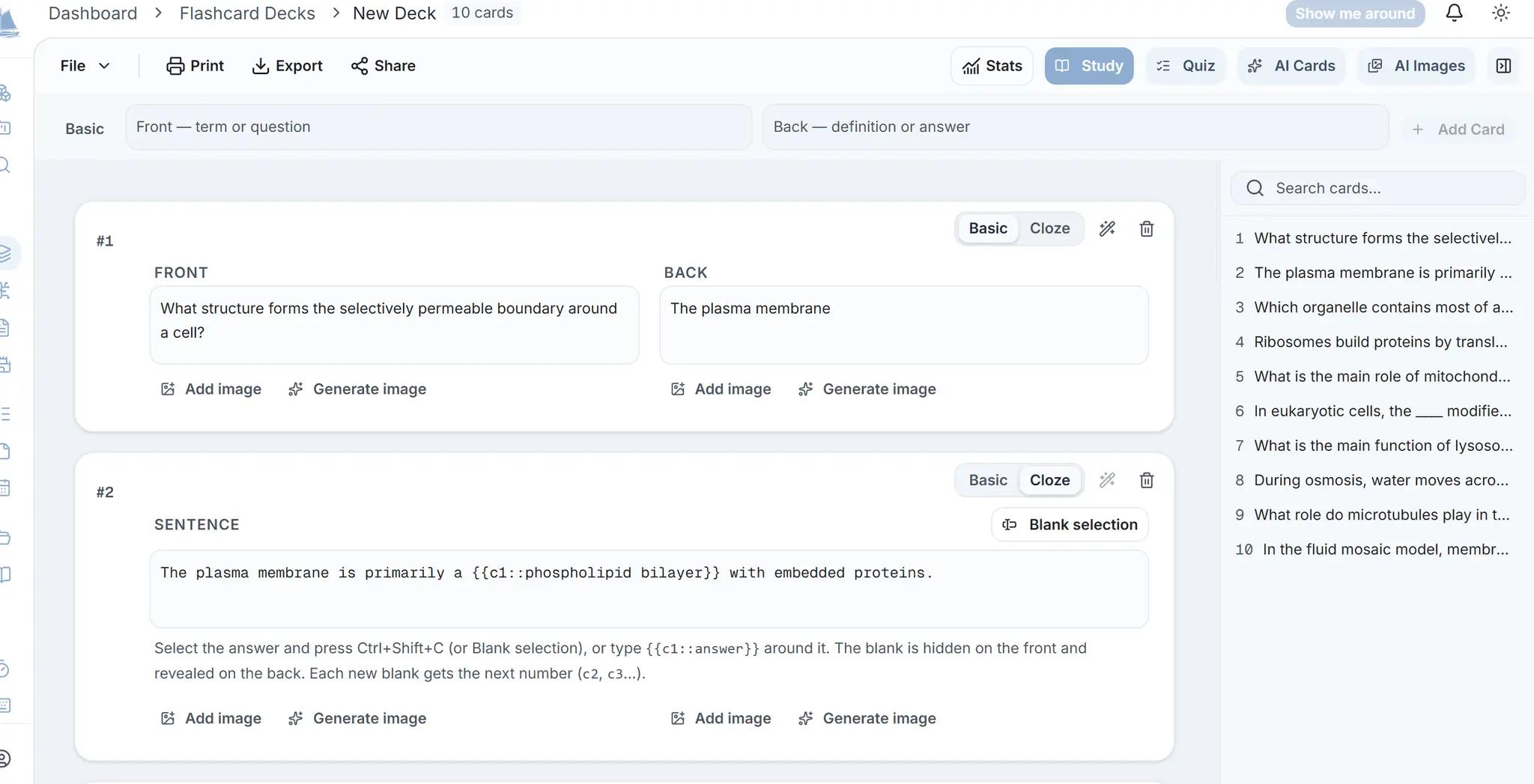
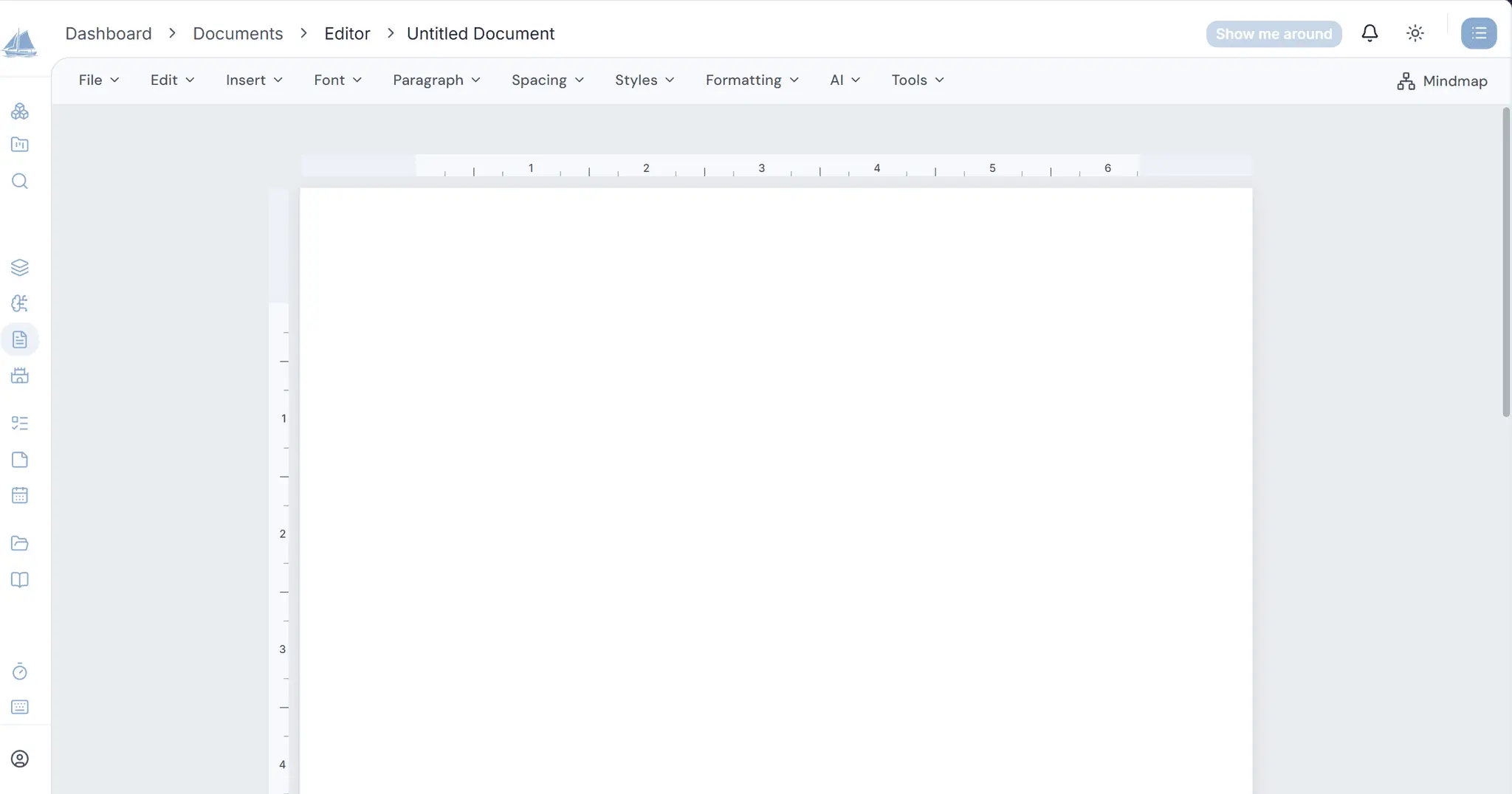
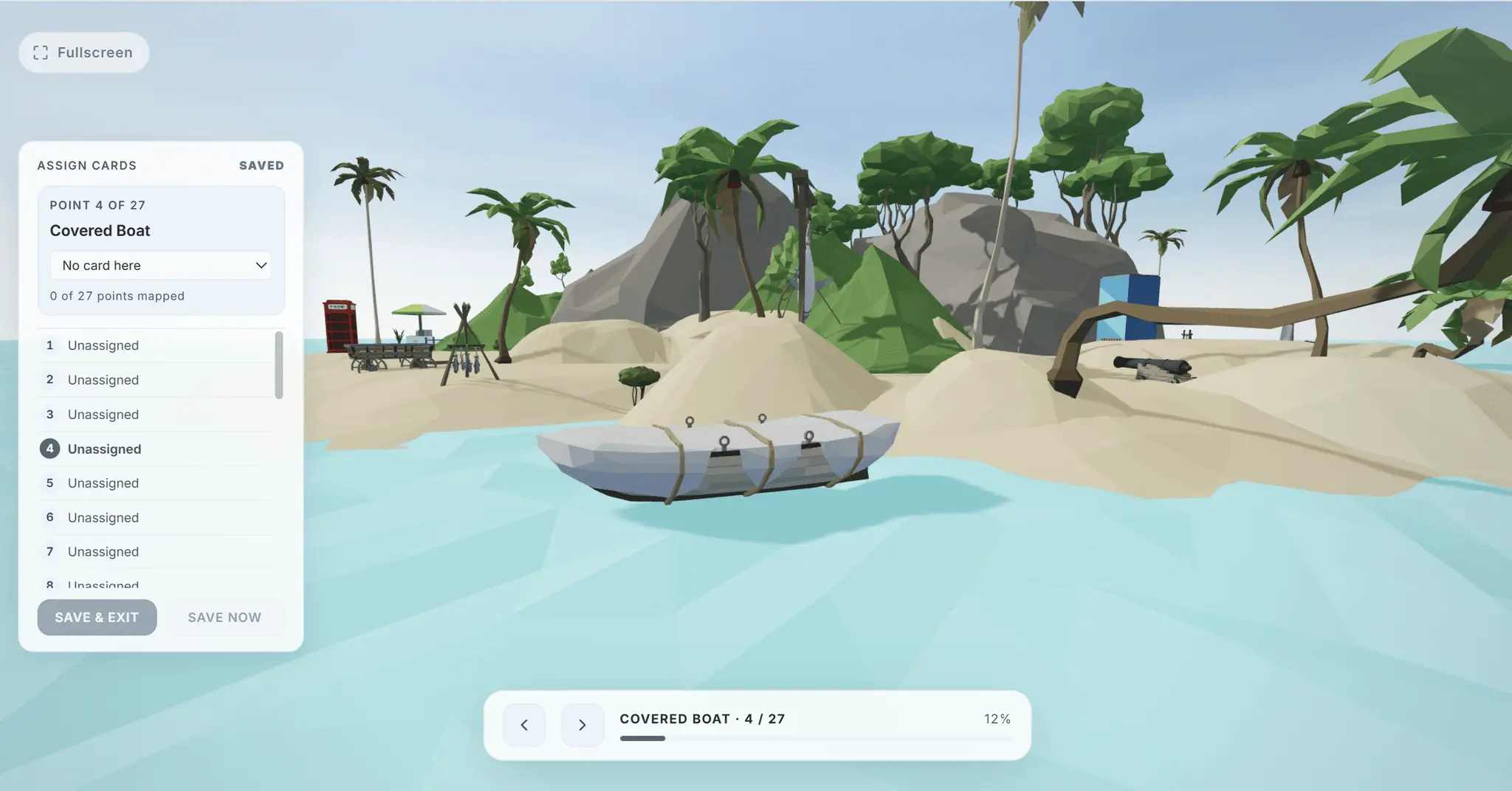
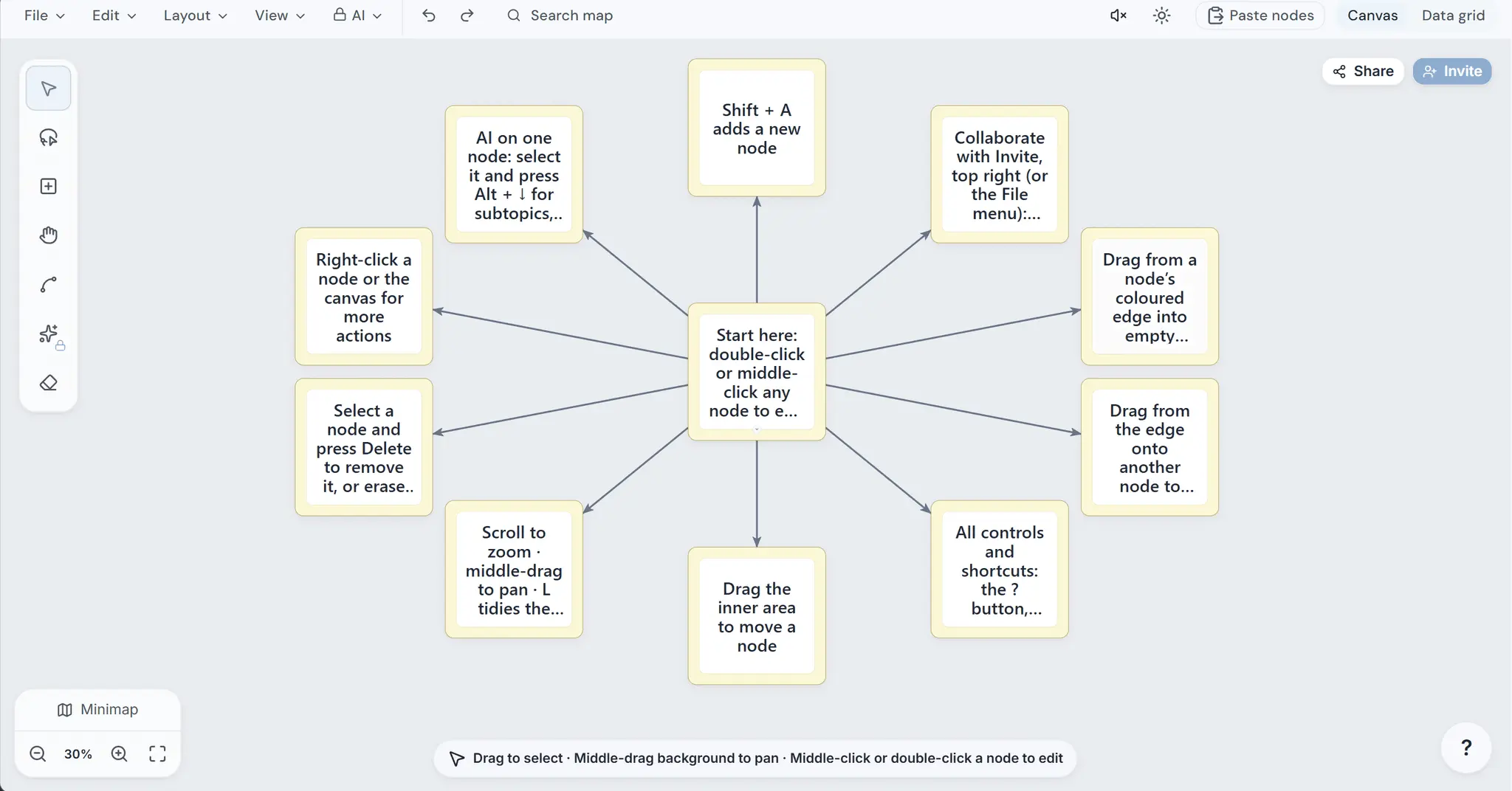
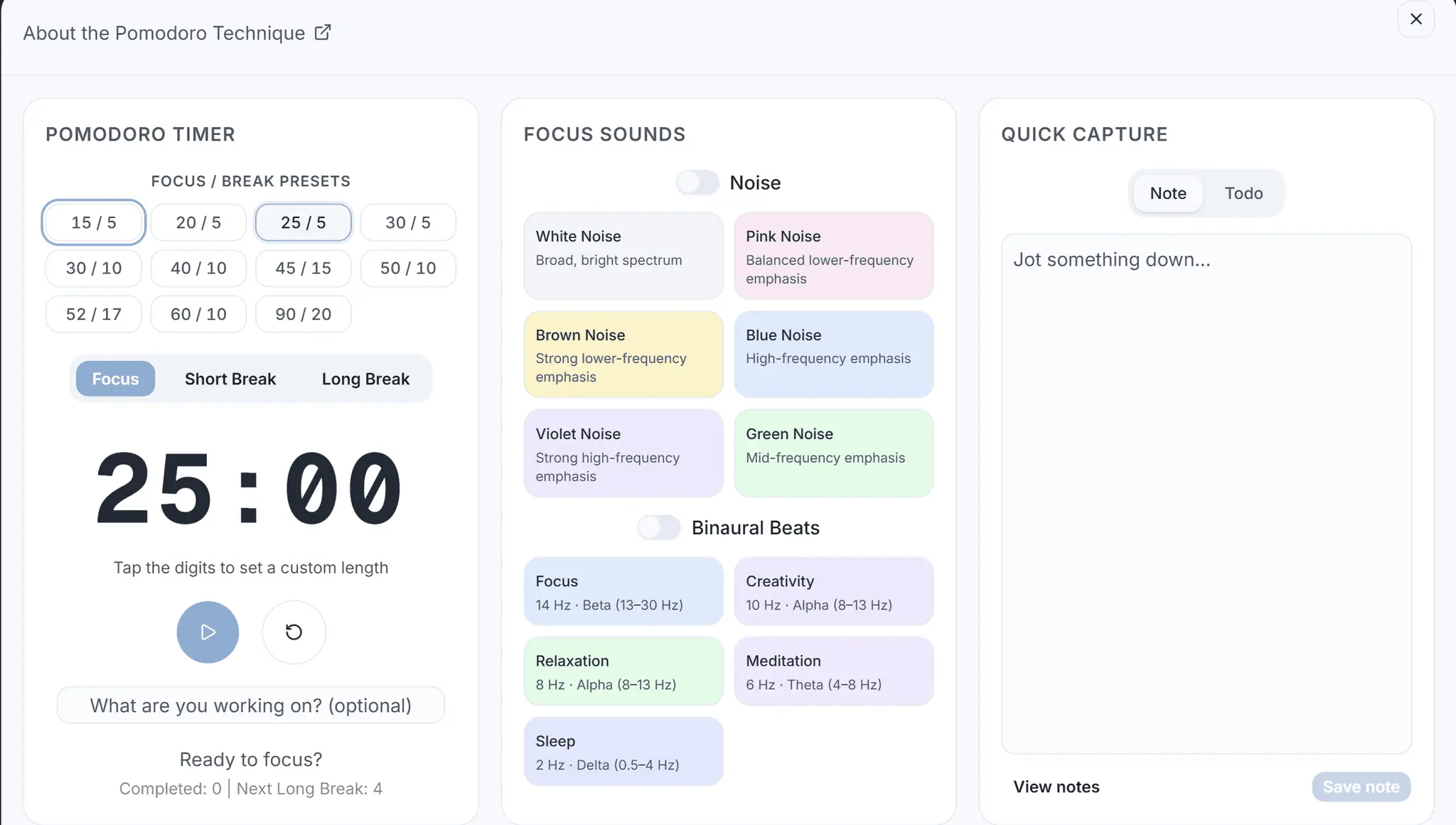
ScholarSail is a study workspace. It brings the tools involved in learning something, writing about it and getting the work done into one account, so notes, mind maps, flashcards and plans stay connected instead of living in separate apps. It does not prescribe a method. Each tool works on its own, and they link where linking helps: a document can become a deck or a map, a deck can be walked through a 3D memory palace, and a task board sits next to the timer you work it with. What is in it Writing. A rich text editor with maths (KaTeX), code blocks and image upload. Documents export to Word. From inside the editor you can turn a passage into flashcards or a mind map, dictate text, look up a word, a rhyme or a pronunciation, and ask a sidebar assistant to answer questions about the document or make the edits you describe. Mind maps. An infinite canvas with tree and force-directed auto-layouts, a data-grid view of the same map, and generation from a topic or from a document. From any node you can ask for subtopics, related ideas or the idea above it. A sidebar assistant can rename, recolour, connect and rearrange nodes on request. Maps share by link or QR code and can be copied into another account. Flashcards. Scheduling is SM-2 spaced repetition with learning and relearning steps, so a new card can be drilled in a session while a mature one converges on tomorrow rather than looping. Decks can be written by hand, imported from CSV, Markdown, Word or Anki text, or generated from your notes. Cloze cards can split into one card per blank, and a region of an image can be masked as an image-occlusion card. A study session is a saved run: each answer is confirmed by the server before the next card loads, and an interrupted session resumes where it stopped. A deck can also be turned into an AI quiz, printed as double-sided physical cards with the backs correctly mirrored, or studied through two games. Memory palace. A 3D island scene where a deck's cards are placed at fixed viewpoints and reviewed along a route. Ratings feed the same spaced-repetition schedule as the flashcards, and Memory Story writes a deck and its palace mapping from a single topic using the story method. Planning and focus. Kanban boards with task dependencies, so a task cannot be completed while something it depends on is still open. A Pomodoro timer with session logs, and a circadian rhythm view for choosing when to do demanding work. Ambient audio covers six colours of noise and binaural beats. Organising. Every collection supports nested folders. Workspaces group folders and items by area of study, with projects inside them, and a workspace can be shared with other people. A quick note can be captured from any page with one shortcut. Uploaded PDF, Word, PowerPoint, Markdown and text files are parsed in the browser, so only the extracted text is stored. Email, on your terms. An optional daily digest of due cards and open tasks, a Saturday week-in-review, and one reactivation note if you have been away. A single switch turns all of it off. How the pieces connect A typical path: paste or upload lecture notes, generate a deck, and start the first session straight away. Cards are due at creation, so the review schedule begins that day. Later, the same notes can be laid out as a mind map to see how the topics relate, and the deck can be mapped onto the palace for a second way of reviewing it. Tasks for the week go on a board, and the timer runs against whichever one is in progress. Try it without an account The flashcard deck builder, the mind map maker, the Pomodoro timer, the colored noise pages and about two dozen free calculators and templates are public. A draft made in the deck builder or map maker is imported into your account when you sign up. Pricing Free and Premium have the same features. They differ in the monthly AI credit allowance (30 on Free, 1,000 on Premium at $20 a month) and in which models are available for generation. Small credit packs can be bought once without a subscription. No card is required to start. Who it is for University students, researchers and anyone learning something on their own time. The people who get the most from it are those who already write notes and want them to feed a review schedule without re-typing.
Discount Codes
50% 3 months premium(-50% OFF)
Valid until Nov 30, 2026
Product Video
Watch a video demo of ScholarSail.
Screenshots
Reviews (2)
Average 5.0 out of 5
Based on 2 reviews


Comments (5)
Unified workspace that keeps your notes, flashcards, and mind maps connected saves the mental overhead of context-switching between apps - exactly what makes studying feel like actual progress instead of just collecting files
Unified workspace that keeps your notes, flashcards, and mind maps connected saves the mental overhead of context-switching between apps - exactly what makes studying feel like actual progress instead of just collecting files
I like that a single set of notes can feed both flashcards and mind maps, while spaced-repetition scheduling handles the review cadence. The CSV and Anki import path should make switching easier for existing study systems.
this seems like a interesting project, would like to try once. congratulations for the launch
ScholarSail keeps notes, mind maps, flashcards and plans in one study workspace. Notes become decks and maps; decks review on a spaced schedule. Free plan, no card.