Calendarly
Lock Screen Calendar for iPhone

Details
- Follow on
- @D1mKat
- Categories
- Productivity & NotesMobile Apps
- Target Audience
- Non-Technical UsersFreelancersStudents
- Platforms
- Mobile
About Calendarly
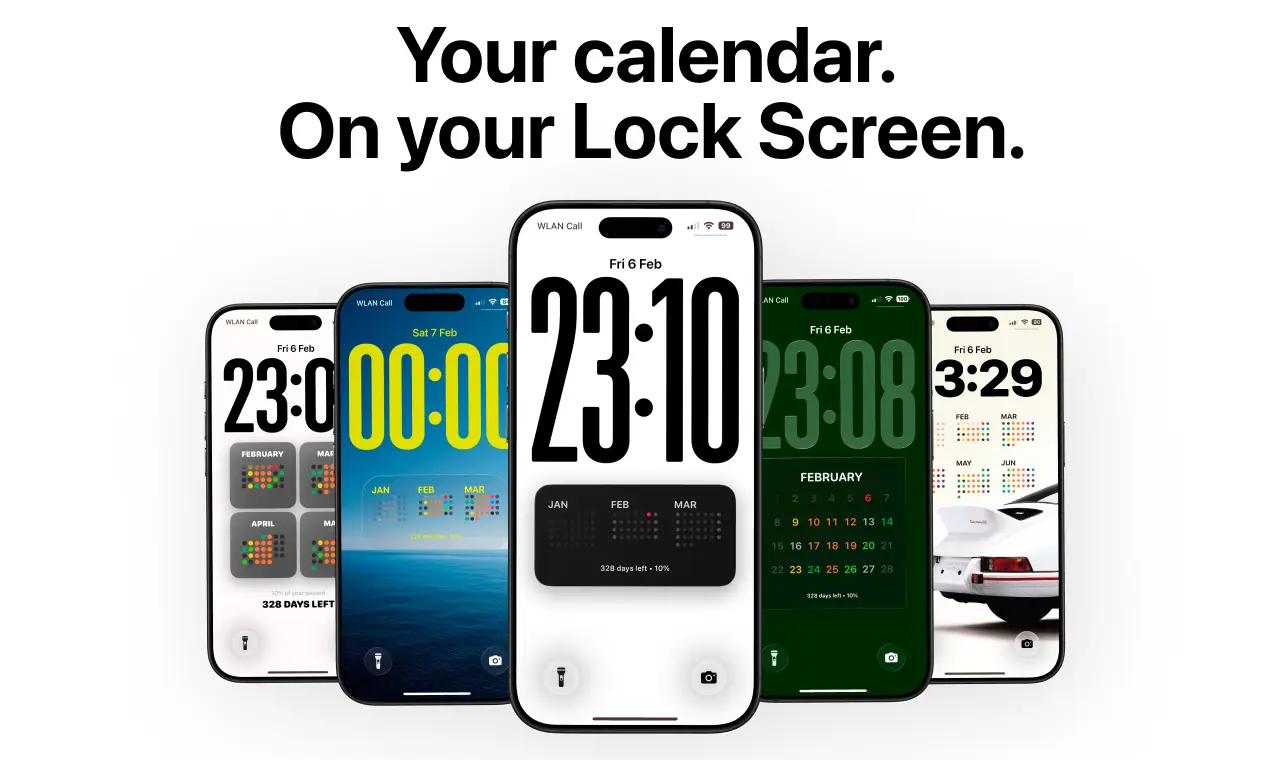
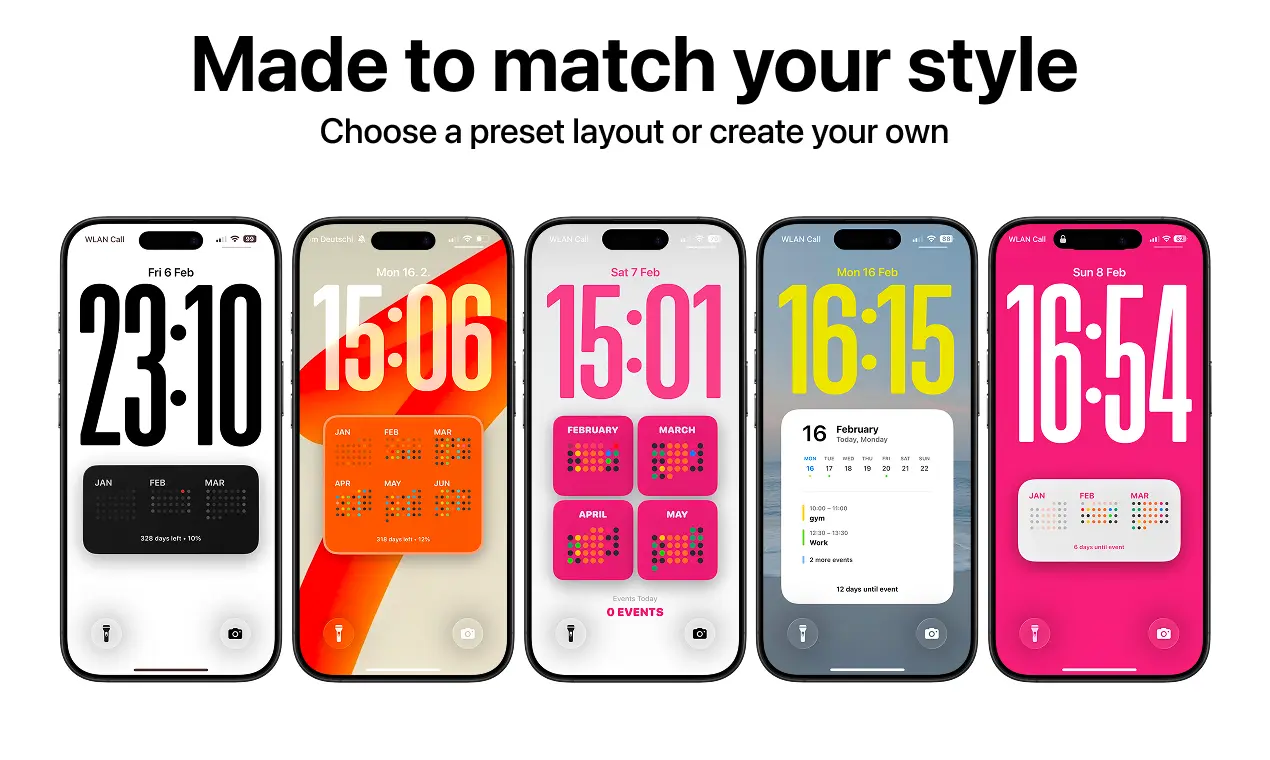
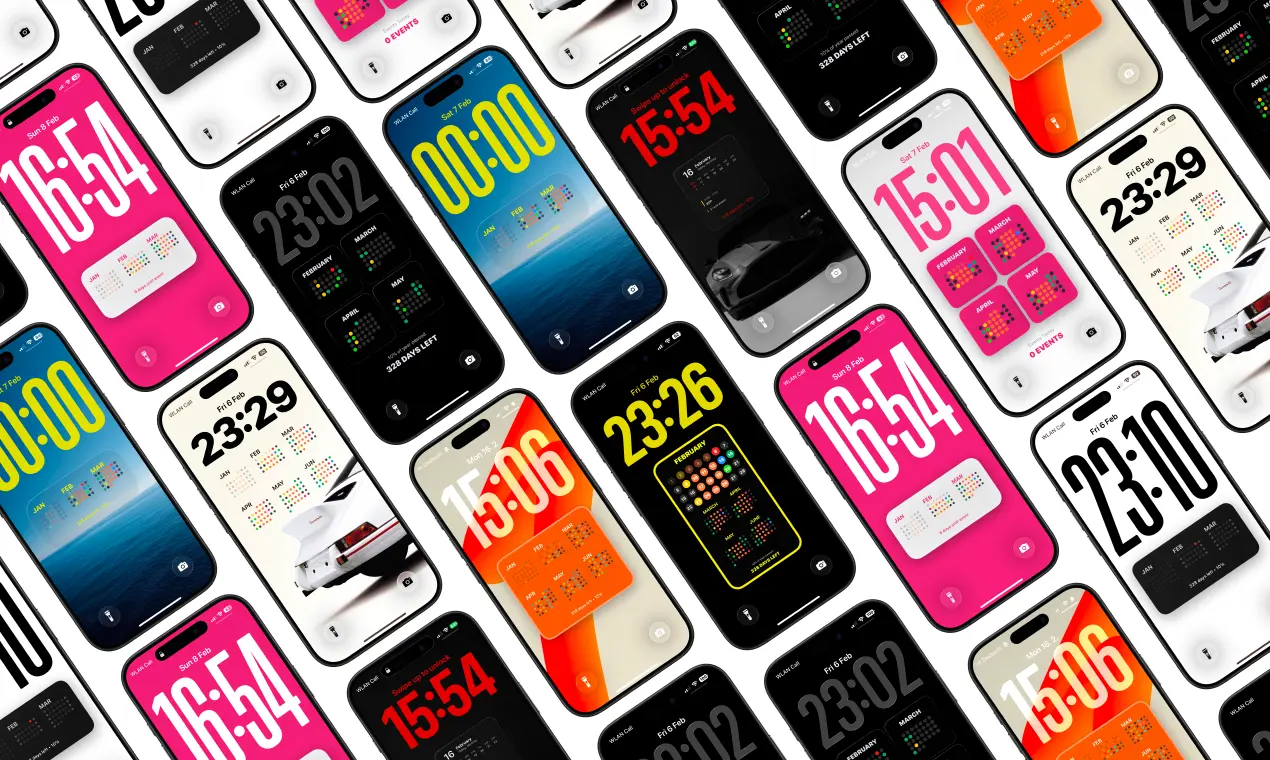
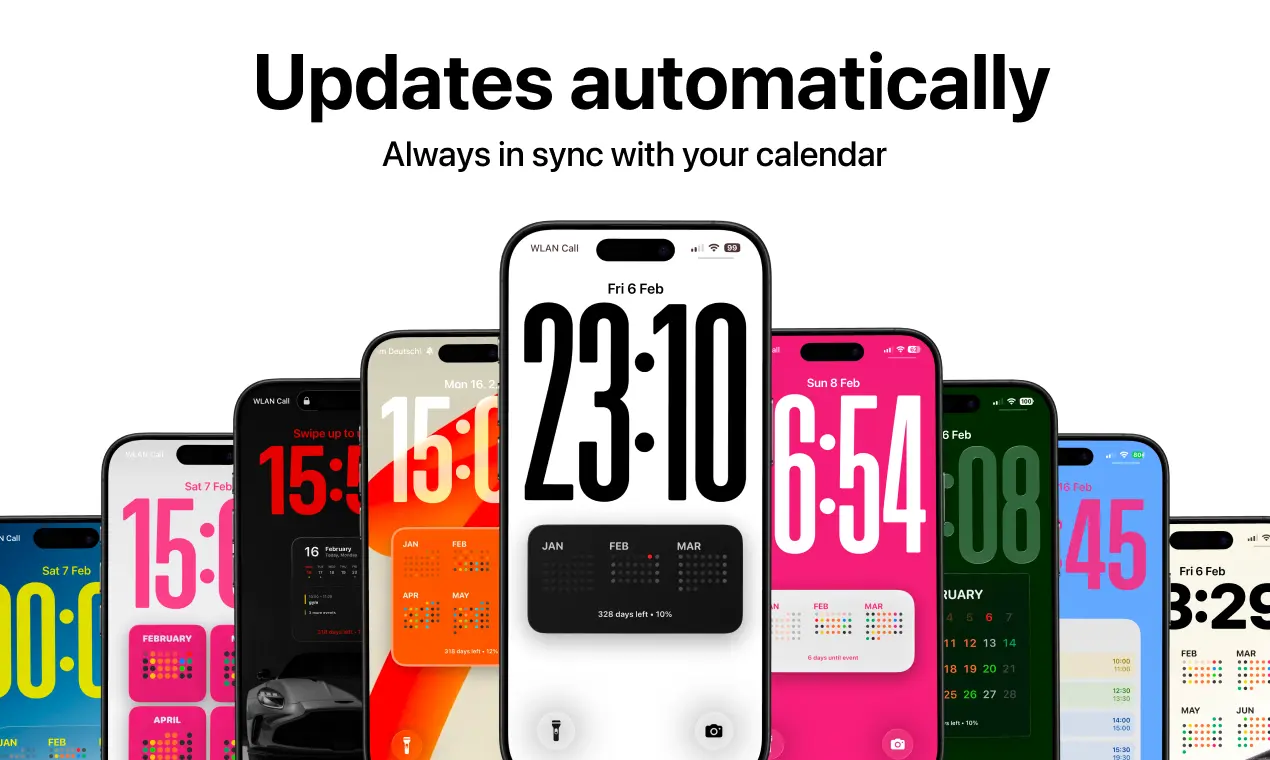
Calendarly puts your calendar directly on your iPhone lock screen so you can see your entire day without opening apps. Most people unlock their phone just to check one event and end up getting distracted. Calendarly solves that by turning your schedule into a clean lock screen calendar that updates automatically. Instead of widgets that only show a few events, Calendarly gives you a full daily overview designed exactly the way you want it. What you can do with Calendarly • See your full daily schedule on your lock screen • Customize layouts, fonts, spacing, and colors • Use ready-made designs from the Inspiration Gallery • Automatically update the lock screen when events change • Use your existing Apple Calendar events Calendarly is built for people who want a faster way to check their day and reduce the habit of constantly opening apps. Just glance at your lock screen and your day is already there.
Screenshots
Reviews (0)
No reviews yet. Be the first to rate this product!
Comments (2)
Congratulations on the launch of your product! This looks interesting! :)
Hey! I’m Dmytro, the developer of Calendarly. I built it because I was tired of unlocking my phone just to check my calendar and getting distracted. Now my day is right on the lock screen.