
Chronoid
Automate time tracking and boost productivity for macOS

Details
- Follow on
- @vunguyendev
- Target Audience
- FreelancersSolopreneursDevelopers
- Platforms
- Desktop
About Chronoid
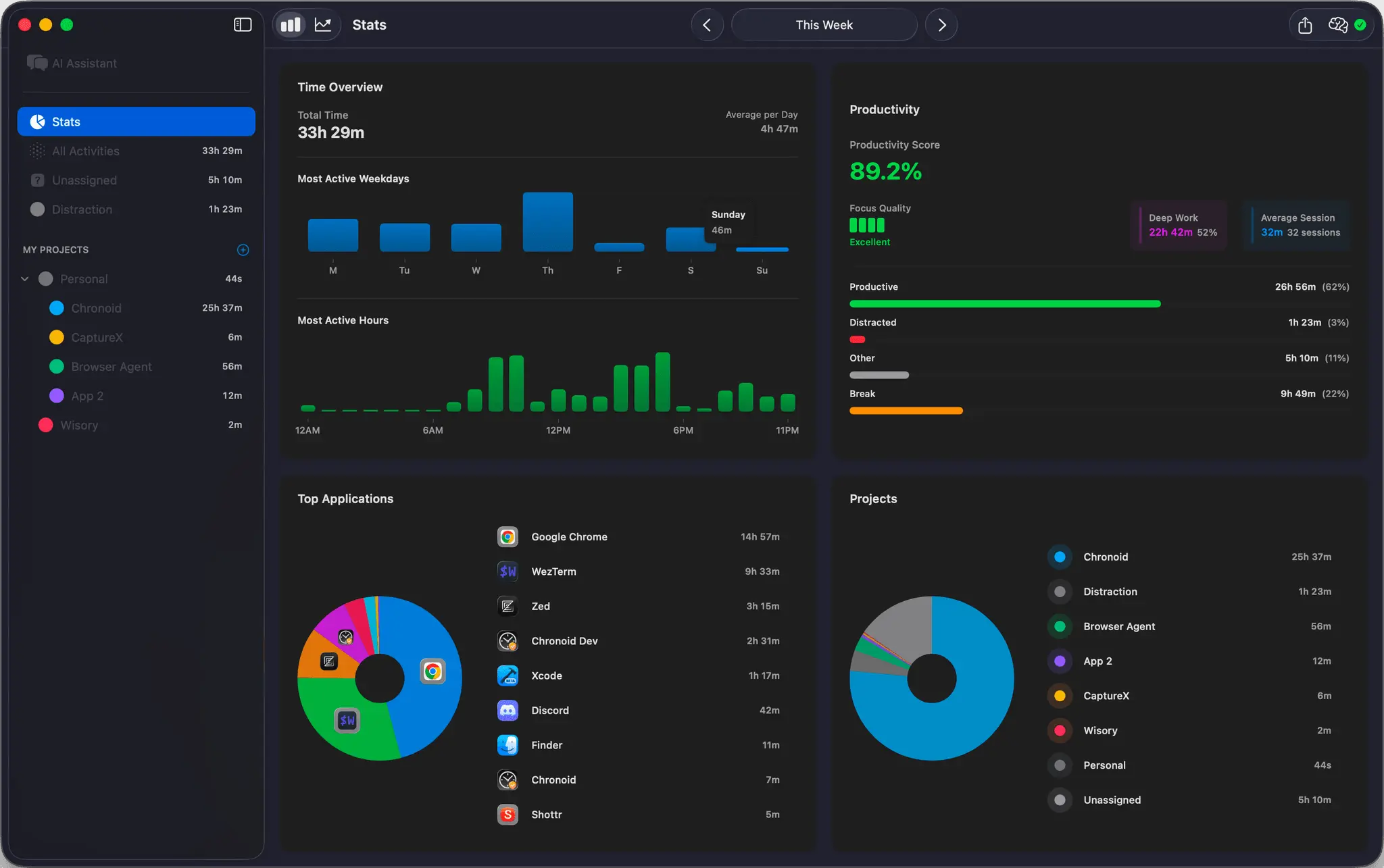
Chronoid is an AI-powered time tracking application exclusively for macOS. It offers automatic time tracking, allowing you to focus on your work without manual input. Complementing its tracking capabilities, Chronoid integrates Pomodoro timers to help you structure your work sessions and prevent burnout. The app also features website blocking functionalities to eliminate distractions and keep you on task. Gain deep insights into your work habits with comprehensive productivity analytics. Chronoid provides detailed reports and visualizations, helping you understand where your time goes and identify areas for improvement. You can leverage these analytics to refine your workflow and optimize your efficiency. Designed with a privacy-first approach, all your data remains local on your device, ensuring your information stays secure and private.
Screenshots
Product Updates (1)
Apple shortcuts & Global keyboard shortcuts
Added support for apple shortcuts app and now you can start/stop web blocker and pomodoro anywhere from your mac
Comments (0)
No comments yet. Be the first to share your thoughts!
Reviews (0)
No reviews yet. Be the first to rate this product!



Comments (3)
It sounds super interesting, considering that I often spend the entire day at my Mac, feeling utterly clueless about my activities. 😄
I built Chronoid, a small Mac app that quietly tracks how I spend time on my computer. Everything stays local, no accounts, no subscriptions. It helps me understand my freelance work patterns: apps, sites, documents, even focus sessions.
Been searching for an app like this foreverrr. Chronoid tracks time super easy and even blocks distracions (yes pls). Kudo guys!
Thank you so much. Please try it and let me know your thoughts