
Clabrate
Talk to your Mac to dictate, control apps and move windows
Details
- Follow on
- Categories
- Target Audience
- Pricing
- One-time from $19
- Platforms
- Alternatives
 SuperWhisper alternatives
Discovery signals
How AI and people discover Clabrate on PeerPush
By AI reads among AI tools
461 AI reads in the last 30 days, ranked against every AI tool listed.About Clabrate
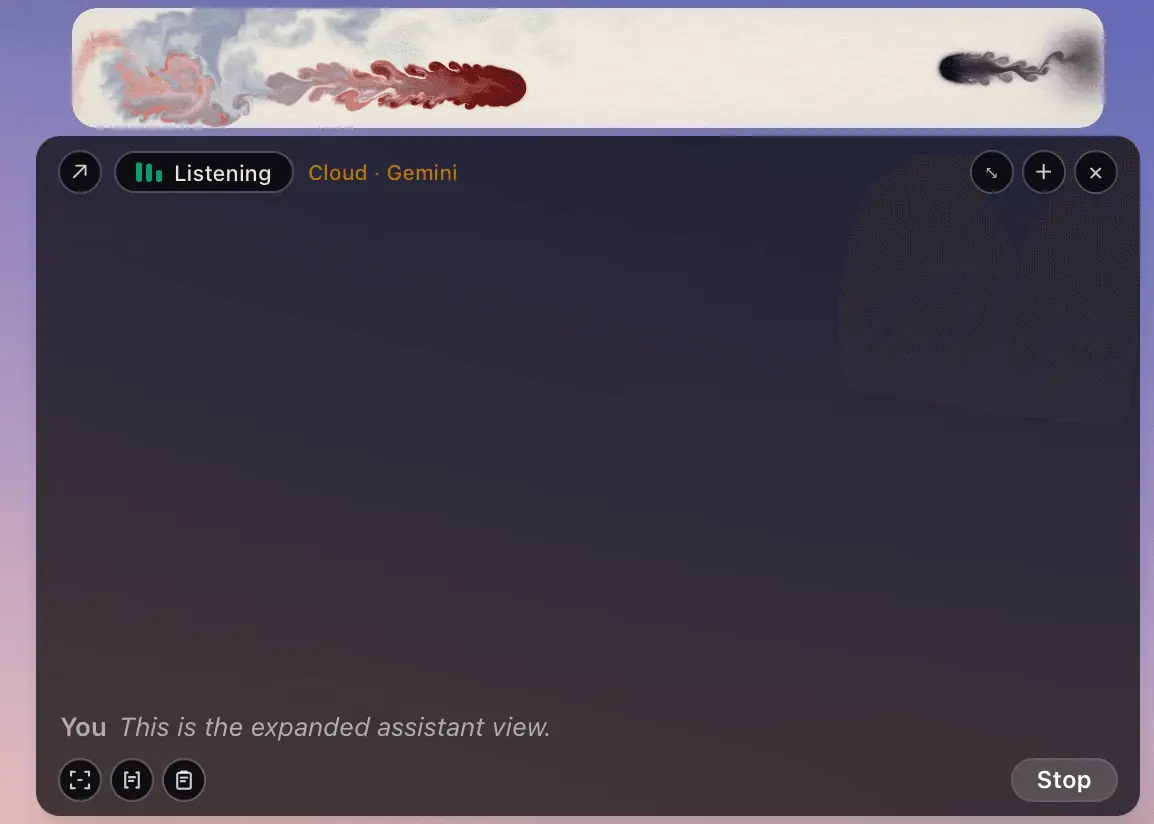
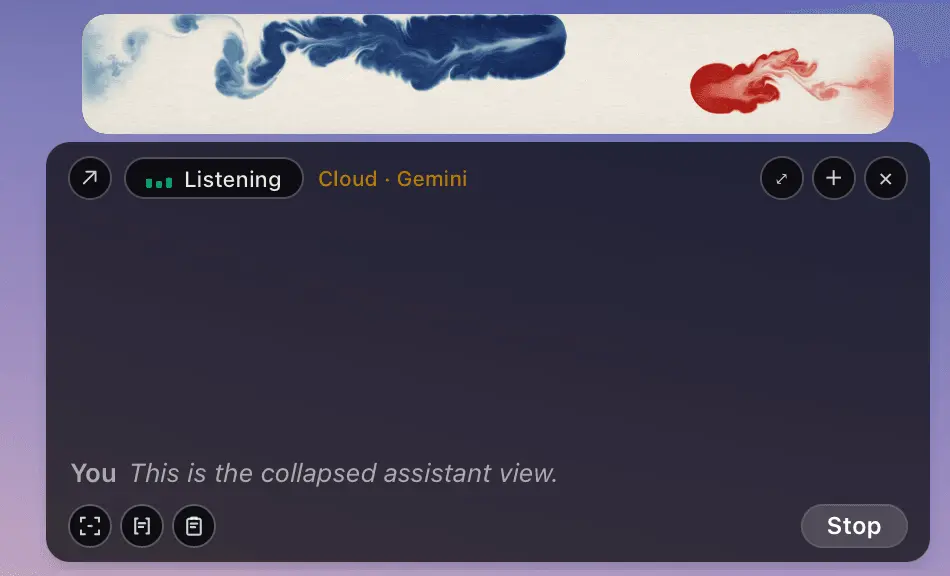
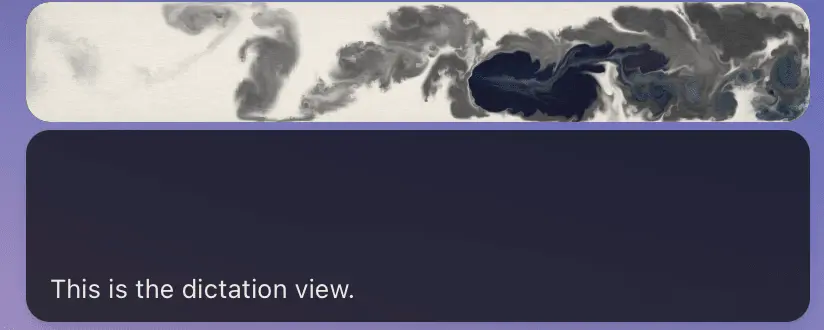
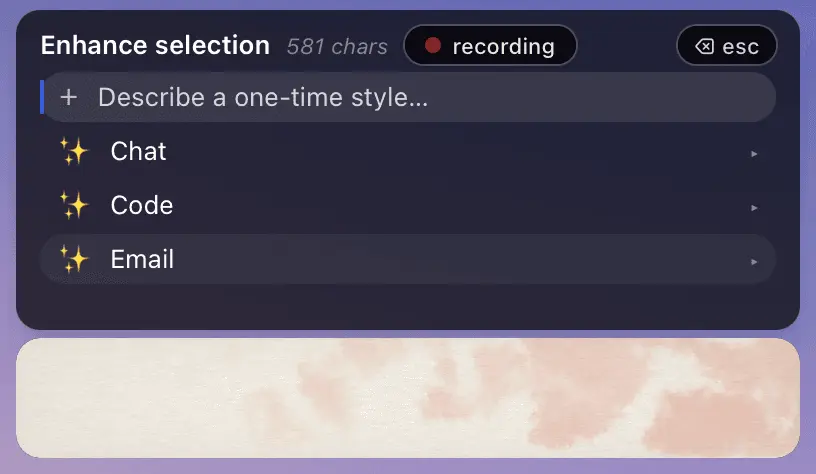
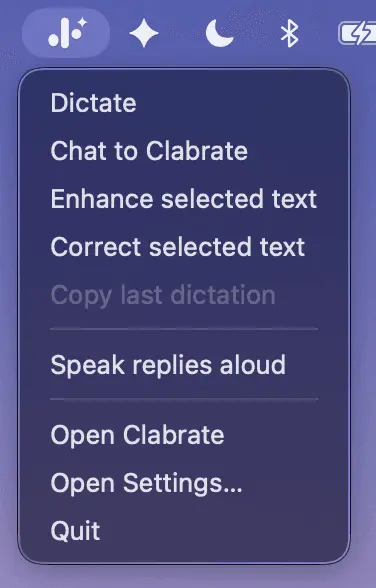
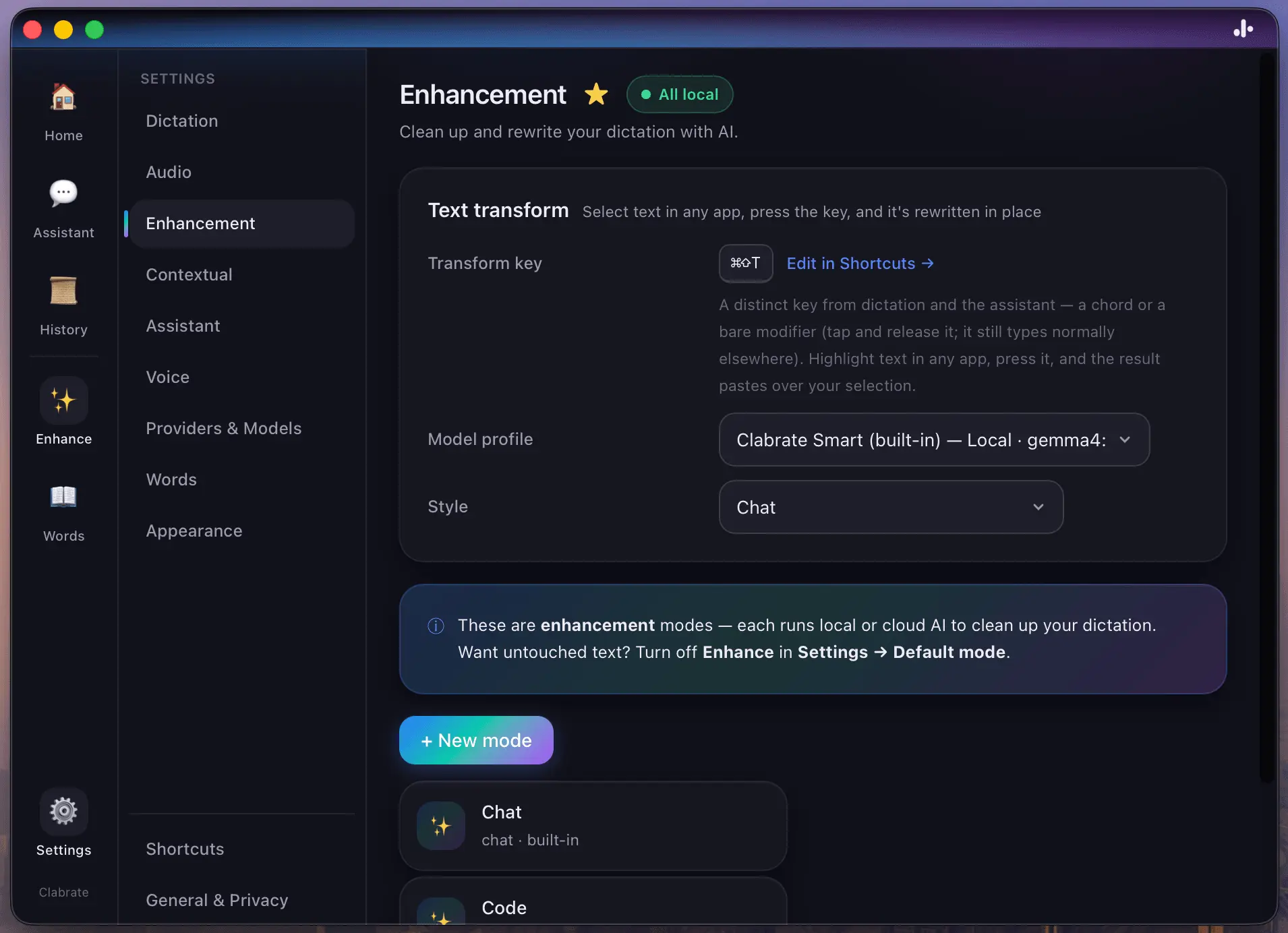
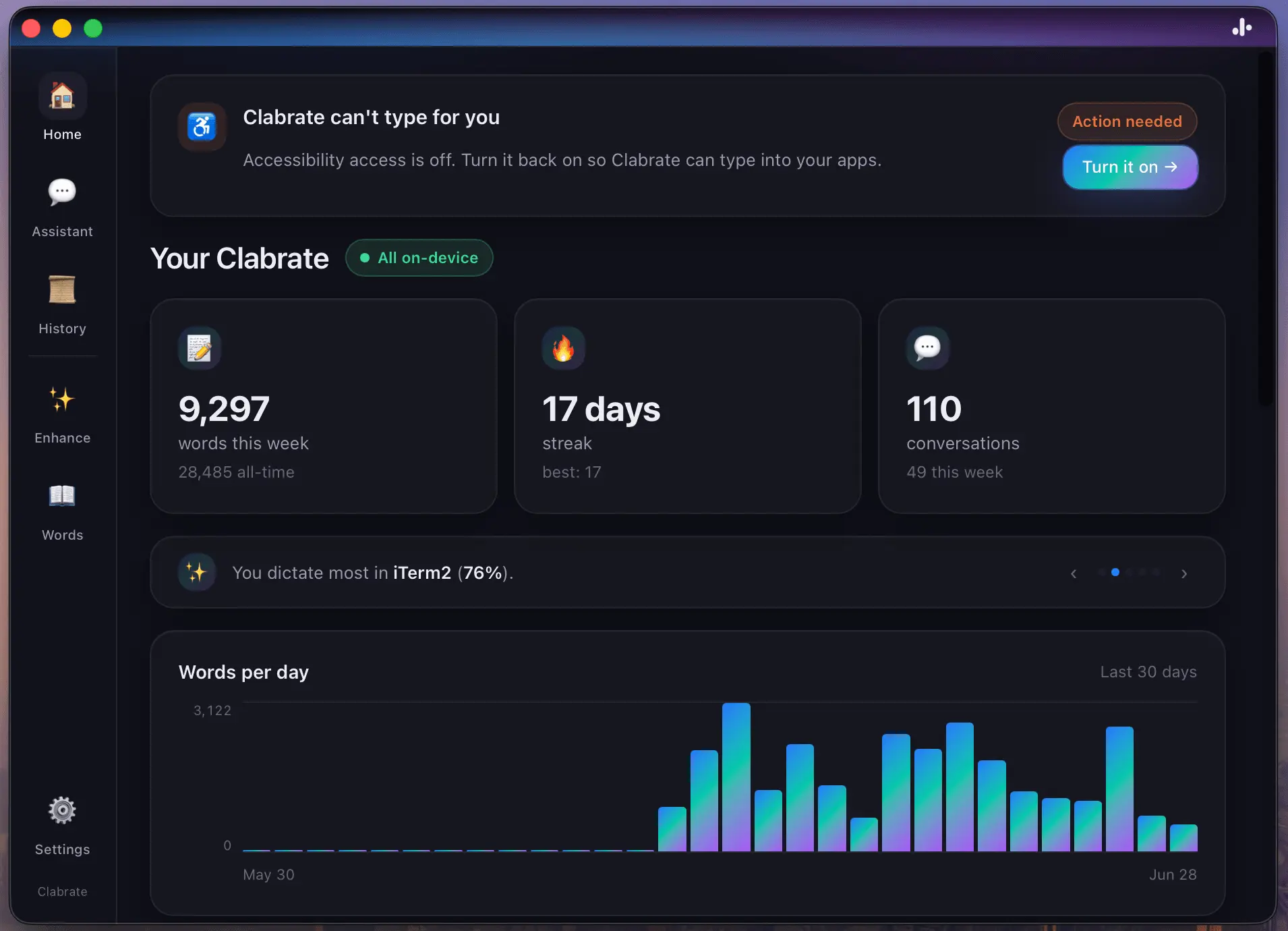
Every good sentence I've ever typed was better in my head three seconds earlier. The thought would arrive whole, and then I'd watch the end of it fade while my fingers were still working on the beginning. When we speak it doesn't have that problem — you talk at the speed you think. So I built the tool I wanted: hold a key, say the sentence, let go, and text appears. In any app. And because the speech recognition runs entirely on the Mac. No audio leaves it, ever. That was the plan, anyway. Then the app started teaching me things. A few weeks in, I caught myself doing something dumb: re-dictating a whole paragraph because one line was stiff. The fix I actually wanted was to point at it and say "warmer." So I built that — select text anywhere on your Mac, press a key, say what's wrong with it, and it rewrites in place. Then I stopped opening browser tabs for questions I could just ask out loud. Then I added my own notes, so it answers from what I've written — on my Mac, not somebody's server. And one evening I said "put the browser on the left" and the window slid over, and I finally admitted what I was building. It was never a dictation app with an assistant attached. It's an assistant that starts by taking dictation. All of it works with no API key and no internet. The on-device model doesn't just talk, it acts — changes a setting when you ask, digs through your notes, moves your windows. Every tool it can touch is listed in Settings, and you can revoke any of them with one click. One more story, because it explains how I think about your data. There's an optional feature that keeps the microphone warm so dictation never clips your first word — and while it's on, macOS keeps its orange recording dot lit. I love it. The OS refuses to keep secrets about microphones, and any company annoyed by that is telling on itself. The feature ships off by default, the tradeoff is documented, and the dot stays. That's the deal across the whole app: your voice is transcribed on your Mac, your notes stay on your Mac, and the cloud is a door you open on purpose — never a default you discover later. The trial's free. The license is one-time, not a subscription. And if you only ever use it to hold a key and talk, that's a complete product — but I don't think you'll stop there
Product Video
Watch a video demo of Clabrate.
Screenshots
Reviews (0)
I have been using this every day for over a month, can't imagine not having it
Comments (1)
Really excited to have you try it, once you try it out for a few days you will wonder how you ever got by without. Looking forward to hearing how much it increases your productivity.