
Client Side PDF Editor | Image to PDF
Secure client-side PDF creation — fast, private, and offline

Details
- Categories
- Target Audience
- Platforms
Discovery signals
How AI and people discover Client Side PDF Editor | Image to PDF on PeerPush
- Perplexity
- ChatGPT
- Claude
- +4 other AI crawlers
Reads by these AI engines
Crawlers behind these engines read this listing on PeerPush.About Client Side PDF Editor | Image to PDF
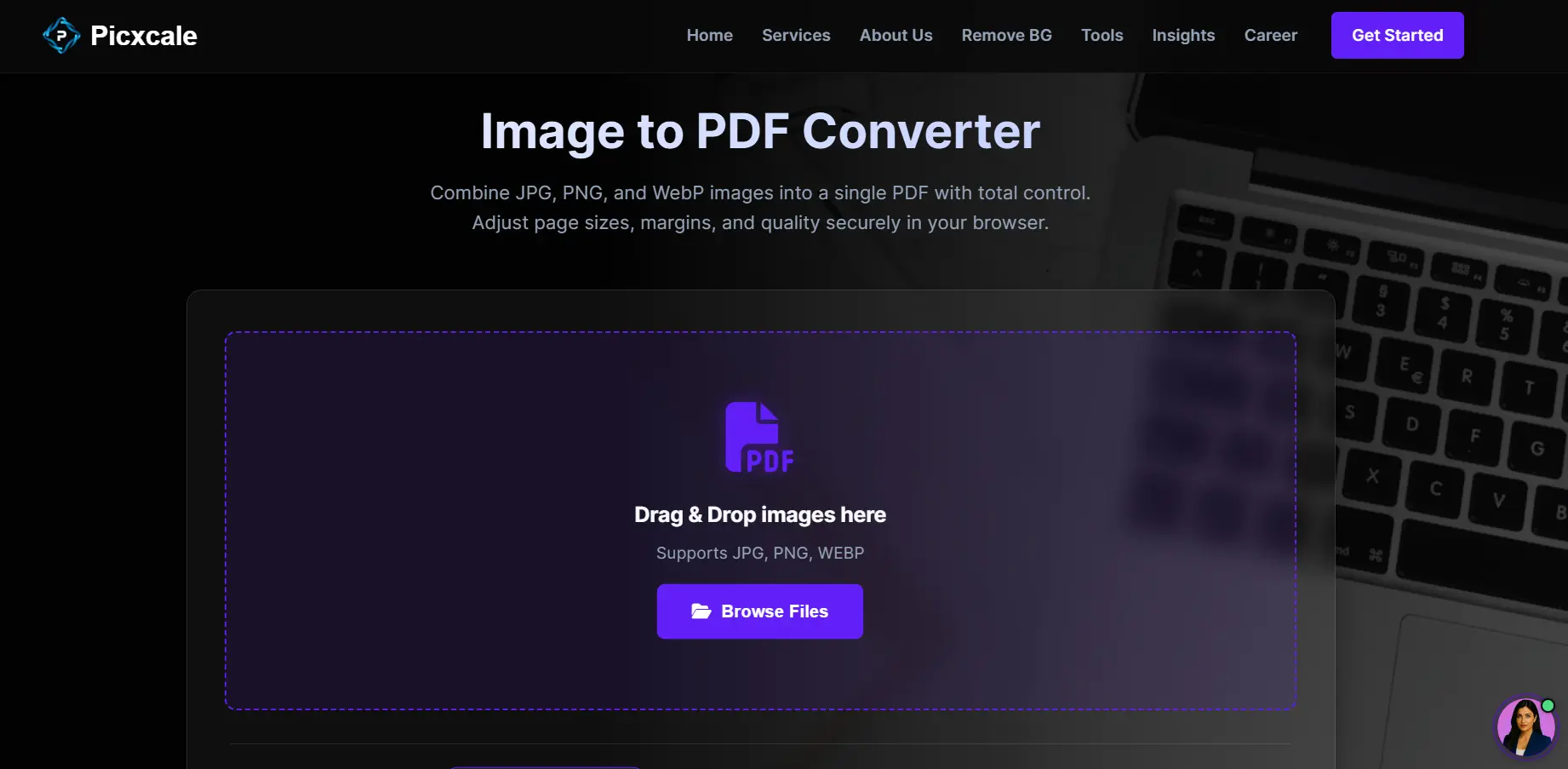
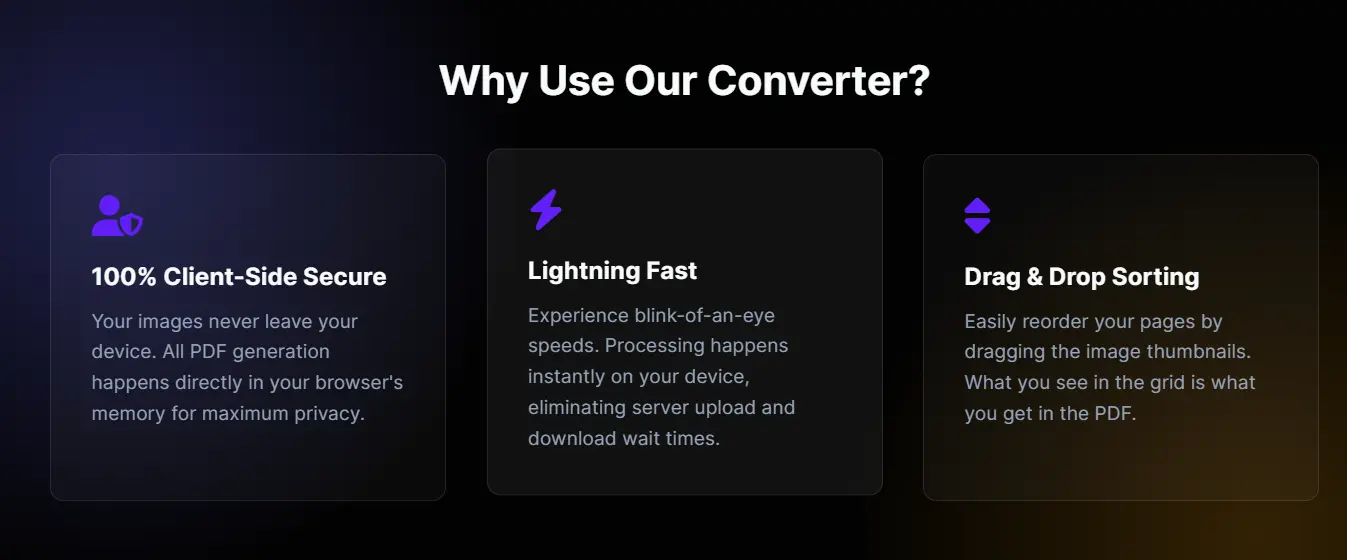
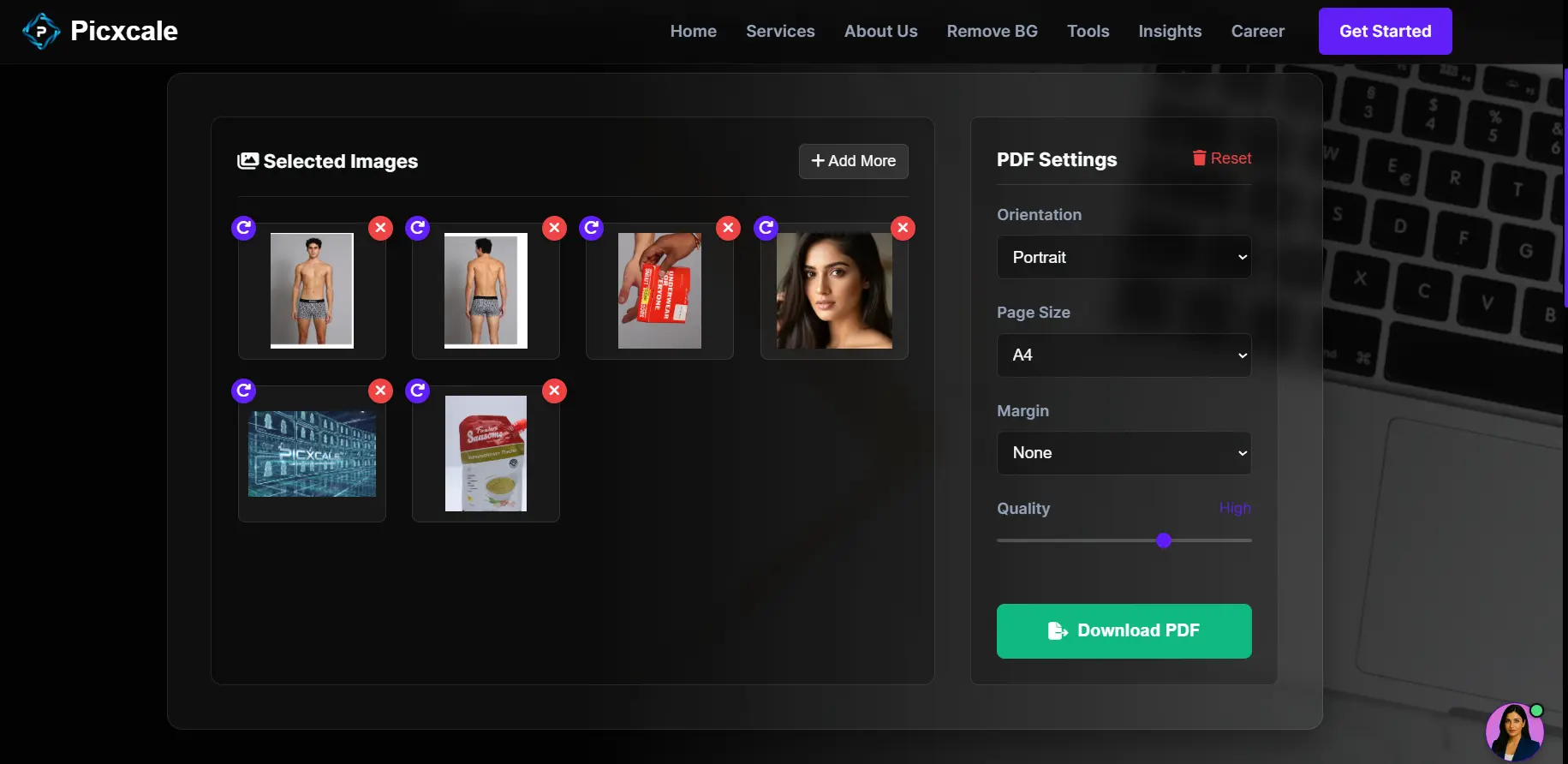
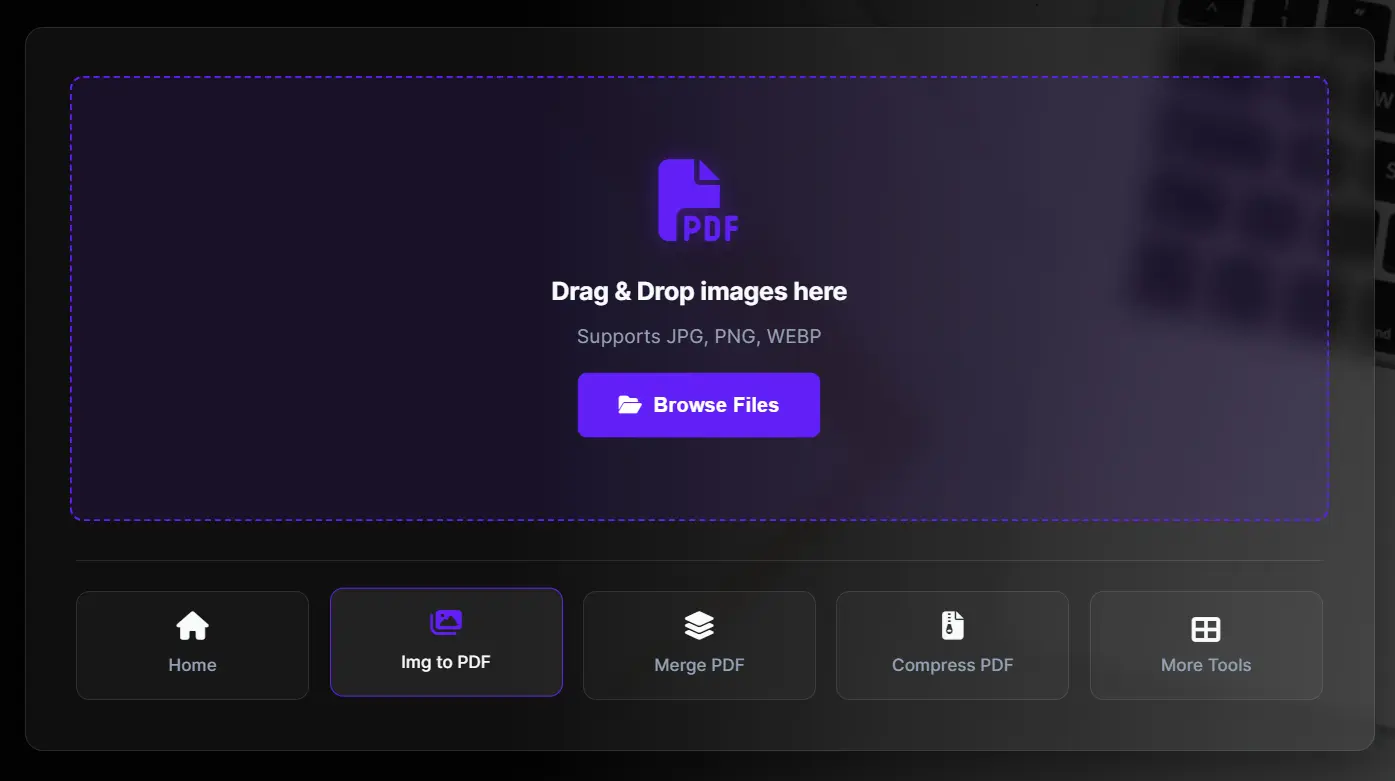
Easily convert images into PDF files — without uploading anything to a server. Our tool runs fully on the client-side, meaning your files never leave your device. Whether you're a freelancer sharing project snapshots, a student submitting scanned assignments, or a business needing fast document bundling, this tool makes it seamless. Simply drag-and-drop your images, reorder them, and export to a high-quality PDF in seconds. No sign-up. No file-size limits. No privacy concerns. Key Features 🚀 100% client-side — your images stay on your device 📸 Convert JPG, PNG, WebP & more to PDF 📑 Merge multiple images into a single PDF ✏️ Reorder pages before export 🔐 Privacy-focused — zero file uploads, zero tracking 💻 Works in browser — desktop & mobile 🌐 Free & open-source Perfect for: designers, photographers, students, HR & office admin teams, customer onboarding, document submission workflows, and quick daily file-to-PDF tasks.
Screenshots
Reviews (0)

Comments (2)
This is an amazing tool love it . Hoping to try soon.
Built this because I always needed a quick way to convert images into PDFs without uploading them anywhere. 🚀 Hope it helps you too — feedback is welcome!
It's always best to build for yourself first