
Clipboard+
Clipboard history with a floating panel, synced to your PC


Details
- Categories
- Use Cases
- Target Audience
- Pricing
- Freemium
Discovery signals
How AI and people discover Clipboard+ on PeerPush
About Clipboard+
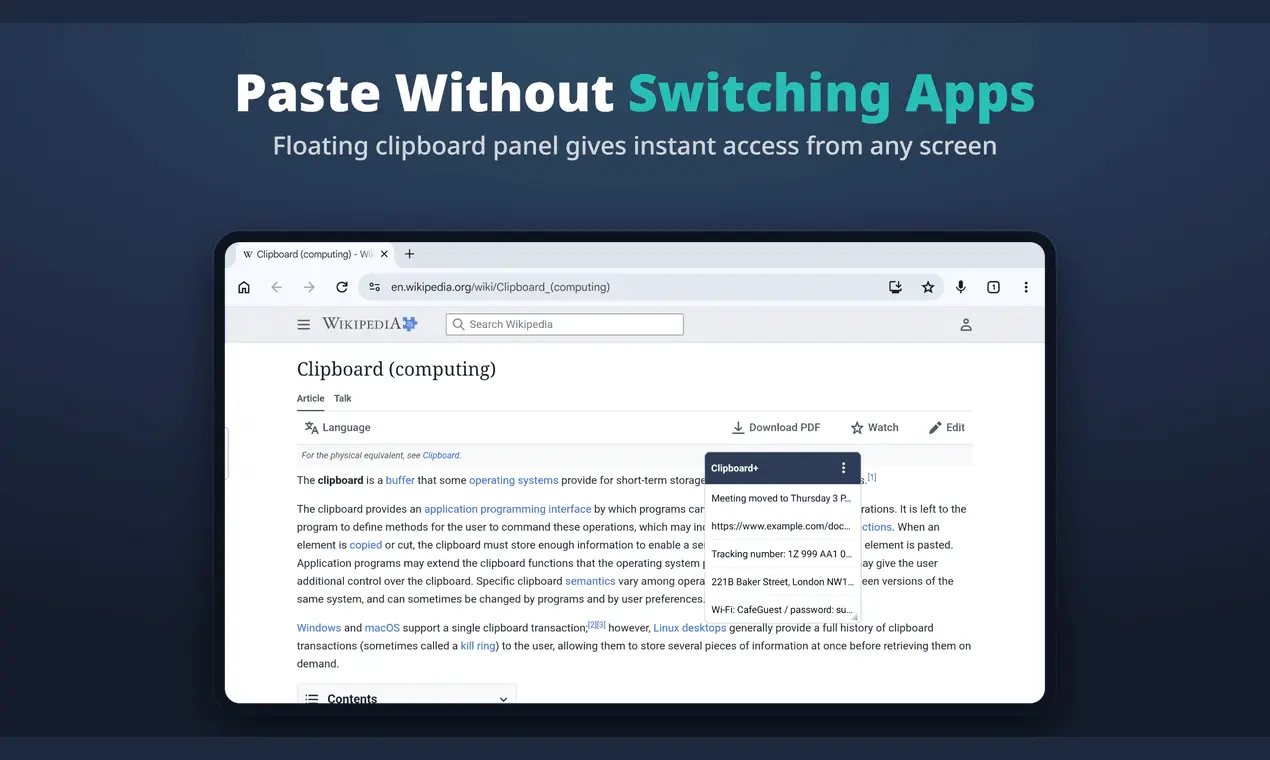
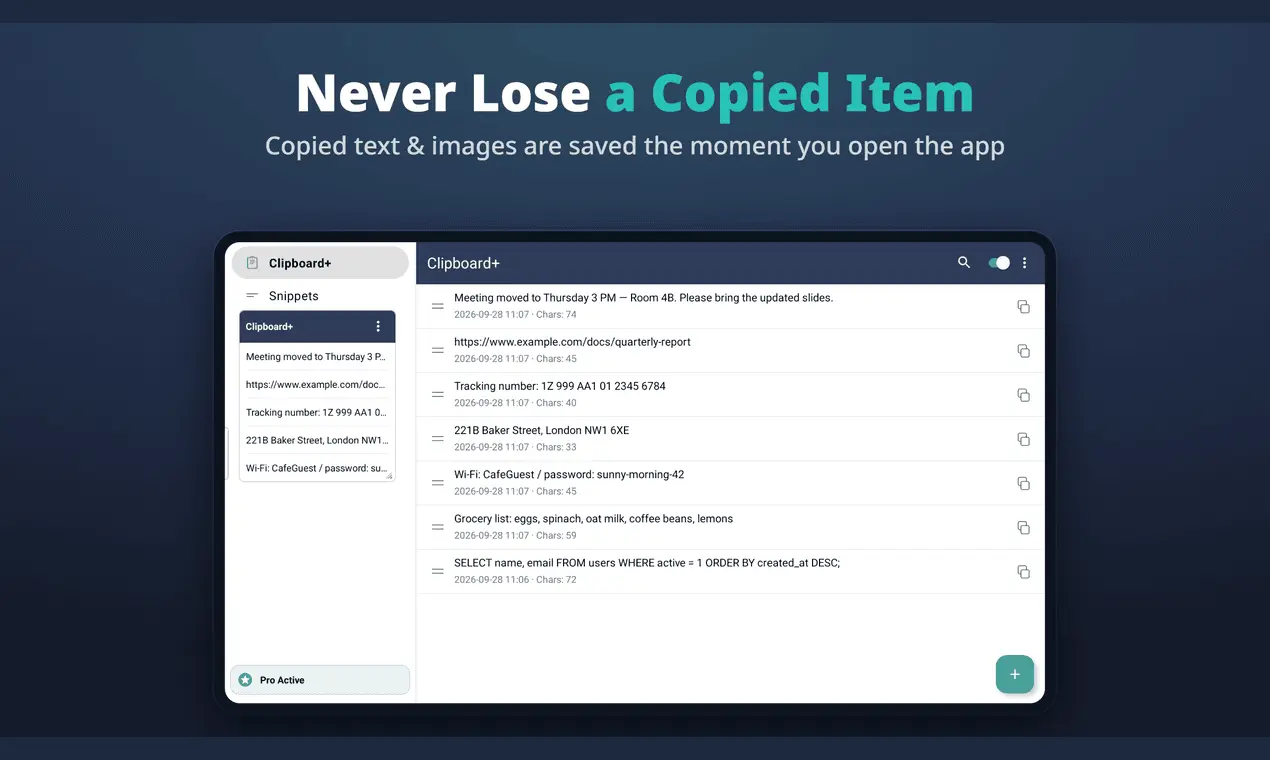
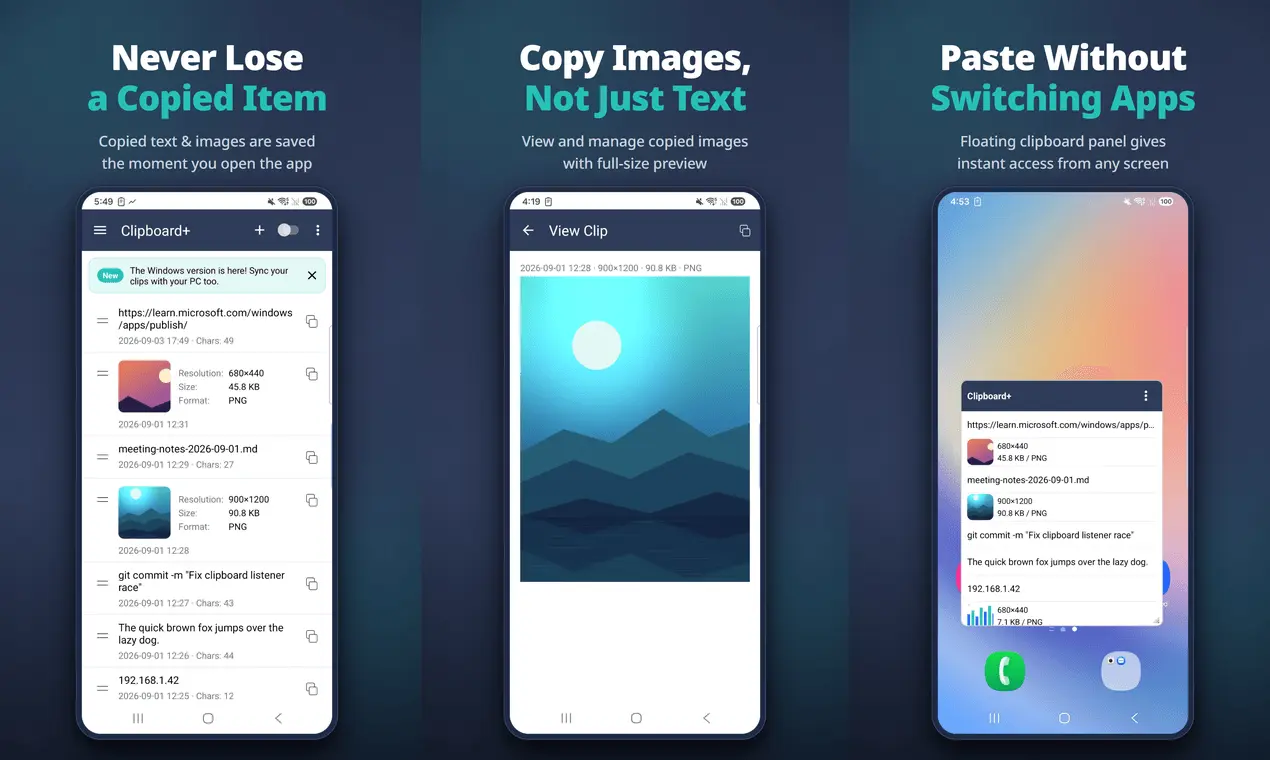
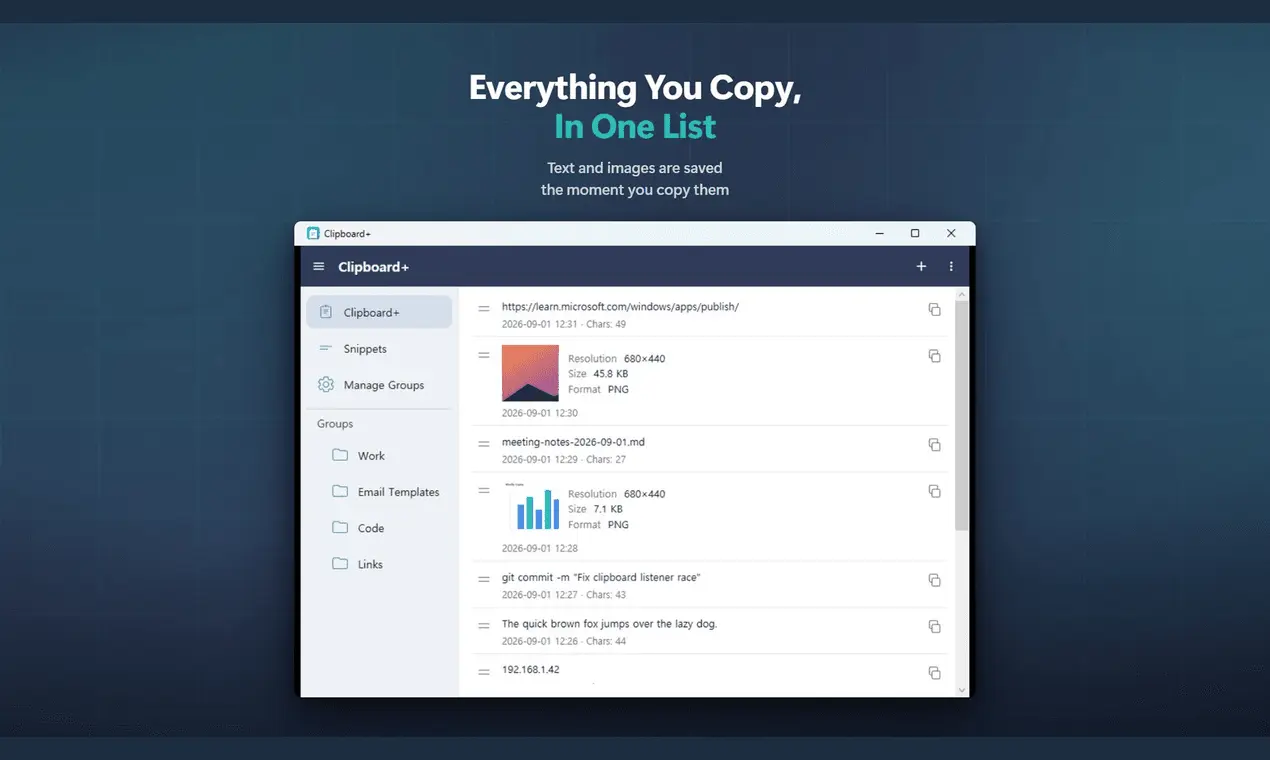
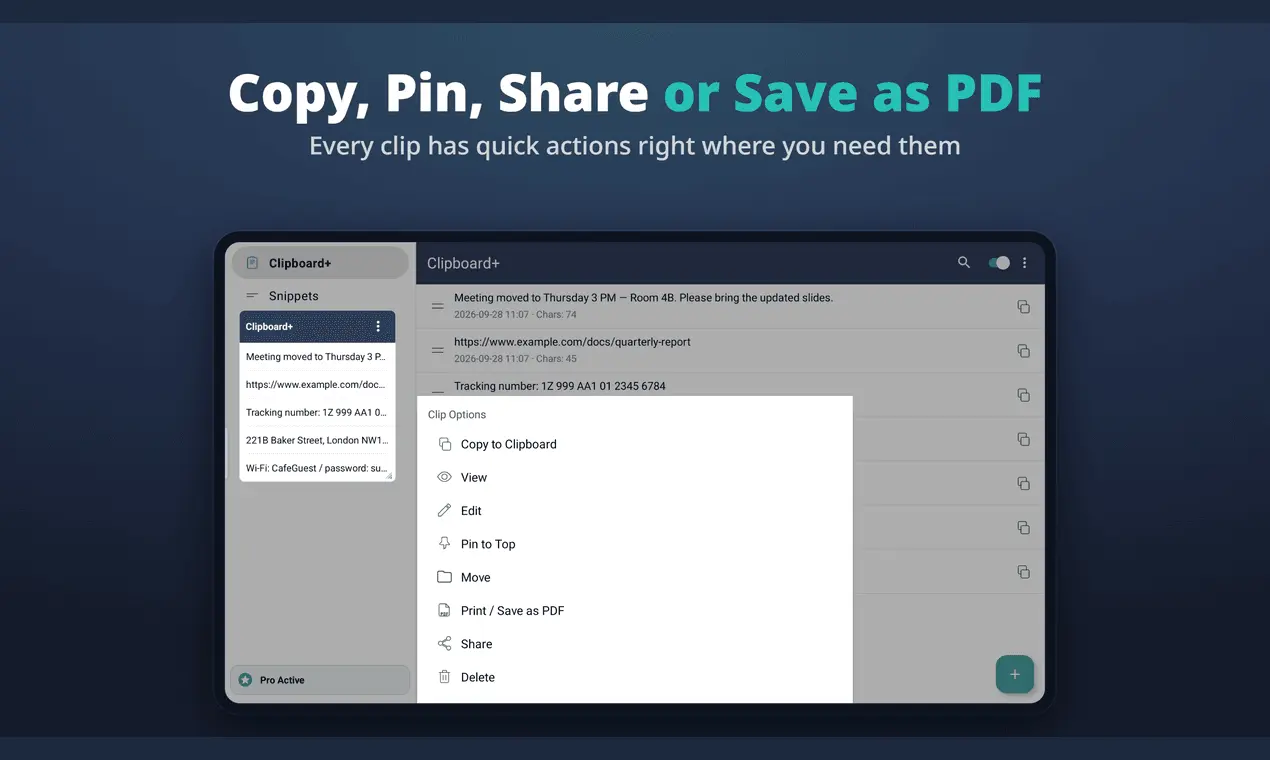
Clipboard+ keeps a searchable history of the text and images you copy, so you can paste them again later. On Android, clips are saved when you open the app, its floating panel or its widget, and you can also save selected text from any app through the text selection menu. A resizable floating panel sits on top of other apps so you can paste without switching. Clips can be pinned, edited, organised into groups and saved as reusable snippets. Backups can be exported and restored, and Clipper backups can be imported. With Pro, clips sync between Android and the Windows version through a private folder in your own Google Drive; there is no CodeDAC server. Free with ads; Pro is a monthly or yearly subscription or a one-time lifetime purchase. Google Play: https://play.google.com/store/apps/details?id=com.codedac.clipboard Microsoft Store: https://apps.microsoft.com/detail/9N9SRKQV1R6D
Screenshots
Reviews (0)
No reviews yet. Be the first to rate this product!
Comments (1)
Hi! I'm the developer. Clipboard+ keeps everything you copy and syncs it between Android and Windows through your own Google Drive. Feedback welcome.