
ClipHearth
Capture, convert, and edit video on desktop

Details
- Follow on
- Categories
- Pricing
- Freemium from $10
- Platforms
- Featured in
 Loom alternatives
 Screen Studio alternatives
 descript alternatives
Discovery signals
How AI and people discover ClipHearth on PeerPush
About ClipHearth
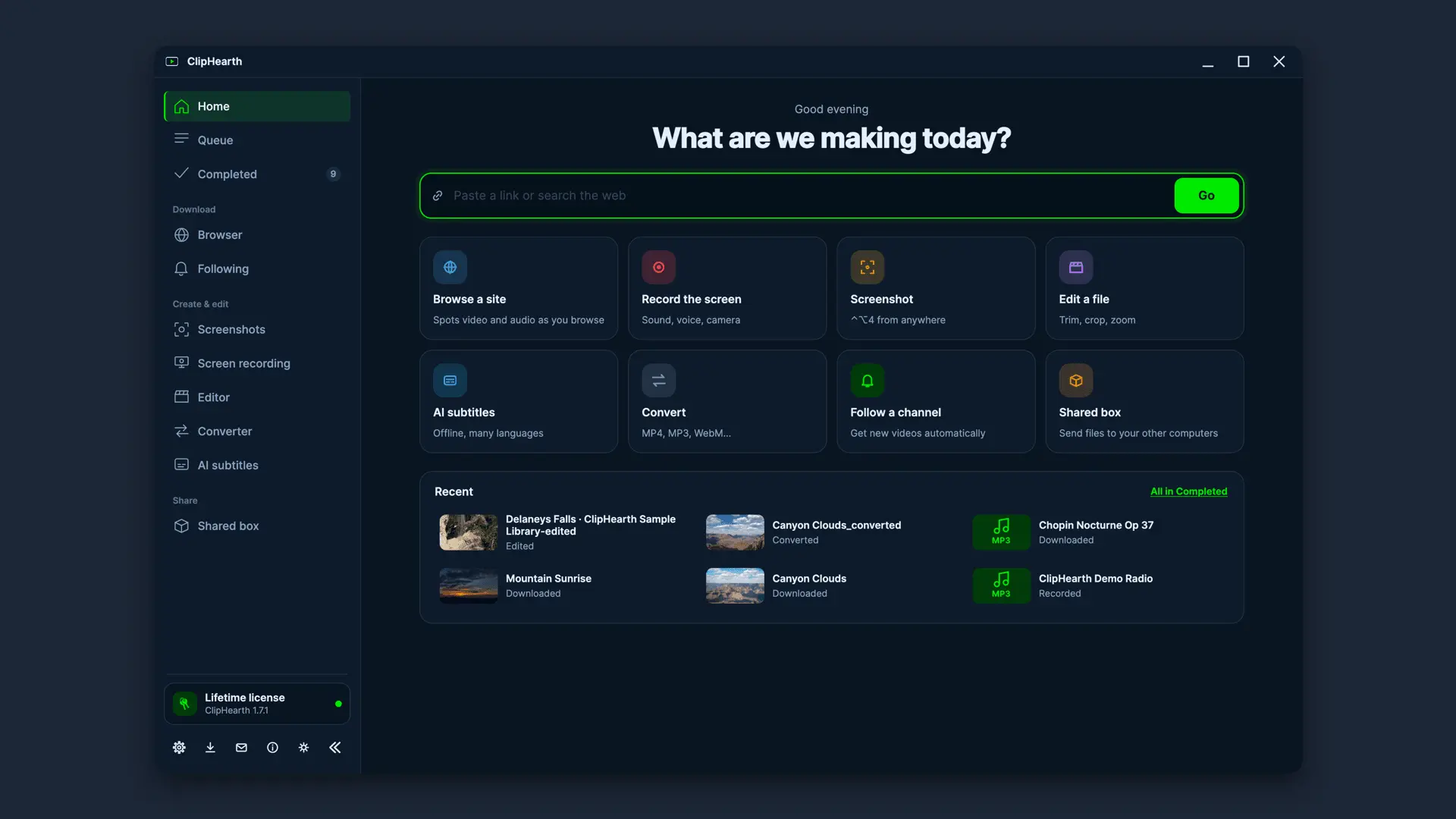
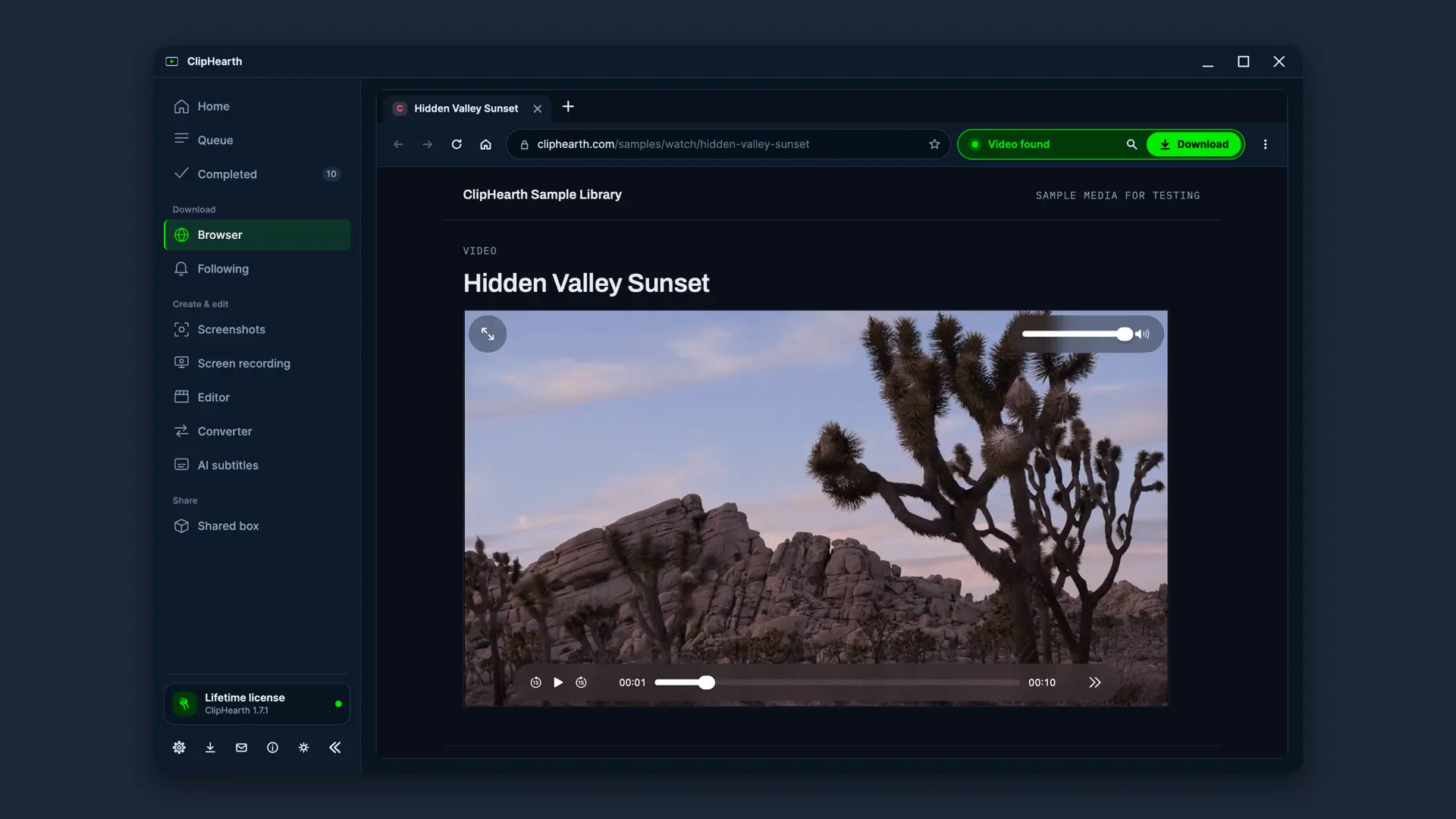
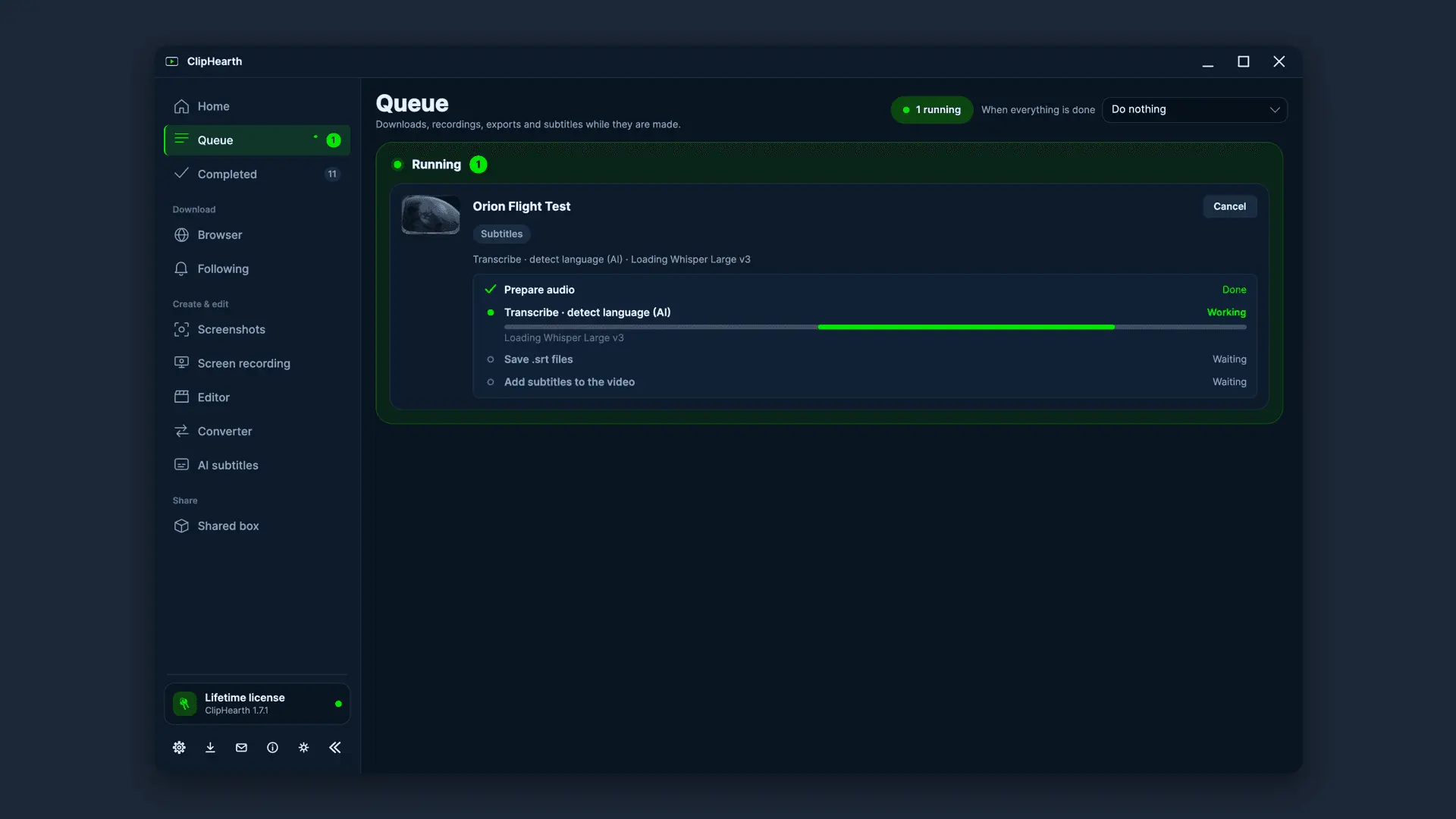
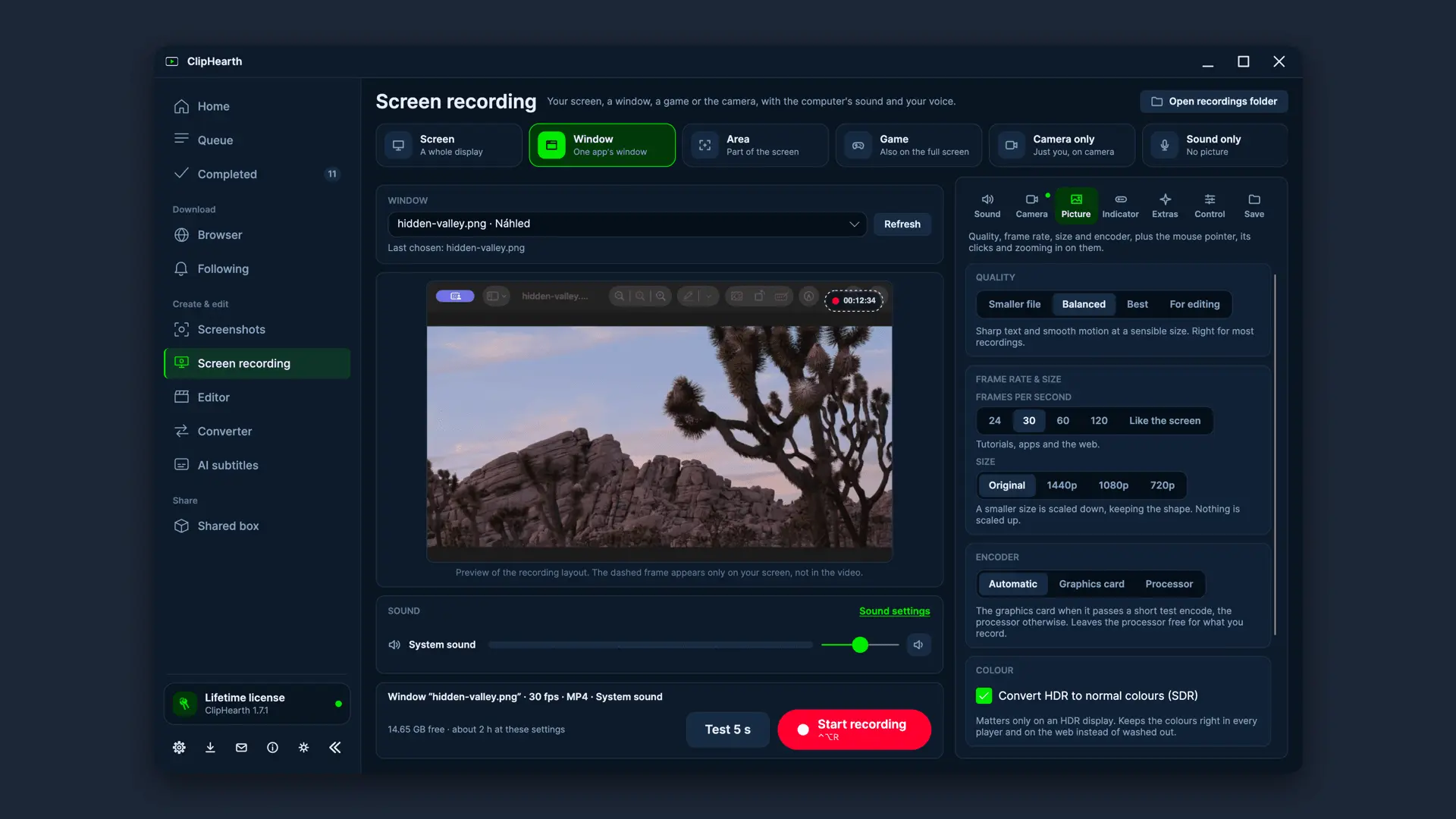
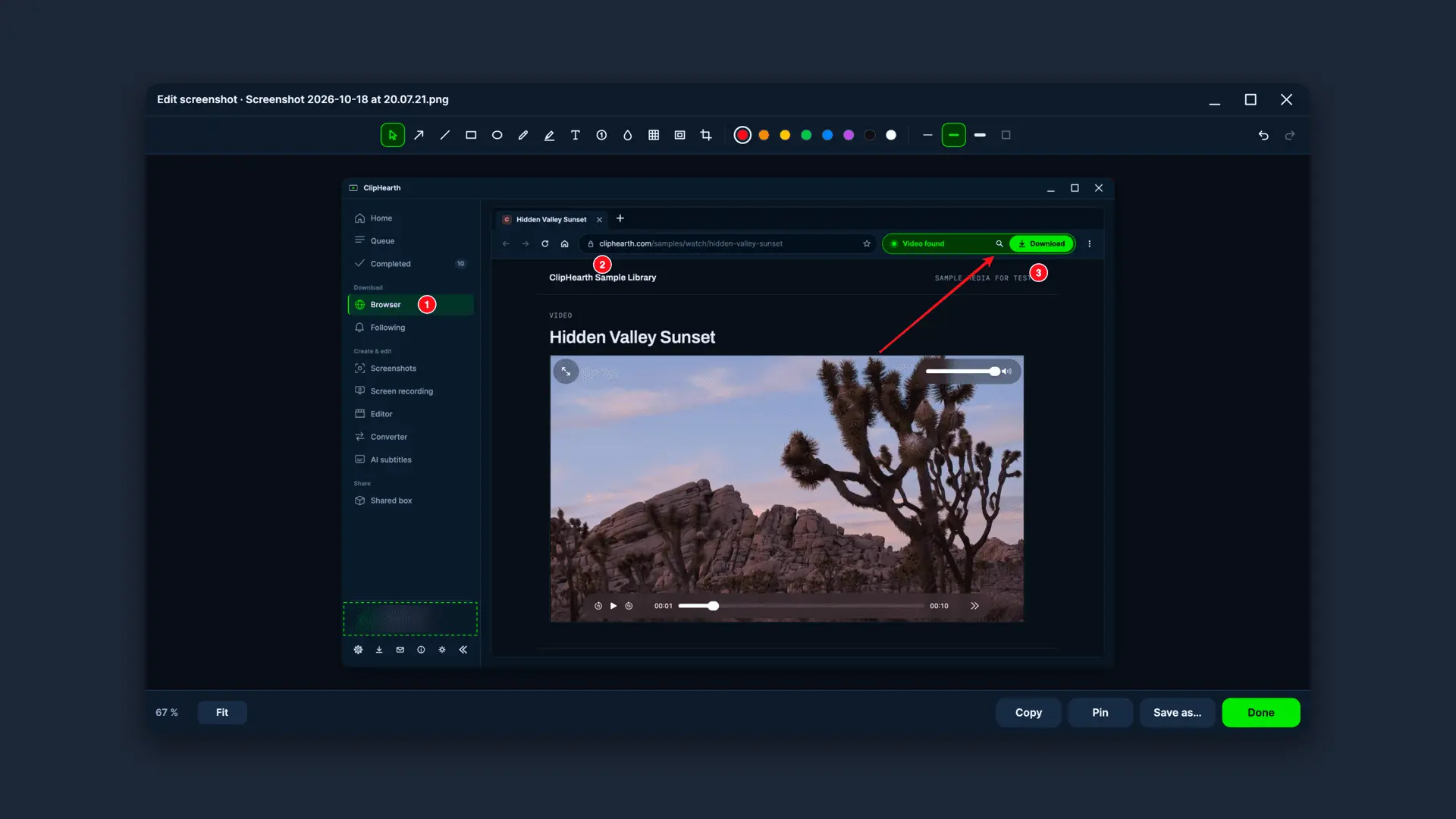
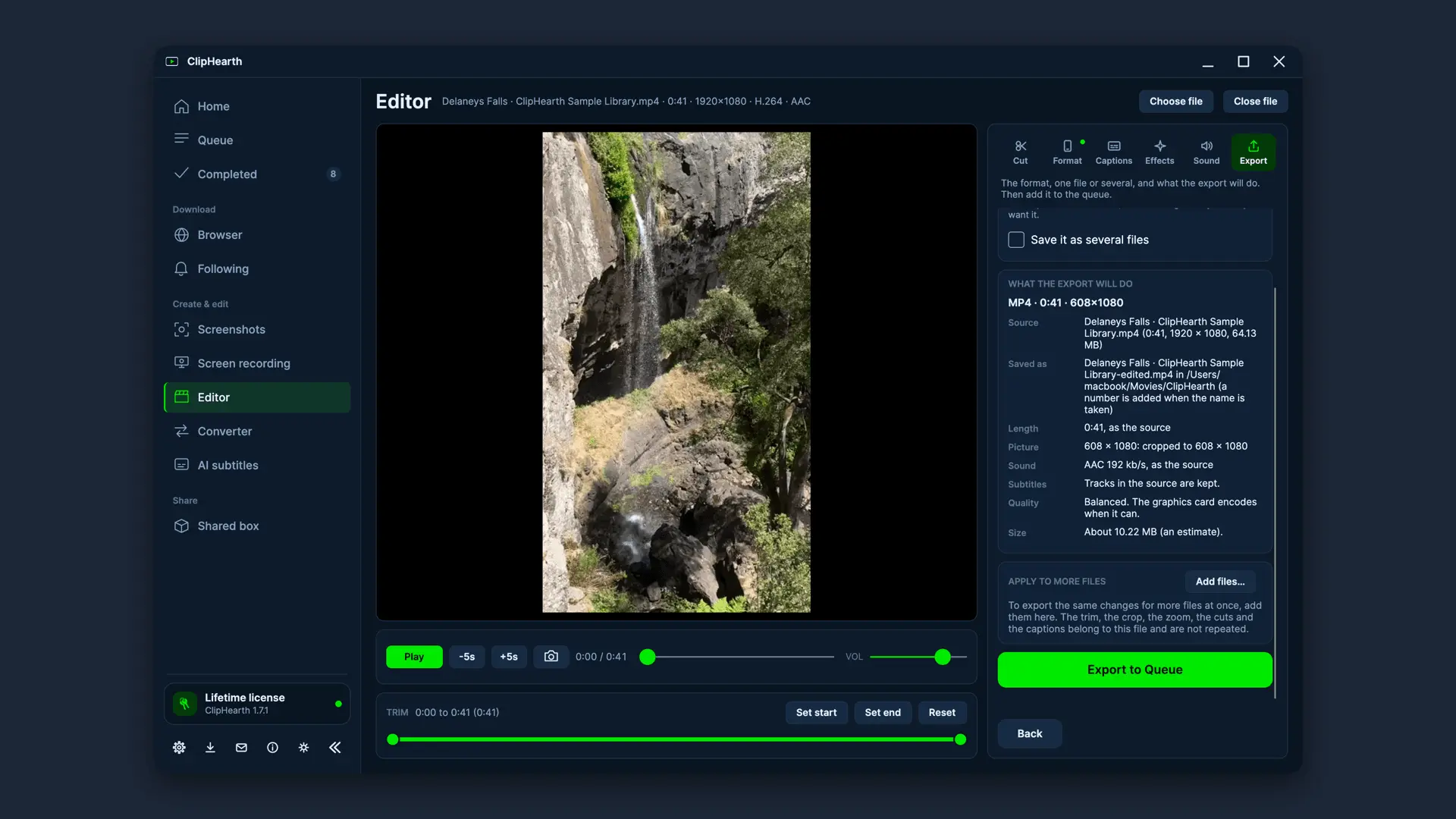
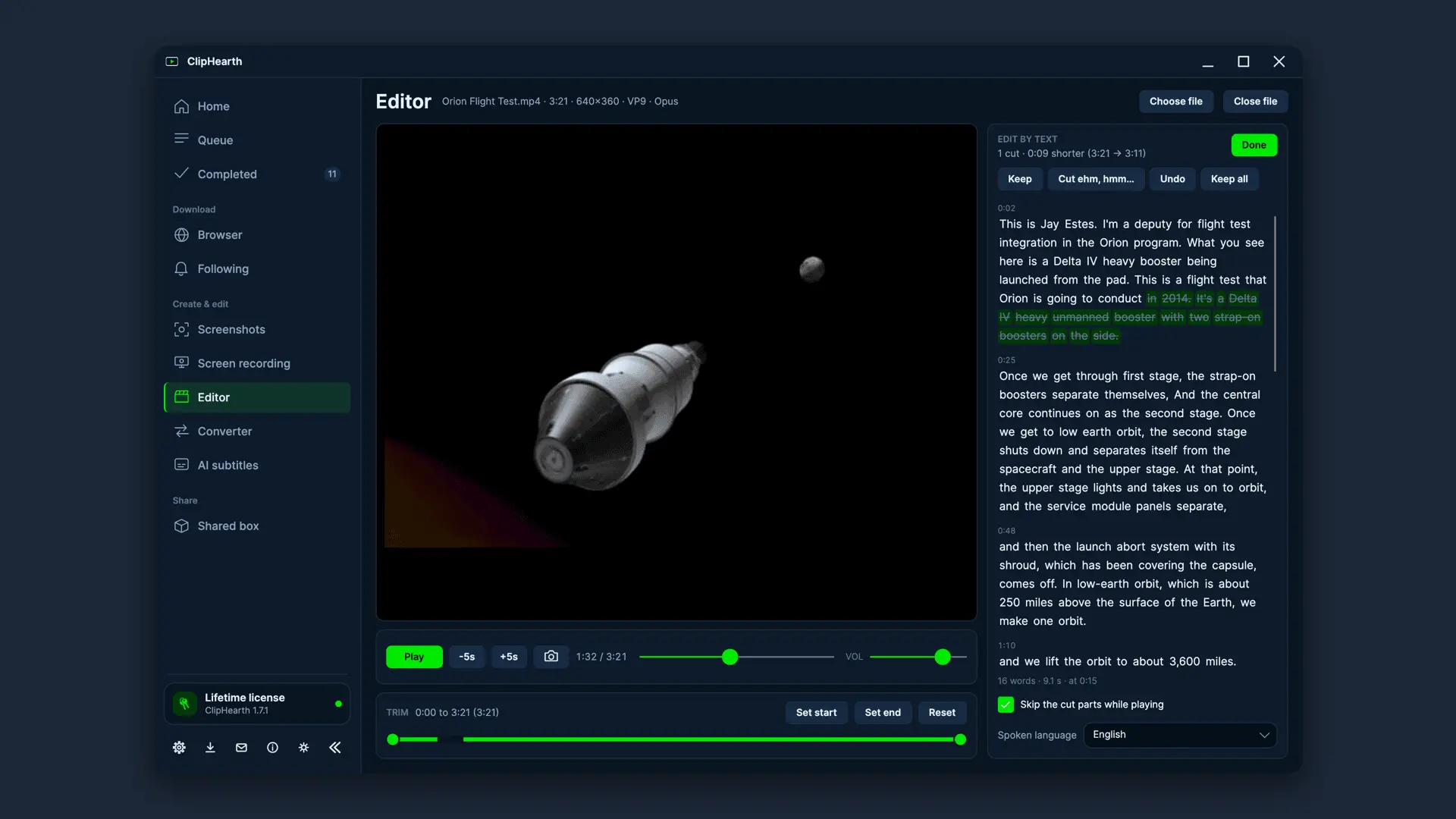
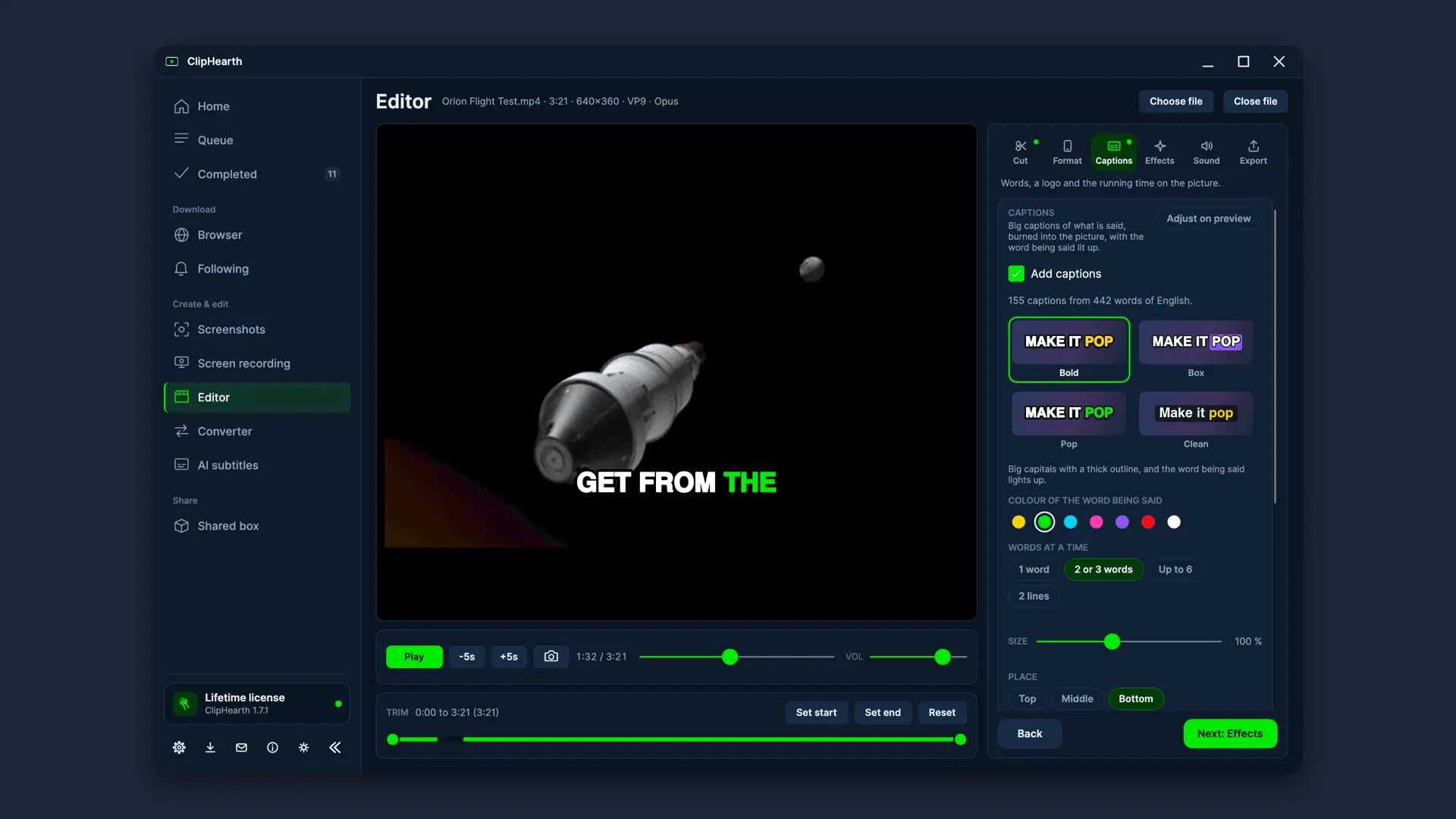
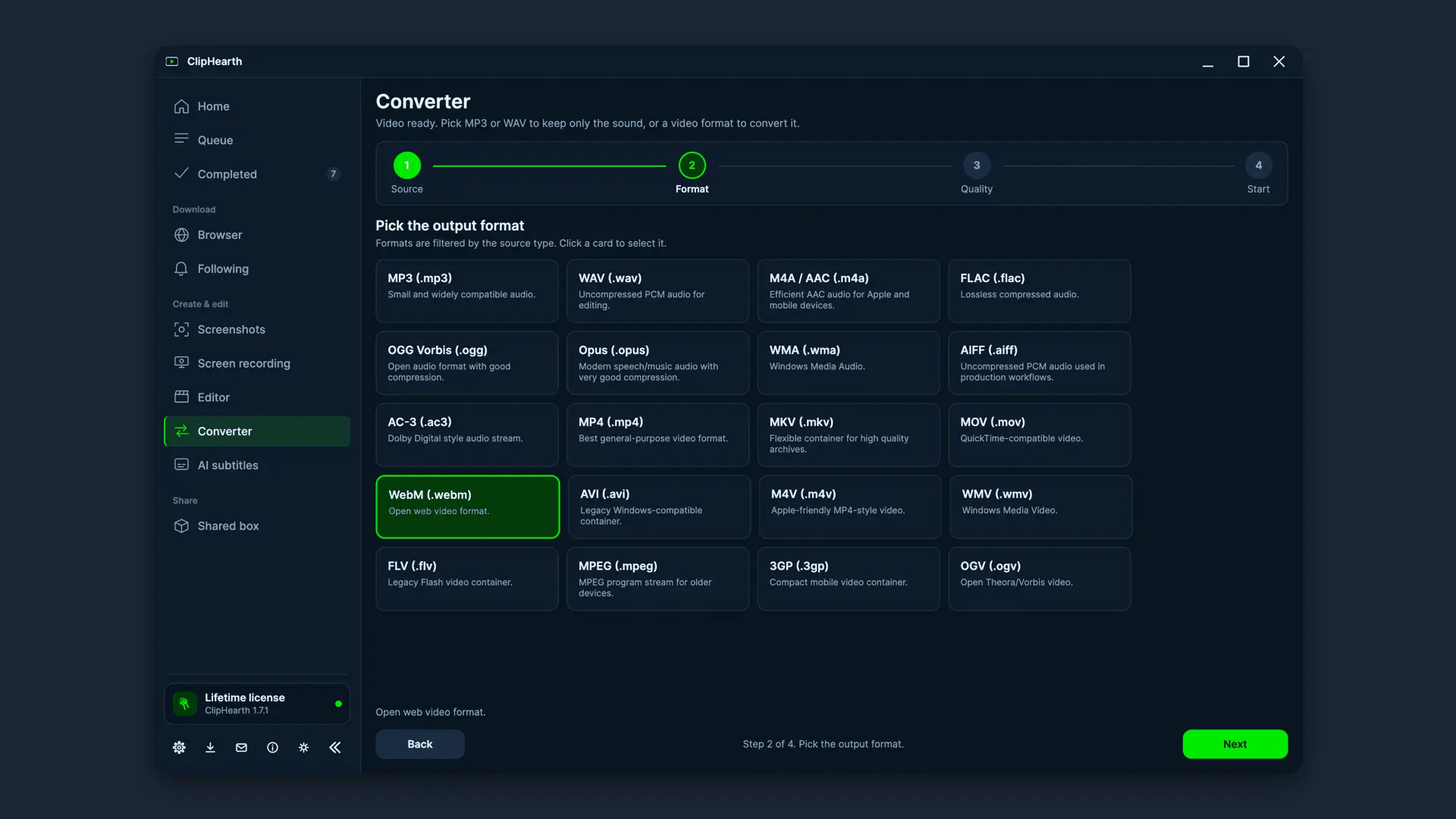
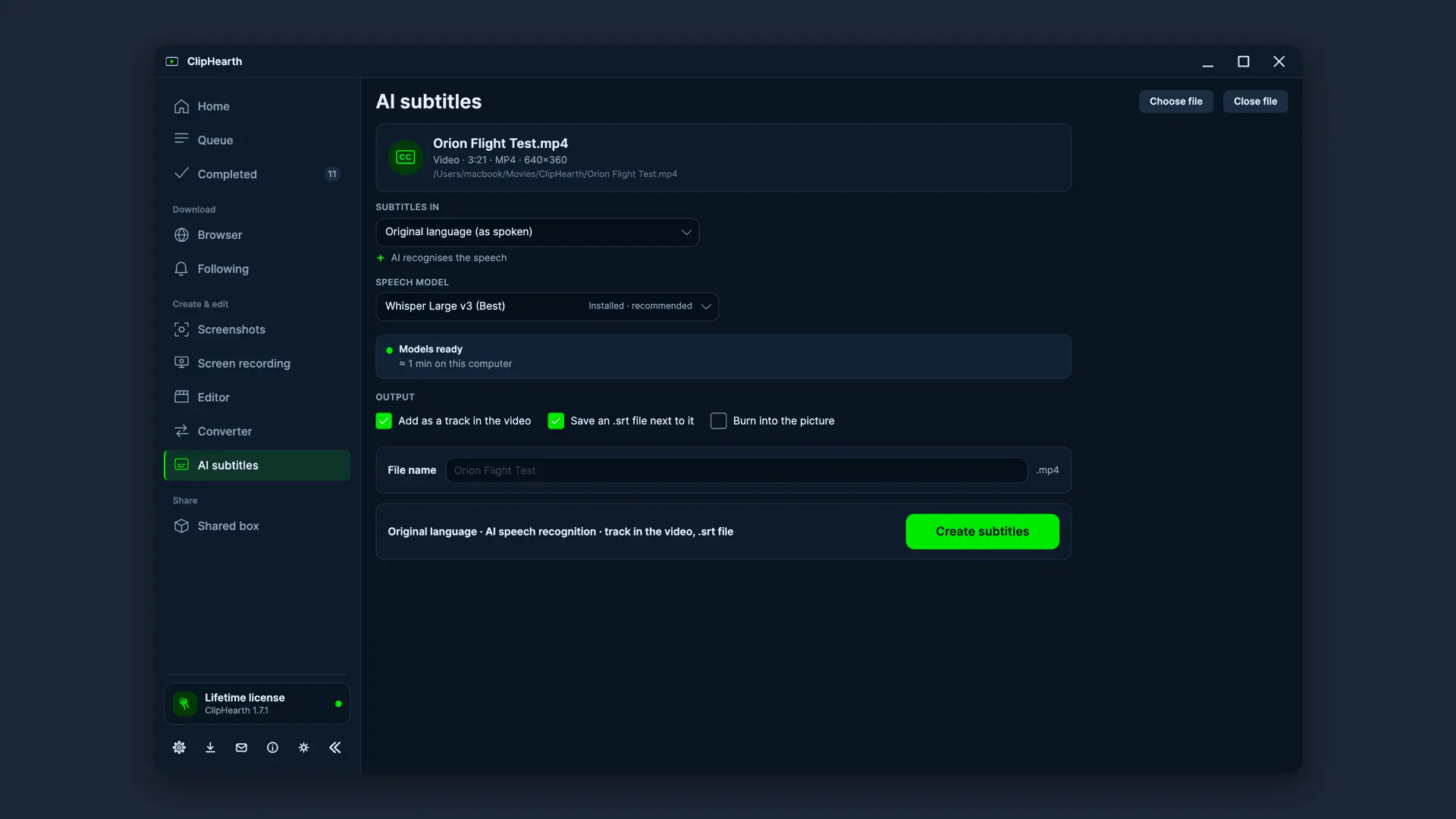
ClipHearth is a desktop media workbench for Windows, macOS, and Linux. It takes screenshots you can mark up and find by their text, records your screen, microphone, and camera, and its built-in browser finds the video or sound playing on a page, including live streams and internet radio. The Converter turns files into 11 video and 9 audio formats, in batches or under a target size. The Editor cuts a video by editing its text, takes out pauses and ehms, burns in word-by-word captions, makes vertical clips, adds music, a logo, and clean-up, and splits the result into parts, always as a new file. Following brings in new podcast episodes on its own, and a shared box sends files between your computers, encrypted end to end. Both come with the license, as does the optional AI that runs on your computer. ClipHearth is for media you own or are authorized to keep and does not circumvent DRM. Try it free for 3 tasks; screenshots and screen recordings up to 3 minutes stay free for good.
Product Video
Watch a video demo of ClipHearth.
Screenshots
Reviews (0)
No reviews yet. Be the first to rate this product!
Comments (1)
Hi, Ondřej here, one of the two devs behind ClipHearth (Czech Republic). Most features came from user requests, so tell us what's missing or what feels clunky. Honest feedback welcome!