
ClipWise
Understand what you read. Say what you mean.

Details
- Follow on
- @wrenio_clipwiseLinkedIn
- Target Audience
- WritersRemote WorkersExpats
- Pricing
- Freemium from $4.99
- Platforms
- Desktop
- Featured in
- Best Tools for Expats
 Grammarly alternatives
 Wispr Flow alternatives
 DeepL alternatives
Discovery signals
How AI and people discover ClipWise on PeerPush
About ClipWise
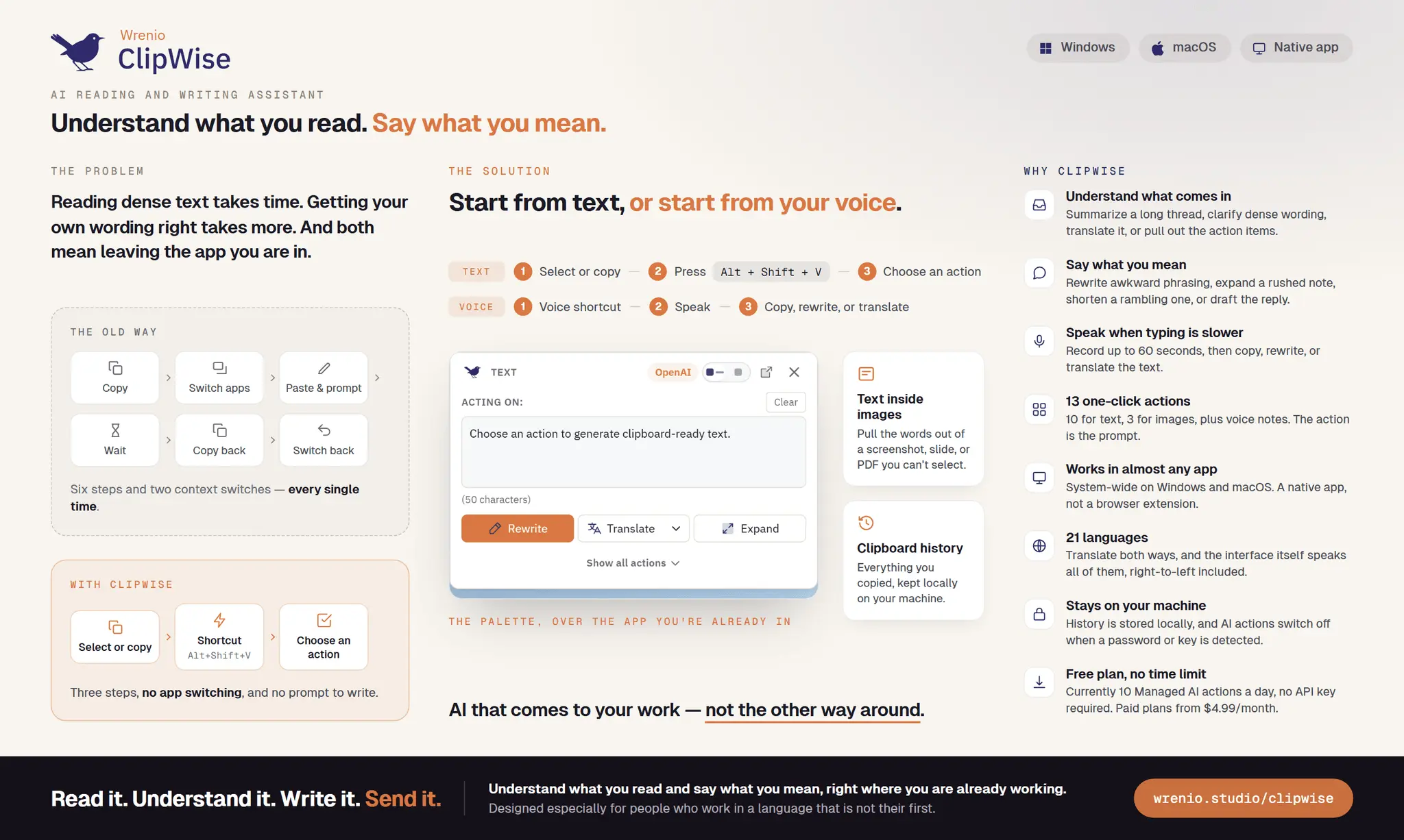
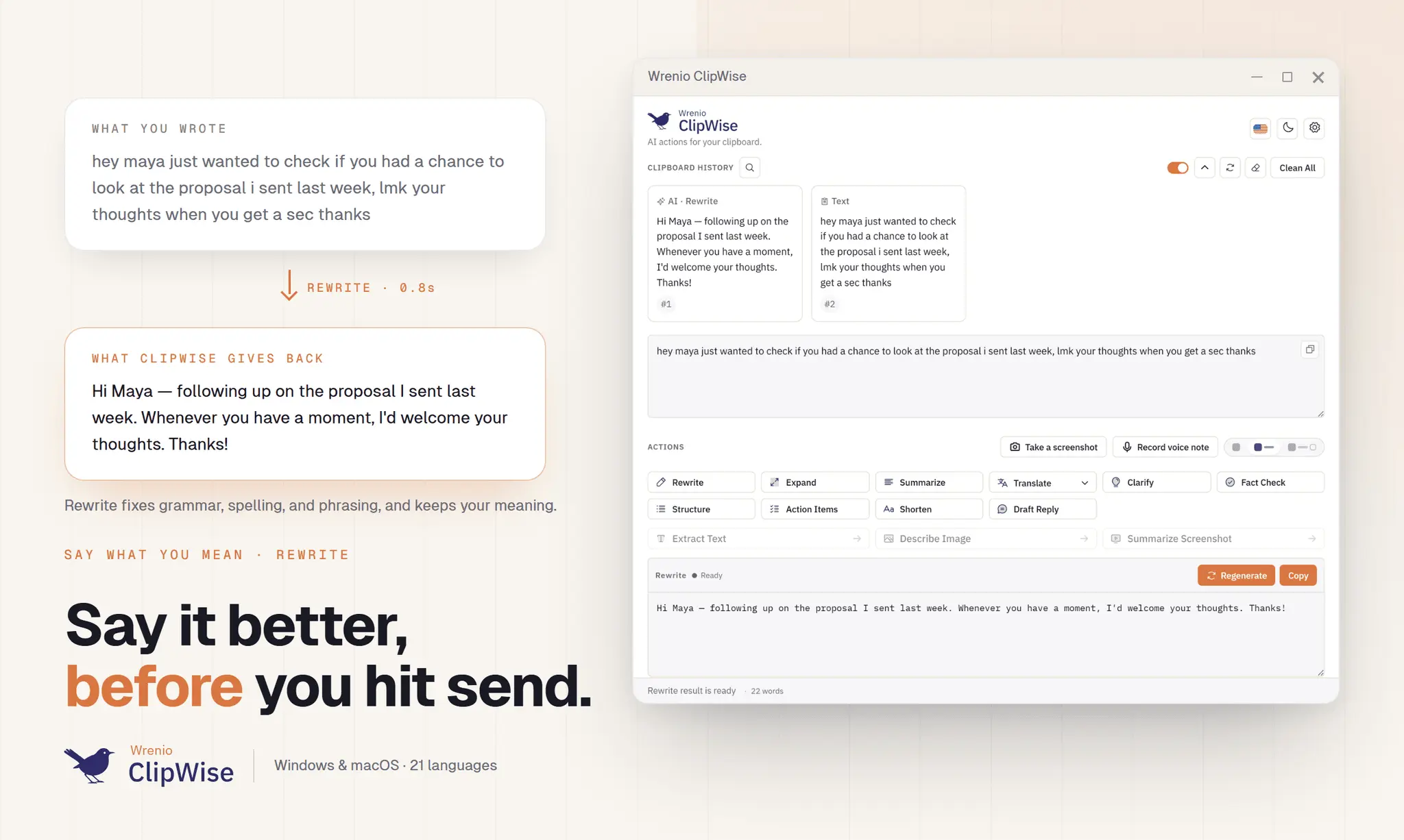
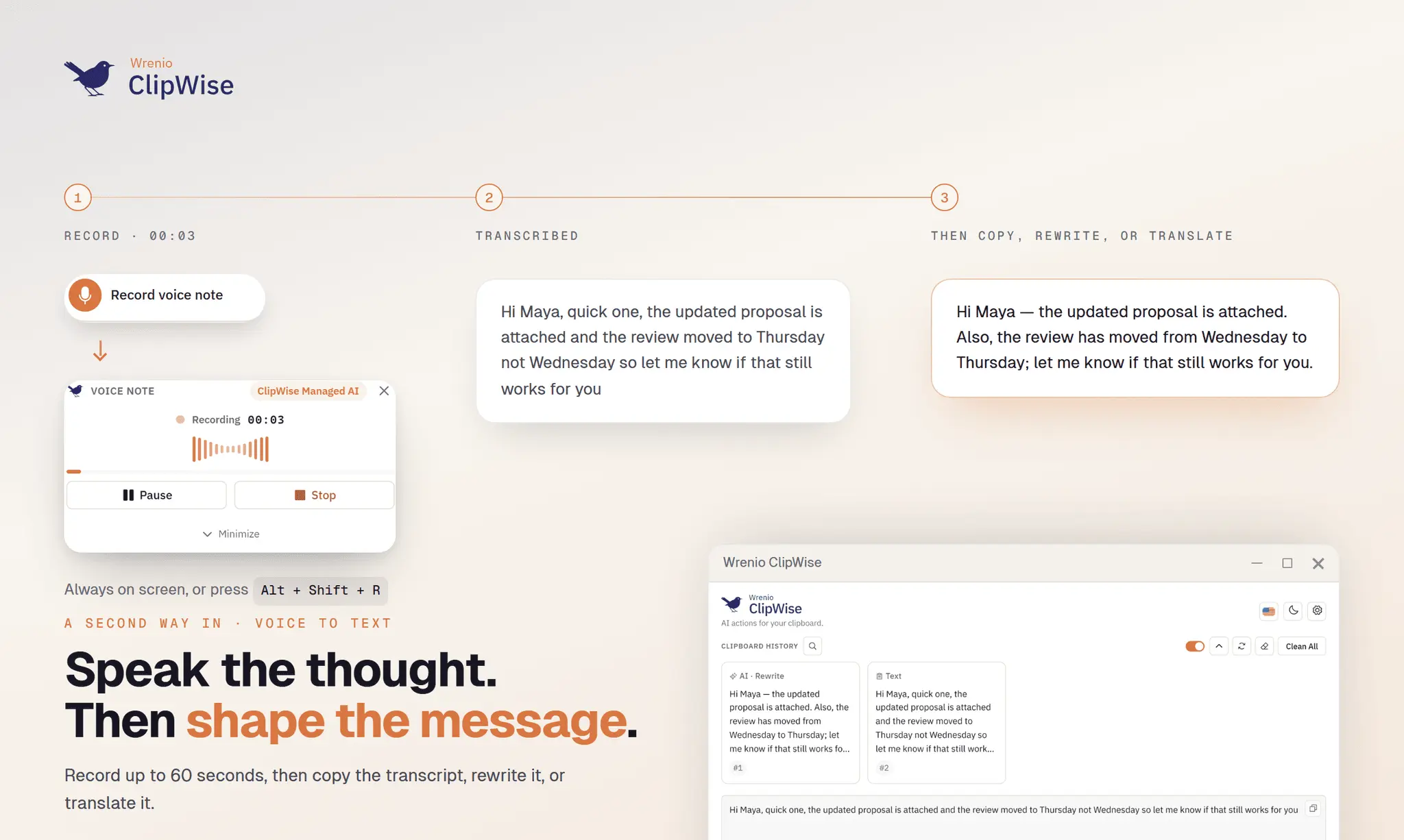
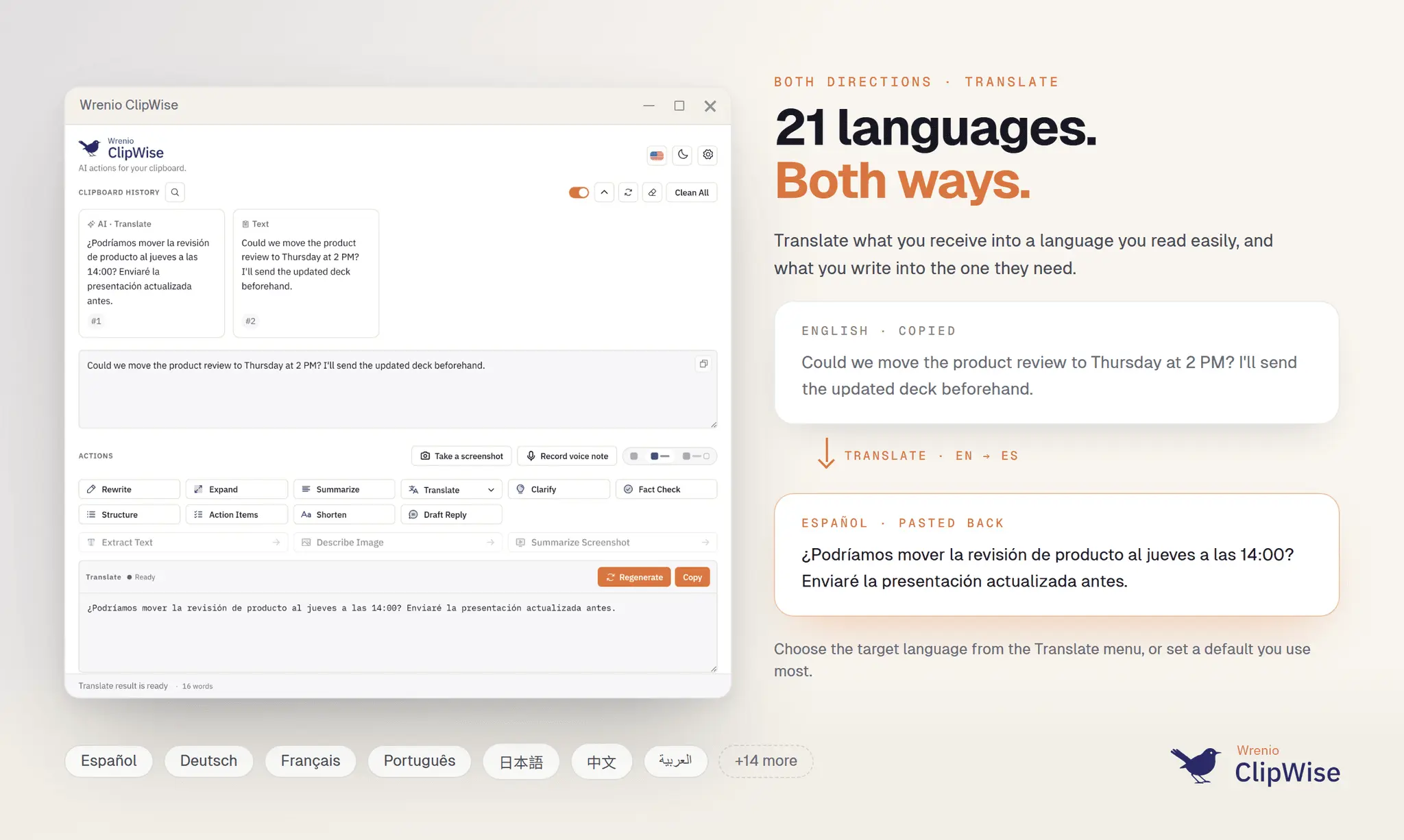
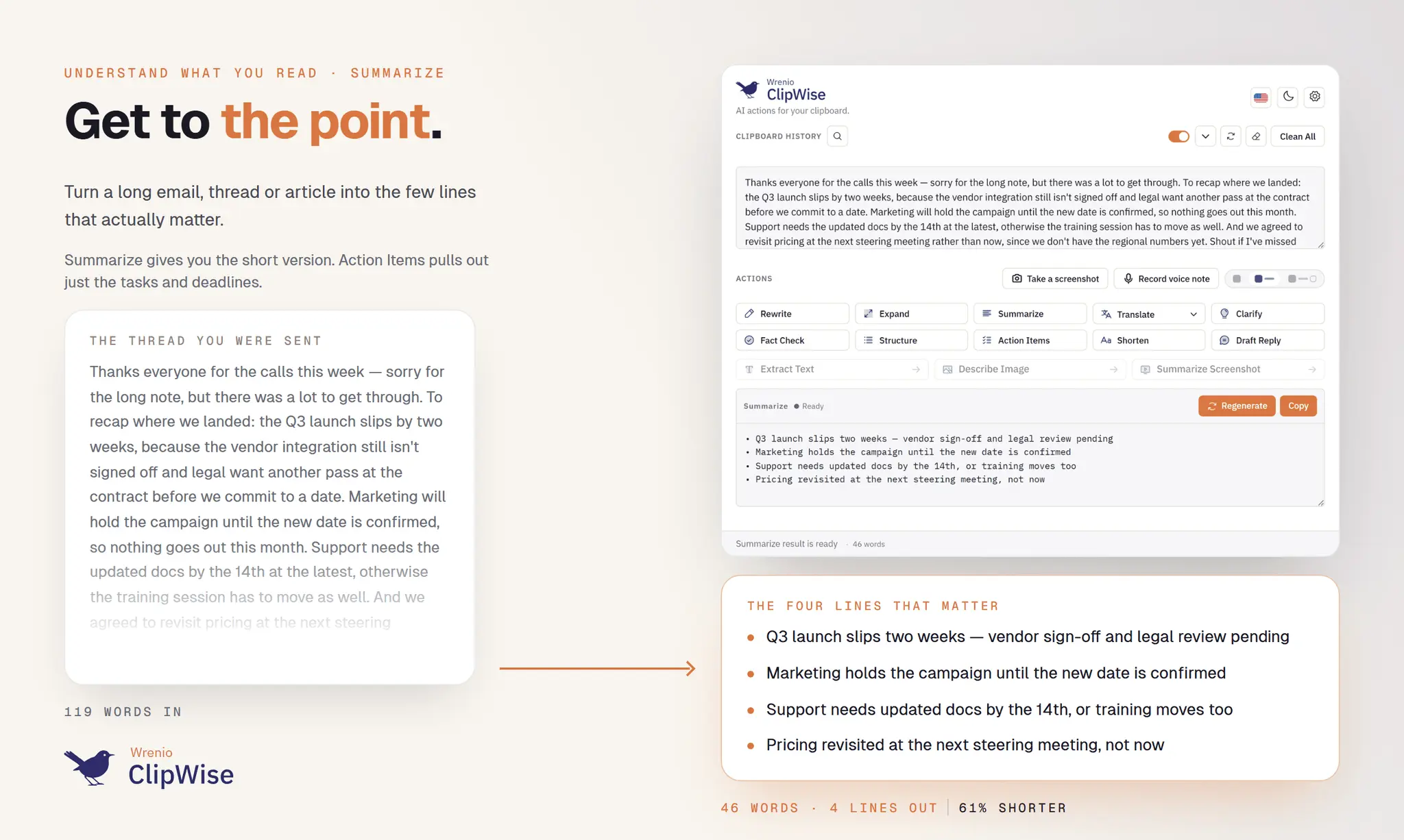
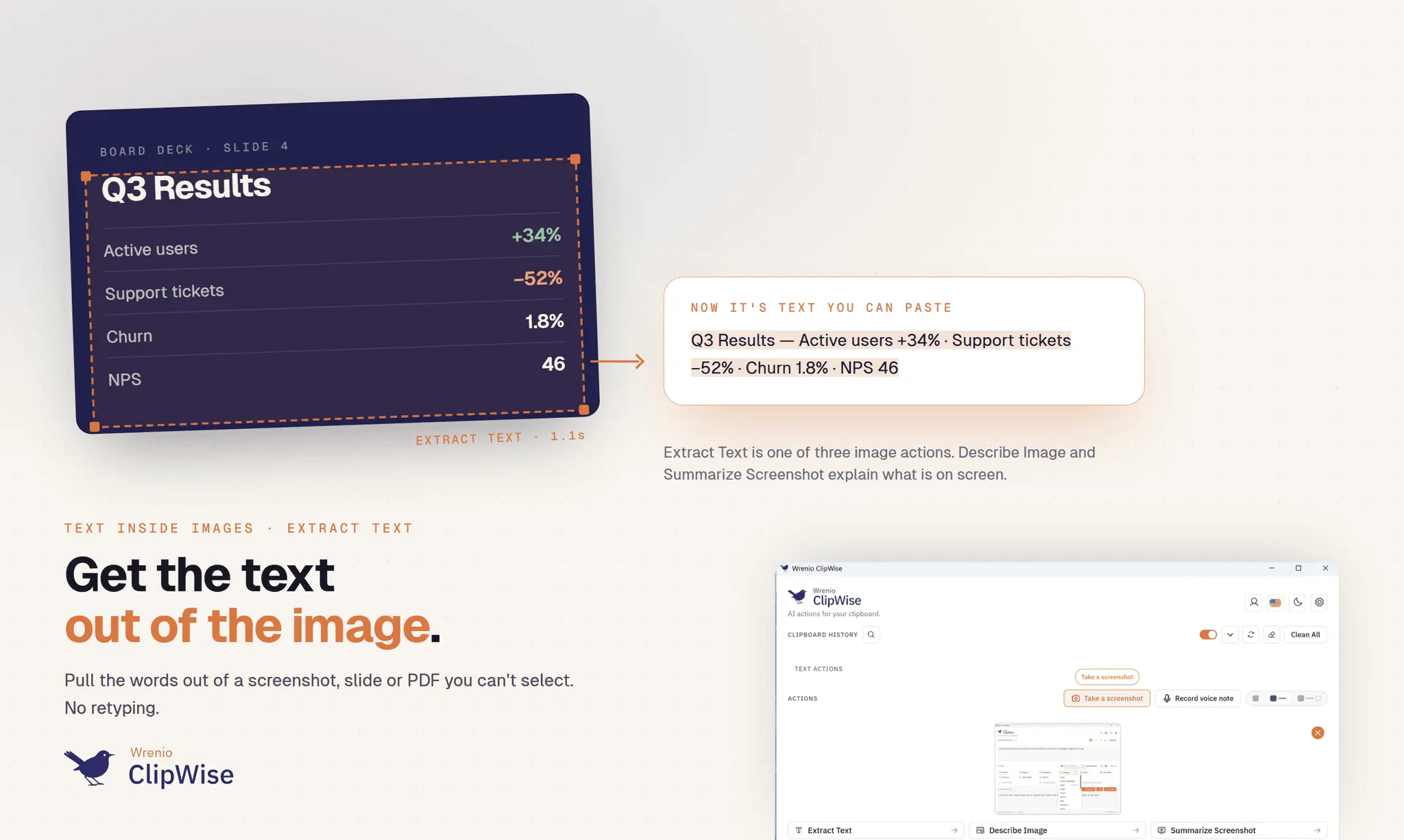
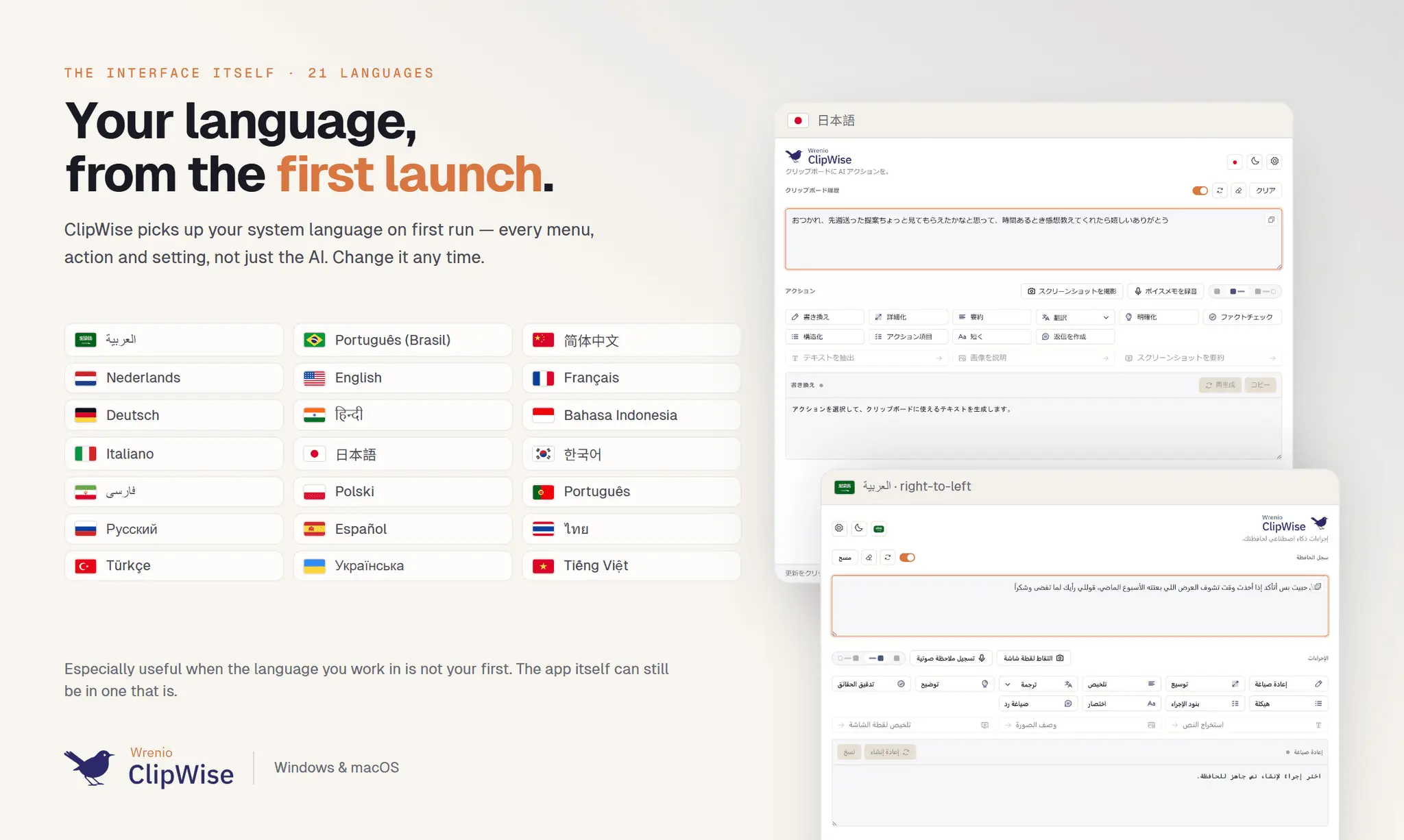
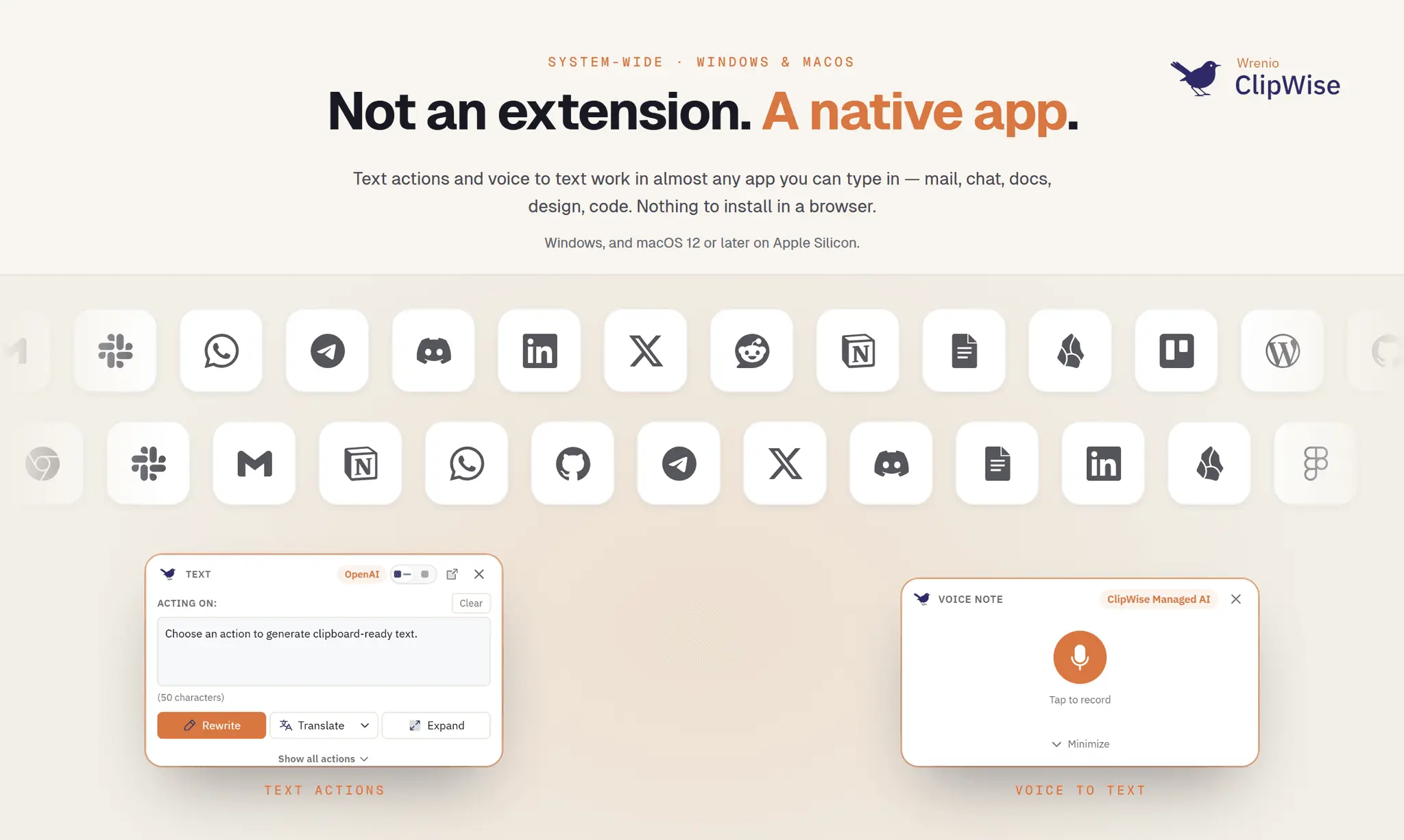
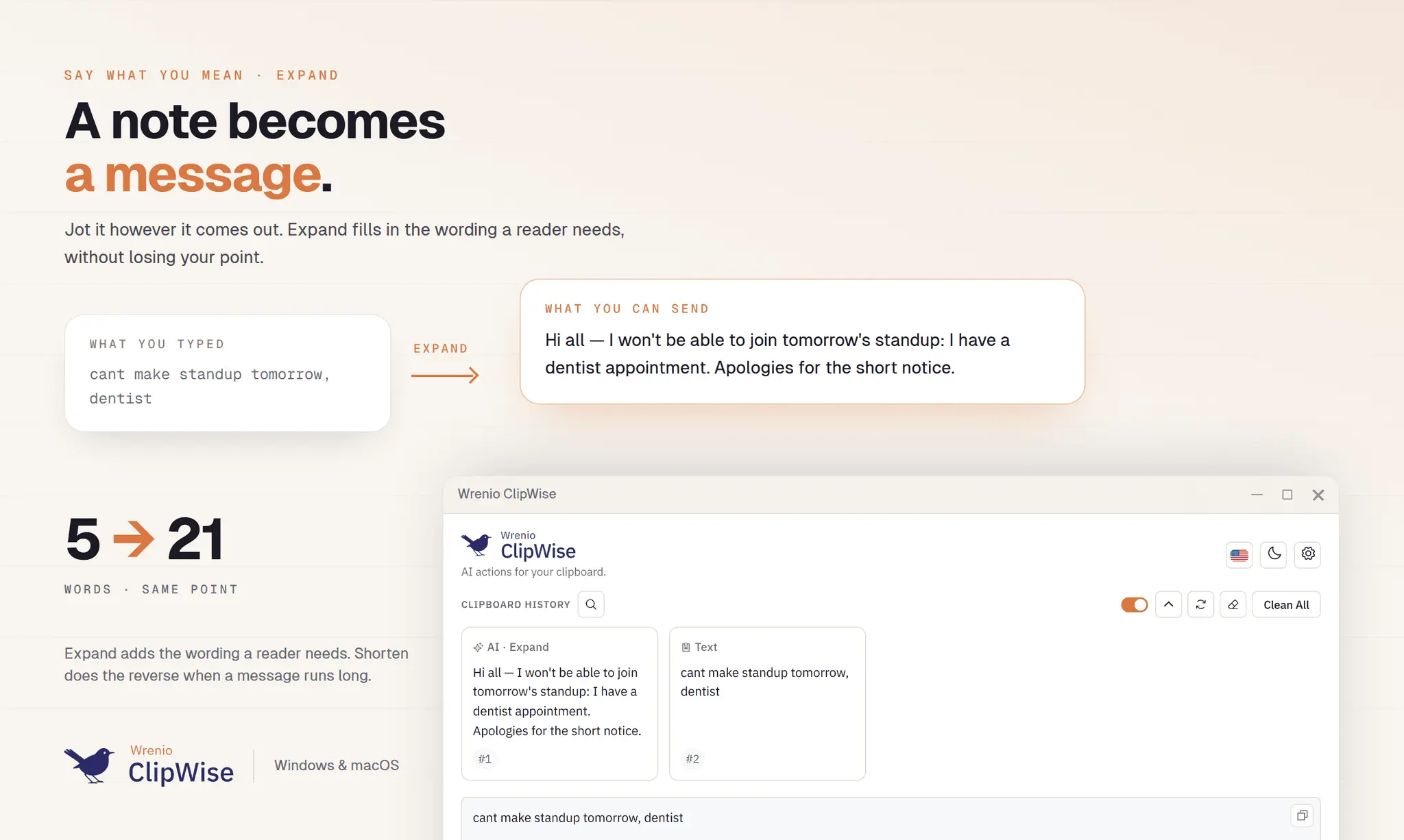
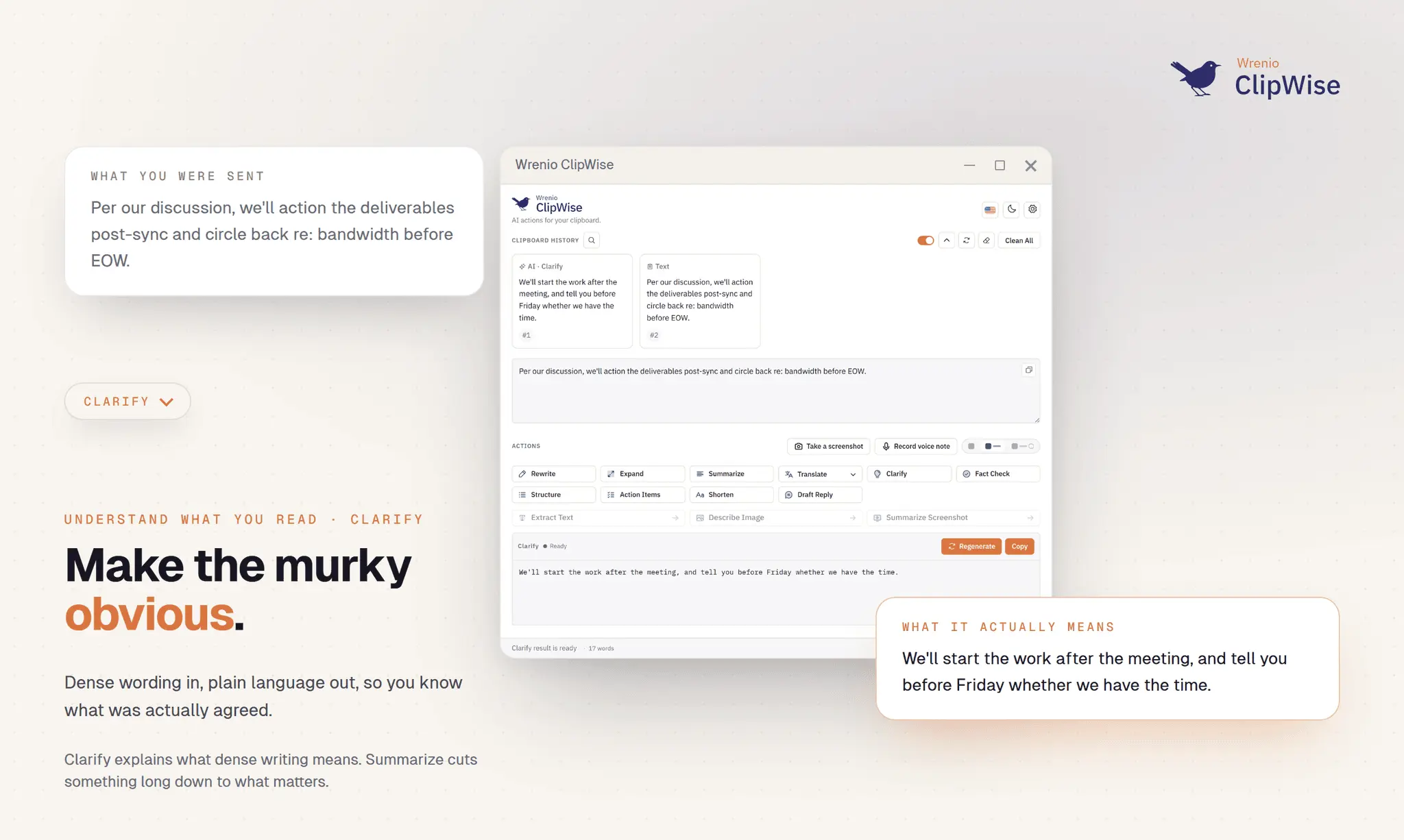
ClipWise is an AI reading and writing assistant for Windows and macOS. It helps you understand what you read and say what you mean across almost any app, and it is designed especially for people who work in a language that is not their first. There are two ways to start. Start with text that already exists. Select or copy it, press the shortcut, and choose an action: Rewrite awkward phrasing, Expand a rushed note, Shorten a rambling message, Summarize something long, Clarify dense writing, Structure rough notes, pull out Action Items, Fact Check claims, Draft Reply from copied context, or Translate across 21 target languages. Or start with a spoken thought. Press the voice shortcut and speak. ClipWise records a voice note of up to 60 seconds, turns it into written text, and lets you copy, rewrite, or translate the result in the same window. This is note-based speech to text, not real-time dictation into the cursor. When text is trapped in a screenshot, slide, image, or unselectable PDF, three image actions take over: Extract Text (OCR), Describe Image, and Summarize Screenshot. Built-in capture grabs a region, a window, or the full screen. That is 13 one-click AI actions in total, 10 for text and 3 for images, plus voice notes, screenshot capture, and a local clipboard history. What makes it different: ClipWise is a native desktop app, not a browser extension and not another chatbot tab. It runs from the Windows system tray and the macOS menu bar, reachable system-wide through global shortcuts and a selection popup, so you stop moving text into and out of a chatbot to get one paragraph fixed. You choose the AI. ClipWise Managed AI works out of the box with no API key and a free daily allowance, currently 10 actions a day. You can add your own OpenAI or Anthropic API key, or run a compatible local Ollama model for supported text and image tasks, which keeps processing on your own machine. Privacy and security: clipboard history is stored on-device in a local SQLite database, secret detection keeps passwords and API keys out of AI requests, copies from password managers are skipped, and your own API keys are stored in the OS keyring (Windows Credential Manager or macOS Keychain). The interface is available in 21 languages, including right-to-left Arabic and Persian. Built with Tauri 2, code-signed on Windows and notarized on macOS, and also available in the Microsoft Store. Pricing: free plan with no time limit, currently 10 Managed AI actions a day, no API key required. Light $4.99/mo, Plus $7.99/mo, Pro $9.99/mo, or BYO-AI at $29.99/yr for unlimited ClipWise actions using your own key or a local model. Annual billing saves roughly 17%. Third-party API usage is billed by that provider. Requirements: Windows 10 or 11, or macOS 12 and later on Apple Silicon. To be clear about the edges: ClipWise does not do live inline grammar underlines, real-time dictation into the active field, whole-document translation, meeting transcription, cross-device sync, or mobile. It brings the everyday version of writing, voice, and OCR work into one place, right where the work is already happening.
Screenshots
Reviews (0)
No reviews yet. Be the first to rate this product!
Comments (3)
Reading and writing in a second language all day is a real thing to build for, and the copy into a chatbot and back loop is exactly where it breaks. Keeping it inside the app you are already in is the part that saves the time.
An assistant that works across apps for people reading and writing in a second language is a narrower, better brief than a general chatbot. Helping you understand a passage and then say what you mean is the loop that matters.
I read and write in English all day, but it is not my first language. I got tired of copy, open chatbot, paste, wait, copy back. So I built ClipWise. Happy to answer anything.