
CodeClip
Instant iPhone verification codes to your Windows clipboard
G
@gabriel5913
Details
- Follow on
- @codeclipapp
- Categories
- Developer ToolsAutomation & Workflow
- Use Cases
- AuthenticationWorkflow Automation
- Target Audience
- DevelopersIndie HackersFreelancers
About CodeClip
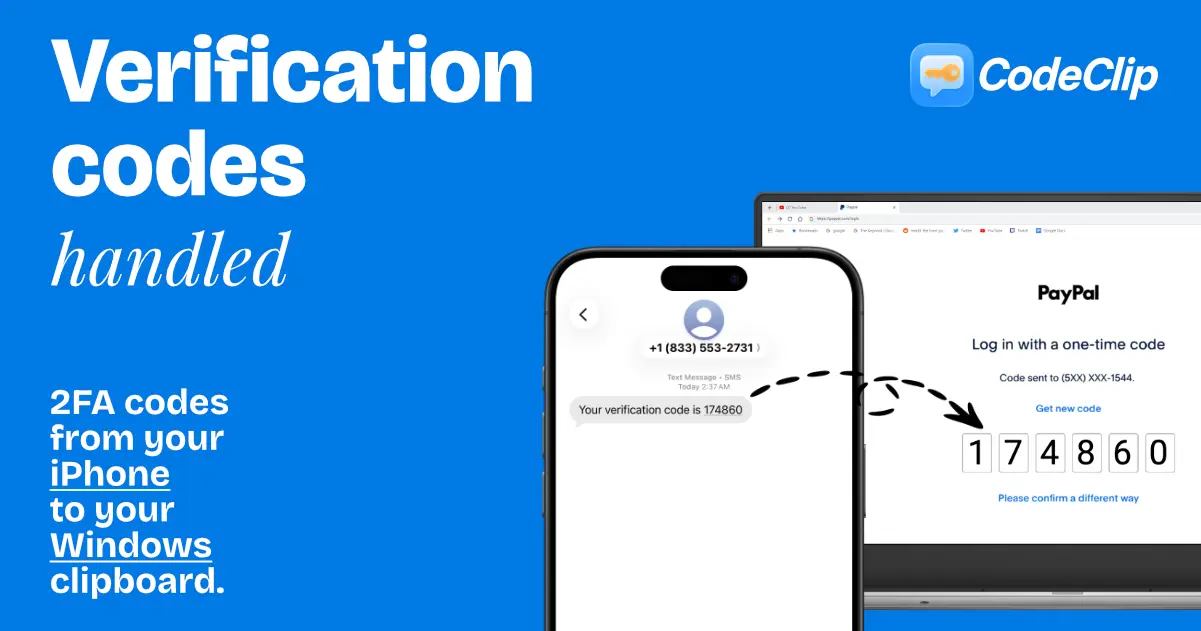
CodeClip allows you to instantly forward SMS verification codes from your iPhone directly to your Windows clipboard. By utilizing end-to-end encryption, this tool ensures your 2FA data remains secure while removing the manual effort of typing codes. You can stop re-typing numbers and just paste your codes immediately wherever they are needed. This workflow helps you save time and reduces the friction of logging into accounts that require two-factor authentication.
Screenshots
Reviews (0)
No reviews yet. Be the first to rate this product!
Comments (1)
I guess it solves a problem, but one has to be extremely lazy to not want to type some digits...
@ottomate I understand your point, it is completely valid, but for people in tech and logging into many different services dozens of times a day this becomes a no-brainer.