
Compressly
Site offlineConvert compress, resize and view images in your browser

Details
- Target Audience
- Pricing
- Free
- Platforms
- Alternatives
 TinyPNG alternatives
 Squoosh alternatives
About Compressly
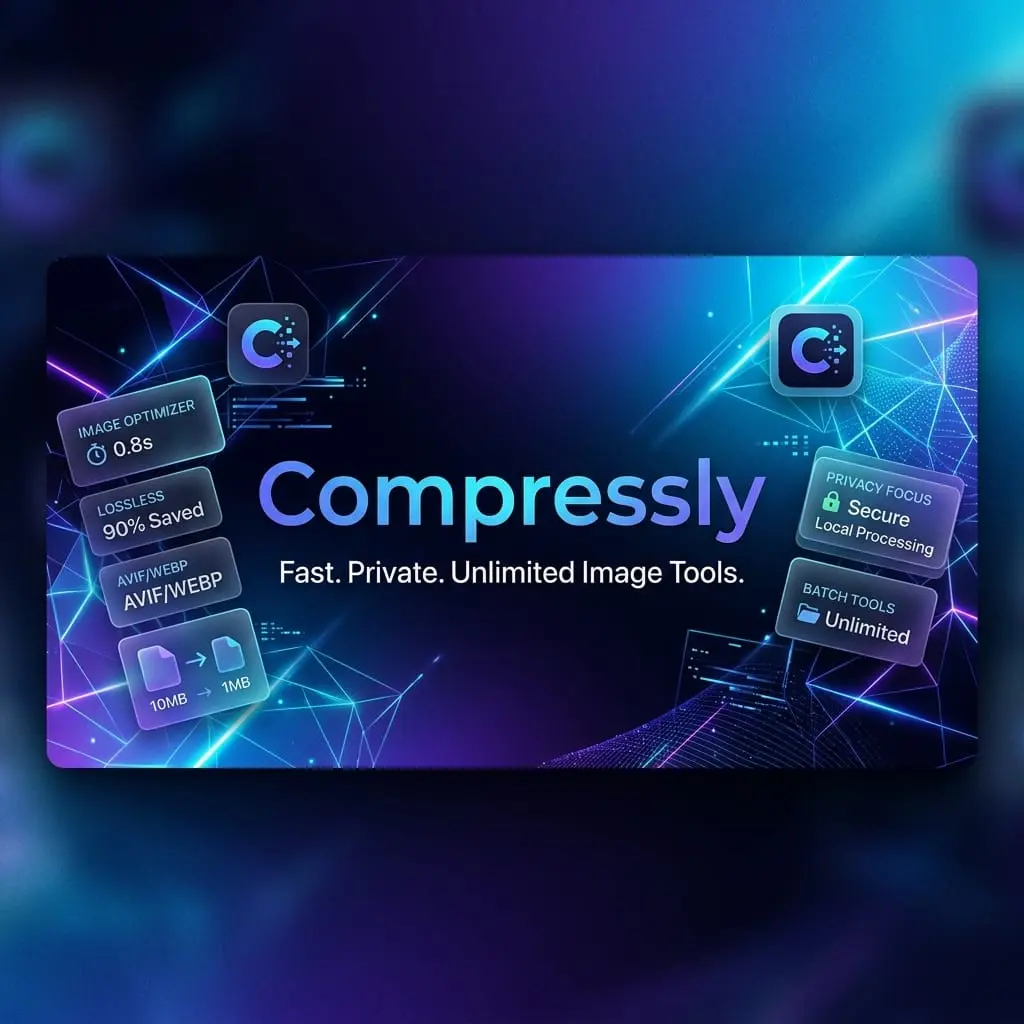
I built Compressly after running into the same small frustrations again and again with online image tools. I'd upload a file, wait, and then get stopped — "you've used your free conversions for today," or "files this big need an upgrade," or a signup form before I could even start. None of it was a big deal on its own, but it added up. So I put together the tool I wished I had. Compressly runs entirely in your browser, so your files never get uploaded — everything happens right on your own device. That's also why it doesn't need accounts, daily limits, or size caps: there's no server doing the work, so there's nothing to ration. You can process one image or a hundred, large or small, whenever you like. And since nothing leaves your computer, your photos and screenshots stay private. Here's what it can do: - Convert between PNG, JPG, WebP, AVIF, and ICO - Compress images to a smaller size while keeping them looking good - Resize to the exact dimensions you need - Rename files, one at a time or in batches - View a wide range of formats right in the browser — including ones like PSD that most tools can't open — so you don't need Photoshop just to take a look It's a simple, focused tool that does these everyday jobs well and stays out of your way.
Screenshots
Reviews (0)
No reviews yet. Be the first to rate this product!
Comments (0)
No comments yet. Be the first to share your thoughts!