
CookMyFile
Free unlimited file conversion and media editing

Details
- Follow on
- Categories
- Pricing
- Free
- Platforms
- Featured in
 CapCut alternatives
 Kapwing alternatives
 iLovePDF alternatives
 Clideo alternatives
Discovery signals
How AI and people discover CookMyFile on PeerPush
About CookMyFile
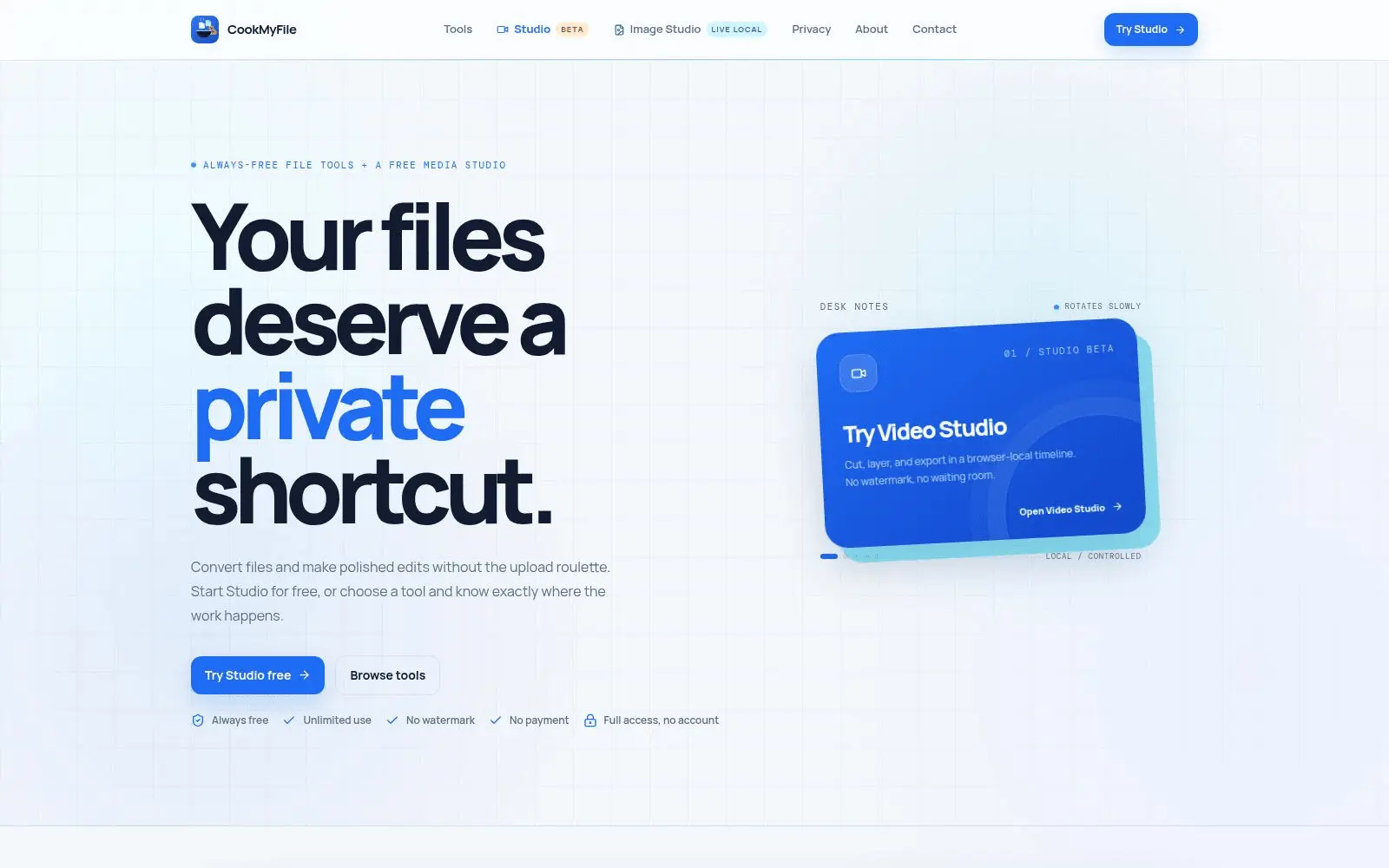
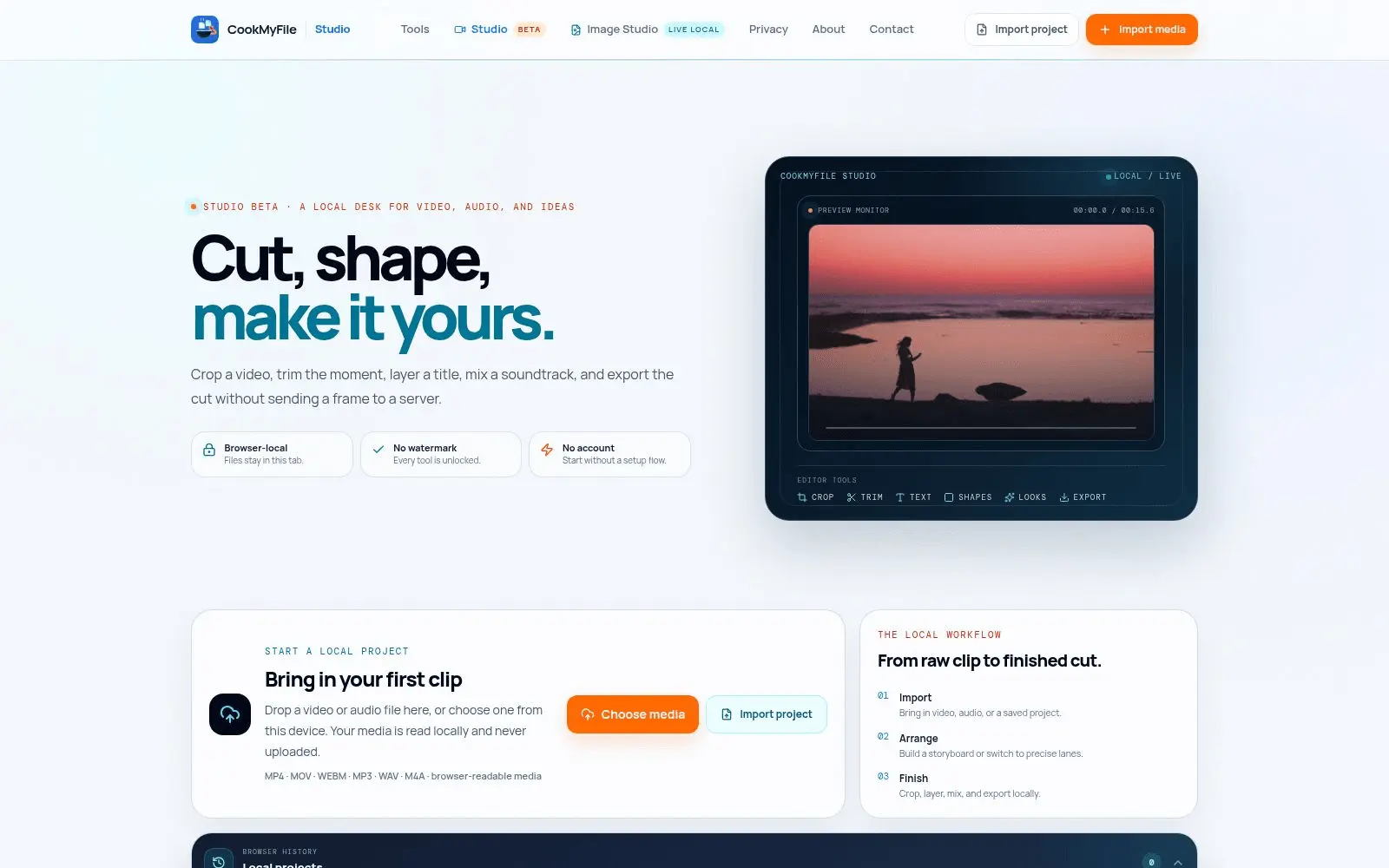
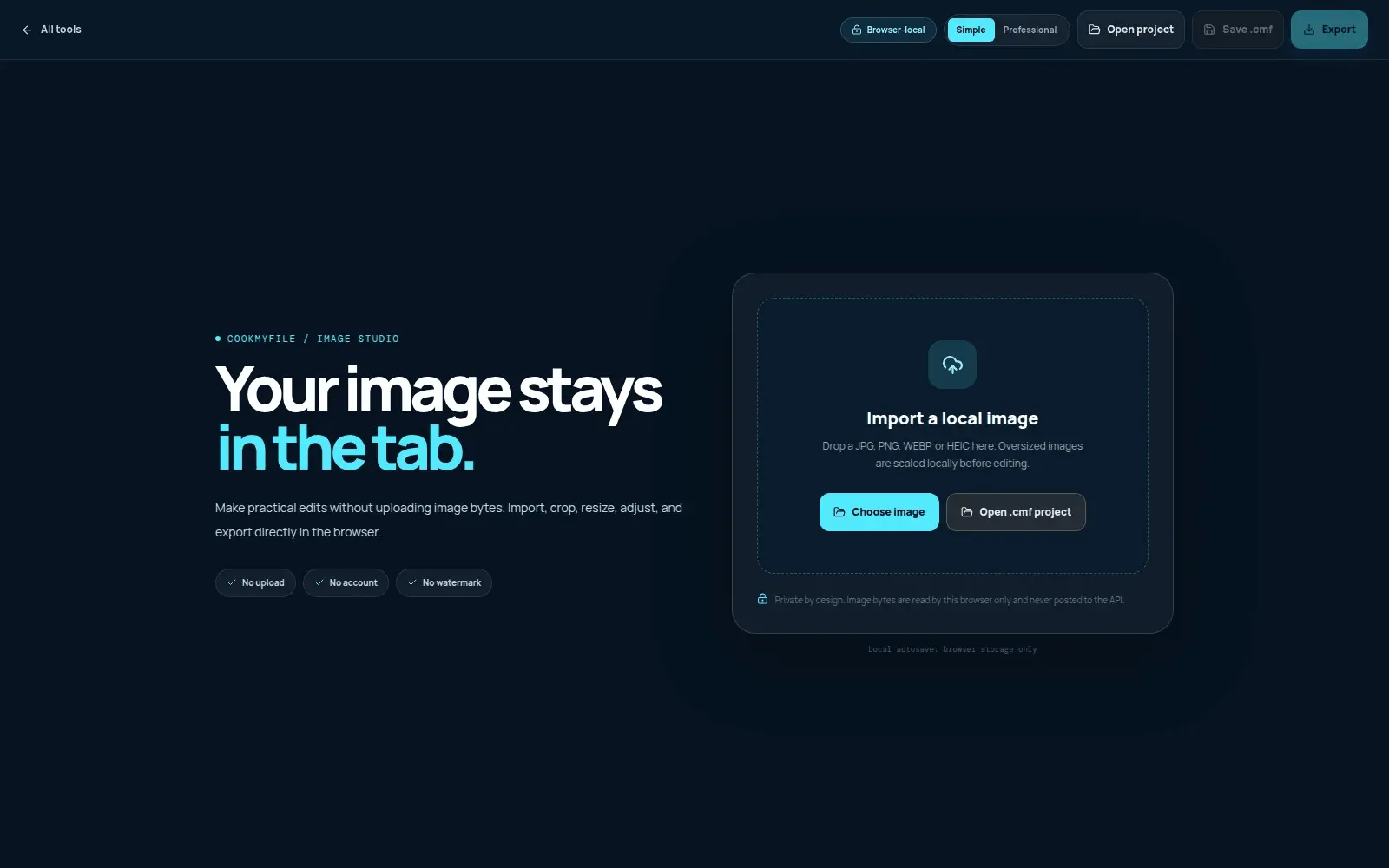
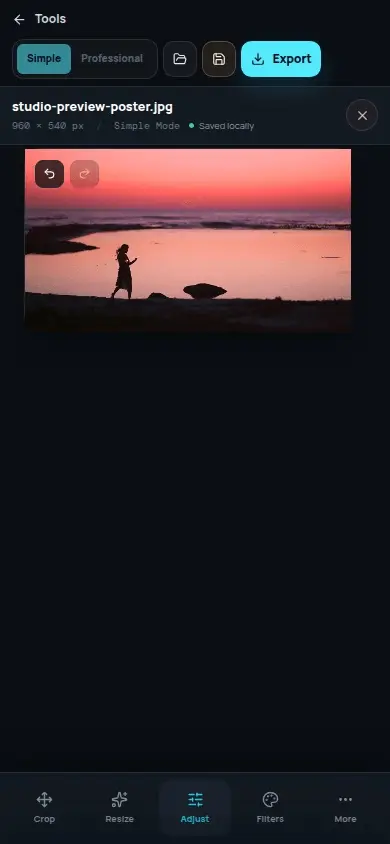
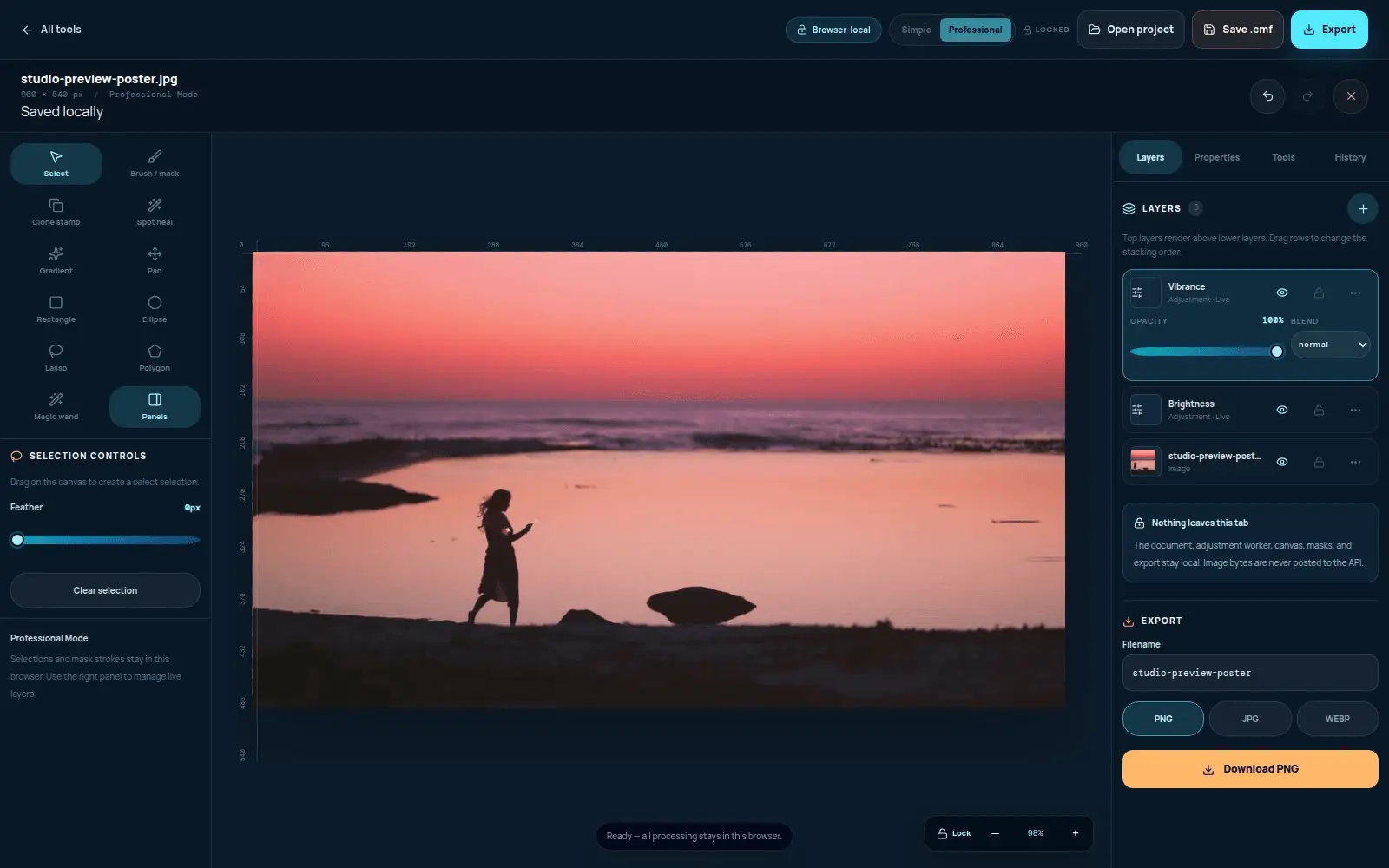
CookMyFile is an always-free media studio that handles both file conversion and full audio/video/image editing — entirely in your browser. No accounts, no payments, no watermarks, no limits. File Converters: PDF to DOCX and DOCX to PDF, plus image format conversion (JPG, PNG, WEBP, HEIC, and more). Media Studio (Simple and Professional modes): crop and resize with common aspect ratio presets, rotate, adjust brightness/contrast/saturation/exposure, filters and one-tap presets, background removal, text and image overlays, compress, and layers with multi-track timeline editing for video and audio. Everything processes locally on-device, so files are never uploaded to a server. That means no size limits tied to server cost, no privacy tradeoff, and no features locked behind a paywall. Currently in development: an Image Studio with a full Professional Mode including layers, masks, and blend modes, essentially a Photoshop-lite, also fully client-side.
Screenshots
Reviews (1)
Average 4.0 out of 5
Based on 1 review

I imported a synthetic 900×300 PNG, chose the 1:1 crop preset, and applied it; the image became 300×300 and autosaved locally, with Undo available. The crop workflow is clear; I did not test media export.
Comments (2)
The canvas rulers mirror the image dimensions, and the crop panel combines aspect presets with numeric X/Y/width/height controls—a nice mix of quick and precise editing.
Launching CookMyFile — a free browser-based file converter & media studio, nothing ever uploaded. This is just the start, more tools coming. Built for you, improving with your feedback!